
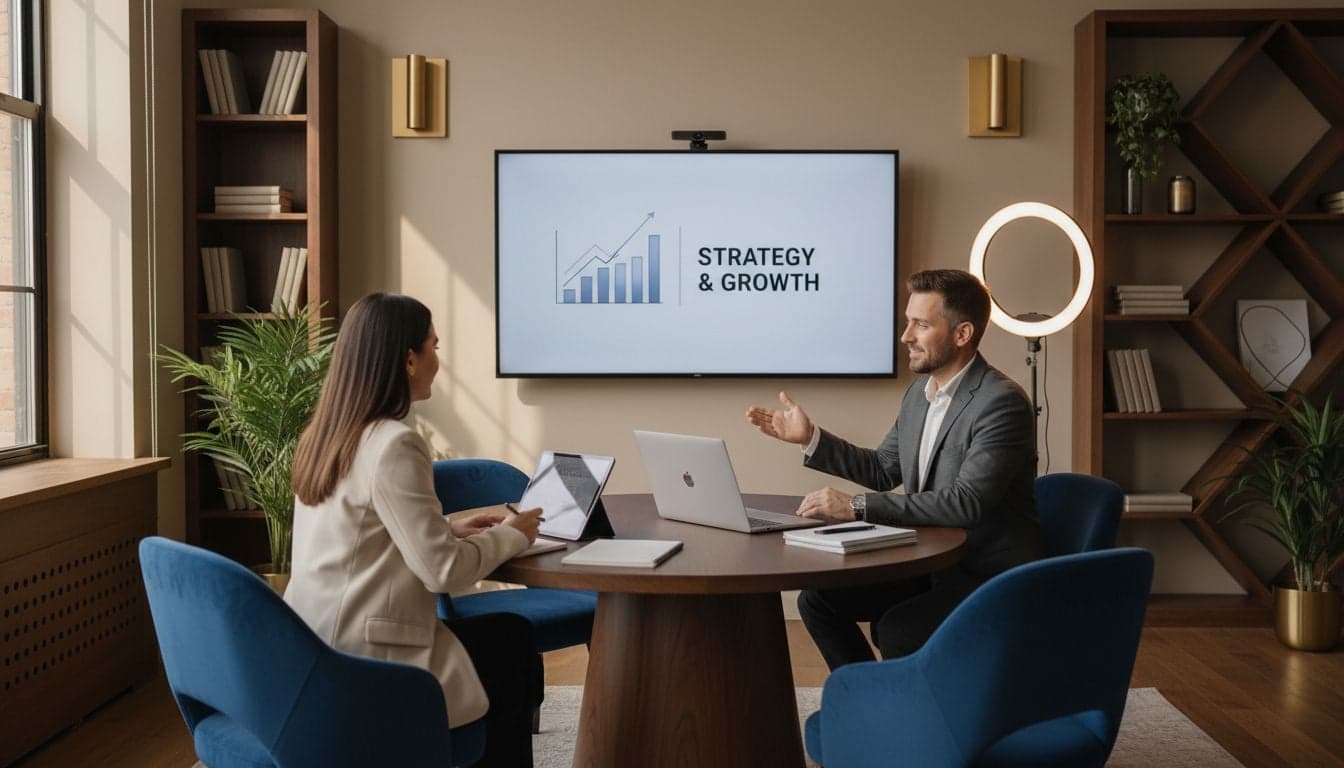
Coaches and consultants face a unique challenge: building trust with prospects who've never met them. Your expertise lives in conversations, workshops, and one-on-one sessions—but these don't scale. Every discovery call costs time. Every workshop requires scheduling. Every personalized insight demands your direct attention.
AI video changes this equation completely. You can now create personalized explainer videos, course content, client onboarding sequences, and marketing materials in minutes instead of days. The technology has reached a point where professional-quality video no longer requires studios, camera crews, or even showing your face if you prefer not to.
This guide shows you exactly how to integrate AI video into your coaching or consulting business, with specific workflows that deliver measurable results.
Why Video Matters for Professional Services
Video converts prospects into clients at rates traditional content simply cannot match. When someone watches you explain a concept for three minutes, they develop a relationship with your voice, your approach, and your expertise. Text requires imagination. Video creates connection.
The data backs this up. Professional service providers using video in their marketing see 66% more qualified leads according to recent industry benchmarks. More importantly, those leads convert faster because they've already experienced your teaching style and communication approach.
Trust acceleration: Prospects feel they know you before the first call, reducing objection-handling time by 40-50%.
Scalable expertise: Record explanations once, share them hundreds of times without repeating yourself.
Content multiplication: One video becomes blog posts, social snippets, email sequences, and course modules.
Premium positioning: High-quality video signals professionalism and investment in client experience.
Traditional video production costs $1,500-5,000 per finished minute when you hire professionals. AI video with Vexub costs pennies per video while maintaining broadcast quality. This cost difference means you can test messaging, create personalized content, and iterate rapidly without financial risk.
Four High-Impact Video Use Cases
Client Onboarding Sequences
New clients need orientation. They have questions about your process, what to expect, and how to prepare. Creating personalized onboarding videos eliminates confusion and sets professional expectations from day one.
Generate a welcome video that introduces your working style, key frameworks you use, and what clients should prepare before your first session. Include a video explaining your proprietary methodology or assessment process. Create a 'What to Expect in Month One' overview that reduces anxiety and positions you as organized and systematic.
These videos run on autopilot. Every new client receives the same high-touch experience without requiring your time. The result? Clients arrive prepared, engaged, and ready to work at full intensity from session one.
Course and Program Content
If you sell group programs, online courses, or membership communities, video content separates premium offerings from basic ones. Students expect video instruction. They pay more for it. They complete it at higher rates.
AI video solves the traditional course creation bottleneck. Record your voice explaining each module, then generate professional visuals that illustrate your concepts. No editing skills required. No expensive software subscriptions. No hours spent in post-production.
Use Vexub to create module introductions, concept explanations, case study breakdowns, and implementation guides. Add captions automatically to increase completion rates by 80% (students watch with sound off during commutes and lunch breaks). The platform handles technical details while you focus on teaching expertise.
Marketing and Lead Generation
Video marketing outperforms text by massive margins on every platform that matters. LinkedIn favors video in the algorithm. Instagram prioritizes Reels. TikTok is exclusively video. YouTube offers the longest content lifespan.
Create weekly tip videos addressing your ideal clients' most common questions. These position you as the expert while providing genuine value. Each video becomes a trust-building asset that works 24/7. For comprehensive guidance on video marketing approaches, see our complete video marketing strategy for small businesses.
Identify 50 questions your prospects ask repeatedly during discovery calls and consultations.
Create 2-minute video answers to each question using Vexub's text-to-video feature.
Publish these systematically across LinkedIn, YouTube, and your website with optimized titles.
Link each video to relevant service pages or booking calendars.
This approach builds a library of evergreen content that continues attracting qualified leads months and years after creation. One consultant reported generating 23 discovery calls from a single 90-second video explaining their pricing structure—a question prospects hesitate to ask directly but desperately want answered.
Client Communication and Updates
Maintaining relationships between sessions keeps clients engaged and reduces churn. Video updates feel personal while remaining efficient to create.
Send monthly recap videos summarizing key trends in your industry. Create quick video responses to client questions instead of long emails. Record celebration videos when clients hit milestones. These touchpoints demonstrate ongoing investment in client success without requiring synchronous time.
Create videos like this with AI
Script, voiceover, images and subtitles — automated in minutes.
AI Video Creation Workflow for Coaches
The technical process is simpler than you expect. You don't need video editing skills or expensive equipment. You need a system that converts your expertise into engaging visual content.
Starting with Your Voice
Record yourself explaining a concept, teaching a framework, or answering a common question. Use your phone's voice memo app or Zoom's audio recording feature. Focus on clear articulation, not perfection. AI tools handle background noise and minor imperfections.
Upload this audio to Vexub. The platform transcribes your words, generates relevant visuals, adds captions, and produces a polished video in minutes. You maintain full control over style, pacing, and visual elements without touching editing software.
Building from Text Scripts
If you prefer writing to recording, start with text. Draft your explanation in a Google Doc or notion page. Polish it until the language sounds conversational (read it aloud to test flow). Then paste that text into Vexub's text-to-video generator.
Select a voice that matches your brand—professional but approachable, authoritative but warm. The AI generates speech that sounds natural, not robotic. Choose visual styles that align with your positioning: clean and corporate for executive coaching, creative and dynamic for creative consultants, calm and centered for wellness coaches.
Repurposing Existing Content
You've already created hundreds of hours of valuable content in client sessions, workshop recordings, podcast appearances, and webinar presentations. This material converts directly into high-performing video.
Extract the 3-minute explanation of your signature framework from a recorded workshop.
Transcribe your best podcast interview answers and turn them into standalone tip videos.
Convert popular blog posts into voice-narrated visual explanations.
Transform client success stories into case study videos (with permission).
This repurposing approach maximizes the return on content you've already invested time creating. For more techniques, explore our guide on how to repurpose content into short videos.
Technical Specifications That Matter
Professional services demand professional presentation. Small technical details communicate competence or undermine credibility. These specifications ensure your videos meet professional standards.
Video length: Keep marketing videos under 3 minutes. Course content can extend to 8-12 minutes for complex topics. Attention spans differ by platform and context.
Caption style: Always include captions. 85% of social video plays without sound. Captions increase completion rates and accessibility.
Visual consistency: Use the same color palette, fonts, and style across all videos to build brand recognition.
Audio quality: Clear voice trumps perfect video. Viewers tolerate basic visuals but abandon videos with poor audio instantly.
Export format: MP4 files in 1080p work universally across platforms. 4K is unnecessary for talking-head and explainer content.
Vexub handles these technical requirements automatically, defaulting to broadcast-standard settings that look professional everywhere—from LinkedIn feeds to Zoom backgrounds to website embeds.
Platform-Specific Distribution Strategies
LinkedIn for B2B Consultants
LinkedIn rewards native video uploads over YouTube links. Post videos directly to the platform. Write compelling first lines in your post copy—LinkedIn truncates posts after two lines, so hook readers immediately.
Tag relevant connections when content addresses their specific challenges. This feels personal and increases engagement significantly. Post during business hours (Tuesday-Thursday, 8-11 AM in your target market's timezone) when decision-makers browse feeds.
YouTube for Long-Term Authority
YouTube functions as the world's second-largest search engine. Optimize video titles with keywords prospects actually search. Create detailed descriptions with timestamps for key sections. Design custom thumbnails featuring text that clarifies the video's value proposition.
Organize videos into playlists by topic. This increases session duration as viewers binge-watch related content. Add end screens directing viewers to related videos, service pages, or consultation booking links.
Email Sequences for Nurture
Embed video thumbnails in emails (linking to landing pages, not auto-playing). Video thumbnails increase click-through rates by 96% compared to text-only emails. Send educational video content weekly to stay top-of-mind without appearing sales-focused.
Create video responses to frequently asked questions and send them to prospects who raise those objections during discovery calls. This personalizes follow-up without requiring custom video production for each prospect.
Measuring What Matters
Track metrics that connect to revenue, not vanity numbers. Views mean nothing if they don't convert to consultations. Focus on engagement depth and conversion actions.
Watch time percentage: What portion of your video do viewers actually watch? Below 40% signals messaging or pacing problems.
Click-through rate: Are viewers clicking your calls-to-action? Low CTR means unclear next steps or misaligned offers.
Conversion to consultation: How many video viewers book discovery calls? This is the only metric that matters for service businesses.
Time to close: Do prospects who watch videos close faster than those who don't? Video should accelerate sales cycles by 20-30%.
Set up tracking links unique to each video (use UTM parameters). Monitor which topics generate consultations versus which generate views without action. Double down on high-converting topics. Eliminate or refine low-performers.
Common Mistakes to Avoid
Most coaches and consultants fail at video not from lack of expertise but from strategic errors that undermine otherwise good content.
Generic messaging: Trying to appeal to everyone appeals to no one. Speak directly to your ideal client's specific situation.
Overproduction: Excessive polish creates distance. Authenticity beats perfection in professional services. Viewers want expertise, not Hollywood production.
Inconsistent publishing: Posting five videos then disappearing for three months kills momentum. Sustainable consistency (one video weekly) beats unsustainable intensity.
Ignoring analytics: Create video, publish, repeat without examining what works wastes resources. Review performance monthly and adapt.
No clear call-to-action: Every video should tell viewers exactly what to do next: book a call, download a resource, watch the next video. Confusion kills conversions.
The biggest mistake? Never starting because conditions aren't perfect. Your first videos will feel awkward. Your tenth will feel better. Your fiftieth will convert prospects into clients reliably. Progress requires imperfect action, not perfect planning.
Integration with Sales Process
Video works best when integrated systematically into your client acquisition workflow, not used sporadically when inspiration strikes.
Create a welcome video that plays automatically when prospects visit your website. This introduces your personality immediately. Add a 'How I Work' video to your About page explaining your methodology and ideal client profile. This pre-qualifies prospects before they book consultations.
Include relevant videos in your discovery call confirmation emails. If someone books a call to discuss executive coaching, send them a 2-minute video explaining your executive coaching framework. They arrive informed and ready to discuss implementation, not whether your approach fits their needs.
Follow up lost opportunities with video. When a prospect declines after a discovery call, send a personalized video (using AI to maintain efficiency) addressing the specific objections they raised. This demonstrates continued investment in their success and keeps you top-of-mind when circumstances change.
Getting Started This Week
The path from zero to consistent video publishing takes less time than you expect. Start with these concrete steps that build momentum without overwhelming your schedule.
List the 10 questions prospects ask most frequently during discovery calls.
Choose the three questions that, when answered, most effectively demonstrate your expertise and approach.
Write 200-word scripts answering each question (conversational tone, specific examples, clear next steps).
Record yourself reading these scripts or paste the text into Vexub to generate AI voiceovers.
Generate three videos in Vexub, customizing visuals to match your brand.
Publish one video to LinkedIn with strategic caption copy.
Track engagement for 48 hours and note which elements resonate.
This produces your first video library in under two hours. From there, commit to creating one new video weekly. Build the library systematically, addressing prospect questions, sharing case studies, and teaching frameworks. Within three months, you'll have 12 videos working as 24/7 sales assets.
For additional context on creating effective demo and explainer videos for professional services, review our guide to AI SaaS demo video creation which shares overlapping techniques applicable to consulting services.
The Competitive Advantage Window
Most coaches and consultants still rely entirely on text content, networking, and referrals. Video creates immediate differentiation in crowded markets. Prospects choosing between similar service providers default to the consultant who feels familiar through video exposure.
This advantage window closes as video adoption increases. Early movers build substantial content libraries and audience relationships before competitors recognize the opportunity. Starting now positions you ahead of the adoption curve, not behind it.
AI video tools like Vexub democratize production quality that previously required five-figure budgets. This levels the playing field between solo practitioners and established firms. Your expertise and messaging matter more than your marketing budget. Use this technological shift to compete on ideas and implementation, not resource advantages.







