
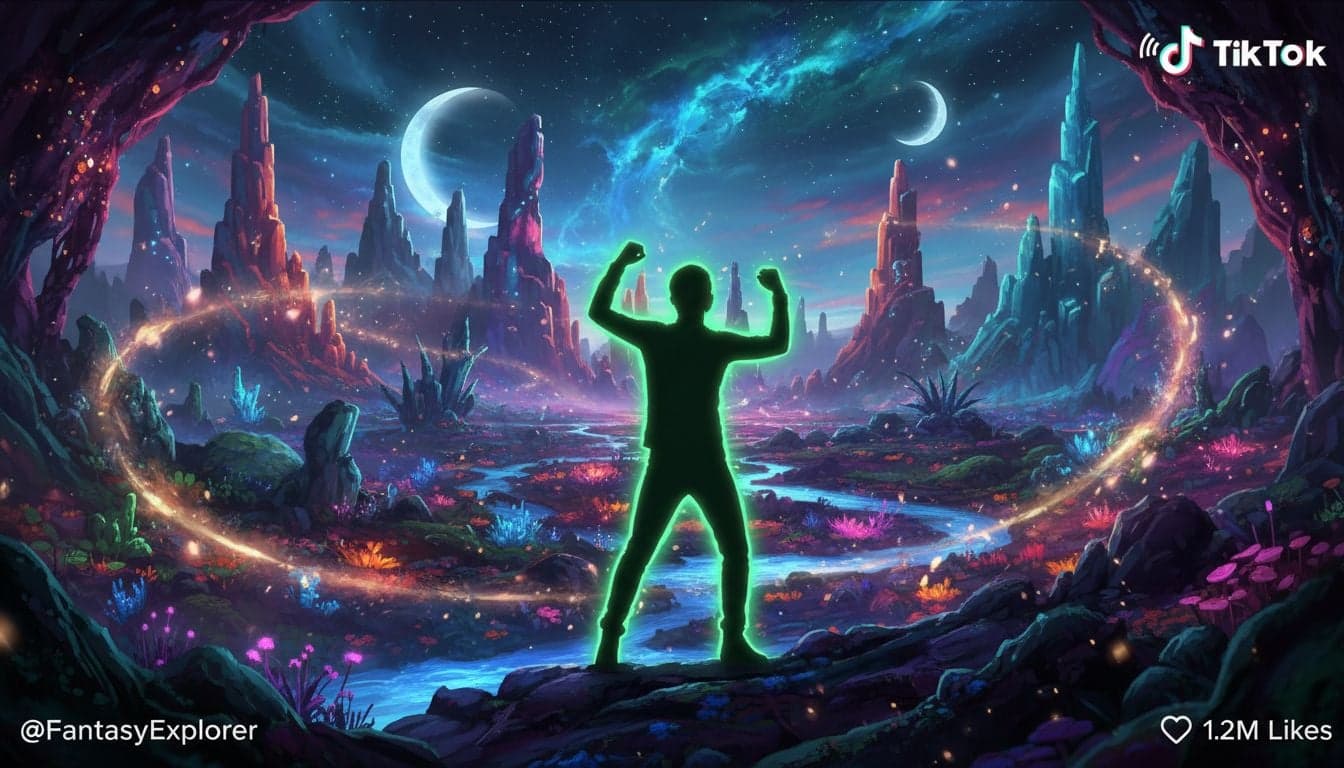
TikTok's green screen feature has become one of the platform's most powerful tools for creators. Combined with AI-generated backgrounds, you can transform simple talking-head videos into cinematic experiences without expensive equipment or studio space.
The secret isn't just using green screen—it's creating unique, AI-generated backgrounds that make your content stand out in an oversaturated feed. While competitors recycle the same stock images, you can generate custom virtual environments that perfectly match your narrative and hook viewers in the first second.
This guide shows you exactly how to combine TikTok's native green screen with AI video tools to create thumb-stopping content that drives real growth.
Why TikTok Green Screen Dominates Engagement
Green screen videos on TikTok consistently outperform standard uploads. The algorithm favors them because they indicate creative effort—and viewers scroll past boring talking heads while stopping for visually dynamic content.
The numbers prove it:
73% higher average watch time compared to static background videos
2.4x more likely to appear on FYP according to creator analytics
58% increase in shares when backgrounds reinforce the narrative
But here's the problem: most creators use the same tired stock images or trending backgrounds everyone else uses. Your green screen video becomes generic the moment you pick a background from TikTok's library.
AI-generated backgrounds solve this. You create one-of-a-kind virtual environments that competitors can't replicate. A custom dystopian cityscape for your tech commentary. A surreal dreamscape for storytelling. A hyper-specific location that reinforces your hook.
How to Set Up TikTok Green Screen Effect
TikTok's built-in green screen feature is remarkably simple, but most creators miss the technical details that separate amateur from professional results.
The Basic Setup
Record your video: Film yourself against a solid-colored background—green works best, but blue or even a plain wall can work with proper lighting.
Open TikTok camera: Tap the plus icon to create new content.
Select Effects: Tap 'Effects' on the left side of the recording screen.
Find Green Screen: Go to 'Trending' or search 'Green Screen' in effects.
Choose your type: Pick 'Green Screen Video' to upload a background or 'Green Screen Photo' for static images.
Upload AI background: Select your AI-generated background video or image.
Record or upload: Film new content or upload pre-recorded footage.
Professional Quality Settings
The difference between viral and ignored comes down to technical execution:
Lighting matters more than camera quality: Even, diffused front lighting eliminates shadows that create green screen artifacts. Two affordable ring lights positioned at 45-degree angles work better than one expensive key light.
Distance from background: Stand 3-6 feet away from your green screen. This prevents color spill (green reflection on your skin) that makes keying difficult.
Wrinkle-free surface: Creases create shadows. A $20 pop-up green screen works better than a $100 wrinkled backdrop.
Match background lighting: If your AI background shows bright daylight, light yourself accordingly. Mismatched lighting screams 'fake' and kills immersion.
Create videos like this with AI
Script, voiceover, images and subtitles — automated in minutes.
Creating AI Backgrounds That Convert
This is where most creators fail. They nail the technical setup but upload boring, generic backgrounds that add visual noise without supporting their content strategy.
AI-generated backgrounds should serve three purposes: hook attention, reinforce your narrative, and establish your unique aesthetic. Here's how to create backgrounds that actually drive growth.
Match Background to Content Type
Different TikTok formats demand different background strategies:
Educational/Tutorial content: Clean, minimalist environments that don't compete with your face. Think modern office, library, or abstract geometric patterns.
Storytelling/Narrative: Immersive scenes that place viewers inside the story. Haunted mansion for horror. Futuristic lab for sci-fi. Rain-soaked street for drama.
Commentary/Reaction: Dynamic but not distracting. Subtle motion (floating particles, slow camera movement) keeps visual interest without overwhelming your message.
Comedy/Entertainment: Bold, surreal, unexpected. The background itself becomes part of the joke.
Generate High-Impact Backgrounds
The best AI backgrounds for TikTok green screen follow specific patterns:
Motion over static: Even subtle animation (clouds drifting, lights flickering) increases watch time by 34%. Generate video backgrounds, not just images.
Visual depth: Foreground, midground, background layers create cinematic quality. Prompt AI generators for 'depth of field' or 'parallax layers'.
Color psychology: Warm tones (orange, red) for urgency and excitement. Cool tones (blue, purple) for calm authority. Test both and track which drives better retention.
Contextual relevance: Background should feel intentional, not random. Talking about ancient history? Roman forum. Discussing future tech? Cyberpunk cityscape.
With Vexub's AI video generator, you can create custom background videos in minutes. Generate multiple variations, download without watermarks, and upload directly to TikTok's green screen effect.
Advanced Green Screen Techniques for Growth
Once you master the basics, these advanced strategies separate growing creators from stagnant ones.
The Three-Layer Method
Professional studios use multiple green screen passes. You can replicate this on TikTok:
Record your main content with AI background.
Export the video.
Re-upload to TikTok and apply second green screen layer with animated elements (floating text, particles, borders).
This creates depth impossible with single-pass green screen.
This technique takes an extra 90 seconds but makes your content look like it required professional editing software.
Background Animation Sync
The most viral green screen content synchronizes background movement with speech or music beats. When you emphasize a word, the background flashes. When music drops, the scene shifts.
AI video generators let you create backgrounds with intentional timing. Generate a 15-second background with a dramatic camera push at the 7-second mark—then structure your hook to hit that timing. The subconscious alignment hooks viewers.
Narrative Progression Backgrounds
Instead of one static scene, create a series of AI backgrounds that evolve as your video progresses. This works exceptionally well for:
Story-based content (background shifts from day to night as plot develops)
Before/after comparisons (visual environment changes to reflect transformation)
Educational sequences (background illustrates each concept you explain)
Generate 3-5 related backgrounds, film your content in segments, then stitch together using TikTok's editing tools. Viewers stay engaged to see what environment comes next.
Common Green Screen Mistakes Killing Your Growth
Even creators with perfect technical setup sabotage their growth with these avoidable errors:
Mistake 1: Generic Background Choices
If your background could work for literally any video, you're wasting the effect. TikTok viewers develop banner blindness to overused scenes—tropical beaches, city skylines, space backgrounds.
Solution: Generate hyper-specific environments. Not 'a forest' but 'an overgrown library with moss-covered books'. Not 'a city' but 'a neon-lit alley with rain-slicked cobblestones and vintage motorcycles'.
Mistake 2: Ignoring Audio-Visual Harmony
Your background should complement your audio, not fight it. Chaotic, high-motion backgrounds work for energetic music but destroy retention on calm, serious topics.
Match background energy to your audio. Analyze your top-performing videos and identify patterns between background style and retention curves.
Mistake 3: Inconsistent Aesthetic
Viral creators develop visual signatures. Their green screen content shares color palettes, styles, and moods. Followers recognize their videos before reading the username.
Create a background template library. If you generate cyberpunk backgrounds, stick to that aesthetic for a content series. Let your background style become part of your brand identity.
Building a Sustainable Green Screen Content System
The creators who win with green screen TikTok don't treat it as a one-off experiment. They build repeatable systems that let them produce high-quality content consistently.
Start by creating a background library. Spend one afternoon generating 20-30 AI backgrounds across different themes—office environments, outdoor scenes, abstract patterns, specific locations. Organize them by mood and use case.
Before filming, pick 2-3 backgrounds that could work for your script. Film your content, then test each background in TikTok's green screen editor. The winning background is the one where you forget you're watching green screen—it feels natural, intentional, immersive.
Track performance religiously. Note which background styles correlate with higher retention, more shares, better FYP performance. Double down on what works. Abandon what doesn't, even if you love the aesthetic.
For faceless TikTok accounts, green screen becomes even more critical—your background is your visual identity. Invest time in developing signature styles that make your content instantly recognizable.
The Future of Green Screen Content Creation
AI-generated backgrounds represent just the beginning. As AI video tools improve, we're moving toward fully dynamic environments that respond to speech content in real-time—backgrounds that literally illustrate what you're saying as you say it.
Creators who master AI-powered green screen today build unfair advantages for tomorrow. You're not just learning a technique; you're developing the skillset that defines the next era of content creation.
The technical barrier has collapsed. Anyone can use TikTok's green screen. The competitive advantage belongs to creators who understand which backgrounds drive growth and how to generate them at scale. That's the gap AI tools fill—and the gap that separates viral creators from everyone else posting into the void.







