
Creators and marketers have debated the value of captions for years, but the data has become overwhelming. Captioned videos outperform their uncaptioned counterparts on virtually every metric that matters: view count, watch time, engagement rate, and conversion. This is not a marginal improvement. The numbers point to captions as one of the highest-ROI additions you can make to any video.
In this article, we compile the most current research on captions and video performance, explain the mechanisms behind the improvements, and show you how to implement captions efficiently across platforms.
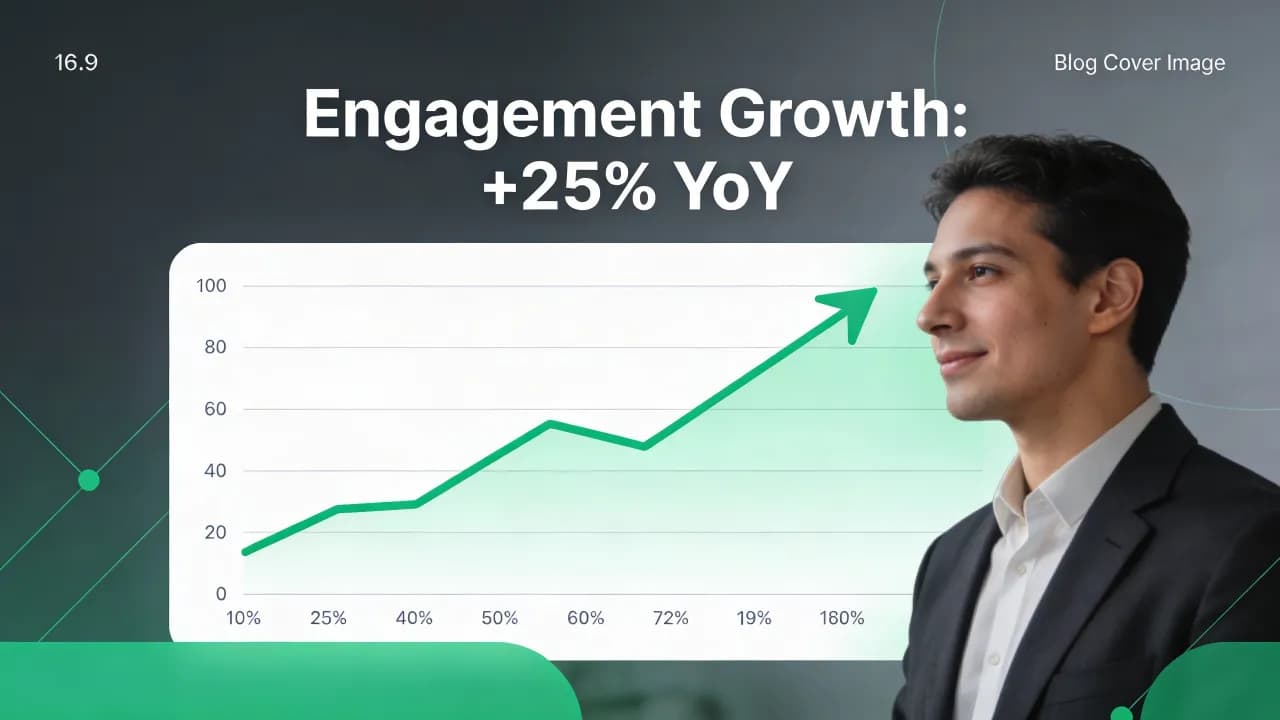
The Hard Numbers: What the Research Shows
Let us start with the data. Multiple studies across different platforms and content types converge on the same conclusion.
80% of viewers are more likely to watch a video to completion when captions are available (Verizon Media / Publicis Media study).
Watch time increases by 12-25% on average when captions are present, according to internal data from major social platforms.
Facebook reported that captioned video ads see a 12% longer average view duration compared to identical ads without captions.
Videos with captions on LinkedIn receive 70% more shares and reactions than those without.
YouTube videos with closed captions rank higher in search results because the caption text is indexed as metadata.
These are not cherry-picked outliers. The pattern holds across education, marketing, entertainment, and corporate training content. The mechanism is simple: captions remove friction. They let people watch in more contexts, understand content better, and stay engaged longer.
Why Captions Work: The Psychology and Practicality
Sound-Off Viewing is the Default
Estimates vary, but multiple surveys indicate that 69-85% of social media videos are watched with the sound off. This is not a niche behavior. People scroll through feeds in offices, public transport, waiting rooms, and bedrooms where a sleeping partner is nearby. Without captions, your video is functionally a silent film that most viewers will skip past in under two seconds.
Dual-Channel Processing
Cognitive science explains a deeper benefit. When viewers both hear and read information simultaneously, comprehension and retention improve. This is called dual-coding theory. The auditory channel (speech) and the visual channel (text) reinforce each other, creating stronger memory traces. For educational and marketing content, this translates directly to better recall of your message.
Accessibility is a Larger Market Than You Think
Approximately 15% of the global population experiences some degree of hearing loss. Beyond that, many viewers process written language more effectively than spoken language, including non-native speakers. When you add captions, you are not just accommodating a minority; you are improving the experience for a substantial portion of your audience.
Create videos like this with AI
Script, voiceover, images and subtitles — automated in minutes.
Platform-by-Platform Breakdown
Instagram Reels and Stories
Instagram's algorithm favors content that keeps users on the platform. Watch time is the primary signal. Captions directly extend watch time by preventing viewers from scrolling past during sound-off browsing. Creators who add captions to Reels consistently report 15-25% higher reach within the first 48 hours of posting.
TikTok
TikTok's auto-caption feature has made captioning mainstream on the platform, but auto-generated captions still contain errors that can confuse viewers or undermine credibility. Manually corrected or tool-generated captions perform better because they maintain accuracy. For a guide on creating multilingual subtitles to expand your TikTok audience globally, see our dedicated article.
YouTube
YouTube is unique because caption text is indexed for search. Adding accurate captions effectively doubles your searchable content. Beyond SEO, YouTube's recommendation algorithm uses watch time and session duration as primary ranking signals. Captions improve both metrics. Channels that consistently caption their videos report 5-15% higher impression click-through rates over time.
Professional content on LinkedIn is overwhelmingly consumed in office environments where audio is impractical. The 70% engagement boost for captioned LinkedIn videos makes it arguably the most impactful platform for captions. If you are publishing thought leadership or product demos on LinkedIn, captions are not optional.
Types of Captions and When to Use Each
Open captions (burned in): Permanently embedded in the video. Guaranteed visibility regardless of platform or player settings. Best for social media where viewers may not toggle settings.
Closed captions (toggleable): Viewers can turn them on or off. Required for ADA compliance in many jurisdictions. Best for YouTube and website-hosted videos.
Animated captions: Word-by-word or phrase-by-phrase highlighting synced to speech. These are increasingly popular on Reels and TikTok because the motion draws visual attention and further extends watch time.
The best approach for most creators is to use open captions for short-form social content and closed captions for long-form content on YouTube or your website. If your platform supports both, provide both.
How to Add Captions Efficiently
Manual captioning takes 5-10 times the length of the video. A 10-minute video can require an hour or more of manual transcription and timing. AI-powered tools have compressed this to minutes.
Step 1: Upload your video to an AI captioning tool that generates time-coded transcripts automatically.
Step 2: Review the generated transcript for accuracy. Pay special attention to proper nouns, technical terms, and numbers.
Step 3: Choose your caption style: font, size, position, background opacity, and animation type.
Step 4: Export the captioned video or download the subtitle file (SRT/VTT) for upload to your platform.
Tools like Vexub handle all four steps in a single interface, generating accurate transcripts, letting you edit inline, and exporting captioned videos ready for any platform. If you want to go further and add AI voiceover narration alongside your captions, the combination can be particularly powerful for tutorial and explainer content.
Common Mistakes That Undermine Caption Effectiveness
Tiny font size: Captions that are hard to read on mobile defeat the purpose. Use a minimum of 24px equivalent for vertical video.
Low contrast: White text on a light background is invisible. Always use a semi-transparent background box or text shadow.
Unreviewed auto-captions: Errors in auto-generated captions are distracting and can be embarrassing. Always review before publishing.
Covering important visuals: Position captions where they do not obstruct faces, product shots, or key graphics.
Too much text per frame: Keep each caption segment to two lines maximum. Long blocks of text overwhelm viewers.
Measuring the Caption Effect on Your Content
The best way to validate the impact is to A/B test. Publish two versions of the same video, one with and one without captions, and compare performance after 72 hours. Track these specific metrics:
Average percentage viewed (watch time)
Engagement rate (likes, comments, shares relative to impressions)
Click-through rate on any call-to-action
Follower or subscriber conversion rate
Even a single A/B test will likely convince you. Most creators see results significant enough that they never publish uncaptioned content again. If you plan to scale your captioned content to multiple languages, our guide on AI-powered multilingual subtitles covers the full workflow.







