
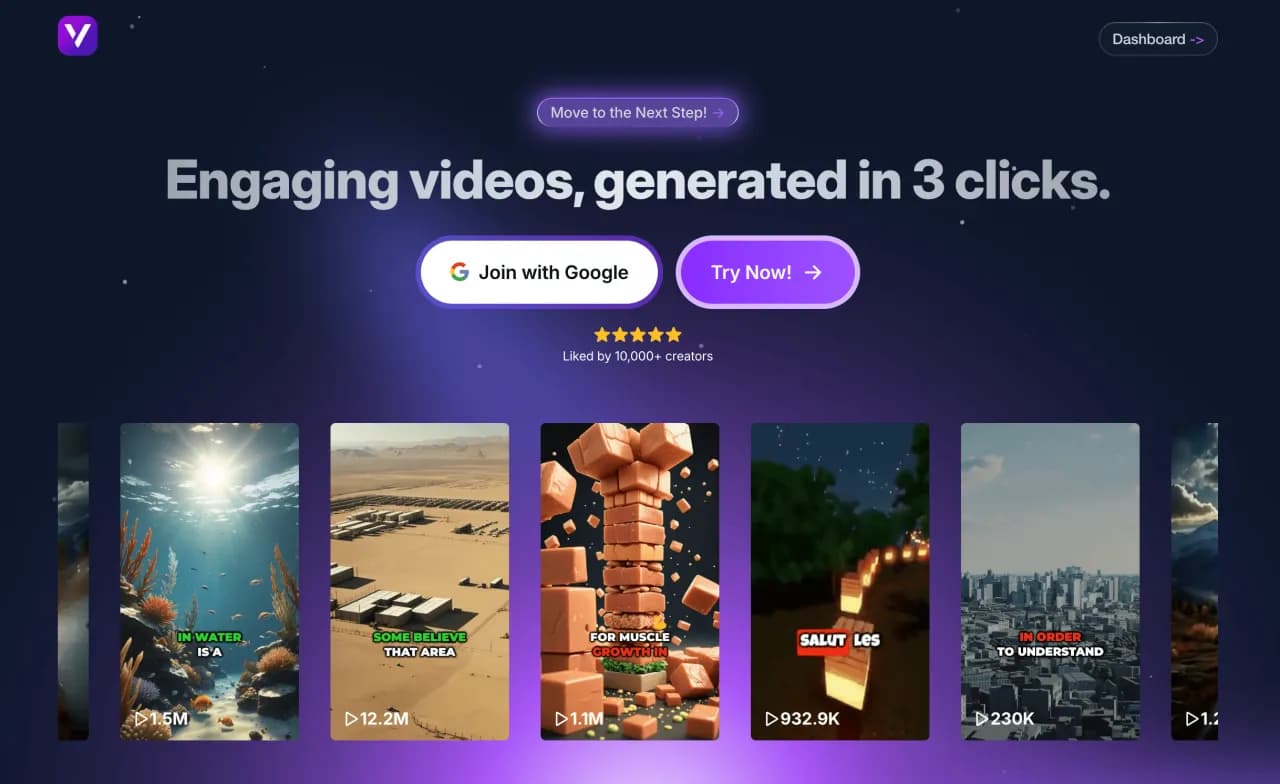
Create a VEO3 Video project on Vexub
Step 1: What is VEO3
VEO3 is an artificial intelligence technology that creates fully generated videos from text or images. Write or upload an image, and the AI instantly turns it into a realistic video complete with camera motion, lifelike characters, sound, and atmosphere. It’s a major breakthrough that makes video creation accessible to everyone, without filming or equipment.
The VEO3 engine is powered by a multimodal neural network capable of understanding language, images, and context to produce coherent, fluid videos. The AI doesn’t just generate visuals—it also creates audio. Dialogues, music, sound effects, and ambient sounds are automatically produced and synchronized. This results in complete, immersive, and ready-to-use videos.
With VEO3, users can control many settings: visual style, duration, camera motion, lighting, and even narrative tone. The output can range from a short promotional clip to a cinematic sequence several minutes long. Video quality can reach up to 4K, making it a professional tool for brands, creators, and businesses.
At Vexub, we use this technology to design customized, creative, and impactful videos. Our goal is simple: to help clients turn ideas into high-quality videos quickly and effortlessly. Thanks to VEO3, video production becomes faster, more flexible, and far more accessible.
In short, VEO3 videos represent the future of visual storytelling. They combine realism, creativity, and efficiency through artificial intelligence. For businesses, this is a new way to communicate, tell stories, and elevate their brand image with tailor-made videos produced in record time.
Step 2: Create a project
Go to your Vexub workspace and open the Project tab. This is where your video creation begins. Click Create a Video to start.
A new page will open with the first step: choosing the type of video. Several options are available depending on your goal, but for this guide, select the VEO3 mode. Once you’ve made your choice, click Next Step to continue.
Step 3: Generation process
This is where the magic happens. Write your prompt carefully, as it determines the entire video. Describe the scene, characters, actions, atmosphere, and camera movements.
The more precise and descriptive your prompt is, the better and more realistic the result will be. You can also upload an image to guide the AI visually or combine text and image for greater control over the outcome.
Once your prompt is ready, click Generate. The VEO3 engine will analyze your request, interpret the context, and create a complete video with synchronized visuals, dialogues, sounds, and effects. After generation, you can preview the result, make quick adjustments if needed, then move on to export.

Step 4: Export your video
When you’re satisfied with the result, export your video in optimal quality directly from Vexub. An automatically generated thumbnail will also be provided, ready to use for your post. Whether for social media, YouTube, or professional use, your video will be ready to publish in just a few clicks.
With these simple steps, Vexub lets you transform any idea into a complete, dynamic, and professional video. No technical skills are required—everything happens online, quickly, and the result is worthy of top content creators.
For more on this topic, check out our guide on how to Generate a VEO3 Video in Vexub, our article on the integration of VEO3 pushes Vexub into a new creative era, and our guide to how to Easily Create a AI Subtitling Video (MP4 to.







