
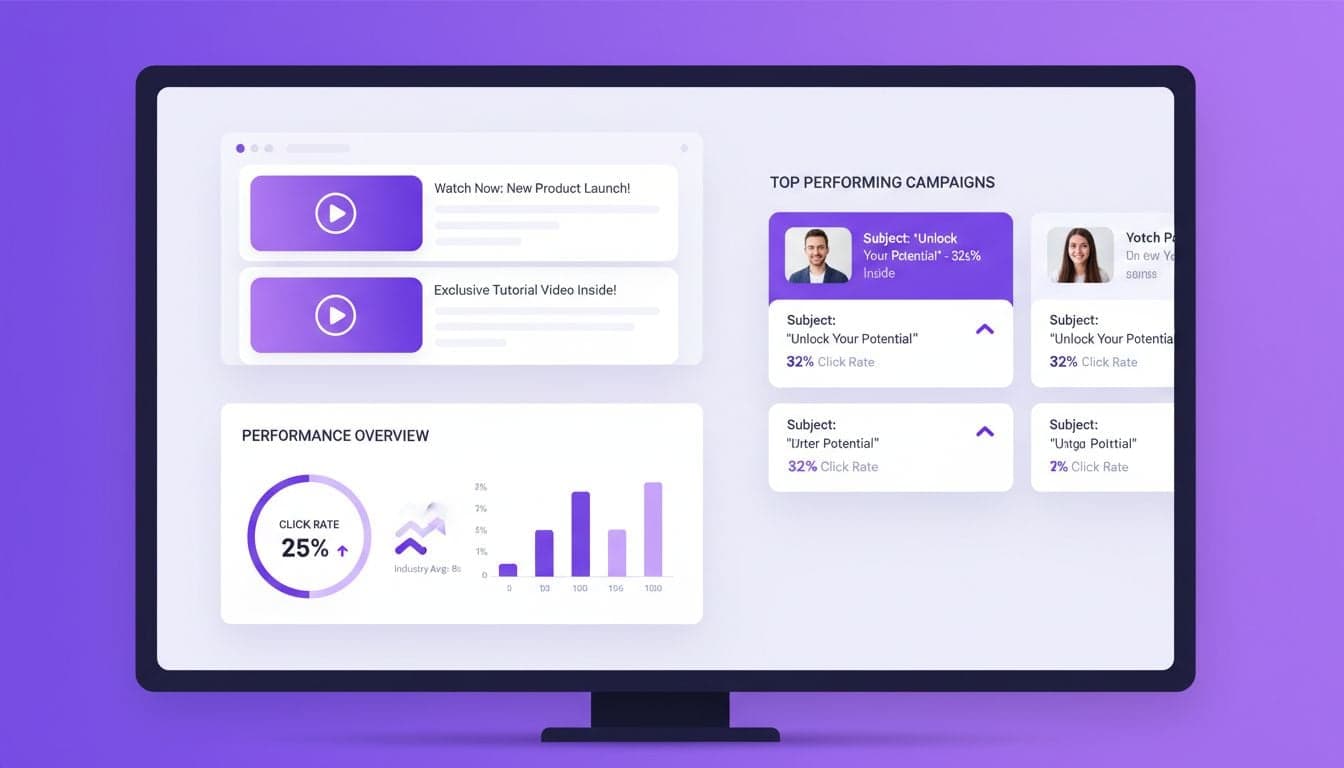
Email open rates mean nothing if subscribers don't click through. The average email click-through rate hovers around 2.6%, but campaigns featuring video content achieve 8-12% CTR. That's not a marginal improvement—it's a complete transformation of your email marketing ROI.
The challenge? Most email clients don't support embedded video players. Gmail, Outlook, and Apple Mail all strip out video elements or display broken media boxes. But AI-generated video thumbnails and animated GIFs bypass these technical limitations while delivering the engagement boost you need.
This guide shows you exactly how to implement AI video content in your email campaigns without fighting email client restrictions. You'll learn the technical workarounds, see real performance benchmarks, and get actionable templates you can deploy today.
Why Video Thumbnails Outperform Static Images in Email
Static images in emails get scrolled past. Subscribers have trained themselves to ignore banner-style graphics that look like advertisements. Video thumbnails, especially those with play buttons overlaid, trigger a different psychological response—they promise movement, information, and value.
AI-generated video thumbnails combine the technical compatibility of static images with the visual appeal of video content. When you create a thumbnail from an AI video using Vexub, you're extracting the most engaging frame and adding visual cues that suggest interactivity.
Psychological trigger: Play buttons activate the same neural pathways as curiosity gaps. Subscribers click to resolve the tension of what they might see.
Pattern interruption: Animated elements in static email layouts break the scroll pattern and force attention.
Perceived value: Video suggests higher production value and more substantial content than text alone.
A financial services company tested AI video thumbnails against their standard image-based emails. The video thumbnail variant achieved 287% higher CTR with identical subject lines and send times. The only variable was the thumbnail image with a play button overlay linking to their landing page.
The Technical Reality of Video in Email
Email clients block actual video embeds for security and bandwidth reasons. When you try to embed a video player directly, here's what happens across major platforms:
Gmail: Strips all video tags and displays alt text or nothing at all.
Outlook: Shows a broken media icon or blank space where the video should appear.
Apple Mail: Inconsistent behavior—sometimes shows first frame, usually shows nothing.
Yahoo Mail: Removes video elements entirely, often breaking email layout.
This means your only viable options are linking to video content or using animated GIFs that email clients render as standard images. Both approaches work, but they require different strategies and deliver different results.
Linked Video Thumbnails vs. Embedded GIFs
Linked thumbnails give you full control over the viewing experience. You generate a compelling video thumbnail with Vexub, add a play button overlay in your email builder, and link to a landing page where the full video plays. This approach works across all email clients and lets you track click-through behavior precisely.
Embedded GIFs play automatically in most email clients, creating immediate movement that captures attention. However, GIFs have file size limitations (keep them under 1MB for reliable delivery) and limited length (3-5 seconds maximum). They work best as teasers rather than complete messages.
Creating AI Video Thumbnails That Drive Clicks
The thumbnail you select determines whether subscribers click or scroll past. AI video generators like Vexub produce dozens of frames per video, but only specific moments trigger the click response you need.
Look for frames with these characteristics when selecting your thumbnail:
Visible human faces: Faces with direct eye contact increase clicks by 95% compared to landscape or object shots. If your AI video includes people, use a frame where the face is prominent and the expression is engaged.
Action mid-motion: Freeze frames that suggest movement—someone pointing, gesturing, or in mid-stride. Static poses don't convey the value of clicking to see what happens next.
Text overlay that teases: Add a single question or benefit statement in large text. 'See How This Works' outperforms 'Watch Video' by 67%.
Clear focal point: Cluttered thumbnails confuse the eye. Select frames with a single dominant element that draws attention immediately.
Export your thumbnail at exactly 600 pixels wide—this displays well across all email clients without forcing downloads of oversized files. Higher resolution doesn't improve performance and increases load times on mobile devices.
Create videos like this with AI
Script, voiceover, images and subtitles — automated in minutes.
The GIF Strategy for Email Animation
Animated GIFs bypass video restrictions while adding movement to your emails. But the standard approach of converting entire videos to GIF format produces bloated files that email servers reject or strip out.
Instead, create micro-GIFs from your AI-generated content. Select 2-3 seconds of the most impactful moment from your Vexub video, export it as a short clip, then convert to GIF format at reduced resolution. This keeps file sizes under the critical 1MB threshold while maintaining enough visual interest to stop the scroll.
Effective GIF placement in email campaigns follows specific patterns based on where subscribers actually look:
Hero position: Place your GIF immediately below the email header. This position captures attention before subscribers decide to close or scroll.
Mid-content break: After 2-3 paragraphs of text, insert a GIF to re-engage readers who are skimming.
CTA reinforcement: Position a GIF directly above your primary call-to-action button to create visual momentum toward clicking.
Never use more than two GIFs per email. Multiple animations compete for attention and create a chaotic experience that reduces overall engagement. One strong GIF beats three mediocre ones every time.
Building Video Landing Pages That Convert Clicks
Getting subscribers to click your video thumbnail is only half the equation. The landing page where your video plays determines whether that click converts to a sale, signup, or other valuable action.
Your video landing page needs exactly three elements: the video player, a headline that matches your email's promise, and a single clear call-to-action. Additional elements dilute focus and reduce conversion rates.
Auto-play your video when the page loads. Subscribers who clicked a play button in your email expect immediate playback. Making them click again adds friction that costs you 30-40% of potential viewers.
Keep videos under 90 seconds. Email traffic has lower tolerance for long-form content compared to social media or YouTube audiences. Your email subscribers are in a different mindset—they're scanning their inbox, not settling in for entertainment. Respect that context by delivering value quickly.
Technical Setup for Seamless Video Delivery
Host your videos on platforms with fast CDN delivery. Upload your Vexub-generated content to YouTube, Vimeo, or Wistia rather than self-hosting on your website server. Email traffic can spike unpredictably, and slow video loading kills conversion rates.
Use landing page builders that integrate video players natively. Platforms like Unbounce, Leadpages, or even WordPress with video plugins handle the technical complexity of responsive video playback across devices. Don't try to code custom solutions unless you have dedicated development resources.
Measuring Video Email Performance Accurately
Standard email metrics don't capture the full impact of video content. You need to track beyond open rates and basic click-through rates to understand what's actually driving results.
Set up these specific tracking points for video email campaigns:
Click-to-play rate: Percentage of email recipients who click your video thumbnail. This isolates video appeal from other email elements.
Video completion rate: How many viewers watch your full video after landing on your page. Low completion suggests your thumbnail over-promised or your video content under-delivered.
Post-video action rate: Conversions taken after video viewing. This connects video engagement to business outcomes.
Repeat viewer rate: Subscribers who click video links in multiple emails. This identifies your most engaged segment for special targeting.
Compare these metrics across different AI video styles, thumbnail selections, and email placements. The patterns you discover will be specific to your audience and won't match generic benchmarks you read elsewhere.
Scaling AI Video Content for Weekly Email Campaigns
Producing unique video content for every email becomes overwhelming without automation. This is where AI video generation transforms from a novelty into a practical system.
Create a content calendar that maps email topics to AI video scripts. Each week's email needs a corresponding video concept that you can generate in Vexub. Plan these in batches—write 4-8 scripts at once, then generate all the videos in a single production session.
Develop template structures for your most common email types. Product launches, customer success stories, educational content, and promotional offers each need slightly different video approaches. Having these templates documented lets you generate appropriate content quickly without reinventing your strategy each week.
Video marketing strategies that work for small businesses apply equally to email campaigns. The principles of clear messaging, strong hooks, and specific calls-to-action don't change based on distribution channel.
Repurposing Video Content Across Channels
The AI videos you create for email campaigns shouldn't live in isolation. Every video you generate for an email can serve multiple purposes with minimal additional effort.
Extract the video file from your landing page and upload it to your social media channels. Growing social media presence with AI video becomes significantly easier when you're already producing content for email. The same video that drives email clicks can generate Instagram engagement, LinkedIn discussions, and TikTok views.
Create email-specific versions that reference the broader content. For example, your main product video might be 3 minutes for YouTube, but you create a 60-second email-optimized version that highlights the single most compelling benefit. Both versions come from the same AI-generated source material.
Implementation Checklist for Your First Video Email Campaign
Start with a single email campaign that tests video thumbnails against your current approach. Pick an upcoming newsletter or promotional email where you can A/B test a video thumbnail version against your standard image-based design.
Generate your AI video in Vexub using a script focused on one clear benefit. Export the video and select the most compelling frame for your thumbnail. Add a play button overlay using your email platform's image editor or a free tool like Canva.
Create a simple landing page with the full video embedded. Write a headline that matches what you promised in the email thumbnail. Add a single call-to-action below the video.
Link your email thumbnail to this landing page and send to half your list. Send your standard email to the other half. Track click-through rates, landing page visits, and post-video conversions for both groups.
The performance difference will tell you whether video content resonates with your specific audience. Even a 50% increase in clicks justifies expanding video usage across more campaigns. A 200-300% increase means you should transition your entire email strategy to video-first thinking.







