
How to Create a Faceless Horror Story Channel on YouTube or TikTok Using AI
Faceless horror channels are taking over YouTube and TikTok. You don’t need cameras, faces, or real voices.
Just eerie stories, haunting visuals, and clever use of artificial intelligence. These creators manage to stay completely anonymous while captivating millions of viewers.
The most impressive part is that they earn steady income every month while remaining completely anonymous. With a few simple tools and Vexub, you can build your own channel like this.
Step 1: Create Your YouTube or TikTok Channel
Start by creating a new channel dedicated to horror stories. Choose a mysterious and memorable name. Design a minimalist logo, a dark banner, and a creepy profile picture. Your visual identity should instantly evoke mystery and fear.
Step 2: Find Story Ideas
Go to YouTube or TikTok and search for “horror story” or “scary animation.” Sort the results by the most popular videos to identify trends.
Take time to study what makes these videos perform well. Look at the thumbnails, the titles, and even the length of each video. Notice patterns shorter stories often perform better on TikTok, while slightly longer, more detailed ones work well on YouTube.
Once you’ve analyzed a few examples, use ChatGPT to generate original ideas inspired by what you’ve seen. Try a prompt like “Give me 10 original horror story ideas for a faceless YouTube or TikTok channel.” Within seconds, you’ll have a list of unique, ready-to-use concepts that you can adapt into your own style.
Step 3: Write or Generate Your Script
Pick one idea and develop it into a complete story. Focus on creating suspense, keeping the story moving, and ending with a surprising twist.
If you prefer not to write it yourself, go to Vexub.com and use the built-in AI writing assistant. Enter your story idea and describe the desired tone for example: “A haunted library where books keep disappearing.”
The AI will instantly generate a full script. You can then review the script, edit the dialogue, and adjust the flow to make it smoother and more engaging. This will help the story feel natural, immersive, and ready for production.
Step 4: Turn Your Text Into a Video with Vexub
If you wrote your own script, log in to Vexub and click “Create a Video.” Next, select the “Text to Video” option.
Select the horizontal format for YouTube or the vertical format for TikTok. Pick one of the AI-generated voices, or clone your own for a more personal touch. (If you created your script directly on Vexub, you can skip to this step.)
Paste your text, choose the “Horror” visual style, and click “Generate.” Vexub will automatically create your video with visuals, sound, and subtitles.
You can then customize your video. Replace scenes, add stock clips, and fine-tune the sound, music, or visual effects to get the best result. Once you’re satisfied, export and download your video along with the thumbnail.
Step 5: Add Atmosphere and Tension
The secret to a great horror video is atmosphere. In Vexub’s editor, play with contrast, shadows, and lighting to amplify the tension. You can modify images, add eerie background music or ambient sounds. Balance the audio so that the voice remains clear but surrounded by suspense.
Example Story
This library has never had so many visitors.
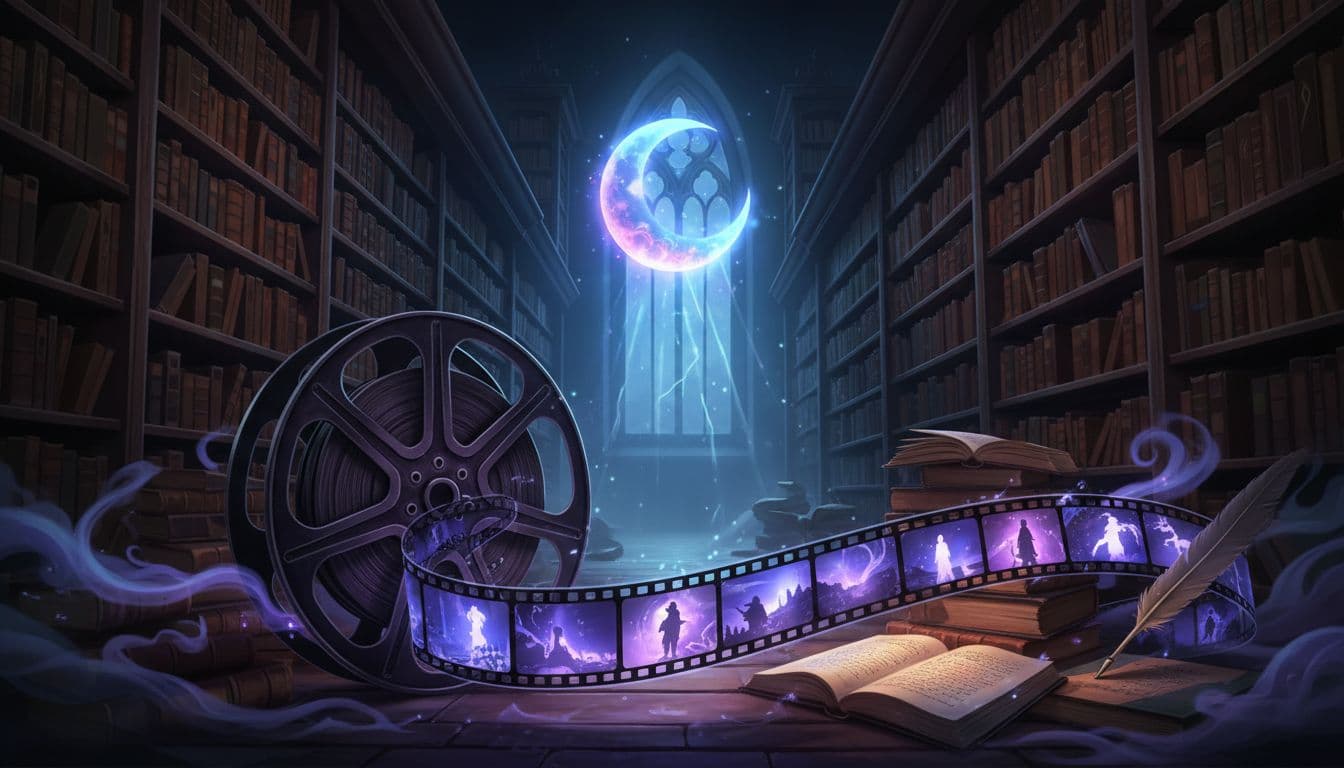
In a forgotten town, a strange library attracts the curious. Its walls, steeped in history, hide a disturbing secret. Books vanish one by one, as if pulled into the past.
Some visitors feel a chill as they enter. Whispers echo between the shelves, lights flicker. Employees say a cursed author wrote books that fight back against anyone unworthy to read them.
Missing cases continue, and some claim to have seen shadowy figures moving among the aisles. All the missing books share one thing in common they contain unfinished stories.
One night, the library trembles. Voices rise. Visitors flee in terror. Authorities investigate but find nothing.
People say the books don’t vanish they come alive to share forgotten stories with lost souls.
Since then, the legend lives on. The library is no longer just a place to read it’s a gateway to other worlds.
Step 6: Publish and Stay Consistent
Upload your video with an engaging title like “The Library That Demands the Return of the Dead’s Books.” Write a clear description using keywords such as “AI horror story,” “scary short story,” “faceless channel.” Post regularly, at least once a week, to please the algorithm and build your audience. Consistency is the key to long-term growth.
Step 7: Grow and Monetize
Once your channel starts growing, enable earnings through the YouTube or TikTok partner program. You can also add affiliate links or sponsored content related to your theme. Experiment with different formats: urban legends, psychological horror, or short mystery tales. The more you create, the faster your audience will grow.
Conclusion
You don’t need expensive gear, to show your face, or even to record your voice. With Vexub, you can write, generate, and produce complete horror videos in just a few clicks.
Build your dark universe, post consistently, and let your stories spread fear across YouTube and TikTok while you remain in the shadows. Visit Vexub.com today and start turning your imagination into terrifying stories.
For more on this topic, check out our guide on Horror Stories on TikTok: AI Faceless Channel Guide, our article on Urban Legends Faceless YouTube: AI Story Channel, and our guide to Crypto & DeFi Faceless YouTube Channel with AI.







