
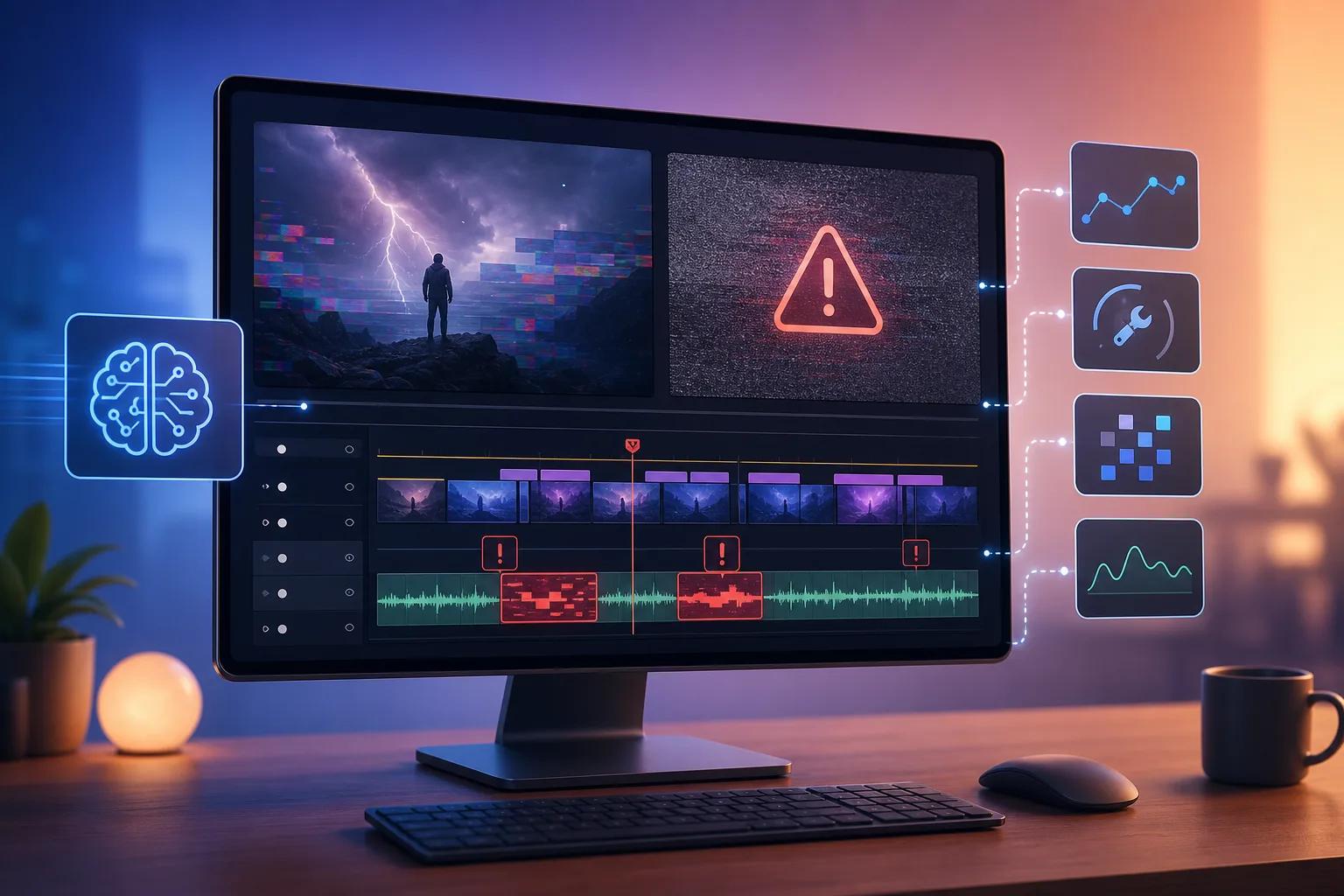
AI video editing has revolutionized content creation, yet it introduces challenges even the most seasoned creators face. Understanding how to troubleshoot these issues is crucial for maintaining a smooth workflow.
From software glitches to rendering problems, AI video editing can sometimes feel like navigating a minefield. This comprehensive guide aims to address the most common problems and provide practical solutions to enhance your editing experience.
Why Can't AI Edit Videos Perfectly?
AI struggles with certain aspects of video editing due to the inherent complexity of visual data and context interpretation. Unlike static images, videos involve dynamic content that requires precise timing and synchronization, which can be challenging for AI.
Moreover, the 80/20 rule in video editing applies here, where 80% of the work is straightforward, but the remaining 20% demands human intuition and creativity. This is where AI often falls short, necessitating human intervention to ensure quality.
How to Fix Common AI Video Glitches
AI video glitches can range from minor visual artifacts to significant rendering issues. To tackle these, you should first ensure your editing software is up-to-date. Software updates often contain bug fixes and performance improvements.
If glitches persist, consider checking your system's compatibility with the AI tools used. Incompatibility can lead to errors that disrupt the editing process. Additionally, freeing up system resources by closing unnecessary applications can improve performance.
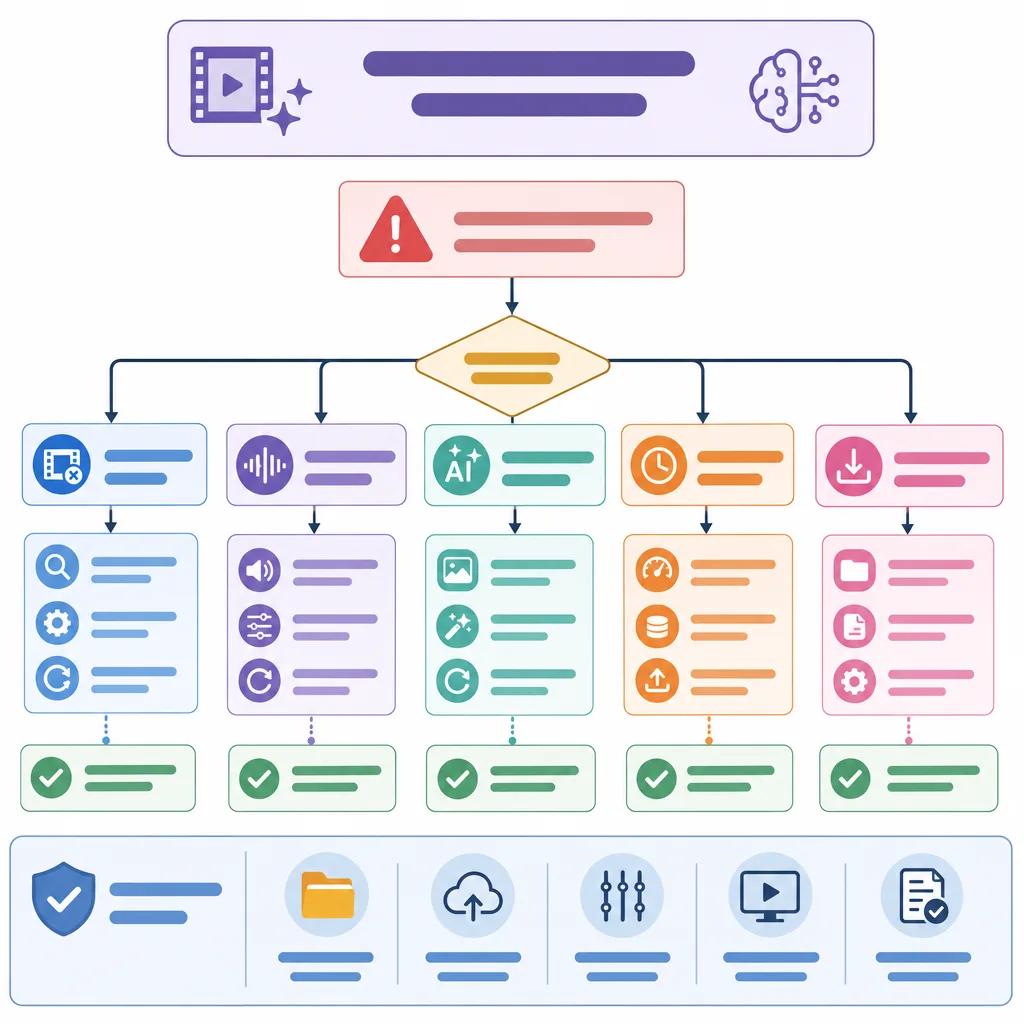
For more advanced troubleshooting, explore community forums and support channels specific to your editing platform. Platforms like Vexub offer dedicated support to help resolve such issues quickly. You might also find it useful to [object Object] to enhance the visual appeal of your content.
Optimizing AI Video Editing Workflow
An optimized workflow can significantly reduce the likelihood of encountering problems. Start by organizing your media files and maintaining a clean project structure. This minimizes confusion and prevents errors during the editing process.
Utilize AI tools that integrate seamlessly with your workflow. For example, Vexub's AI tools are designed to enhance your editing capabilities, reducing manual effort while ensuring high-quality output. It's also beneficial to familiarize yourself with the features of your chosen platform to fully leverage its capabilities.
Create videos like this with AI
Script, voiceover, images and subtitles — automated in minutes.
Addressing Rendering and Exporting Issues
Rendering and exporting are often bottlenecks in video editing, especially with AI-generated content. To address these, first ensure your hardware meets the recommended specifications for your editing software. Insufficient hardware can cause slow rendering times and low-quality exports.
Additionally, check your rendering settings. Using incorrect settings can lead to unexpected results, so ensure your resolution, bitrate, and format are suitable for your project's needs. Consulting guides like [object Object] can provide insights into ideal settings for various platforms.
Leveraging Community and Support Resources
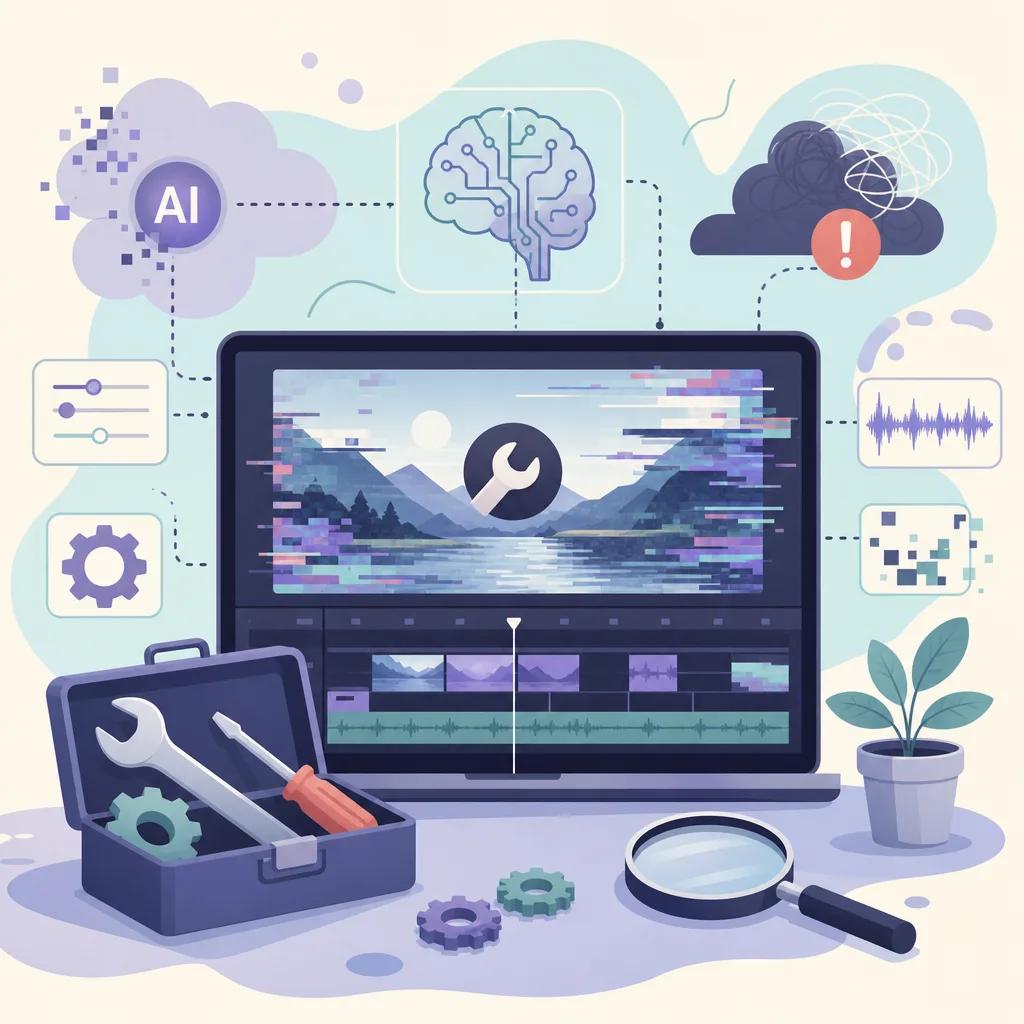
Engaging with the community and support resources can greatly assist in troubleshooting AI video editing problems. Online forums, user groups, and support pages often contain solutions to common issues and can provide guidance from experienced users.
Utilizing resources like [object Object] can also inspire new approaches and techniques. Don't hesitate to reach out to support teams for personalized assistance.
Future Trends in AI Video Editing
As AI technology continues to evolve, so will its capabilities in video editing. In 2026, we can expect AI to handle more complex tasks with greater accuracy. However, human oversight will remain essential to guide AI and ensure content quality.
Staying updated with the latest trends and tools will be crucial for creators looking to leverage AI effectively. Platforms like Vexub will continue to innovate, offering new solutions and features to enhance the video editing experience.
For those interested in exploring the intersection of AI and video editing, consider diving into related topics like [object Object] or [object Object].







