
Creating videos with AI tools can streamline content production, but technical glitches often disrupt this seamless process. If you've encountered errors while generating videos using AI, understanding these issues is crucial for maintaining efficiency.
AI video creation platforms like Vexub are powerful, yet they aren't immune to common errors that can stall your project. By knowing how to troubleshoot these problems, you can save time and produce high-quality videos without unnecessary stress.
What Are Common AI Video Creation Errors?
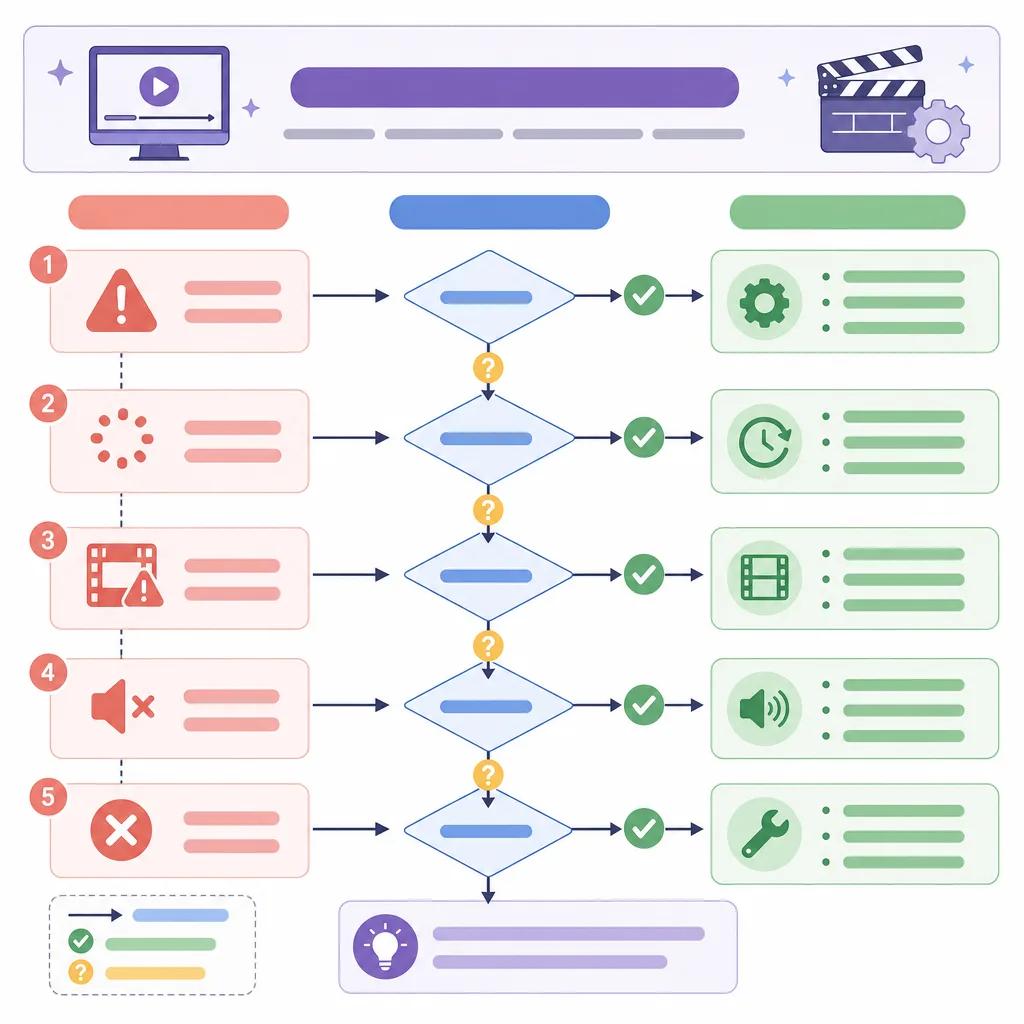
When dealing with AI video generation, some errors are more prevalent than others. These can range from rendering issues to problems with video resolution or unexpected crashes. Identifying these common errors is the first step in resolving them.
Rendering errors that cause the video to stall or not finish.Resolution issues leading to poor video quality.Unexpected software crashes during processing.
Each of these issues has specific causes, such as hardware limitations, software bugs, or incorrect settings. Understanding these can help you quickly find a solution.
How to Fix Rendering Issues in AI Video Generators
Rendering issues are one of the most frustrating problems, as they can prevent you from completing a project. To address these, ensure your hardware meets the software requirements. Inadequate RAM or CPU power can be a bottleneck.
Additionally, check your software settings. Some AI platforms, including Vexub, allow you to adjust rendering settings that can optimize performance. Reducing resolution or frame rate can sometimes solve persistent rendering problems.
If the problem persists, consider reaching out to support forums or link to the Vexub support page via link('contact Vexub support', '/blog/contact-vexub-support') for expert advice.
Dealing with Video Resolution Problems
Video resolution issues can degrade the quality of your final product, making it appear unprofessional. To prevent this, ensure that your source files are of high quality. Low-resolution inputs often lead to poor outputs.
Within Vexub, you can adjust resolution settings to match your desired output. Experiment with different settings to achieve the best results. If you continue to face issues, ensure that your software is up-to-date, as updates can fix bugs affecting resolution.
Resolving Unexpected Crashes
Understanding the Causes
Unexpected crashes can result from various factors, including software bugs, memory overload, or incompatible settings. To minimize crashes, regularly update your software and ensure your computer's drivers are current.
Another tip is to monitor your computer's performance during video creation. Tools like Task Manager can help you identify if specific processes are consuming too much memory, allowing you to close unnecessary applications.
Why Does AI Keep Making Mistakes?
AI mistakes often stem from data quality issues or algorithm limitations. While AI continually improves, it relies heavily on the quality of input data. Providing clear and high-quality data sets can significantly reduce errors.
Moreover, familiarize yourself with the platform's capabilities. Each AI video tool has unique strengths and weaknesses. Knowing these can help you set realistic expectations and avoid pushing the software beyond its limits.
Create videos like this with AI
Script, voiceover, images and subtitles — automated in minutes.
Understanding these aspects will also help you leverage AI more effectively. For more tips on optimizing AI video creation, check our guide on link('best practices for AI video tutorials', '/blog/best-practices-ai-video-tutorials').
How to Repair Video with AI
When errors occur, repairing a video might seem daunting, but AI tools offer features that can help. Many platforms, including Vexub, provide editing tools that allow you to correct errors post-production.
Utilizing AI Editing Tools
Use AI editing tools to adjust color balance, stabilize shaky footage, or even enhance audio quality. These tools can transform a flawed video into a polished product.
Additionally, AI can automatically detect and suggest corrections for common mistakes, saving you time and effort.
Preventing Future Errors
Preventing errors is more effective than constantly troubleshooting. Regular updates, proper system maintenance, and understanding your AI tool's capabilities can preemptively solve many problems.
Consider investing in training or tutorials. Resources like link('AI video creation workflow', '/blog/ai-content-creation-workflow') can provide deeper insights into managing and optimizing your video projects.

Lastly, staying informed about new developments in AI video technologies, such as link('algorithm changes for video creators', '/blog/algorithm-changes-2026-video-creators'), will keep you ahead of potential issues.







