

AI video creation is transforming content production, but it isn't without its challenges. Rendering issues often disrupt the workflow, causing frustration for creators. Whether it's glitchy playback or unexpected errors, troubleshooting these issues is crucial for a smooth video creation process.
Understanding the root causes of AI video rendering issues can save you time and effort. By addressing common problems, you can enhance your workflow, ensuring your content is polished and professional. Let's explore effective solutions to these challenges.
Why Do AI Videos Glitch?
Glitchy videos are a frequent issue in AI-rendered content. These glitches occur due to several reasons:
Insufficient processing power during rendering.
Incompatible software versions.
Corrupted source files.
Addressing these factors can significantly reduce glitches. Ensure your hardware meets the requirements of your AI tools and keep your software updated to maintain compatibility. Additionally, verify the integrity of your source files before rendering.
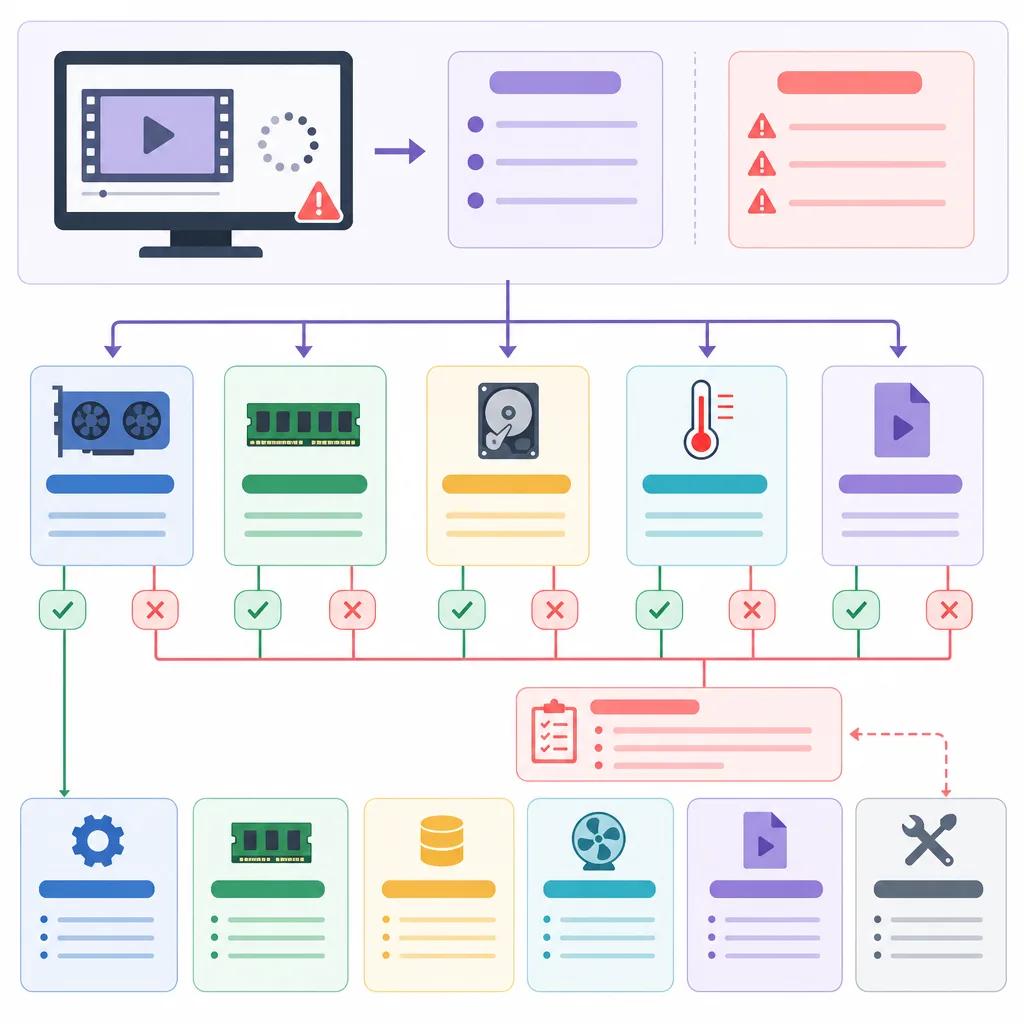
How to Repair Video with AI
Repairing video glitches with AI involves both preventive and corrective measures. Start by using AI tools specifically designed for video enhancement, which can automatically detect and fix issues.
Using AI Tools for Video Repair
Several AI tools offer automatic video repair functionalities. These tools can detect common glitches and apply fixes during the rendering process. Ensure you choose a tool that aligns with your specific needs and supports your video format.
For example, platforms like Vexub provide intuitive solutions for video repair, integrating seamlessly with your existing AI video creation workflow.
Manual Adjustments
While automatic tools are efficient, manual adjustments can provide additional refinement. Inspect your video for specific issues and use editing software to make necessary corrections. This approach allows for a more tailored enhancement, ensuring high-quality output.
Create videos like this with AI
Script, voiceover, images and subtitles — automated in minutes.
Addressing Inconsistencies in AI Videos
Inconsistencies in AI videos often arise from variations in data input quality and algorithm performance. To minimize these issues, ensure your source materials are consistent in quality and format.
Maintain uniformity in video resolutions and frame rates.
Standardize audio quality and settings.
Consistency in input data helps AI algorithms perform optimally, reducing the likelihood of rendering inconsistencies. For more insights on maintaining consistency, explore our guide on ", AI video techniques for storytelling, ".

Preventing Rendering Failures
Rendering failures can halt your progress, but understanding their causes can help prevent them. Common reasons include insufficient storage space, outdated software, and incompatible file formats.
Ensure sufficient storage space before rendering.
Regularly update your rendering software.
Verify file compatibility with your AI tool.
By addressing these key areas, you can prevent many rendering failures. Regular maintenance and updates are critical for a smooth workflow. For more tips on enhancing your AI video creation, check out our article on ", AI-driven solutions for fitness influencer videos, ".
Optimizing AI Video Rendering with Vexub
Vexub offers advanced tools that streamline AI video rendering, addressing common issues with innovative solutions. By leveraging Vexub's capabilities, you can enhance your content creation process, ensuring high-quality, glitch-free videos.
Explore Vexub's features to optimize your video rendering. Whether you're creating educational shorts or marketing content, Vexub provides the tools needed for success. Discover more about optimizing your AI video strategy in our article on ", AI video marketing strategies for 2026, ".
In conclusion, troubleshooting AI video rendering issues involves a combination of preventive measures, effective tools, and consistent practices. By addressing these areas, you can improve your workflow and produce professional-quality videos with ease.







