

Encountering problems in the realm of AI video creation can be frustrating, especially when you're on a tight schedule to produce quality content. Understanding the nuances of these issues can help you resolve them more efficiently.
AI video creation tools, like those offered by Vexub, are revolutionizing content production, but they aren't without their challenges. Users frequently report issues such as video glitches, rendering errors, and unexpected output quality. Let's explore some of the most common problems and how to tackle them.
What Is the Problem with AI Generated Videos?
AI-generated videos can occasionally suffer from a few recurring issues that can hinder the final output. One primary problem is the inconsistency in video quality, often caused by the AI's inability to fully interpret the input data or script nuances.
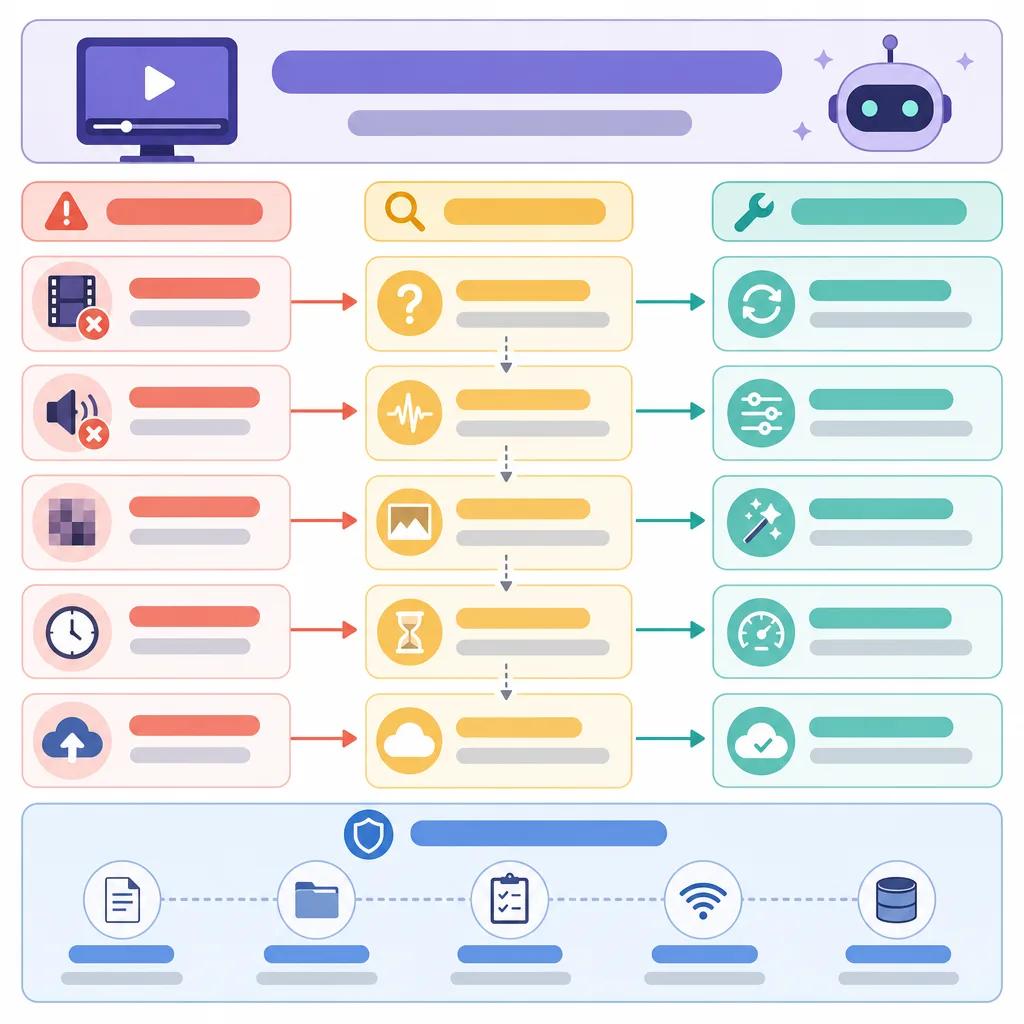
Another common issue is the occurrence of glitches in the video. These glitches can manifest as misplaced frames, audio-video sync issues, or unexpected changes in video resolution. These problems often arise from insufficient processing power or incorrect algorithm configurations.
Why Do AI Videos Glitch?
Glitches in AI videos are typically a result of processing errors within the AI's neural network. These errors can be due to a variety of factors including insufficient data for training, which affects the AI's ability to predict and generate smooth transitions.
Moreover, computational limitations can lead to dropped frames or lagging issues. Ensuring your system meets the recommended hardware requirements for the AI software can mitigate these issues significantly.
How to Repair Video with AI
Repairing video using AI involves leveraging advanced algorithms to detect and correct flaws in the video. Tools like those from Vexub can automatically enhance video quality by analyzing frame sequences and making real-time adjustments.
For manual adjustments, you might need to export the video to an editing tool where you can manually edit out glitches or adjust frame sequences. This process can be time-consuming but ensures precision.
Common Issues with AI-Generated Content
Besides glitches, other common issues include mismatched audio, unexpected color changes, or even contextually incorrect scene formations. These arise primarily due to poor data input or misconfigured AI training parameters.
To counter these issues, always ensure your input data is clean and well-structured. Consistent testing and updating of AI models are crucial to maintaining the integrity of the generated content.
Create videos like this with AI
Script, voiceover, images and subtitles — automated in minutes.
Practical Solutions for AI Video Creation
Addressing AI video creation issues requires a structured approach. First, ensure that your software is up-to-date. Developers often release patches that address known bugs, so keeping your tools updated is crucial.
Secondly, optimize your input data. Ensure that your scripts and input media are clear and well-organized. This reduces the likelihood of errors during the AI's processing stages.
Leveraging Vexub for Seamless AI Video Production
Vexub offers a range of tools designed to streamline the video creation process. By leveraging Vexub's advanced AI algorithms, you can minimize errors and enhance video quality effortlessly.
Regularly using features such as real-time previews and multi-format exports can further enhance your workflow, providing flexibility and control over the final product. For detailed strategies on maximizing AI tools, explore our extensive guides like best practices for AI video marketing or how to monetize AI-generated content.
Conclusion: Improving AI Video Output
Effectively troubleshooting AI video creation issues involves understanding both the technical and procedural aspects of the process. By staying informed and utilizing tools like Vexub, you can significantly reduce the occurrence of errors and ensure high-quality video production.
For further reading on optimizing AI video tools, consider checking out resources on AI video solutions for small businesses and using AI in personalized video content.







