
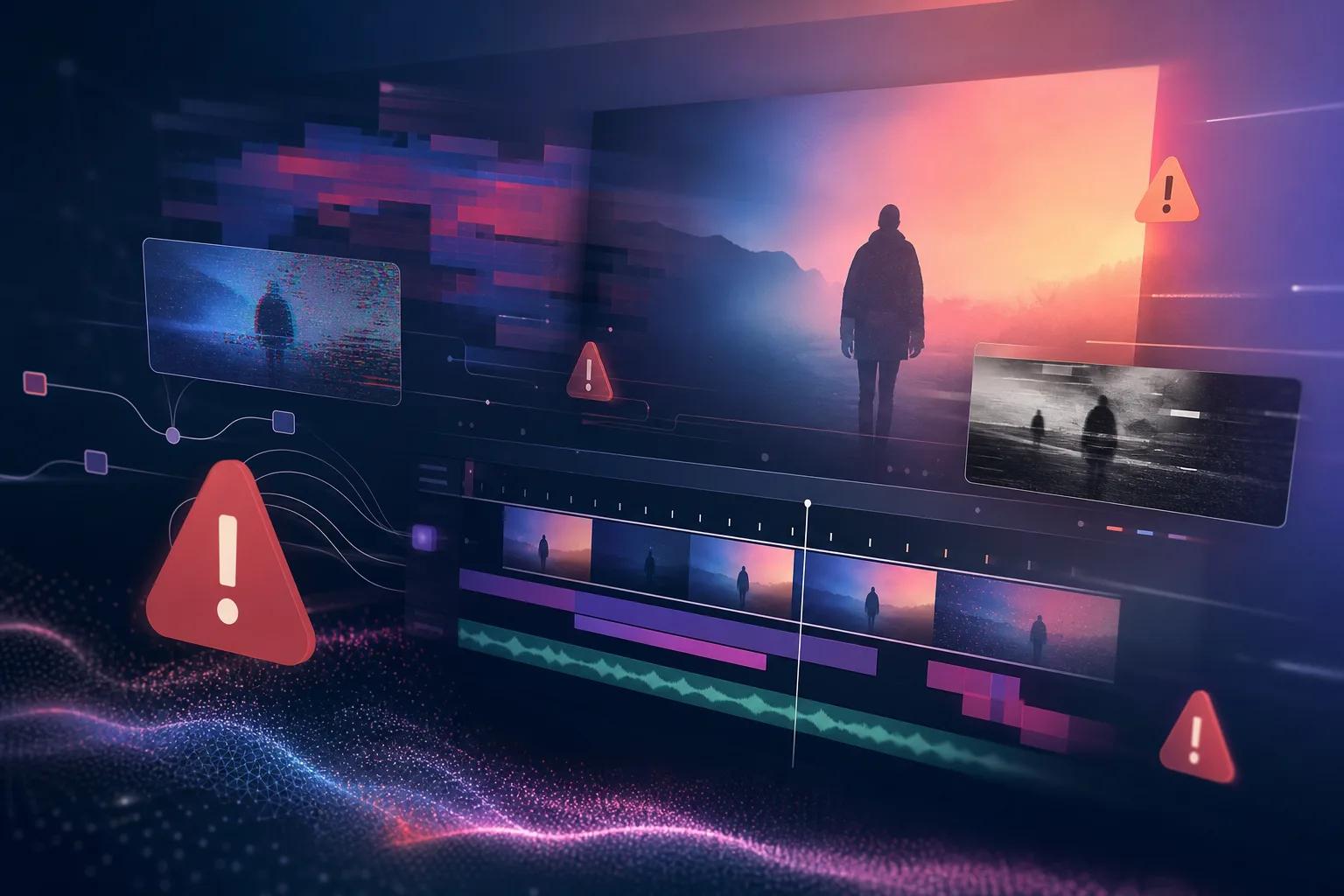
Artificial Intelligence has revolutionized video production, offering tools that make the creation process faster and more efficient. However, these advanced tools come with their own set of challenges. Many users encounter errors during AI video creation, which can be frustrating and time-consuming.
Understanding how to troubleshoot these common AI video errors is crucial for smooth production. Whether you're facing glitches, rendering issues, or unexpected output, knowing how to address these problems will save you time and improve your final product's quality.
Why Do AI Videos Glitch?
AI video glitches are often caused by a variety of factors, including hardware limitations, software bugs, or incorrect settings. One common issue is the mismatch between the AI's processing capabilities and the user's expectations. For example, a high-resolution video may require more processing power than your system can provide, leading to glitches.
Another reason for glitches is software compatibility. Not all AI video tools are perfectly compatible with every operating system or hardware configuration. Ensuring your software is up to date and matches your system's specifications can help prevent these issues.
Additionally, improper data input or corrupted files can lead to glitches. Ensuring that the data fed into the AI tool is clean and correctly formatted is essential for smooth operation.
Identifying Common AI Video Errors
Recognizing common AI video errors is the first step in troubleshooting. Some frequent issues include rendering problems, poor video quality, and unexpected audio sync issues. Identifying the specific error can guide you in finding the right solution.
For rendering issues, check if your software has any pending updates or if your hardware needs an upgrade. Poor video quality might be a result of incorrect settings or insufficient input data. Audio sync problems often occur due to mismatched frame rates or encoding issues.
It's beneficial to document errors as they occur. This not only helps in troubleshooting but also aids in communicating with support teams if professional assistance is needed.
How to Repair Video with AI
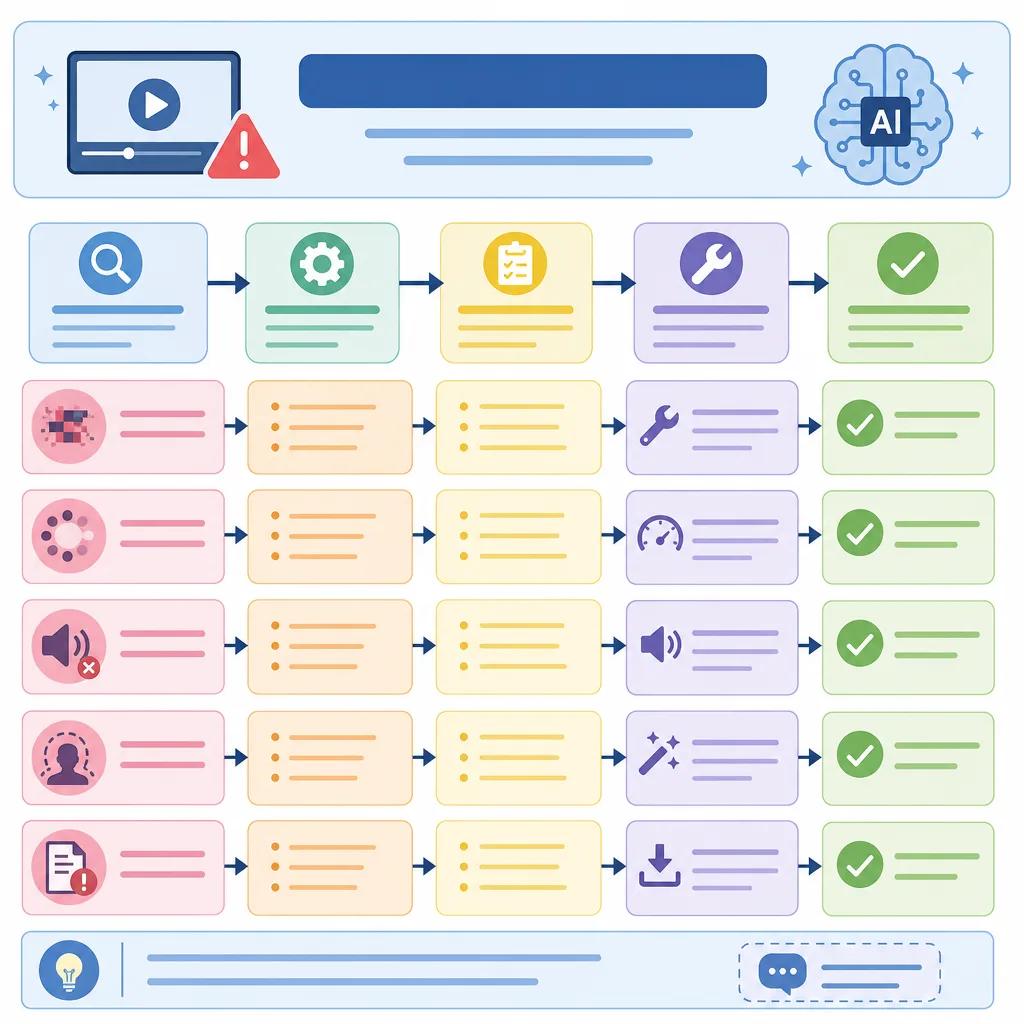
Repairing video with AI involves using advanced algorithms to correct errors such as missing frames, color misalignment, or distortions. Tools like Vexub provide features that automatically detect and fix many common issues, streamlining the repair process.
Start by analyzing the video to identify which areas need correction. Utilize AI tools to address these specific issues. Many platforms offer tutorials and guides to assist in this process, ensuring you can effectively use the tool's full capabilities.
For complex errors, consider using multiple AI tools. Combining different functionalities can often yield better results than relying on a single tool. For instance, using one tool for color correction and another for frame reconstruction can improve overall video quality.
Best Practices for AI Video Production
To minimize errors during AI video production, follow best practices such as maintaining updated software, using high-quality input data, and optimizing your hardware. Ensuring your computer meets the minimum system requirements for the AI tool is crucial.
Another important practice is to regularly back up your work. This prevents data loss in case of unforeseen errors. Additionally, familiarize yourself with the tool's settings and features. Understanding these can help you avoid common pitfalls and maximize the tool's potential.
Collaboration with other users or professionals can also provide insights into solving common problems and improving production techniques. Engaging in forums or communities dedicated to AI video production can be particularly beneficial.
Create videos like this with AI
Script, voiceover, images and subtitles — automated in minutes.
The Role of Vexub in AI Video Troubleshooting
Vexub plays a significant role in AI video troubleshooting by offering intuitive tools designed to tackle common errors effectively. With features that automatically detect and resolve issues, Vexub simplifies the video editing process.
The platform's user-friendly interface and extensive support resources provide users with the guidance needed to navigate complex video production challenges. Additionally, Vexub's integration capabilities allow users to seamlessly work with other tools, enhancing overall efficiency.
For those looking to expand their knowledge, Vexub offers a variety of resources, including tutorials and webinars, all aimed at improving users' skills in AI video production and troubleshooting.

Additional Resources and Support
When facing persistent issues, seeking additional resources and support can be invaluable. Engaging with online communities or accessing professional support from Vexub can offer new perspectives and solutions.
Consider exploring related topics such as ", troubleshooting AI video tools, " and ", AI video solutions for non-profits, " for more insights. These resources can provide broader context and alternative strategies for dealing with AI video errors.
Remember, the key to effective troubleshooting is persistence and a willingness to explore different solutions. By leveraging the right tools and resources, you can overcome common AI video errors and enhance your video production quality.







