

AI video production offers remarkable efficiency and creativity, yet it presents its own set of challenges. From technical glitches to content alignment, these hurdles can disrupt your workflow and affect the quality of your final product.
Understanding and addressing these issues is crucial for maximizing the potential of AI in video production. This guide provides solutions to troubleshooting common AI video production problems, helping you create seamless, high-quality videos efficiently.
What Causes AI Video Production Problems?
AI video production problems often stem from the complexity of the technology and its integration with human creativity. These issues can range from software glitches to inaccurate content generation. Understanding the root causes can help in effectively addressing them.
Many problems occur due to misconfigurations, outdated software versions, or insufficient hardware capabilities. Ensuring your setup is optimal is the first step towards a smooth production process.
Troubleshooting Video Glitches
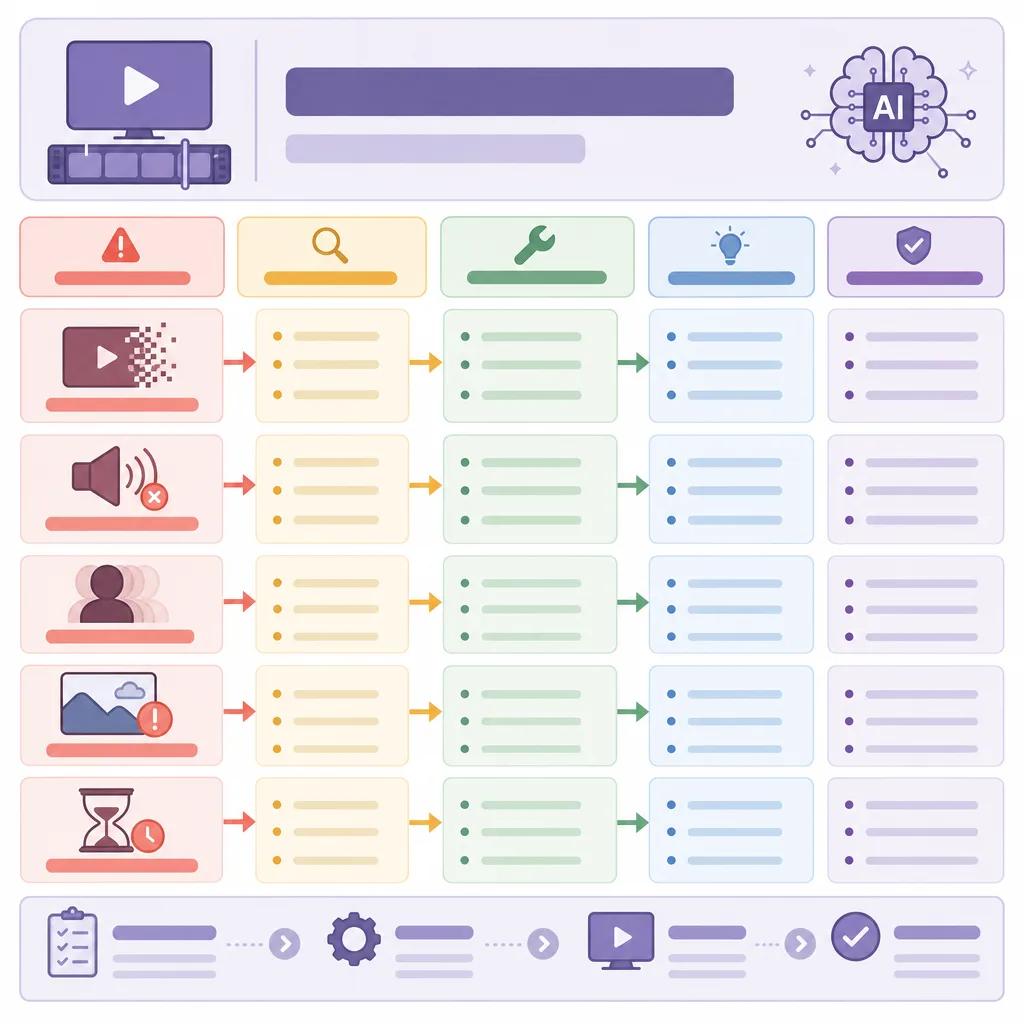
Video glitches are perhaps the most visible issues in AI video production. They can range from frame freezes to color distortions. These glitches can undermine the viewer's experience and the professionalism of your content.
To tackle video glitches, start by checking your hardware specifications to ensure they meet the software’s requirements. Updating drivers and software can also resolve many issues.
Addressing Inaccurate Content Generation
Inaccurate content generation is a common problem where the AI fails to align with the intended message or style. This often happens due to inadequate training data or incorrect algorithm configurations.
To resolve this, provide comprehensive training data that covers a wide range of scenarios. Adjust the AI model settings to better suit your project requirements.
Improving AI Training and Model Accuracy
Enhancing the accuracy of AI models can significantly reduce content generation errors. Regular updates and training sessions are crucial. Consider engaging with experts or using advanced platforms like Vexub for optimal results.
Optimizing Workflow with AI Tools
An optimized workflow is essential for efficient AI video production. Disorganized processes can lead to delays and errors. Utilize AI tools that offer comprehensive project management features.
Platforms like Vexub help streamline your workflow with features like task automation and collaborative tools.
Create videos like this with AI
Script, voiceover, images and subtitles — automated in minutes.
Handling Software Compatibility Issues
Software compatibility issues can hinder AI video production by causing crashes or unexpected behavior. These issues often arise when integrating multiple software tools or using outdated versions.
Ensure all software components are compatible and up-to-date. Consider using integrated platforms like Vexub which offer seamless compatibility and regular updates.

Enhancing AI Video Quality
Quality is paramount in video production. AI tools sometimes produce content that lacks the expected quality due to compression artifacts or poor resolution settings.
To enhance video quality, adjust the resolution and bitrate settings to optimum levels. Utilize high-quality input data and ensure your AI tool is configured to maximize quality output.
Future-Proofing Your AI Video Production
As AI technology evolves, staying updated with the latest advancements is crucial. Future-proof your video production by adopting flexible and scalable AI solutions.
Engage with communities and platforms like Vexub to remain at the forefront of AI video production innovations.
By addressing these common issues and implementing the suggested solutions, you can significantly improve your AI video production process, ensuring high-quality output and efficient workflows.







