
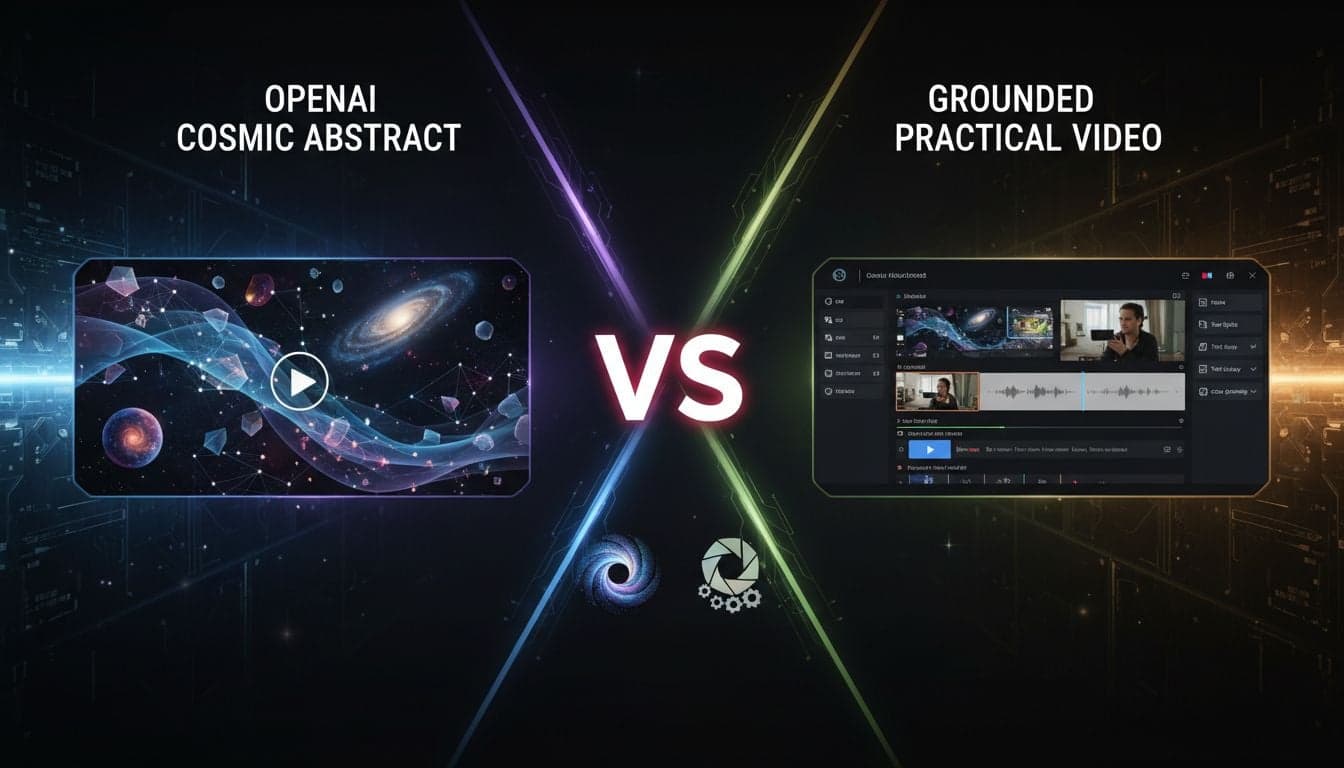
OpenAI's Sora generates stunning raw video clips that captivate audiences worldwide. But generating beautiful footage represents only 15% of the actual work required to publish a finished video. The remaining 85% includes scripting, voiceovers, subtitles, music, transitions, and final export.
This fundamental difference separates video generators from complete video production platforms. Sora excels at the former. Vexub delivers the latter. Understanding this distinction determines which tool actually saves you time and delivers publishable content.
This comparison examines both platforms across the entire video creation pipeline—from initial concept to final published video ready for YouTube, TikTok, or Instagram.
What Sora Actually Delivers
OpenAI Sora represents breakthrough technology in text-to-video generation. The model produces high-fidelity video clips up to 60 seconds long with remarkable visual coherence and physical accuracy.
Sora's Core Strengths
Visual quality: Industry-leading realism with accurate physics, lighting, and camera movements that rival professional cinematography.
Prompt understanding: Sophisticated interpretation of complex text descriptions, including scene composition, character actions, and environmental details.
Temporal consistency: Maintains visual coherence across extended clips without the jarring cuts or morphing issues common in earlier AI video tools.
Creative flexibility: Generates diverse styles from photorealistic footage to stylized animation based on prompt engineering.
What Sora Doesn't Include
Sora outputs raw video clips. After generation, you still need:
Script writing and narrative structure
Professional voiceover recording or AI voice generation
Subtitle creation, timing, and styling
Background music selection and audio mixing
Video editing software to assemble clips
Transition effects and scene timing
Platform-specific formatting and export
For professional content creators, this means Sora integrates into an existing video production workflow rather than replacing it. You'll export clips from Sora, then move to Premiere Pro, DaVinci Resolve, or Final Cut Pro to complete the actual video.
Vexub's Complete Production Pipeline
Vexub approaches video creation from the opposite direction. Instead of generating raw footage that requires extensive post-production, Vexub provides an end-to-end system that transforms text input into finished, publishable videos.
Integrated Workflow Components
Script-to-storyboard: Paste your script or let AI generate one. Vexub automatically segments content into scenes with timing.
Visual generation: Choose from multiple AI engines including Sora 2, Veo 3, or custom image styles for each scene.
AI voiceover: Select from 50+ natural-sounding voices in multiple languages, or clone your own voice for consistent branding.
Automatic subtitles: AI-generated captions with customizable styles, positioning, and animations—critical for social media engagement.
Music library: Integrated royalty-free music with auto-ducking that reduces volume during dialogue.
One-click export: Platform-optimized output for YouTube, TikTok, Instagram Reels, or custom specifications.
This integrated approach means you input text and receive a finished video. The entire production pipeline executes within a single platform, eliminating the need to juggle multiple tools and file formats.
Create videos like this with AI
Script, voiceover, images and subtitles — automated in minutes.
Production Speed Comparison
Time-to-publish represents the ultimate metric for content creators managing consistent upload schedules.
Creating a 60-Second Social Media Video with Sora
Prompt engineering: 15-30 minutes testing different prompts to achieve desired visual style and action.
Generation wait: 5-10 minutes per attempt (may require multiple iterations).
Download and organize: 5 minutes exporting clips and organizing project files.
Script writing: 20-40 minutes crafting narration that matches generated footage.
Voiceover recording: 30-60 minutes recording, re-recording, and editing audio (or 10-20 minutes with separate AI voice tool).
Video editing: 60-90 minutes importing to editing software, syncing audio, adding transitions.
Subtitle creation: 20-30 minutes manually timing and styling captions.
Music and mixing: 15-25 minutes selecting music, adjusting levels, ensuring audio balance.
Export and upload: 10-15 minutes rendering final video and uploading to platform.
Total time: 3-5 hours for a single 60-second video.
Creating the Same Video with Vexub
Script input: 5-10 minutes writing or AI-generating script content.
Visual selection: 10-15 minutes choosing Sora 2, Veo 3, or custom styles per scene.
Voice and music: 5 minutes selecting voice talent and background music from library.
Subtitle styling: 2 minutes choosing from preset caption styles optimized for social media.
Review and adjust: 10-15 minutes previewing and making timing adjustments.
Export: 5 minutes generating platform-optimized final video.
Total time: 35-50 minutes for the same 60-second video.
Vexub delivers 6-8x faster production by handling all post-production steps automatically. For creators publishing daily content, this difference determines whether consistent uploads are actually sustainable.
Video Quality and Customization
Speed means nothing if output quality suffers. Both platforms deliver professional results, but with different strengths.
Sora's Quality Characteristics
Sora generates the highest-fidelity raw footage available from any AI video tool. The visual realism, physics accuracy, and cinematic camera work exceed what most competing tools produce. For projects where visual quality represents the primary value—art films, visual effects shots, or conceptual demonstrations—Sora's output quality justifies the additional post-production work.
However, this quality applies only to the visual component. Audio quality, subtitle readability, and overall production polish depend entirely on your editing skills and tool choices.
Vexub's Quality Approach
Vexub integrates multiple best-in-class AI engines for different use cases. When you need Sora-level visuals, select Sora 2 generation for specific scenes. When Google's Veo 3 better matches your style requirements, switch to Veo 3. For faster generation with consistent style, use Vexub's custom image modes.
This multi-engine approach means visual quality matches your specific scene requirements rather than forcing all content through a single generation model. Combine this with professional AI voices, optimized subtitle styling, and curated music, and the final video quality often exceeds what individual creators produce manually assembling separate tools.
Customization Depth
Sora: Deep customization of visual generation through prompt engineering. Limited customization for other production elements since you control those manually in your editing software.
Vexub: Moderate visual customization through scene-by-scene engine selection and style parameters. Extensive customization of voice, subtitles, music, and transitions through integrated controls.
Neither platform offers unlimited control over every detail. Sora trades post-production flexibility for generation quality. Vexub trades granular visual control for integrated production efficiency.
Use Case Suitability
The right tool depends on your specific content goals and production context.
When Sora Makes Sense
Visual effects shots: You need specific high-quality footage to integrate into larger productions edited in professional software.
Conceptual demonstrations: Visual quality and accuracy matter more than production speed—architectural visualizations, product concepts, or artistic experiments.
Existing video workflow: You already use Premiere Pro or DaVinci Resolve and want to enhance that workflow with AI-generated B-roll or establishing shots.
Budget for production time: You have dedicated editing staff or hours available for post-production work on each video.
When Vexub Delivers Better Results
Consistent content publishing: You need to produce multiple videos weekly for YouTube, TikTok, or Instagram without hiring a production team.
Faceless content channels: You're building educational, storytelling, or niche content channels where voice and subtitles matter as much as visuals.
Limited editing experience: You want professional results without mastering complex video editing software.
Rapid testing: You need to test multiple content ideas quickly to identify what resonates with your audience before investing deep production time.
Team scalability: Multiple team members need to produce consistent quality without each becoming video editing experts.
Pricing and Accessibility
Cost structures reflect each platform's different approaches to video creation.
Sora Pricing Model
OpenAI charges for Sora through ChatGPT Plus or Pro subscriptions, with generation costs based on video length and resolution. The subscription provides access to the generation tool, but doesn't include editing software licenses, stock music, or other production resources you'll need separately.
Total cost includes: Sora subscription + video editing software + stock music licenses + AI voice tools + subtitle software (if not included in editor) + additional storage for project files.
Vexub Pricing Model
Vexub offers tier-based pricing that includes the entire production pipeline. Subscription covers AI generation engines, voice library, music library, subtitle generation, and unlimited exports. No additional software purchases required.
Total cost: Single Vexub subscription covers end-to-end production.
For individual creators producing regular content, Vexub's all-inclusive pricing often costs less than assembling separate tools to match its feature set. For studios already invested in professional editing suites, adding Sora expands capabilities without replacing existing infrastructure.
The Real Comparison: Clips vs Complete Videos
The core difference between Sora and Vexub isn't quality or features—it's output definition. Sora produces video clips. Vexub produces finished videos ready to publish.
Both tools serve legitimate needs. Sora extends creative possibilities for those who already know video production. Vexub democratizes video creation for those who have stories to tell but lack production expertise or time.
Your choice depends on one question: Do you want to make videos or do you want to have videos made?
If you enjoy the editing process, want granular control over every transition, and have time to master professional tools, Sora integrates beautifully into that workflow.
If you want to transform ideas into published content as quickly as possible—testing content strategies, building audiences, and maintaining consistent upload schedules—Vexub's complete pipeline eliminates the production bottleneck that stops most creators before they start.
Making Your Decision
Test both approaches with a single video project. Generate footage with Sora, then complete the full production process manually. Time every step. Note where you struggled or needed to learn new skills.
Then create the same video concept with Vexub's integrated workflow. Compare not just the final quality, but the time invested, stress level, and whether you could realistically maintain that pace for consistent content publishing.
The tool that lets you actually publish is better than the tool that generates perfect clips you never finish editing.







