
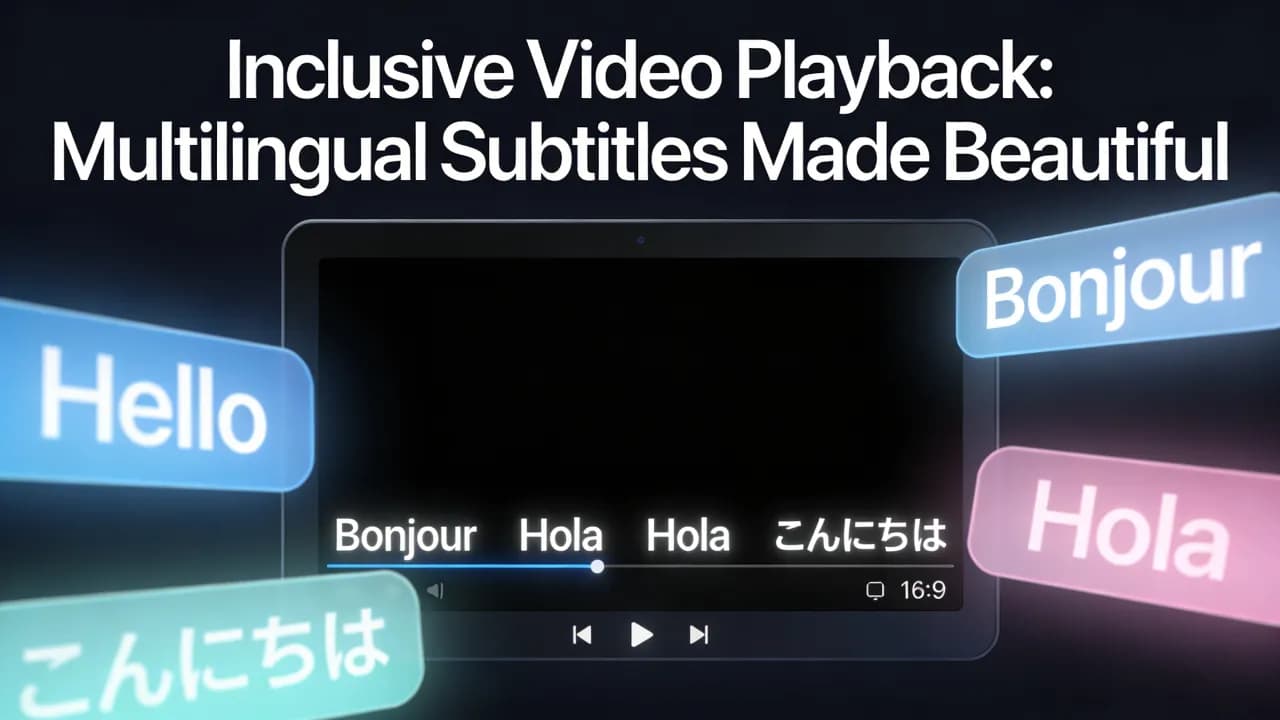
Subtitles used to be a luxury reserved for professional productions with dedicated transcription teams. Today, AI has made accurate, beautifully styled subtitles accessible to every video creator regardless of budget or technical skill. Whether you publish on YouTube, TikTok, Instagram, or your own website, AI subtitles are one of the highest-impact additions you can make to your content.
This guide covers everything: how AI subtitle technology works under the hood, how to evaluate different tools, best practices for accuracy and styling, and the measurable impact subtitles have on engagement, accessibility, and SEO.
How AI Subtitle Technology Works
AI subtitle generation is powered by automatic speech recognition (ASR) models. These deep learning systems are trained on hundreds of thousands of hours of transcribed audio spanning dozens of languages, accents, and recording conditions. When you upload a video, the ASR model processes the audio waveform and outputs a time-stamped transcript — a sequence of words, each tagged with its precise start and end time.
Modern ASR models like OpenAI Whisper and its successors achieve word error rates below five percent on clean audio, which rivals professional human transcriptionists. The technology handles background music, multiple speakers, and accented speech far better than the rule-based systems of just a few years ago.
The Processing Pipeline
Audio extraction: The video file's audio track is separated and converted to a standard format for processing.
Speech recognition: The ASR model transcribes the audio into text with word-level timestamps.
Segmentation: The transcript is broken into subtitle segments, typically two to seven words per line, timed to match the natural rhythm of speech.
Styling and rendering: The segments are displayed on screen with chosen fonts, colors, animations, and positioning.
The entire pipeline runs in seconds to minutes depending on video length, compared to the hours or days required for manual transcription.
Why Every Video Needs Subtitles
Accessibility
Approximately 466 million people worldwide have disabling hearing loss, and hundreds of millions more experience mild hearing difficulties. Subtitles make your content accessible to all of them. Beyond hearing impairment, subtitles help non-native speakers, viewers in noisy environments, and anyone watching in a situation where audio is impractical.
Engagement and Retention
Platform data consistently shows that videos with subtitles achieve higher watch-through rates. On social media, where up to 85 percent of video is watched without sound, subtitles are not an enhancement — they are essential. Viewers who can read along while watching are more likely to stay engaged because they process information through two channels simultaneously.
SEO and Discoverability
Search engines and platform algorithms cannot watch your video, but they can read your subtitles. Accurate captions provide a text layer that platforms use for indexing, search ranking, and content recommendations. YouTube, for example, uses caption data to understand video topics and serve them to relevant search queries.
Global Reach
AI subtitle tools increasingly support translation, allowing you to generate subtitles in languages your viewers speak, even if you do not. This opens your content to entirely new audiences without reshooting or re-recording anything.
Create videos like this with AI
Script, voiceover, images and subtitles — automated in minutes.
How to Choose an AI Subtitle Tool
The market is crowded with subtitle generators, but they are not all equal. Here are the criteria that matter most:
Accuracy
Accuracy is the foundation. A tool that consistently produces errors creates more work than it saves because you spend time correcting mistakes. Test any tool with your own content, especially if you use technical jargon, speak quickly, or have an accent. Look for tools that use state-of-the-art ASR models and allow easy manual corrections.
Timing and Segmentation
Subtitle timing is just as important as transcription accuracy. Poorly timed captions that appear too early, too late, or linger too long disrupt the viewing experience. The best tools segment text into natural reading chunks that match speech rhythm rather than dumping entire sentences on screen at once.
Styling Options
For social media content, subtitle styling directly impacts engagement. Look for tools that offer customizable fonts, colors, backgrounds, text animations (word-by-word highlight, karaoke-style reveal), and positioning controls. The ability to save style presets is a significant time-saver for creators publishing regularly.
Language Support
If you create content in multiple languages or target international audiences, verify that the tool supports your languages with high accuracy. Some tools excel in English but underperform in other languages.
Export Formats
Depending on your workflow, you may need burned-in subtitles (hardcoded into the video file), SRT files for platform upload, or both. The most flexible tools offer all export options.
Best Practices for AI Subtitles
Always Review and Correct
Even the best AI makes occasional errors, especially with proper nouns, brand names, and technical terms. Build a quick review step into your workflow. Most tools provide an editor where you can scan the transcript, fix errors, and adjust timing before exporting.
Keep Line Length Short
Short subtitle segments — two to five words at a time — are easier to read on small screens and create a dynamic, engaging visual rhythm. Avoid long sentences that force viewers to read quickly. If your tool allows word-by-word or phrase-by-phrase display, use it.
Use High-Contrast Styling
White text on a dark semi-transparent background is the classic approach because it works on virtually any video. For social media, bold colored text with a dark outline or shadow offers more visual impact while maintaining readability. Avoid thin fonts or low-contrast color combinations.
Position Thoughtfully
Center-bottom is the traditional subtitle position, but for short-form vertical video, center or upper-center positioning often works better because the lower portion of the screen is occupied by platform UI elements (like buttons, captions, and comment previews). Test positioning on the actual platform to make sure nothing is obscured.
AI Subtitles vs. Manual Subtitles
This is one of the most common questions creators ask. The short answer: for most use cases, AI subtitles win on speed and cost while delivering accuracy that is close enough to manual transcription that the difference is negligible. For a detailed comparison of accuracy, turnaround time, and cost, see our dedicated article on auto captions vs. manual subtitles.
The exception is high-stakes content — legal depositions, medical transcriptions, or broadcast-quality productions — where near-perfect accuracy is non-negotiable. Even in those cases, the most efficient workflow is to use AI for the first pass and have a human editor review and correct.
Impact on Short-Form Video Performance
Subtitles have an outsized impact on short-form video because the format is consumed in distracted, sound-off environments. Creators who add animated subtitles to their TikToks, Reels, and Shorts consistently report 15 to 40 percent increases in average watch time. The effect is compounding: higher watch time signals quality to the algorithm, which pushes the video to more viewers, which generates more engagement.
If you are repurposing long-form content into short clips, subtitles should be part of the repurposing pipeline from the start, not added as an afterthought.
The Future of AI Subtitles
The technology is evolving rapidly. Emerging capabilities include real-time subtitle generation for live streams, automatic speaker identification and labeling, emotion-aware styling that changes subtitle appearance based on tone, and seamless multi-language subtitle generation from a single video. Within the next few years, AI subtitles will likely become an invisible, automatic layer on every video published online.
Final Thoughts
AI subtitles are no longer a nice-to-have — they are a baseline expectation. Viewers have grown accustomed to captions on social media, and videos without them feel incomplete. The tools are fast, affordable, and accurate enough that there is no defensible reason to skip subtitles in 2026.
Add subtitles to every video. Your audience, your algorithm performance, and your accessibility compliance will all be better for it.







