
Creating captivating and educational content for children has become a breeze with the advent of AI. These tools not only simplify the process but also inject creativity and engagement into every frame. In 2026, the landscape of kids video production is more dynamic than ever, thanks to advanced AI technologies.
Parents, educators, and creators now have access to a plethora of AI tools tailored specifically for children's content. From storytelling to animation, these technologies offer a wide range of possibilities that make video creation both fun and efficient. Let's explore the best AI tools available for crafting kids videos this year.
What Are AI Tools for Creating Kids Videos?
AI tools for creating kids videos utilize artificial intelligence to automate and enhance various aspects of video production. These tools can generate characters, design storylines, animate scenes, and even add sound effects, all while maintaining a child-friendly approach.
One of the key benefits of using AI in kids video production is the ability to create content that is not only entertaining but also educational. By incorporating learning elements into engaging narratives, these tools help maintain children's interest and improve their understanding of various subjects.
Top AI Tools for Kids Video Production
Several AI tools stand out in 2026 for their ability to create high-quality kids videos. Each tool offers unique features that cater to different aspects of video creation, making them suitable for a variety of content types.
1. Krikey AI: This tool excels in creating 3D animations and interactive stories. It allows users to generate cartoon characters and animate them in vibrant, engaging environments.
2. Animaker: Known for its user-friendly interface, Animaker allows users to create animated videos with ease. It offers a wide range of templates and characters designed specifically for kids content.
3. Toonator: Toonator is perfect for creating short, funny animations. Its simple drawing tools and animation features enable creators to produce humorous and engaging content quickly.
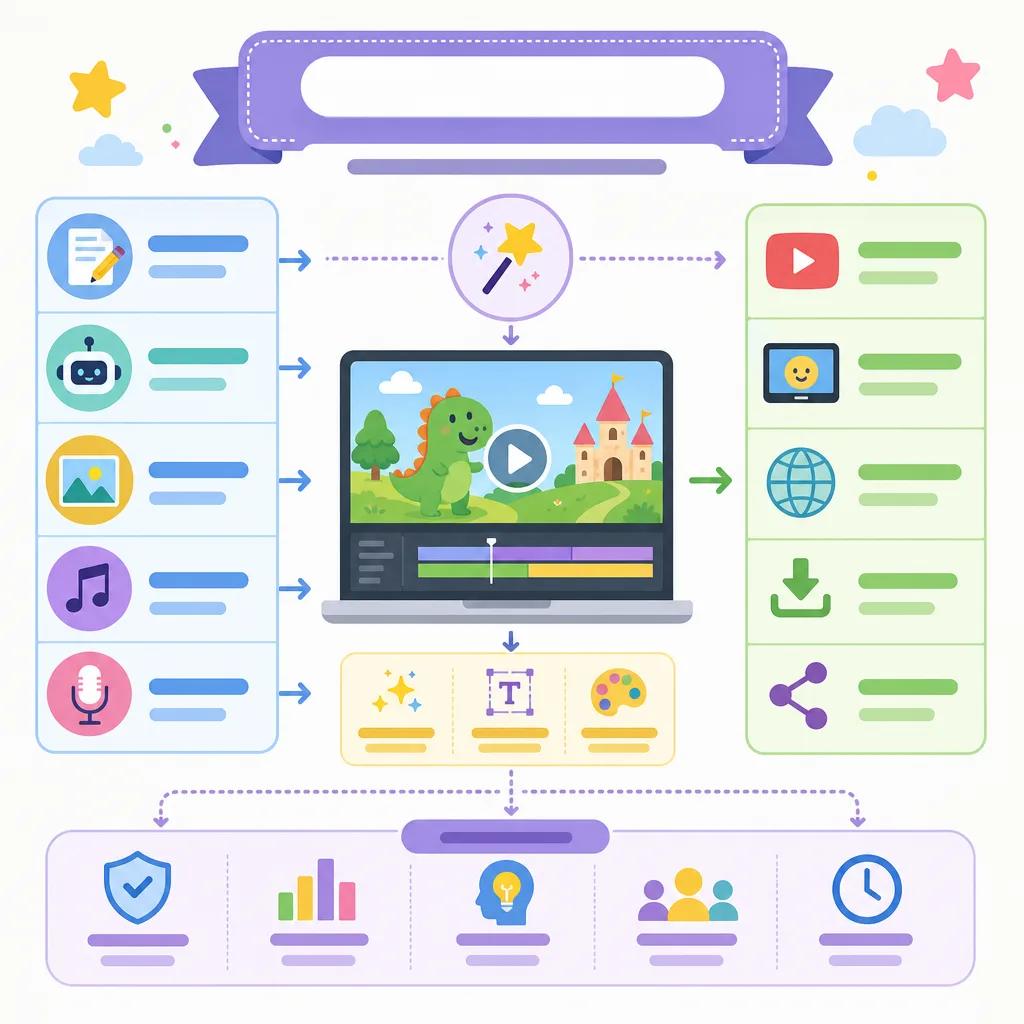
How to Make AI Generated Kids Videos
Creating kids videos using AI tools is a straightforward process. Start by selecting a tool that matches your content goals, whether it's storytelling, animation, or educational content. Once you've chosen a tool, follow these general steps:
Draft a storyboard outlining your video's structure.
Choose characters and backgrounds from the tool's library.
Add animations and transitions to bring your story to life.
Incorporate sound effects and music to enhance engagement.
Review and edit your video to ensure it meets your quality standards.
With these steps, you can create videos that captivate young audiences and convey educational messages effectively. If you're interested in more detailed strategies, consider exploring our article on ", making educational shorts with AI, ".
Benefits of Using AI in Kids Video Production
AI tools offer several significant benefits for kids video production. They streamline the creation process, making it accessible even to those without extensive video editing skills. This democratization of technology allows more creators to enter the space and produce high-quality content.
Moreover, AI tools often come with features that enhance creativity, such as customizable characters and backgrounds, automated editing, and intelligent suggestions for improving video quality. These features make it easier to produce content that is not only entertaining but also educational and enriching.
Create videos like this with AI
Script, voiceover, images and subtitles — automated in minutes.
Can a Child Create Videos Using AI?
With the right guidance, even children can participate in creating videos using AI tools. These tools are designed with user-friendliness in mind, often featuring intuitive interfaces and step-by-step tutorials. Children, especially those with an interest in technology and storytelling, can find these tools engaging and educational.
Guidelines for Parents and Educators
When introducing children to AI video tools, it is important to provide guidance and supervision. Here are some tips:
Ensure the content is age-appropriate and safe for children.
Encourage creativity while guiding them on technical aspects.
Set clear objectives for the video project to maintain focus.
Use the opportunity to teach about storytelling and digital literacy.
By involving children in the video creation process, you can help them develop valuable skills while also producing content that resonates with their peers.
Choosing the Right AI Tool for Your Needs
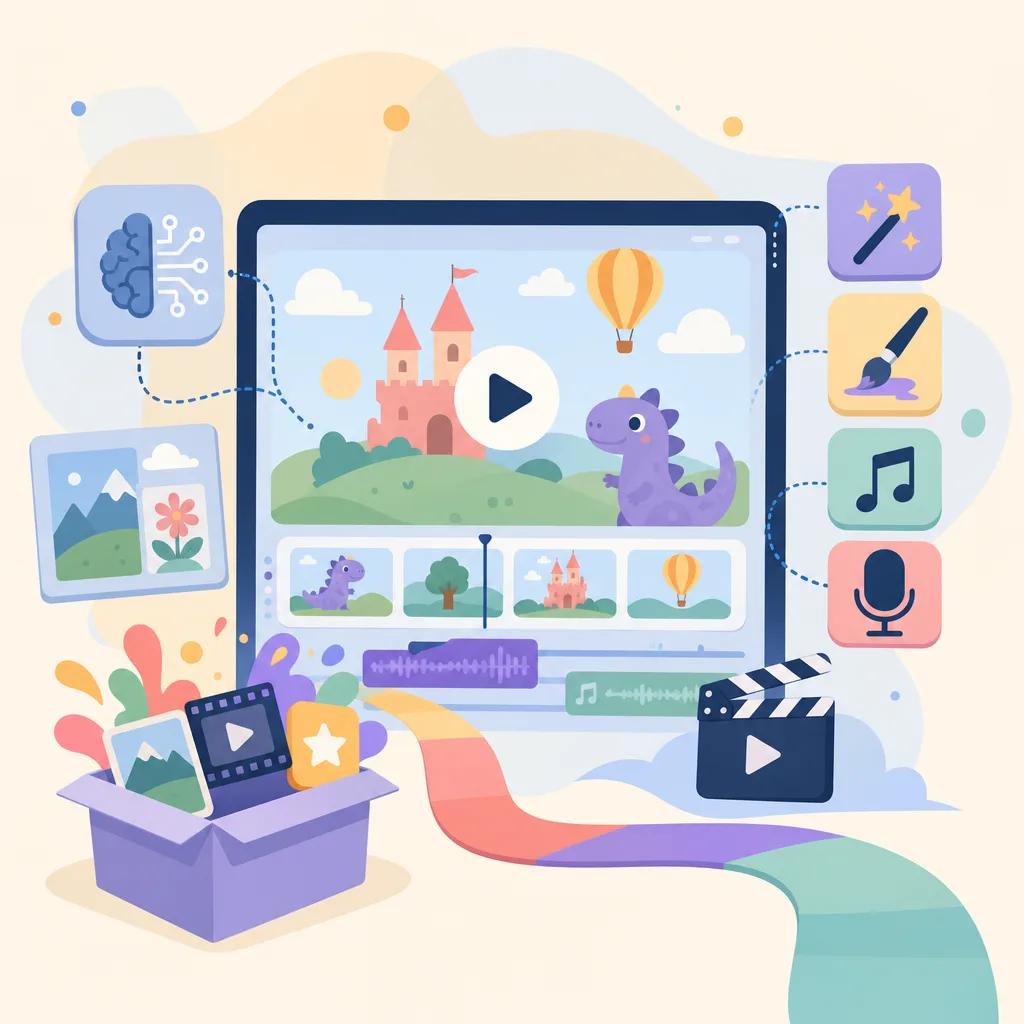
Selecting the best AI tool for creating kids videos depends on your specific needs and objectives. Consider the following factors when making your choice:
Type of content: Determine whether you need a tool for animation, live-action, or interactive videos.
Ease of use: Look for tools with intuitive interfaces and comprehensive tutorials.
Budget: Some tools offer free versions with basic features, while others might require subscriptions for advanced capabilities.
For a comprehensive comparison of AI video platforms, explore our detailed analysis in the article ", top AI video platforms comparison 2026, ".
In conclusion, AI tools for creating kids videos offer immense potential for delivering educational and entertaining content. By choosing the right tools and approach, you can create videos that delight and educate young audiences. Vexub continues to support creators in this endeavor, offering a platform that integrates seamlessly with these advanced tools.







