
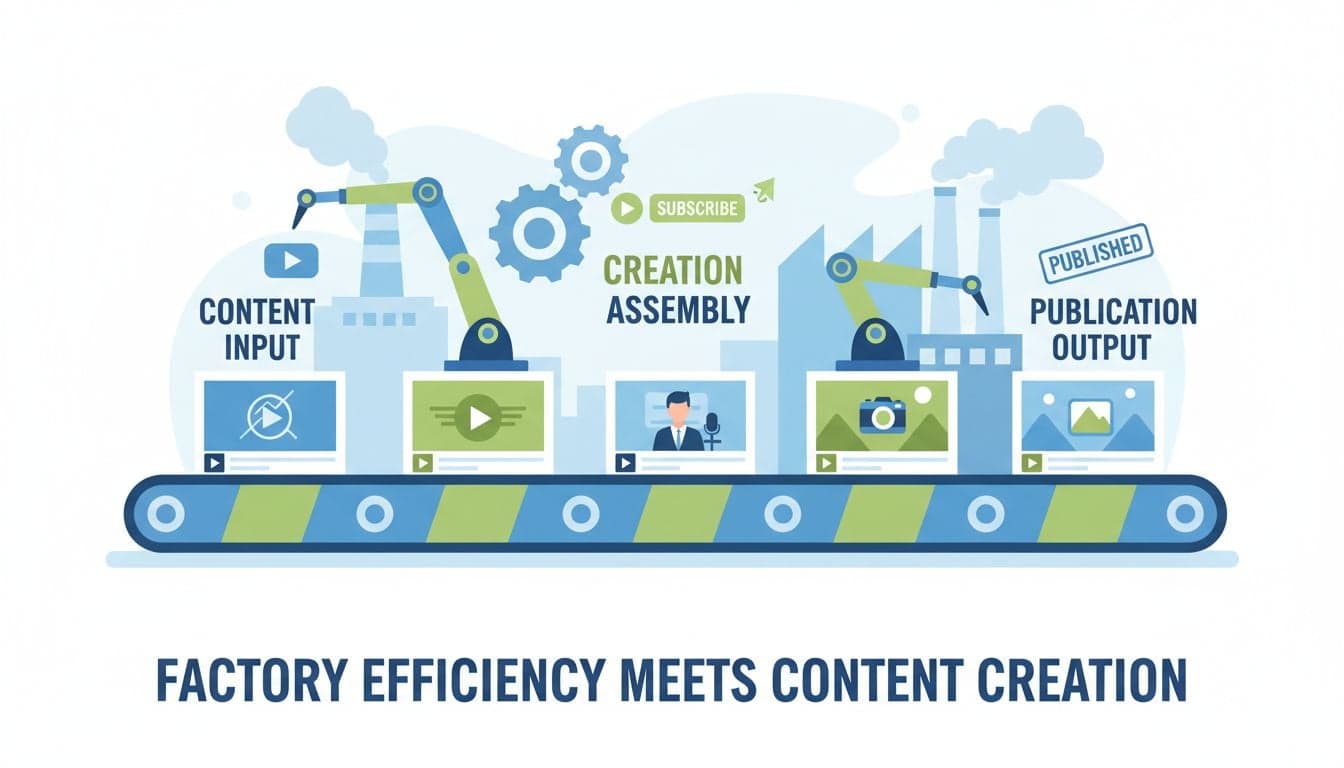
Creating 30 videos in one day sounds impossible. Manual video production averages 2-4 hours per video, meaning a month of content requires 60-120 hours of work. AI changes this equation completely.
The secret isn't working faster—it's working in batches. By structuring your AI content creation workflow around batch production principles, you can compress a month of video creation into a single focused workday. This workflow has helped creators produce 30-50 videos in 6-8 hours.
This guide breaks down the exact system for batch video production at scale, including preparation, execution, and quality control steps that maintain high standards while maximizing speed.
Understanding Batch Production vs. Sequential Creation
Traditional video creation follows a sequential model: script one video, produce it, edit it, export it, then move to the next. This approach creates constant context switching that destroys efficiency.
Batch production groups similar tasks together. You script all 30 videos at once, then generate all visuals, then add all voiceovers, then apply all effects. This reduces cognitive load and leverages AI capabilities more effectively.
Sequential creation: 30 videos × 2 hours each = 60 hours minimum
Batch production: 30 videos in 6-8 hours with AI assistance
Efficiency gain: 87% time reduction through systematic batching
The key is treating video production as an assembly line rather than artisan craftsmanship. AI tools excel in assembly line workflows where they can apply consistent patterns across multiple outputs.
Pre-Production: The 90-Minute Setup Phase
Successful batch production starts before you touch any video software. The setup phase determines your production speed and output quality.
Content Planning and Theme Selection
Start by defining your content theme for the batch. Creating 30 unrelated videos is harder than creating 30 variations on a theme.
Single series approach: 30 episodes of "AI Tool Reviews" or "History Facts"
Template variation: Same format, different topics ("Top 5 X" series)
Seasonal batch: 30 videos related to upcoming event or trend
Choose a theme that supports your content goals while allowing enough variation to keep each video unique. Vexub works particularly well with series-based content where you can reuse visual styles and templates.
Script Generation at Scale
Generate all 30 scripts in one session using AI writing tools. Use a consistent prompt template that includes your video length, tone, and key points.
Create a master prompt template with your format requirements and style guide
Generate 30 topic variations using AI brainstorming tools
Batch produce scripts by running your template through all topics
Review and edit all scripts in a single focused session
Store scripts in a spreadsheet with columns for video number, title, hook, main points, and call-to-action. This becomes your production roadmap.
Asset Collection and Organization
Gather all assets before starting production. Stopping mid-workflow to find images or music breaks your momentum.
Background music: Select 3-5 tracks that fit your theme
Visual references: Compile image styles or stock footage categories
Brand assets: Logos, outros, watermarks ready to use
Voice settings: Decide on AI voice or clone your own voice once
With Vexub, you can create custom image styles that maintain visual consistency across all 30 videos. Set this up once during prep, then apply it throughout your batch.
Create videos like this with AI
Script, voiceover, images and subtitles — automated in minutes.
Production: The 4-Hour Creation Sprint
With preparation complete, you can now boost productivity with Vexub video generation by executing your batch in focused blocks.
Hour 1: Script Import and Initial Setup
Load all 30 scripts into your production system. In Vexub, this means creating 30 projects and pasting scripts into the text-to-video generator.
Create projects in batches of 10 for manageable organization
Use consistent naming: "Batch_March_01" through "Batch_March_30"
Set global parameters: aspect ratio, duration, visual style
Don't generate videos yet. First pass is purely setup—importing scripts, choosing voices, and configuring basic settings. This systematic approach prevents mistakes that would require regenerating content later.
Hour 2-3: AI Video Generation
Now generate all videos. Modern AI video platforms can process multiple projects simultaneously, so queue everything at once.
Queue first 10 videos and start generation
While those process, review and adjust videos 11-20
Queue next batch as previous ones complete
Use generation time to plan distribution schedule
Vexub typically processes videos in 2-5 minutes each. By overlapping generation with setup of subsequent videos, you maintain constant productivity. The AI works while you prepare the next batch.
Monitor initial outputs for quality issues. If you spot a systematic problem (wrong visual style, voice tone issues), pause and fix it before generating more videos. Better to adjust 10 videos than remake 30.
Hour 4: Customization and Polish
AI-generated videos provide 80% of what you need. The final hour adds the 20% that makes content stand out.
Custom thumbnails: Generate using AI image tools with consistent branding
Strategic edits: Adjust timing on key moments for maximum impact
Subtitle styling: Apply engaging caption styles that match your brand
Music synchronization: Ensure audio transitions align with visual changes
Focus customization on elements that drive engagement. Subtitles and thumbnails impact performance more than minor visual tweaks. Batch apply changes where possible—if you improve one subtitle style, apply it to all 30 videos.
Quality Control: The 2-Hour Review System
Batch production requires systematic quality control. Review all videos using a consistent checklist to catch issues before publishing.
Three-Pass Review Method
Watch each video three times with different focus areas:
Audio pass: Listen with eyes closed. Check voice clarity, music levels, pacing
Visual pass: Watch muted. Verify image quality, transitions, text readability
Message pass: Full watch. Does the content deliver on its promise?
This sounds time-intensive, but you can review a 60-second video three times in under 5 minutes. For 30 videos, this totals 2.5 hours maximum.
Batch Quality Fixes
When you find issues, fix them in batches rather than individually. Common fixes you can batch process:
Volume adjustments across all videos
Subtitle positioning or styling
Outro screens or CTAs
Color grading or filter application
Tools like Vexub allow you to save settings and apply them across projects, making batch fixes faster than individual adjustments.
Export and Organization: The Final 30 Minutes
Export all videos with consistent naming and organization for smooth distribution.
File naming: Date_Platform_VideoNumber (2026-03-15_TikTok_01)
Folder structure: Separate folders for raw exports, thumbnails, metadata
Metadata spreadsheet: Titles, descriptions, tags, publish dates
Backup system: Cloud storage for all source files and exports
This organization pays dividends during distribution. When you're scheduling 30 videos across platforms, clear organization prevents costly mistakes like posting wrong content or missing scheduled slots.
Advanced Batch Production Strategies
The Assembly Line Method
For maximum efficiency, create separate workstations for each production phase. If you have multiple screens or devices:
Screen 1: Script editing and review
Screen 2: AI video generation and monitoring
Screen 3: Quality control and exports
This parallel processing allows you to work on different phases simultaneously, reducing total production time to 4-6 hours for 30 videos.
Template Maximization
Create 5-7 video templates during your first batch production session. Save these in Vexub as reusable formats.
Intro template: Standard opening with customizable hook
List template: Format for top 5/10 style content
Comparison template: Before/after or option A vs B structure
Tutorial template: Step-by-step instructional format
Each subsequent batch becomes faster because you're selecting and customizing templates rather than creating from scratch. Your third batch of 30 videos might take 3-4 hours instead of 6-8.
AI Voice Cloning for Consistency
Clone your voice once, then use it across all 30 videos for perfect consistency. This eliminates the variation that occurs when recording 30 separate voiceovers over several hours.
Upload a 2-3 minute voice sample to Vexub's voice cloning feature, then use that voice for your entire batch. The AI maintains consistent energy, pacing, and tone across all videos—something difficult to achieve with manual recording.
Common Pitfalls and How to Avoid Them
First-time batch producers often make predictable mistakes. Learn from these to maximize your success:
Pitfall: Attempting 30 completely unique concepts — Solution: Use theme variations instead of unrelated topics
Pitfall: Editing each video to perfection — Solution: Accept 85% quality and publish more content
Pitfall: No preparation or asset collection — Solution: Invest 90 minutes in setup before generating anything
Pitfall: Sequential production habits — Solution: Force yourself to complete all scripts before any generation
Pitfall: Ignoring systematic quality issues — Solution: Fix problems immediately before they multiply
The biggest mistake is perfectionism. Batch production favors consistent good quality over occasional perfection. A month of published content outperforms three perfect videos still sitting unpublished.
Scaling Beyond 30 Videos
Once you master the 30-video batch, scaling to 50 or 100 videos follows the same principles with adjusted timing.
For 50 videos in one day, extend your workday to 10-12 hours or split production across two half-days. The workflow remains identical—you're simply multiplying the batch size.
For 100 videos monthly, produce two batches of 50 or four batches of 25. Breaking into smaller batches prevents mental fatigue while maintaining systematic efficiency.
Some creators use Vexub to produce 200+ videos monthly by running daily mini-batches of 7-10 videos. This creates consistent content flow without marathon production sessions.
Measuring and Improving Your Workflow
Track these metrics to refine your batch production system:
Time per video: Total production time divided by video count
Quality score: Percentage of videos requiring no post-batch fixes
Generation success rate: Videos usable without regeneration
Publishing consistency: Ability to maintain scheduled releases
Your first batch might take 10 hours for 30 videos. Your fifth batch should take 5-6 hours for better quality. Continuous improvement comes from identifying bottlenecks and systematizing solutions.
Batch video production with AI isn't about cutting corners—it's about eliminating waste. Every minute spent context-switching, searching for assets, or waiting for renders is waste. AI tools like Vexub remove that waste, letting you focus on strategy, scripting, and quality control instead of mechanical production tasks.
Start with a batch of 10 videos to learn the workflow. Once comfortable, scale to 30. The time investment for your first batch pays dividends as you develop templates, refine processes, and build your content library at scale.







