

Introduction
There are times when you are using Vexub and you are asked a question, have a technical problem, or need some help with your project. Vexub provides easy and fast access to the support team, either on the profile or via Discord. This tutorial will step-by-step show you how to reach the Vexub support team and get help right away.
Open Vexub
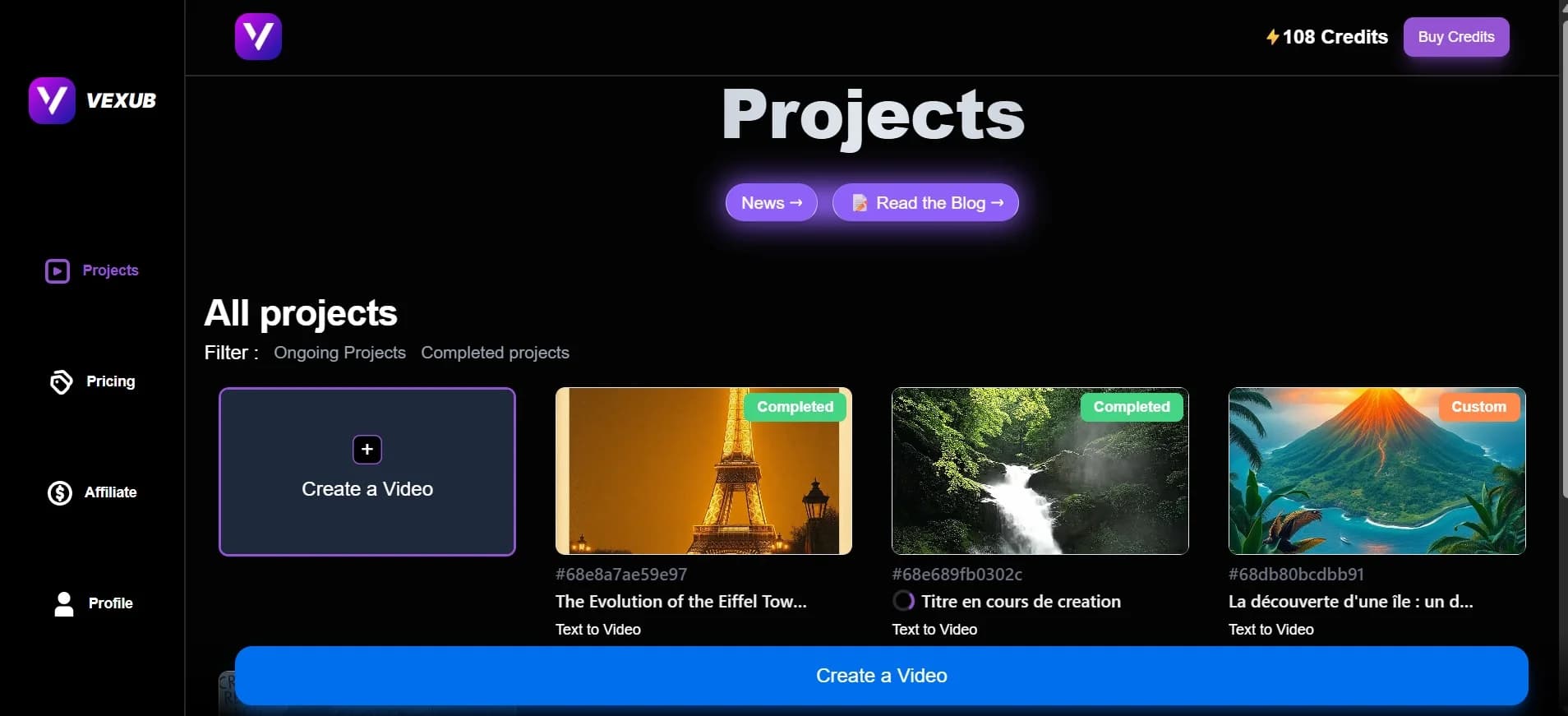
Open your Vexub account.
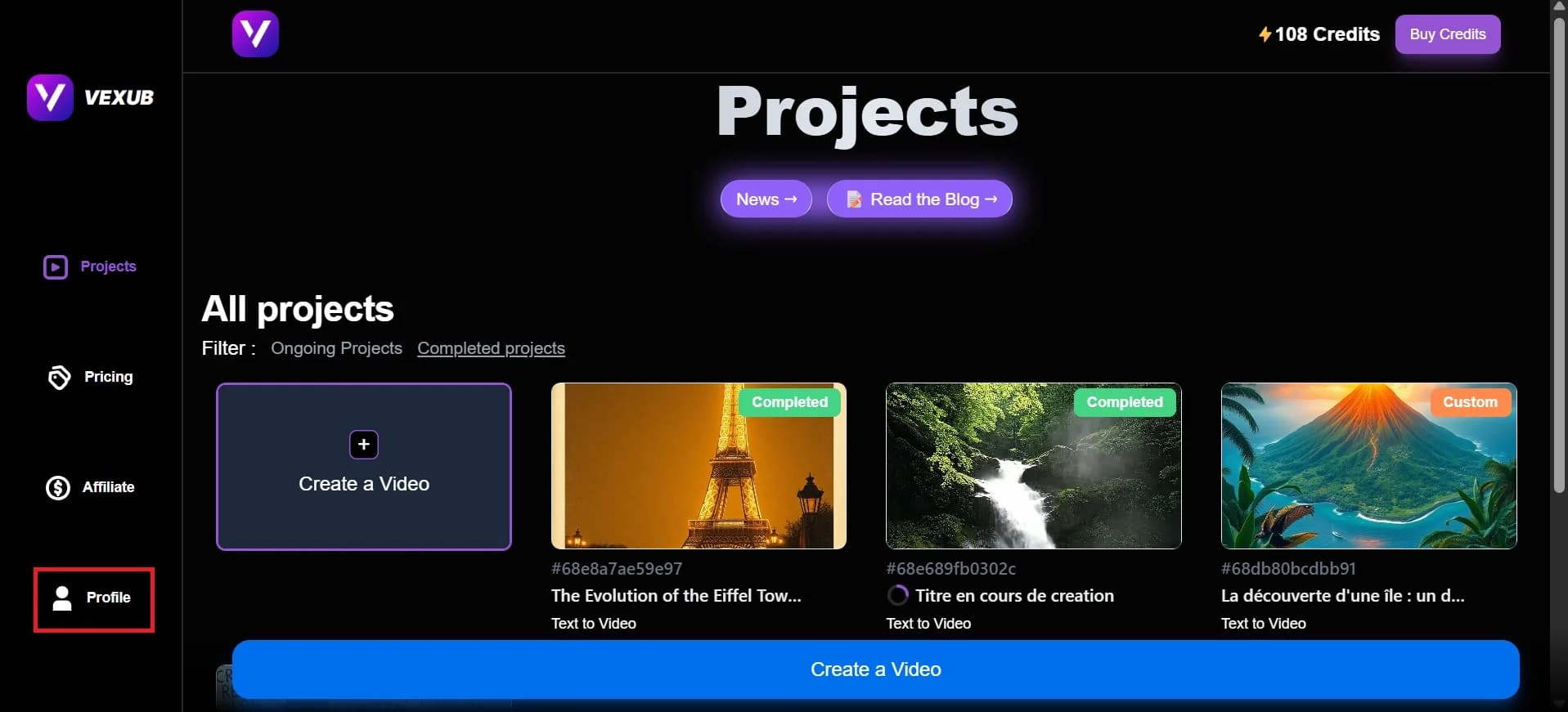
Then, Click on Profile on your Vexub Dashboard.
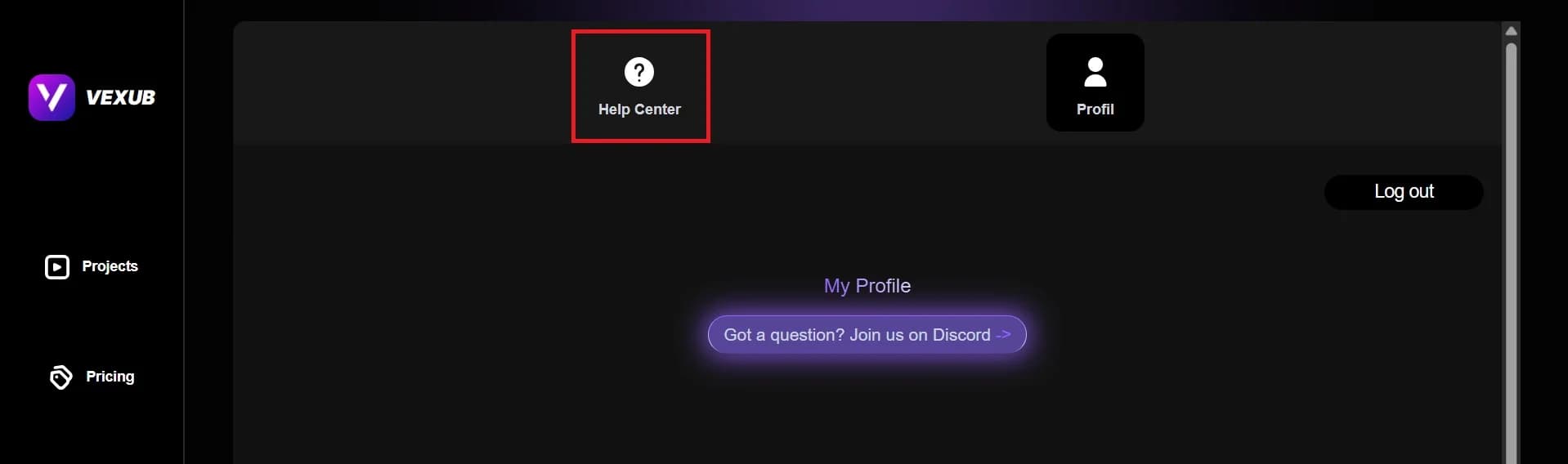
After that, click on Help Center.
Discord Contact
In Help Center, you will see this type of interface. Then Click on Contact us via Discord.
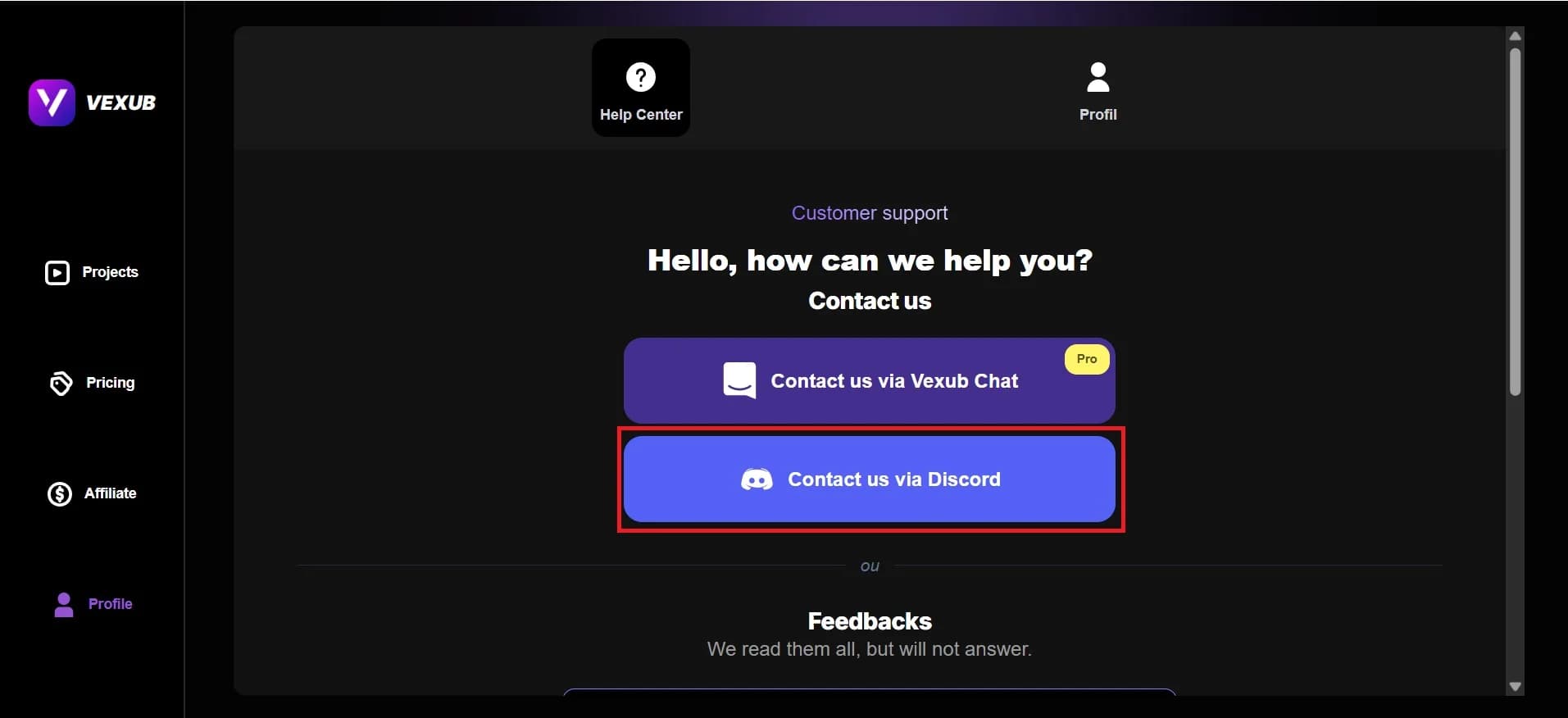
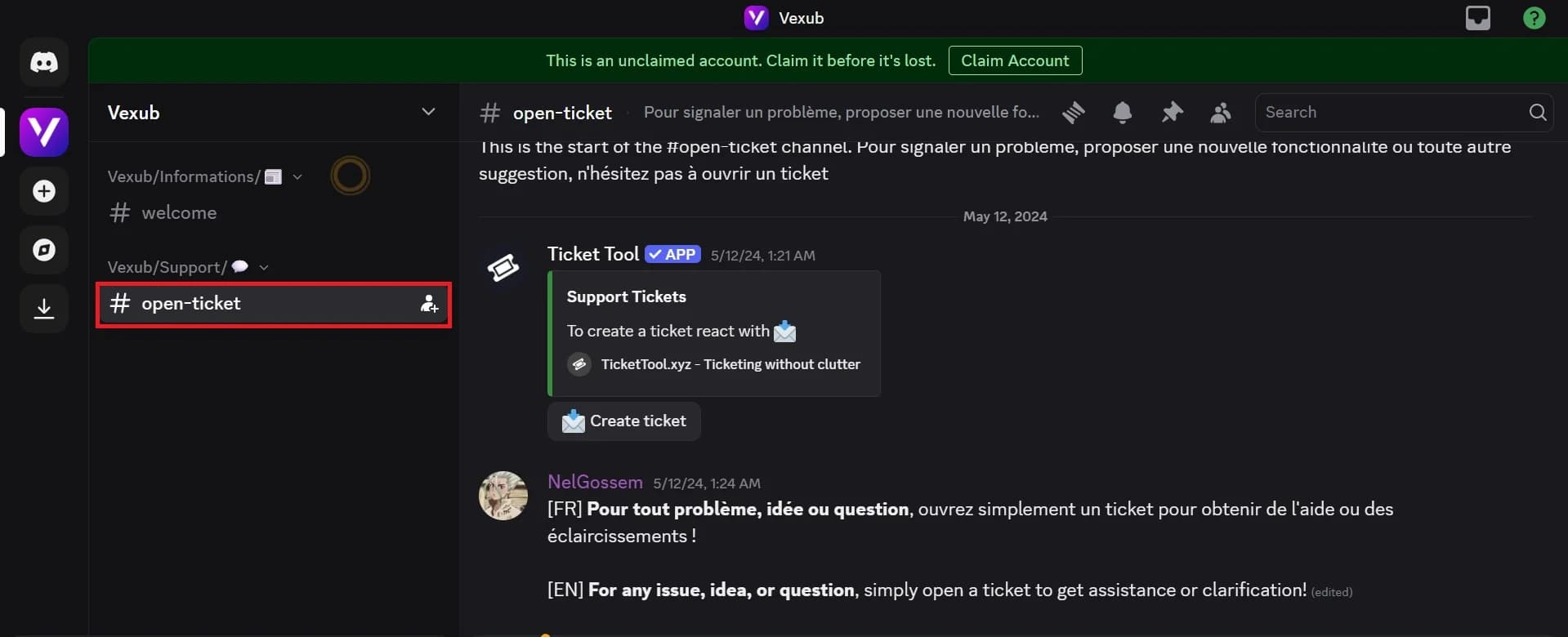
Vexub is available on the official Discord server. In order to do this, go to your Profile and press the Discord option. When you are in the server, open the channel for open tickets. On the right, you will be able to create a new support ticket by typing in your problem. Your ticket will be reviewed by the Vexub support team, whose priority is to assist you in finding a solution.
Calling Via Vexub Chat
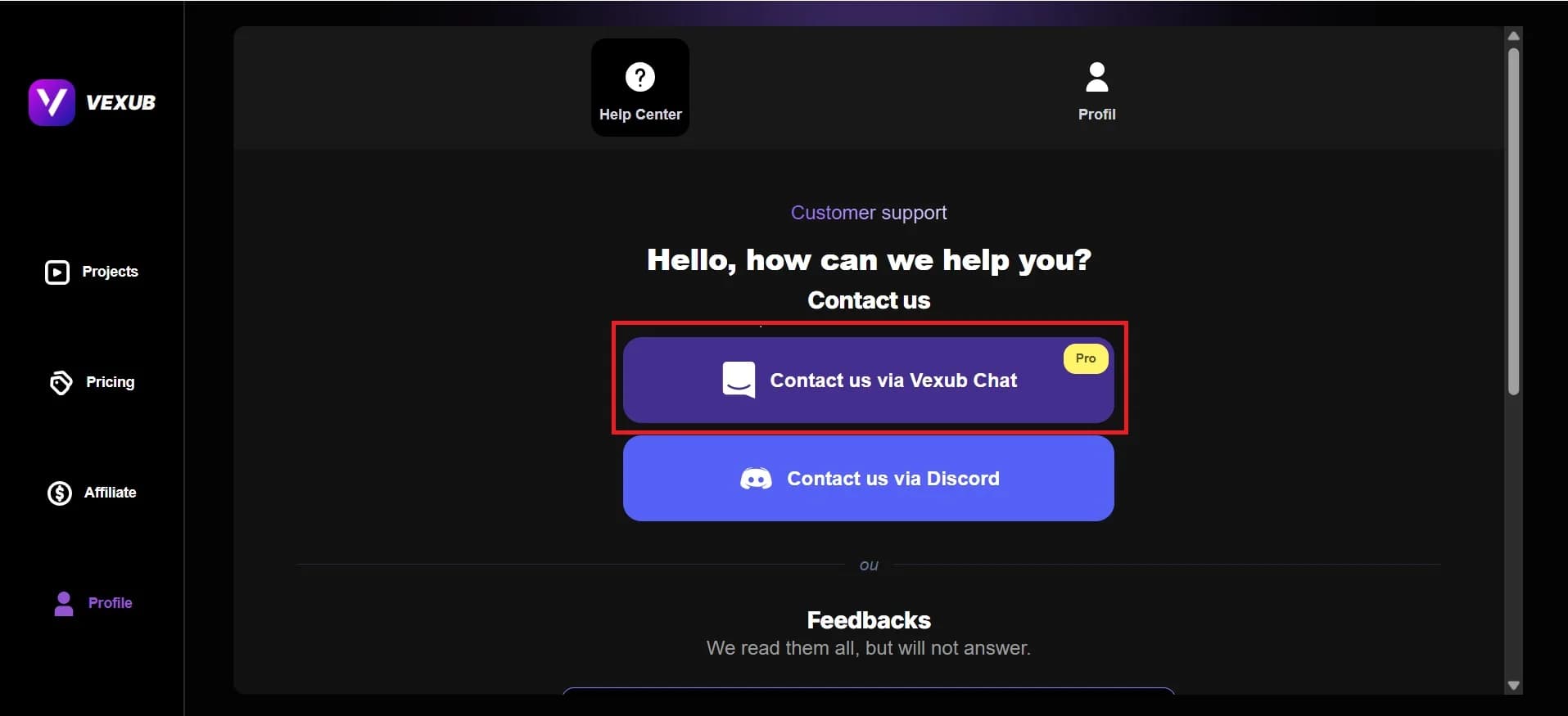
With Plus, Pro, or Enterprise plans, you can also talk with the support team right on the site. To start a live chat, press the “Contact us via Vexub Chat” button. One of the support members will act in real time to assist you in solving your problem.
In these two ways, you will find it easy to reach Vexub support anywhere.
For more on this topic, check out our guide on the Rise of AI Impossible Recipes Thanks to Vexub, our article on how To Enable Animated Emojis on Vexub, and our guide to how to Generate a VEO3 Video in Vexub.







