

Introduction
Emoji animations can help make your videos more lively and interesting. They are used to express feelings, reactions, and tone better. In Vexub, it is fast and easy to turn on animated emojis. Here are the steps to follow to turn them on in your video project and make your content more exciting.
Step 1: Open Vexub
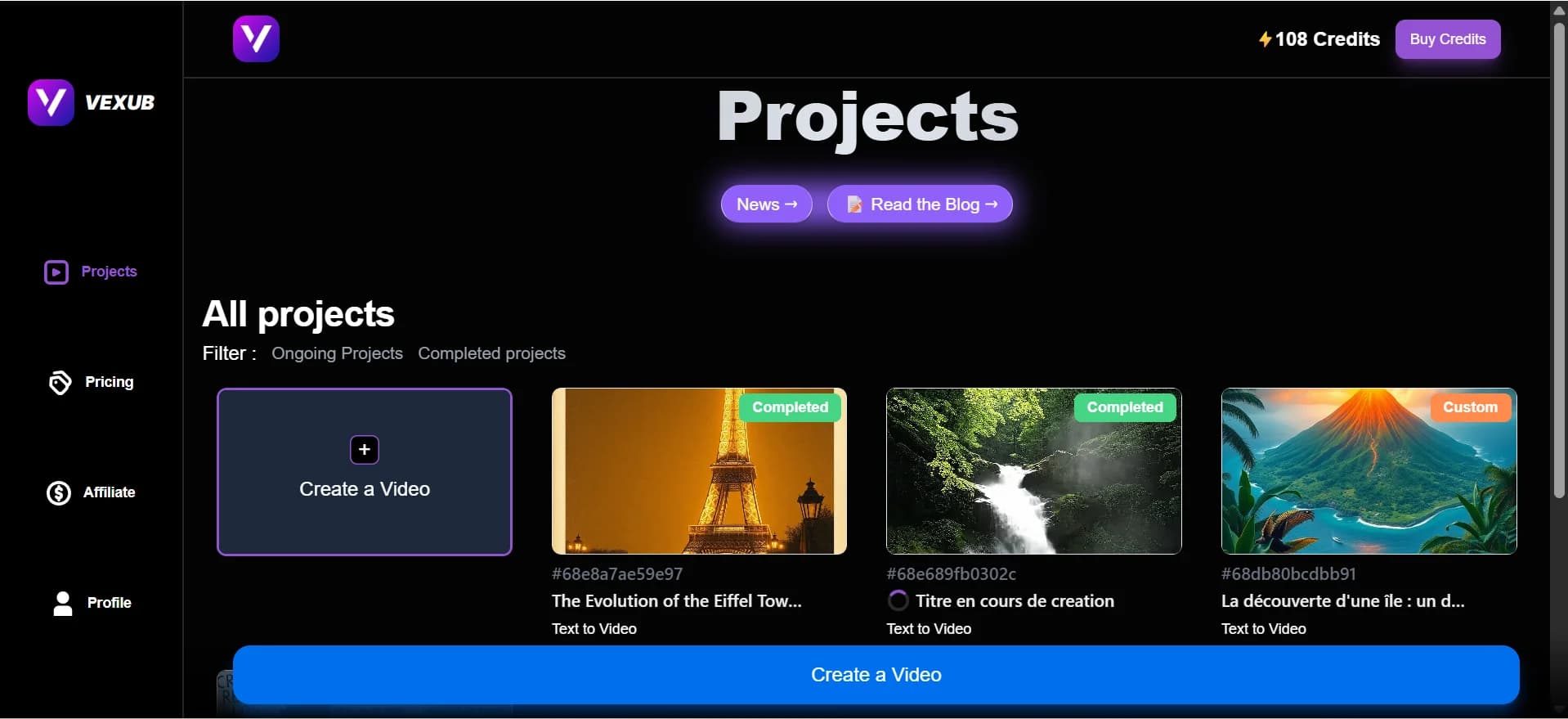
Open your Vexub account first. If you don’t have then Sign In.
Step 2: Choose Your Project
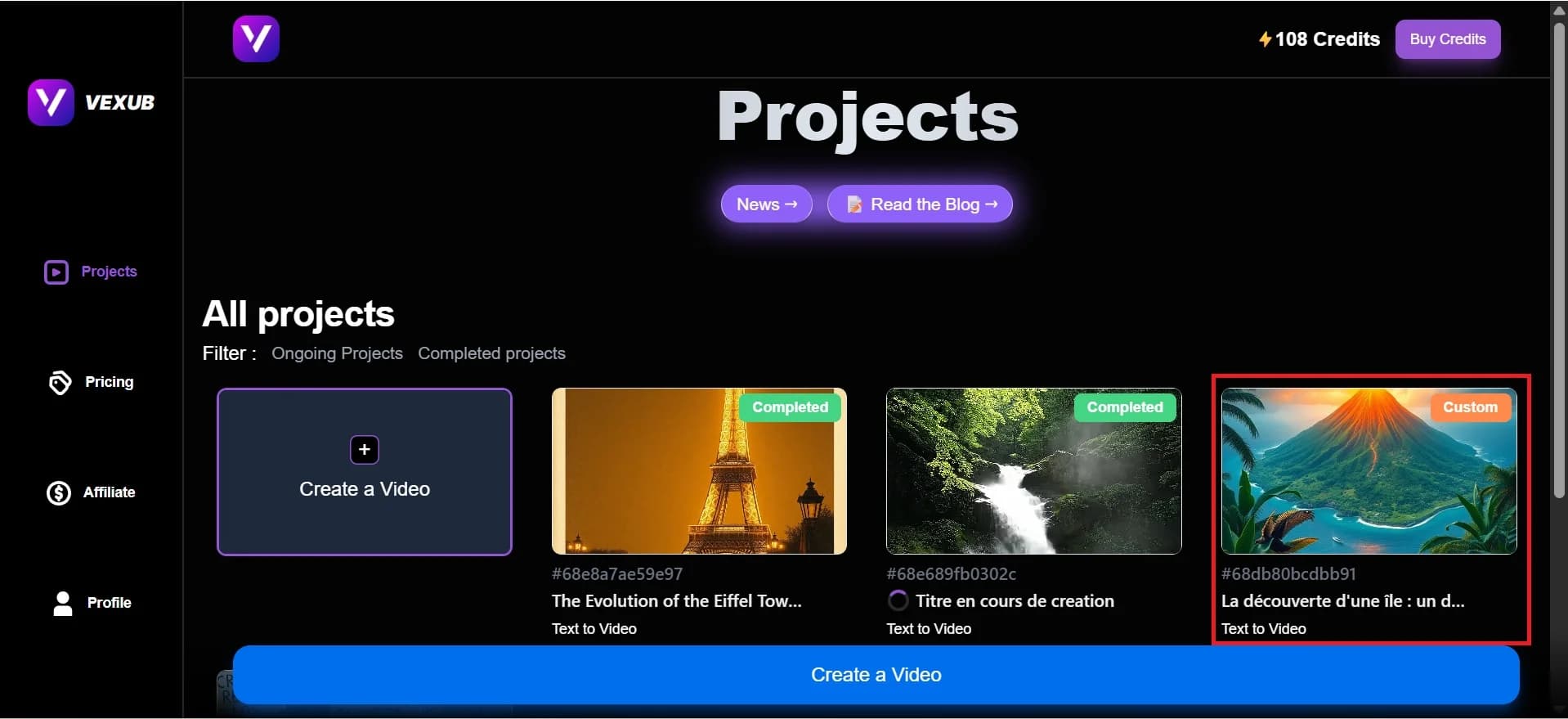
Click on the project where you want to add animated emojis.
Step 3: Go to the Project Page
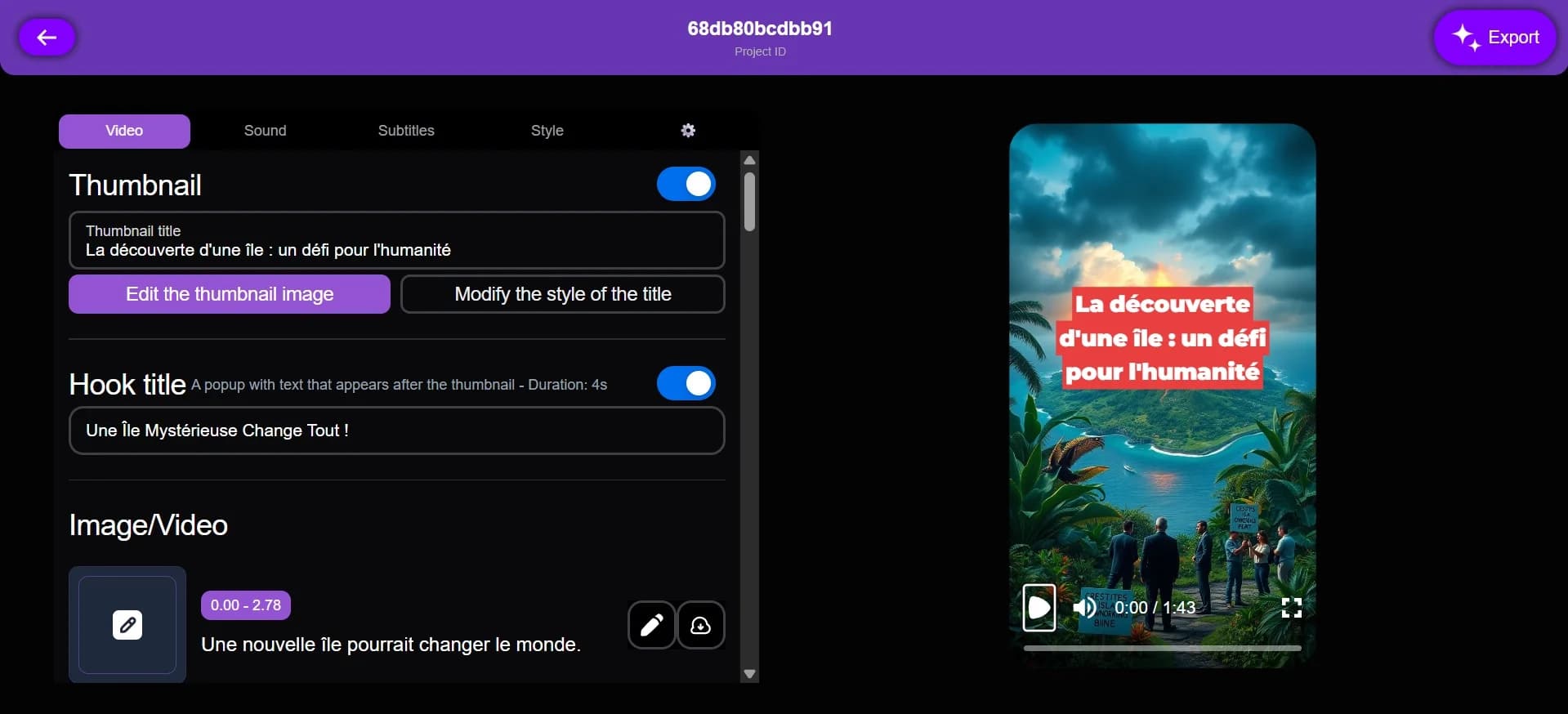
This is your Project Page. Here, you can manage different settings related to your video, including subtitles, styles, and emojis.
Step 4: Click on Subtitles
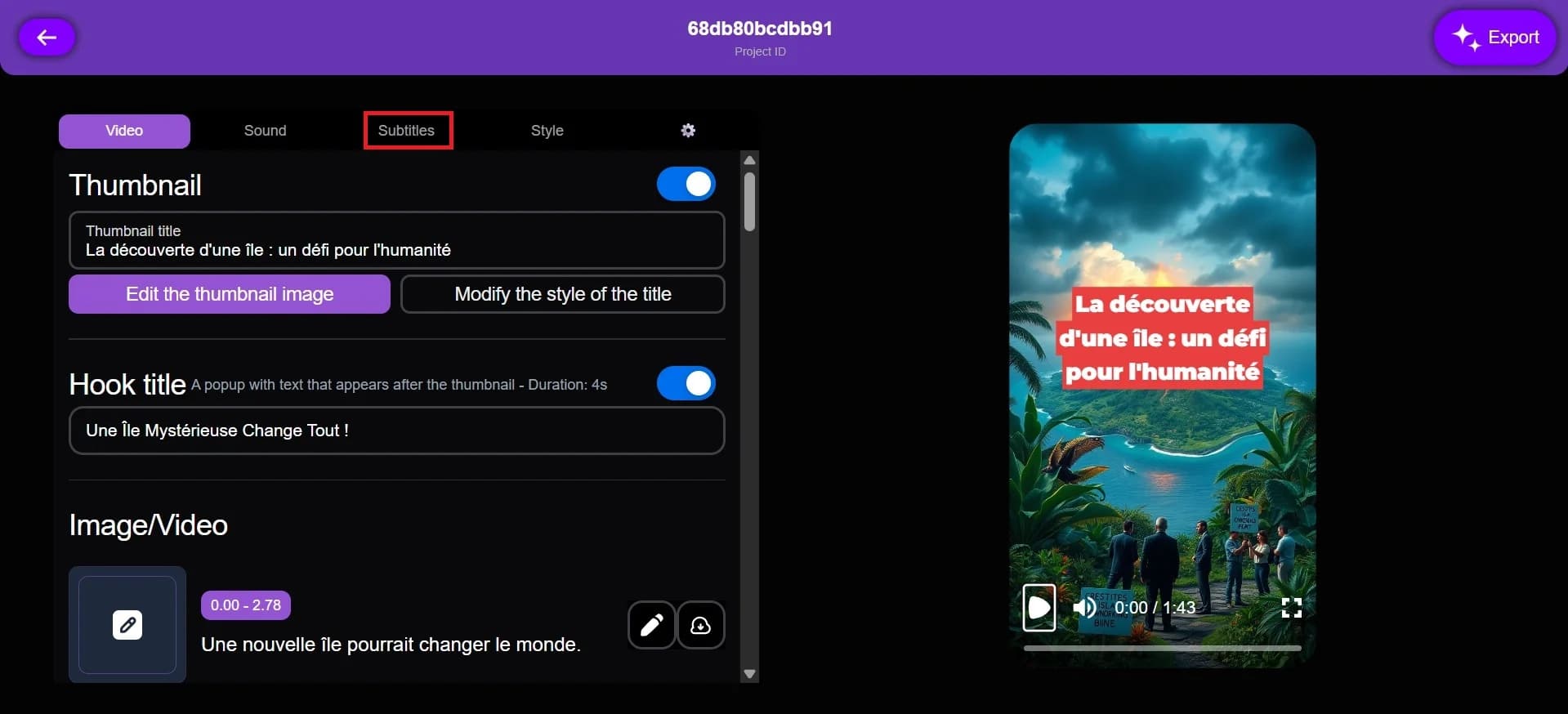
Click on the Subtitles tab. This is where you can manage the text and emoji settings for your video.
Step 5: Enable Animated Emojis
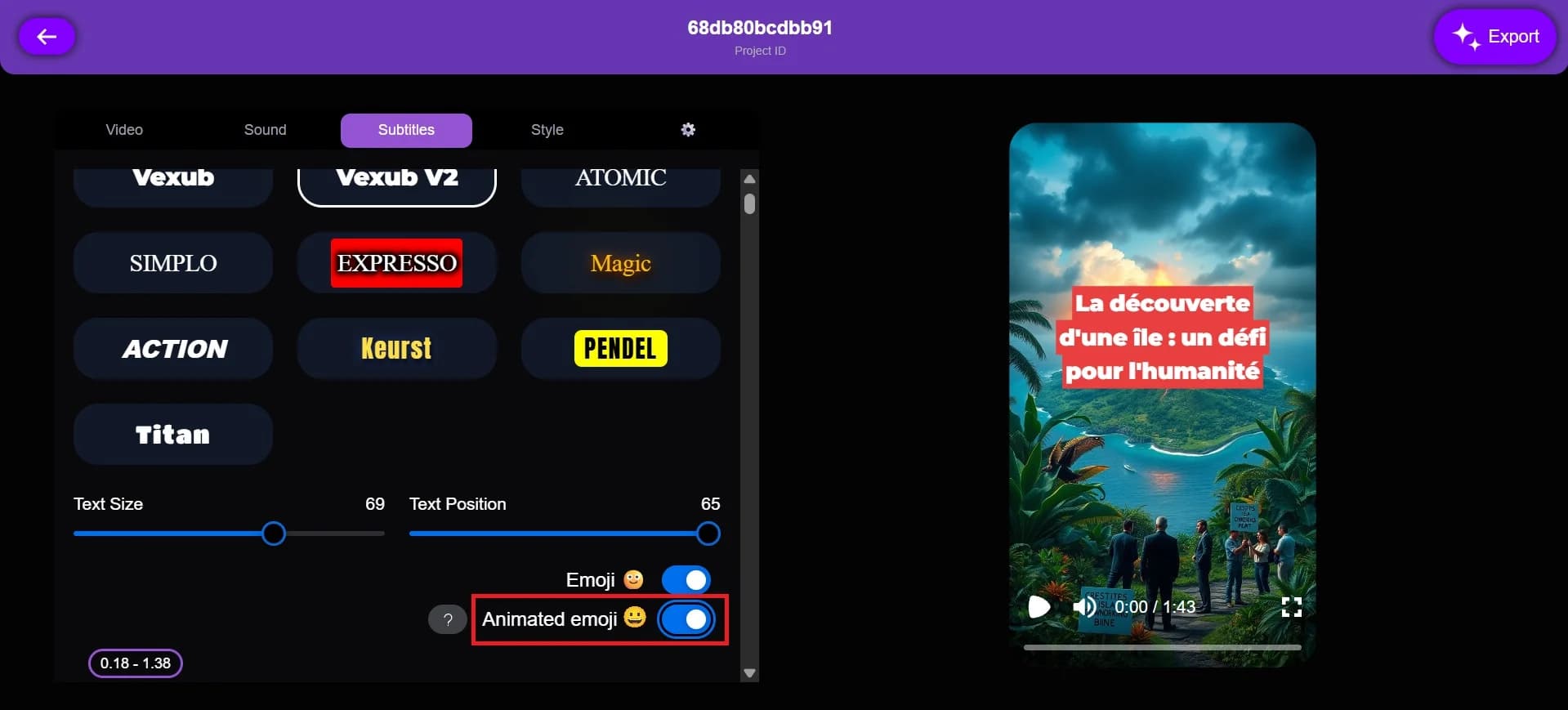
Click on the Animated Emojis button. Your animated emojis are now enabled and active in your video.
Step 6: Disable if Needed
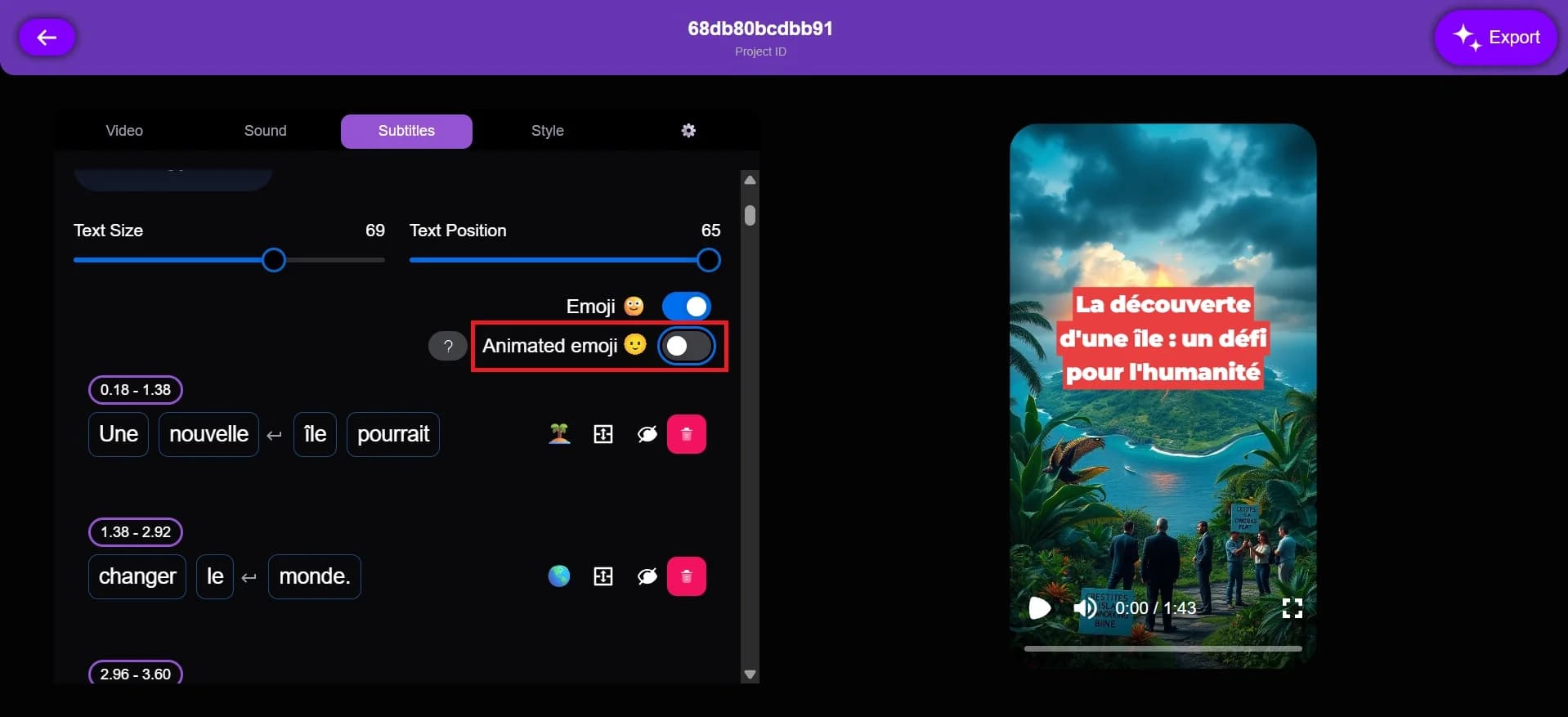
If you want to turn them off, simply click the Animated Emojis button again.
This feature helps make your videos more fun, dynamic, and engaging for viewers.
For more on this topic, check out our guide on create Animated Map Videos with Vexub Maps, our article on the Rise of AI Impossible Recipes Thanks to Vexub, and our guide to how to Generate a VEO3 Video in Vexub.







