
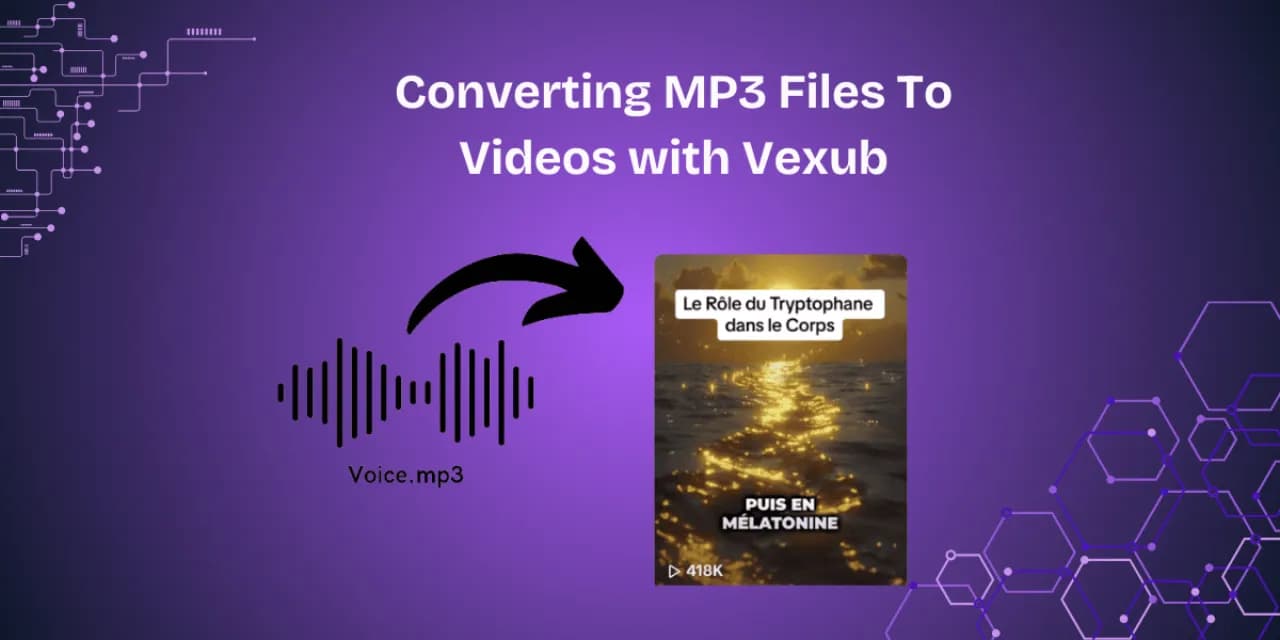
Converting MP3 Files To Videos with Vexub
Introduction
Videos have taken over the internet. Research shows videos generate over 1200% more shares than text or audio. By sharing MP3 files, you only limit your reach, engagement, and revenue. YouTube, TikTok, Instagram, and other platforms favor video and provide more visibility.
It only makes sense that you would want to turn your MP3 files into videos. Within minutes, Vexub allows you to turn audio into captioned videos. You can also add images and other audio to the video.
In this article, you will find out how to use Vexub, the importance of MP3 video conversion, useful tips to engage your audience, as well as the best ways to monetize your videos on various platforms.
Why Convert MP3 Into Video?
MP3 audio to video conversion is more than just adding audio to a video, it's a smart way to enhance reach and engagement. These are some of the main reasons why this feature is growing in demand.
Engagement and Visibility
Videos seem to do better in every major area. Social media algorithms seem to favor video content leading to higher audience engagement.
Monetization Opportunities
You can make money by posting on YouTube, joining TikTok’s Creator Program, or doing affiliate product promos with videos.
Better Engagement
The retention rate videos offer much more than plain content. Viewers spend more time on videos than they would on other formats.
What is Vexub?
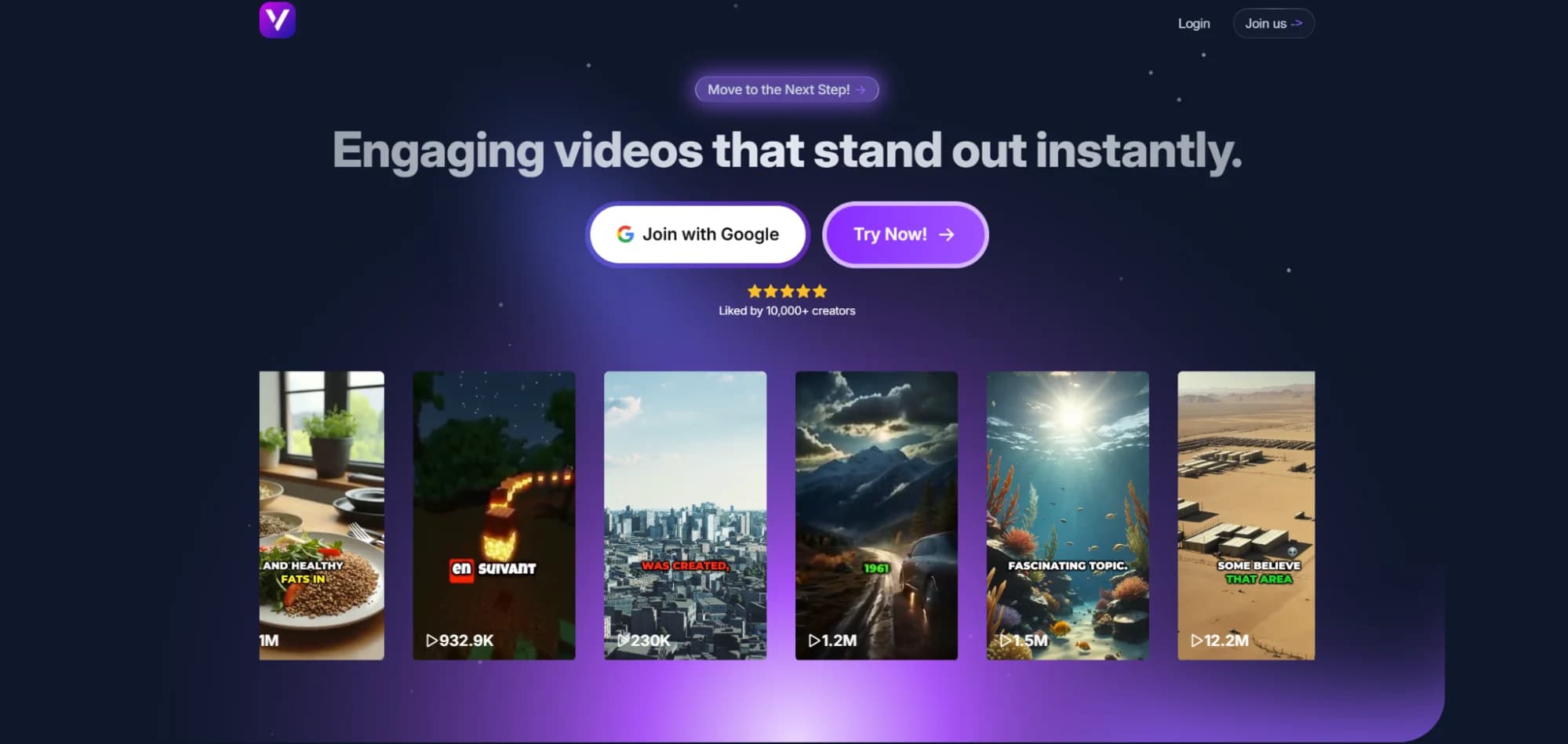
Vexub is an AI video creation tool which allows you to make videos. You can do this with audio and ideas, and with just a few clicks. There is no need to have any editing skills. Simply upload what you have, and the AI will handle the rest.
Supported Formats
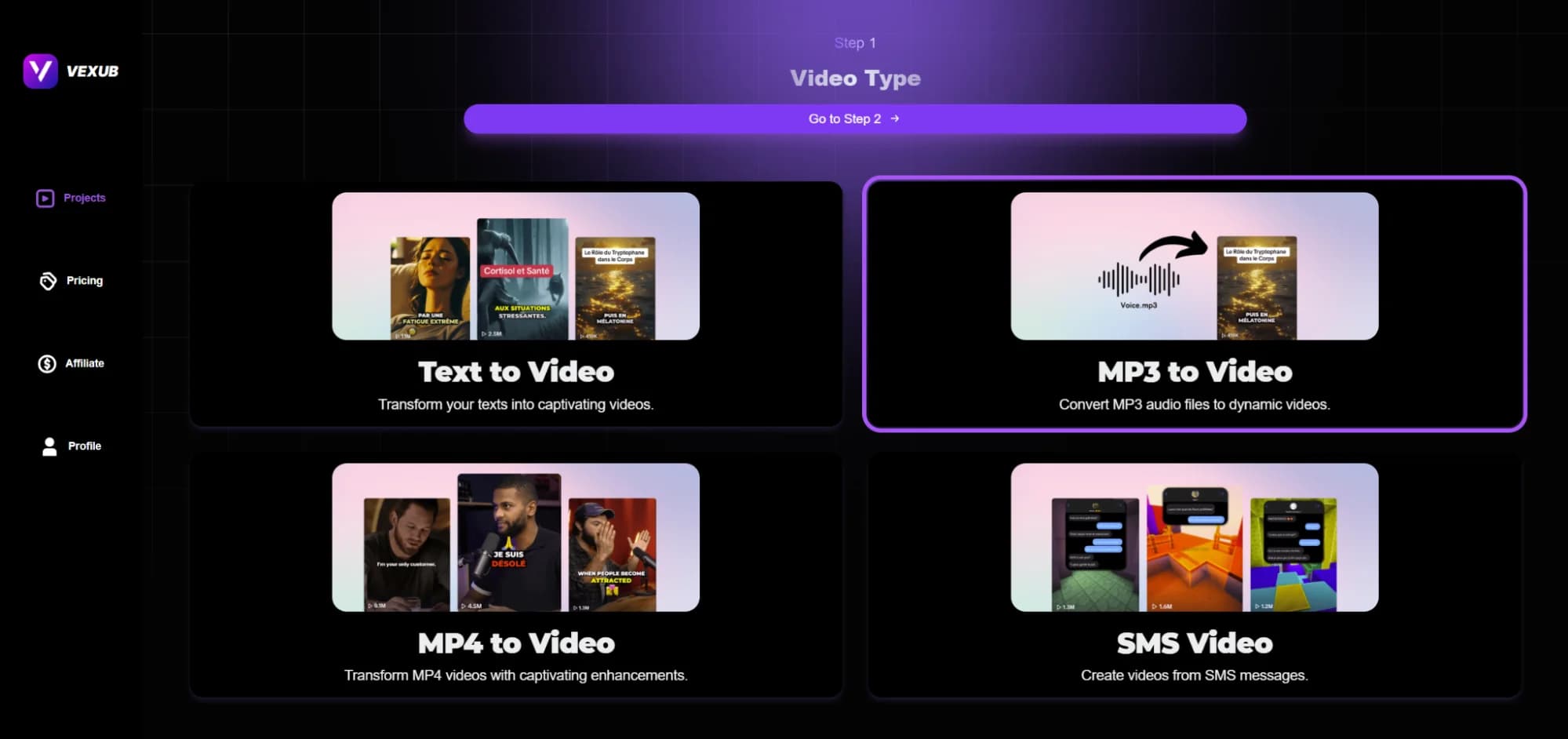
Vexub lets you explore four different options. Each one offers a different way of making videos, and provides full control on visuals, captions, and audio. You can create a video from any piece of text, and even from MP3 audio by crafting a story. You can also add captions and effects to MP4 files, and even make videos from incoming SMS messages.
MP3 To Video For You
This feature is perfect for you if you are a creator, business, or educator. Engaging videos can be created from podcasts, lectures and voice notes smoothly and quickly.
With Complete Assurance
You too can become part of the growing Vexub community with more than 10,000 creators. Create videos, share them on YouTube or TikTok, and get paid for your work instantly.
Step-By-Step Guide: How to Generate a Video from an MP3 with Vexub
Create an account at Vexub.
Next, click on “Create a Video”
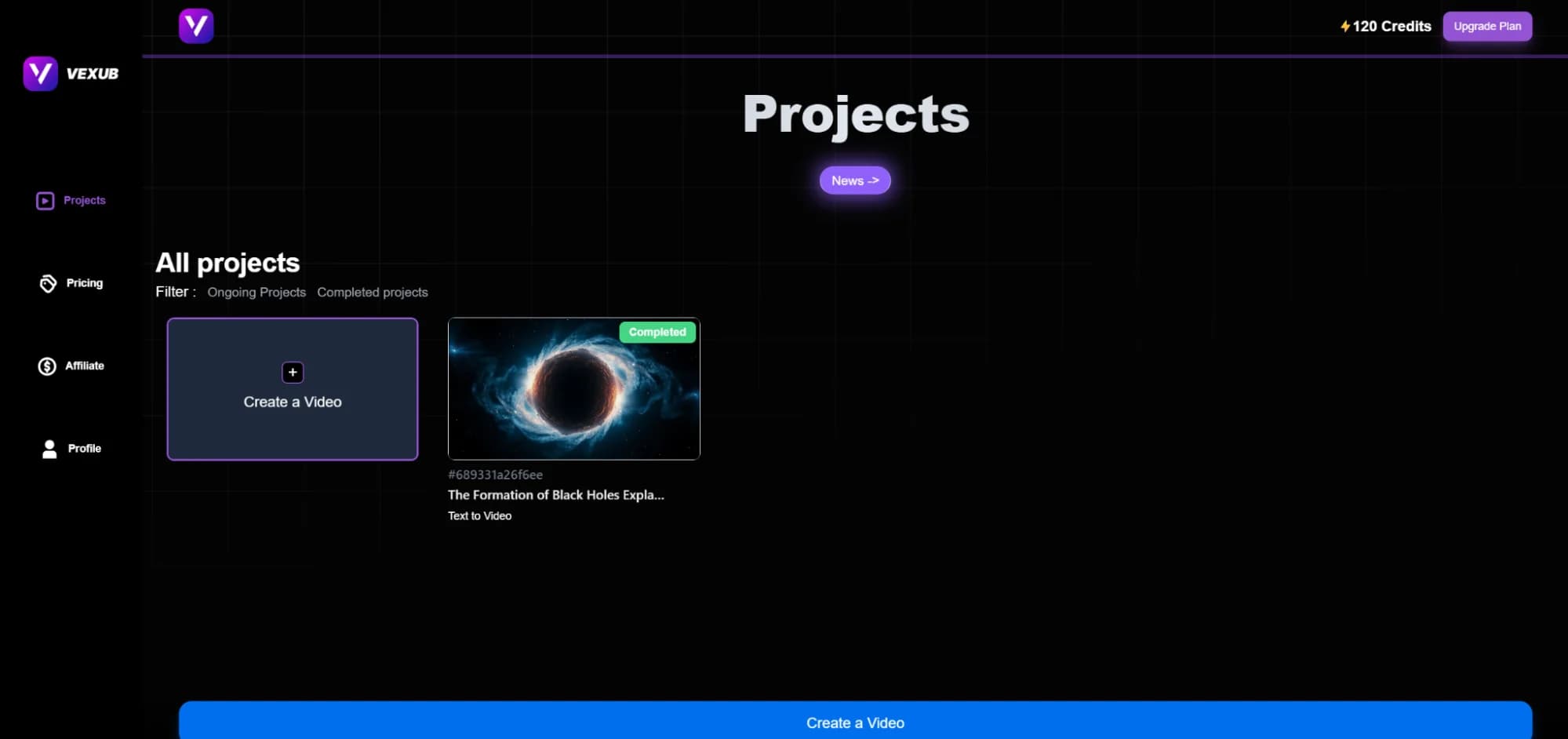
Click on MP3 to video:
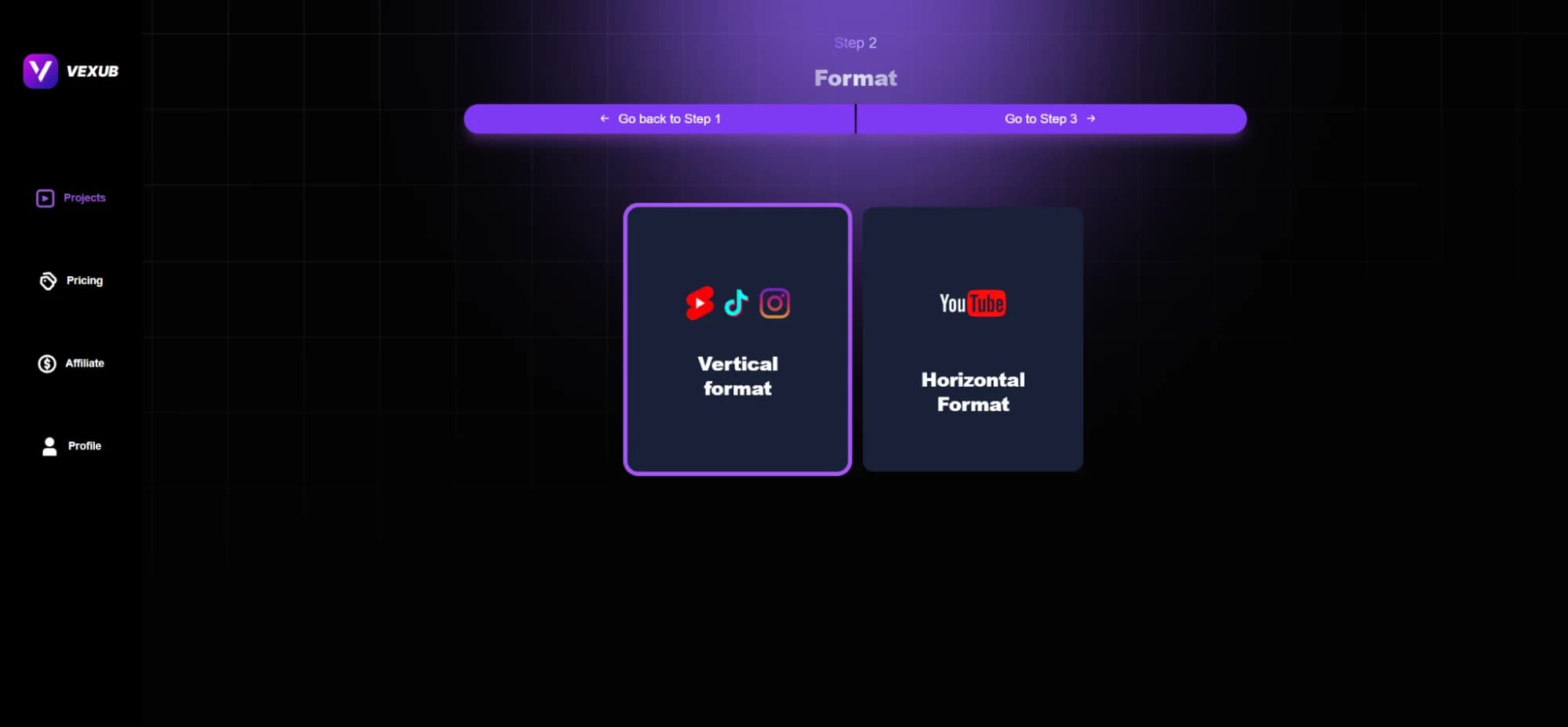
Choose your preferred format:
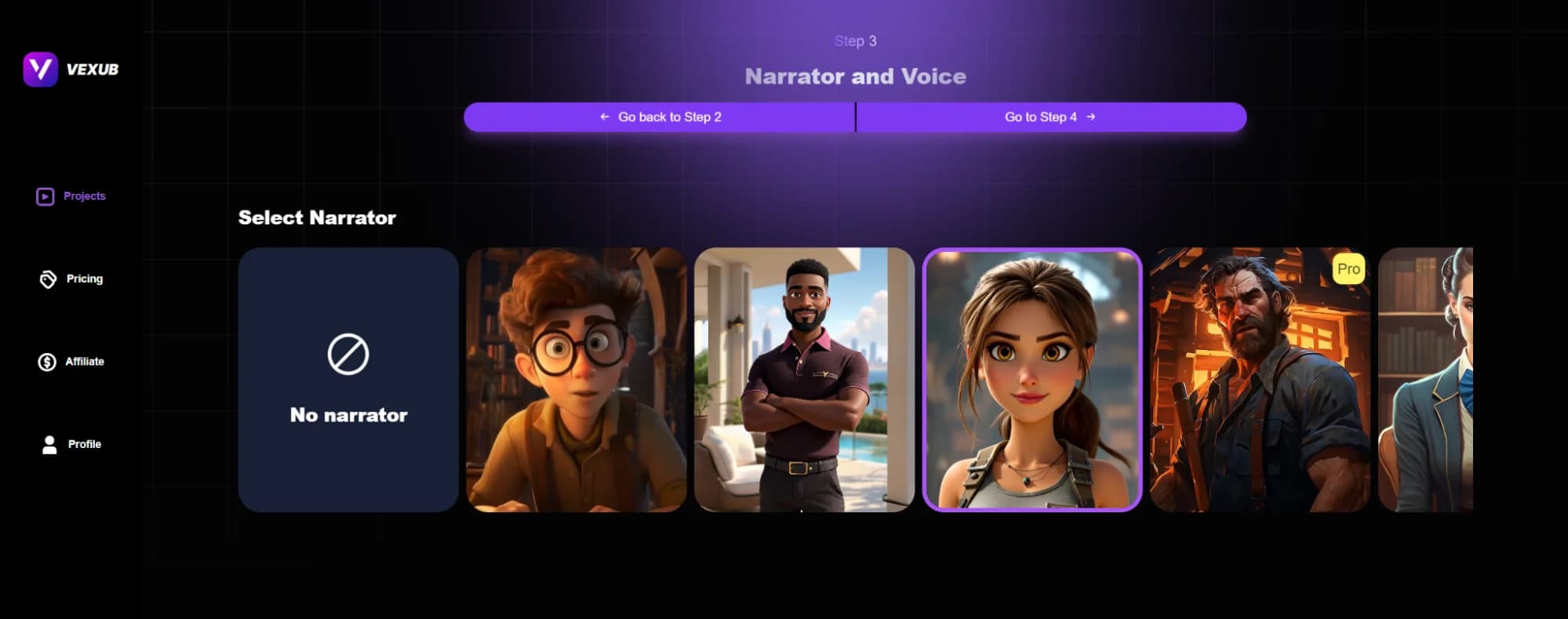
Choose your narrator and voice:
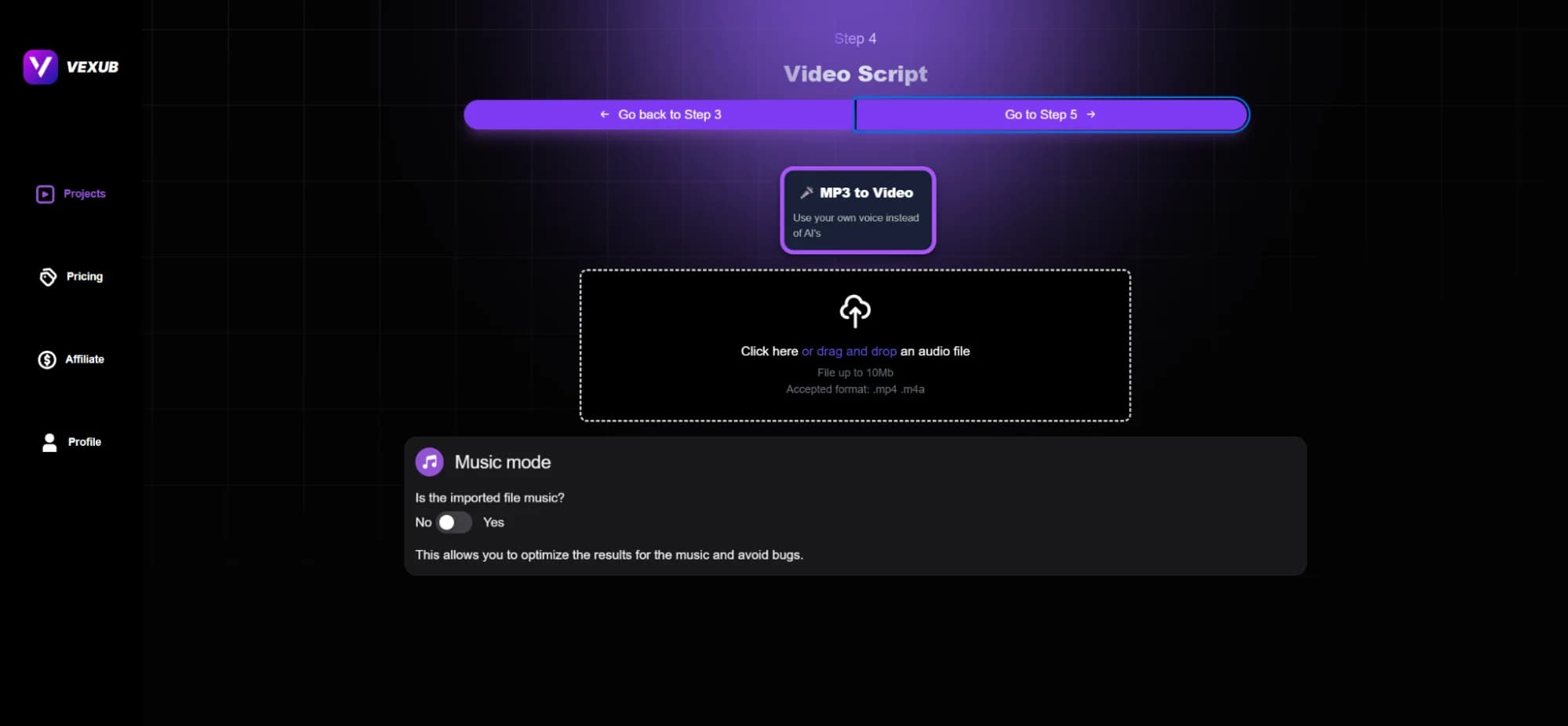
Drag and drop your mp3 file here:
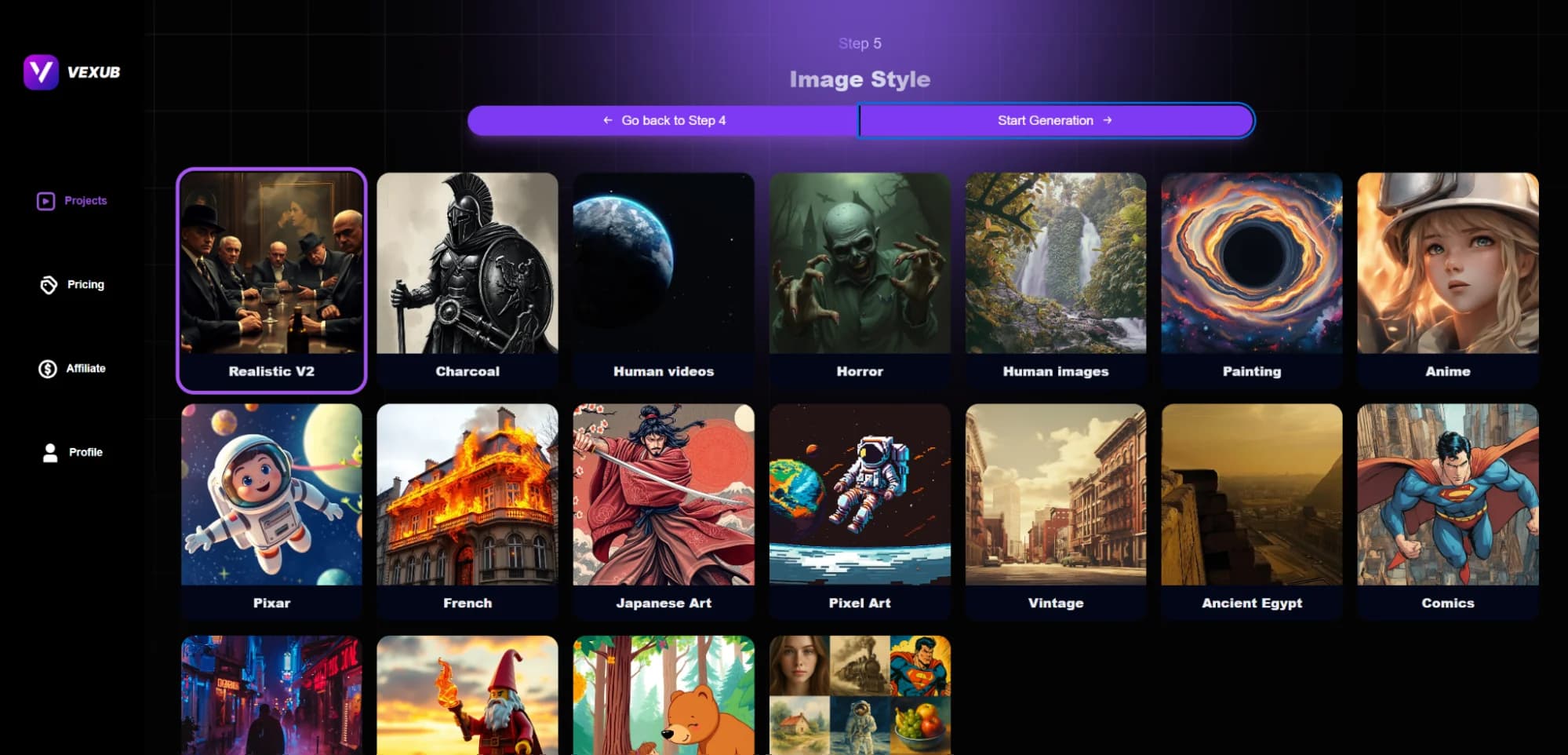
Choose your image style from the available Image Templates.
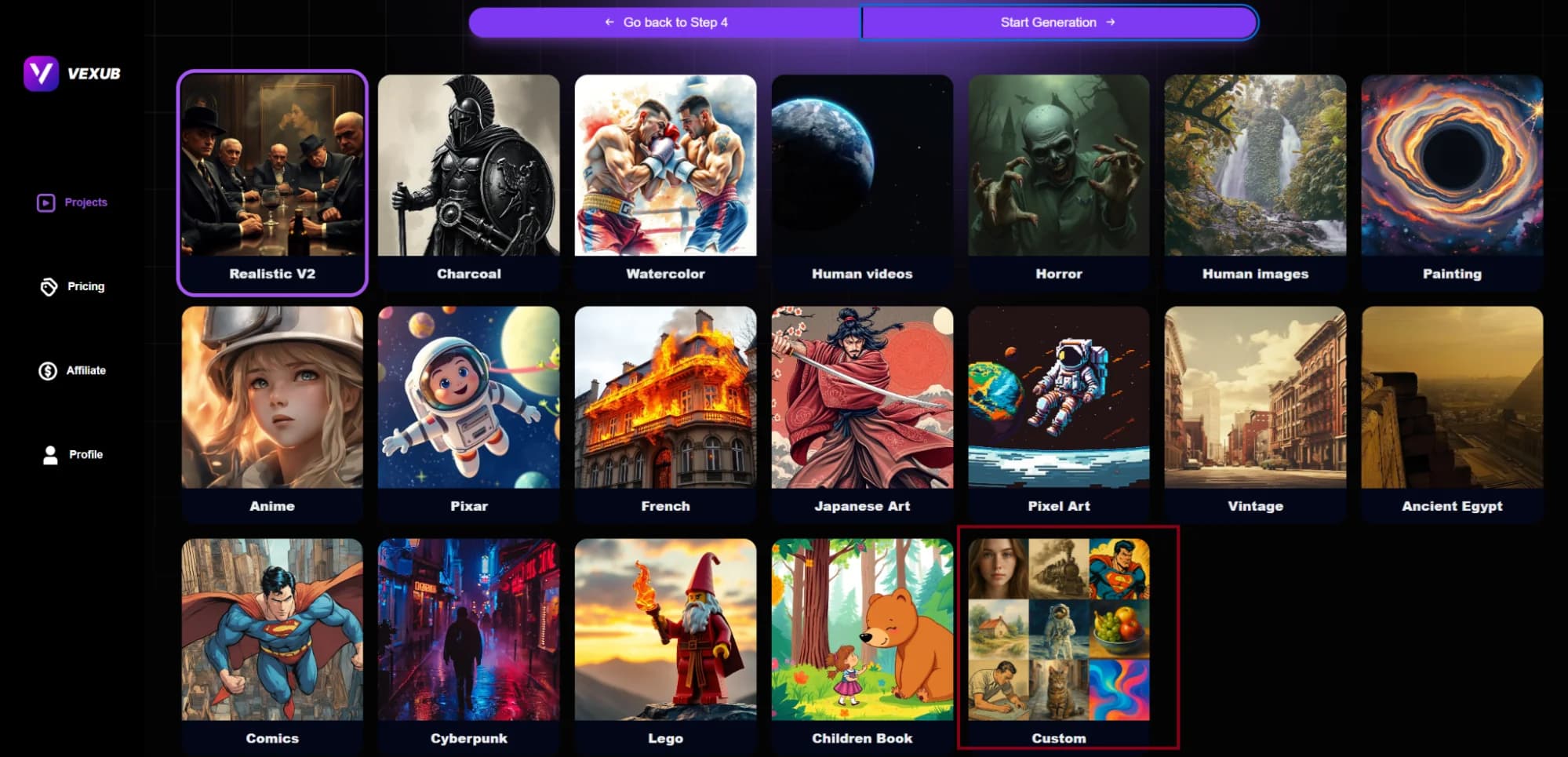
You can also choose the Custom option as under:
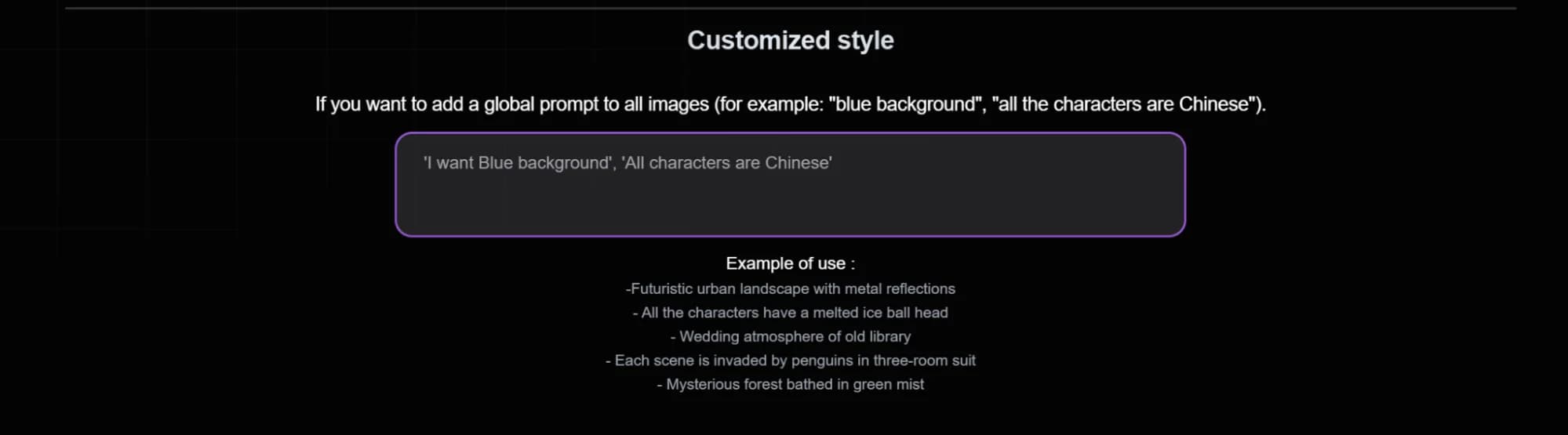
It will show you a box like this:
Then click Start Generation.
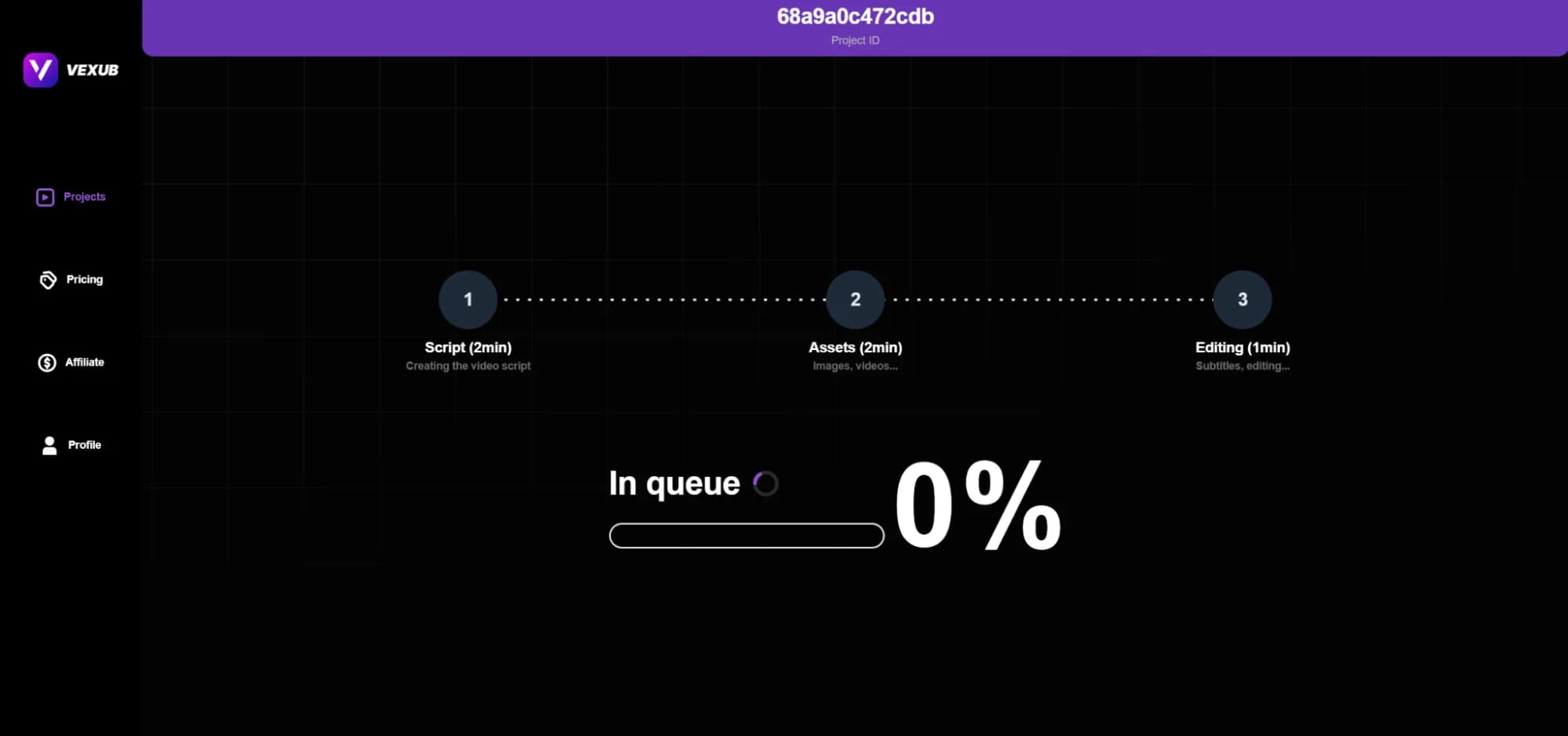
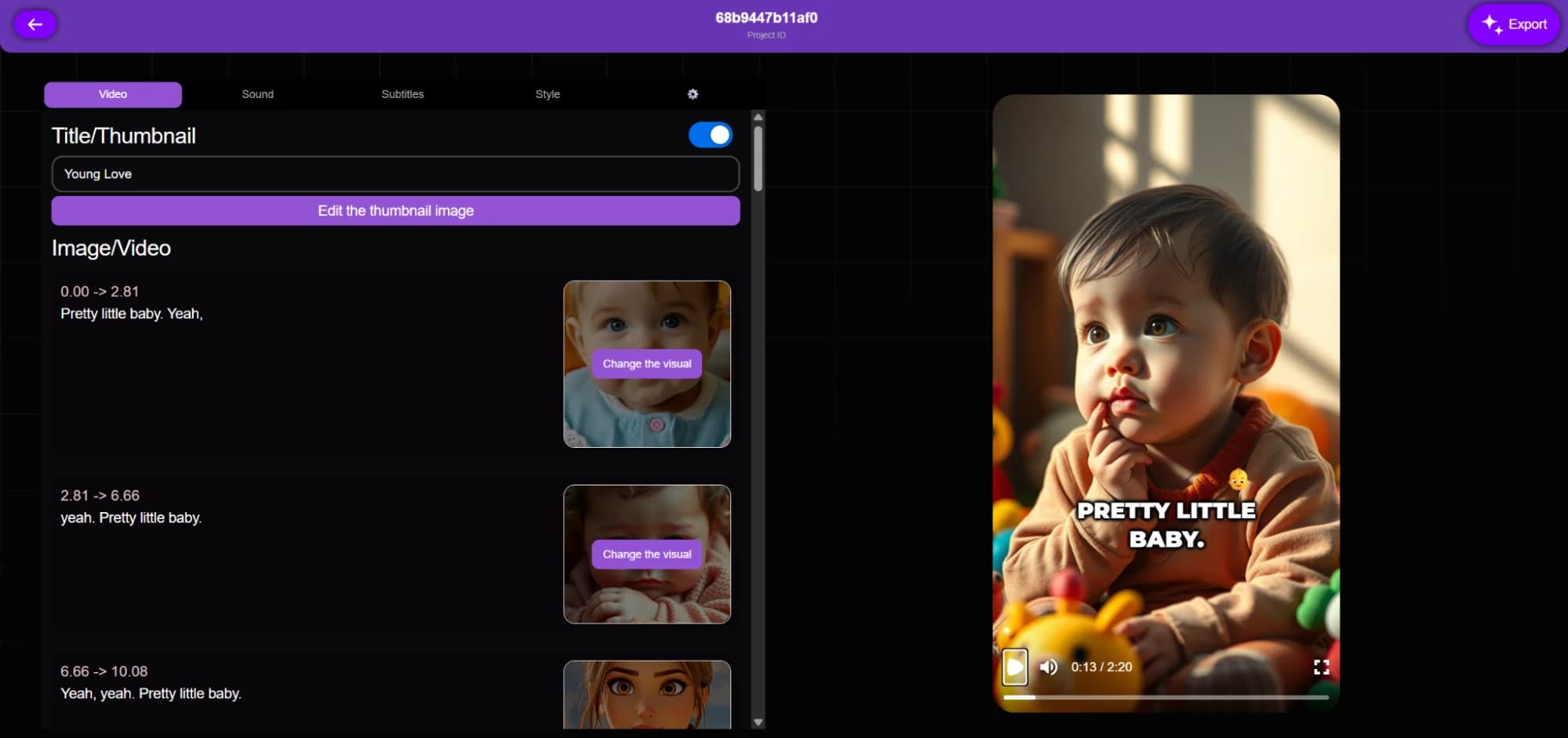
You have to preview the video after it is complete.
Tips for Converting MP3 Files to Videos
It would be a good idea to begin with visuals that match the audio file that is playing.You want to pick images that will help your viewers understand your message.
Making videos that are short but lively works best for TikTok and Instagram Reels. You want to create quick content.
People are more likely to engage with your videos if there are captions and the sound is off. Always add them.
Playing with templates is a helpful thing to do. New arrangements and styles can help attract audience attention.
Use the feedback you received and your videos will begin to do better. The more you adjust your approach, the better.
Monetization Opportunities with Vexub
YouTube Monetization
You can upload videos which come from YouTube MP3 converters. Monetize with ads after meeting the YouTube Partner Program and continue earning as you grow the channel.
TikTok Monetization
Make entertaining bite-sized videos and upload them regularly. Join the TikTok Creator Fund and get paid for the views you get.
Affiliate Marketing
Promote products and explain them in videos. Get paid for affiliate sales through your customized links.
E Learning and Courses
Lectures and tutorials can be turned into video courses. Besides your website, other e-learning platforms will increase your revenue.
Vexub helps you monetize much faster and improves your reach with the audience.
Why Pick Vexub Rather Than Other Options?
Conclusion
Video content is essential for any online growth today. Standalone MP3 files can only be appreciated for so much. You need to convert them into videos that are easy to access and very engaging. Vexub makes this possible.
Upload your MP3 files, choose the visuals, put the captions, and enjoy the preview. You can publish to YouTube, TikTok, or any other video-streaming platform.
Start today. You can try Vexub for free to see the speed with which Vexub helps in growing the audience and income streams of its users.
FAQs
Can I Generate A Video From Any MP3 File?
Yes, but only if the file is supported and meets the size limits.
Do I Need Experience In Video Editing To Be Able To Use Vexub?
No, Vexub is made for beginners and experienced users.
Can I Earn Revenue From The Videos I Make With Vexub?
Yes, they are usable in YouTube, TikTok and other video-streaming platforms for monetization.
Can I Edit Video in Vexub After I Have Created It?
Certainly, you can make modifications to your video before making it public or downloading it for distribution.
Does Vexub add watermarks to free plan videos?
Yes, free plan videos may contain a minimal watermark. Upgrade to eliminate it.
Does Vexub Add Watermarks to Free Plan Videos?
You are allowed to upload notes, mp3, mp4, or even videos created from text messages.
Can I Select From Different Video Sizes?
Yes, Vexub accommodates YouTube, TikTok, and Instagram in horizontal, vertical, and square shapes.
Is Vexub Suitable for People With No Experience in Video Editing?
Certainly, it's user-friendly and does not require any editing and it is very straightforward with all features step by step.
Does Vexub Allow Its Users to Add Subtitles in Different Languages?
Yes, with ElevenLabs you can add voiceovers in a variety of languages and accents.
How Much Time Do I Need to Make a Video With Vexub?
Videos can be created and finished in a matter of a few minutes, with time varying depending on the file size.
Can I Incorporate My Own Images or Music to the Videos I Created on Vexub?
Yes, you are free to add images, videos, and other background music.
For more on this topic, check out our guide on the Rise of AI Impossible Recipes Thanks to Vexub and our article on how To Enable Animated Emojis on Vexub.







