
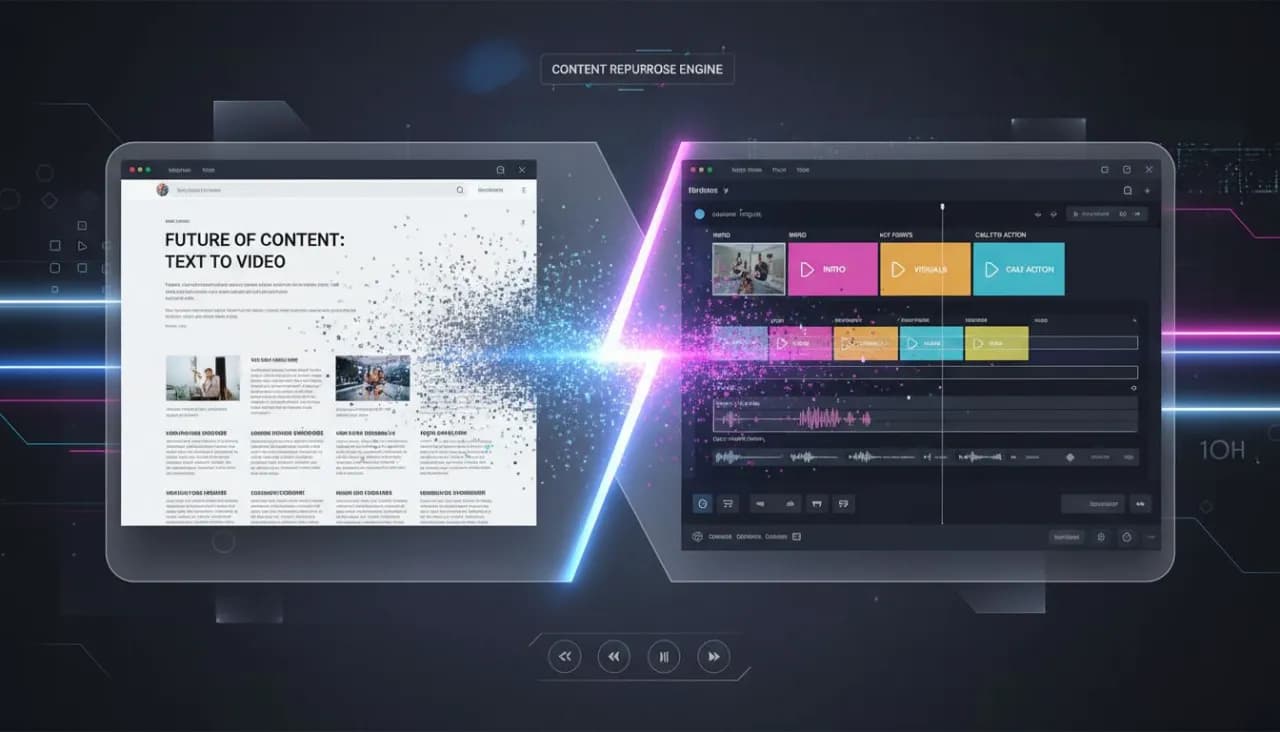
In a world where video content dominates online engagement, repurposing your blog posts into videos can significantly amplify your content's reach. Using AI-powered tools, the process becomes seamless and efficient.
This guide offers a step-by-step approach to transforming existing blog content into captivating videos. Not only will you save time, but you'll also create diverse formats such as short-form clips for social media and longer educational videos.
Why Repurpose Blog Posts into Videos?
Video content has become a preferred medium for consuming information. Here are the key benefits of turning your blog posts into videos:
Increased Engagement: Videos are more engaging than text, capturing attention quickly.
Broader Reach: Platforms like YouTube and social media can expose your content to new audiences.
Improved SEO: Video content can enhance your site’s SEO, increasing the chances of being discovered in search results.
Step-by-Step Process to Turn Your Blog into Video
Step 1: Choose Your Blog Post
Select a blog post that performed well in terms of traffic and engagement. This is the foundation for your video content.
Step 2: Script Your Video
Convert the blog post into a video script. Identify key points and sections that will translate well into a visual format. Aim for clarity and conciseness, focusing on questions you want to answer or information you want to convey.
Step 3: Select an AI Video Maker
Utilize a video creation platform like Vexub, which allows for the easy transformation of scripts into videos. These platforms provide templates and AI-driven enhancements to make your video visually appealing.
You can refer to our tutorial on Text to Video AI for Beginners for a detailed guide on using AI tools.
Step 4: Add Visual Elements
Incorporate images, clips, and graphics that relate to your content. These visuals will reinforce your message and keep viewers engaged. Aim for a mix of animation, stock footage, and text overlays.
Step 5: Edit and Optimize
Once your video is generated, edit it to ensure it flows logically. Pay attention to pacing, transitions, and overall coherence. Optimize the video's title, description, and tags for better discoverability.
Step 6: Publish and Promote
Publish your video on platforms such as YouTube, Facebook, and Instagram, and share it within your existing community. Consider creating short teaser clips from long-form videos to entice viewers.
Create videos like this with AI
Script, voiceover, images and subtitles — automated in minutes.
Tips for Creating Effective Video Content
Keep it Short: Aim for under three minutes for social media videos.
Focus on Value: Make sure your video provides value to viewers, answering questions or solving problems.
Calls to Action: Encourage viewers to visit your website or read the full blog post for more details.
How Vexub Can Enhance Your Video Creation
Vexub’s advanced AI capabilities streamline the video creation process, offering suggested visuals based on your script and automatically generating subtitles. This functionality not only saves time but also improves accessibility.
Conclusion
Repurposing blog posts into videos is a strategic move to enhance your content marketing efforts. By following these steps and utilizing AI tools like Vexub, you can effectively engage your audience in multiple formats.
For further insights on content strategies, check our article on Content Repurposing – One Video, Ten Posts.
Get Started with Vexub Today
Ready to elevate your content? Try Vexub for free and discover how easy it is to create AI-powered videos that resonate with your audience.







