
How to Improve Your MP4 Using Vexub?
Introduction
Around 91% of marketers are using videos content for their marketing activities. That means that your MP4 will have to pull its weight a little bit harder than usual to catch attention. It is no longer sufficient to simply be able to upload your data. Content videos are usually without captions, without style, and without engagement. As a result, viewers scroll past, and you lose your message.
But here's the good news. Artificial Intelligence (AI) transformers are altering the game. With tools like Vexub, it's possible to turn a raw MP4 into a polished, professional piece of video in minutes. AI-powered captioning, narration, styles, and instant export.
In this blog, we'll explain the importance of optimizing MP4s, explore the best tools, and delve into Vexub's features, including a step-by-step guide to optimizing your videos and making them stand out.
Why Optimize MP4 Files Rather than Upload Directly?
When you post a raw MP4, you are only giving out the basics. The video looks plain. It does not include captions, subtitles, or interactive elements of any kind. As a result, the viewers lose interest quickly.
Now consider the modern audience. Videos are supposed to be professional and polished. Without that extra quality layer, your MP4 is just one of many.
This is where improvement comes into play. Captions help you to follow your video more easily. Subtitles are better for accessibility as well as for Search Engine Optimization (SEO) rankings. Smooth transitions and attractive design elements increase the amount of time your audience will stick around to see what happens next.
You don't have to use hours of editing with AI-driven tools like Vexub. The platform also takes care of captions, narration, and branding for you. You upload, improve, and export. It's that simple. The benefits are obvious: increased retention, accessibility, and engagement for your content.
Top 5 Tools for MP4 Enhancement
MP4 enhancement tools are used by video creators to make their videos more engaging and professional. A plain MP4 often looks flat. Typically, there are no captions, narration, or interactivity. That's why it's important to have enhancement tools.
The top choice is Vexub. It automates the tedious tasks for you using AI-powered automation. You can include AI voiceover, create captions, and export on the fly. This saves you hours, and you maintain quality.
You can also look at other tools. Adobe Premiere Pro and Final Cut Pro give you total editing control as a professional. InVideo and Kapwing are excellent for online collaborations, quick templates, and online editing.
However, Vexub is specially designed for those creators who desire quick and easy results. In just a few clicks, you can turn a raw MP4 into a polished and professionally ready-made video for consumption by your audience. It creates the potential for fast, accessible, and easy enhancement.
Significant Attributes of Vexub for MP4 Improvement
Vexub also enables you to convert simple MP4 files into professional-quality videos. It utilizes AI automation to make editing faster and smarter. Here's how it works for you.
Automatic Subtitles & Transcripts
Vexub produces subtitles and captions in real time.e This means that your videos will reach a broader audience. It also helps with Search Engine Optimization as search engines can crawl through your content and read the text. It saves time for a larger number of people.
Custom Visual Styles
Vexub is an easy-to-use instrument for branding. You can insert logos, transitions, and layouts at the click of a button. Your videos will look good and consistent on different platforms.
AI-Powered Narration
Need a voiceover? Vexub is a voice generator that offers AI voices with a range of tones. Each voice is professional and completely natural. You can add narration to your videos without having to hire someone else to do it.
Integration using Images and Effects
Vexub brings your videos to life visually. Quickly execute images, overlays, and effects. All these enhancements make the viewers glued to the end.
Optimised Output for Platforms
Finally, Vexub renders your videos to YouTube, TikTok, online courses, or affiliate marketing. No need to convert: platform-ready files are delivered.
With Vexub, you edit less, publish faster. It helps you create captivating and impactful video content.
Tutorial: How to Level up Your MP4 with Vexub
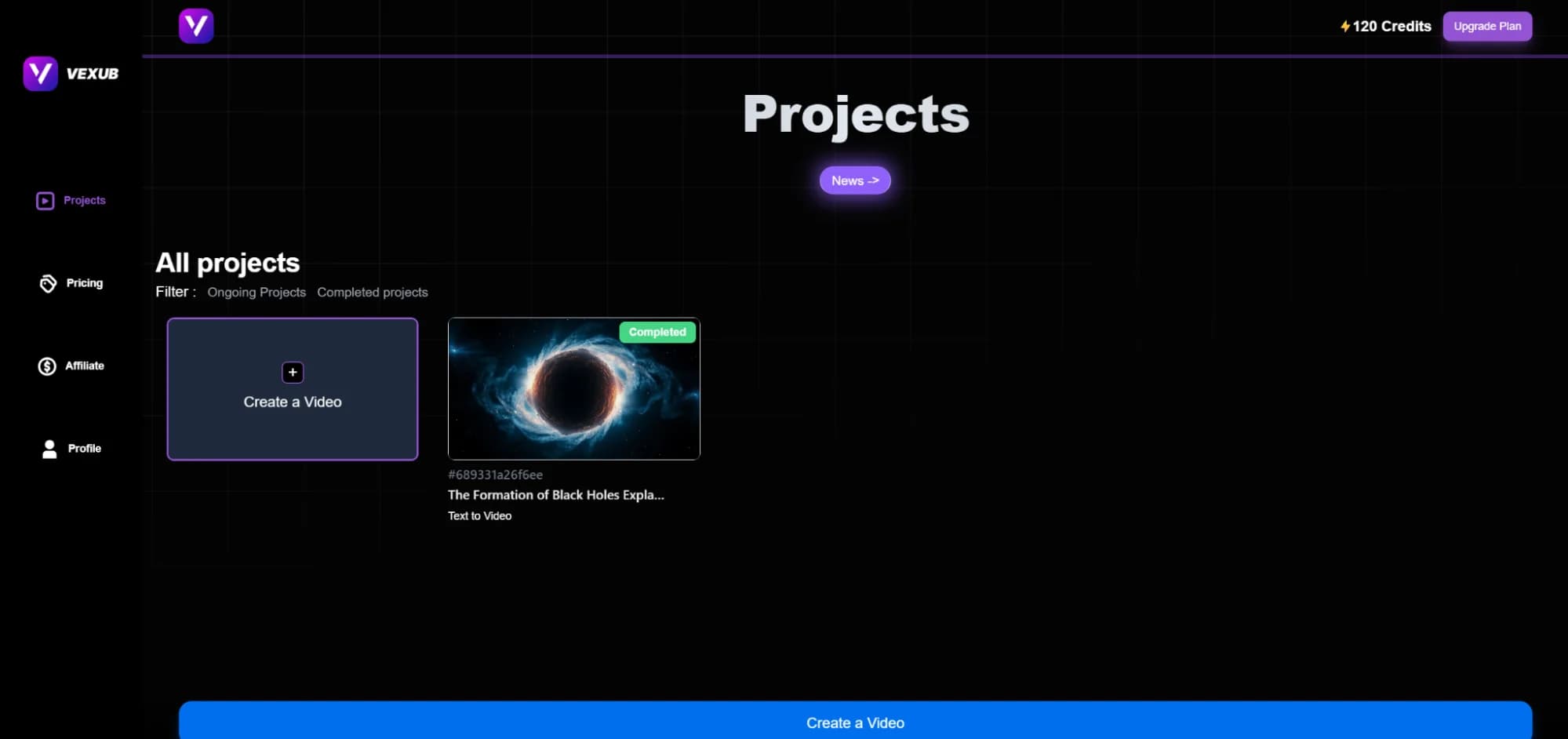
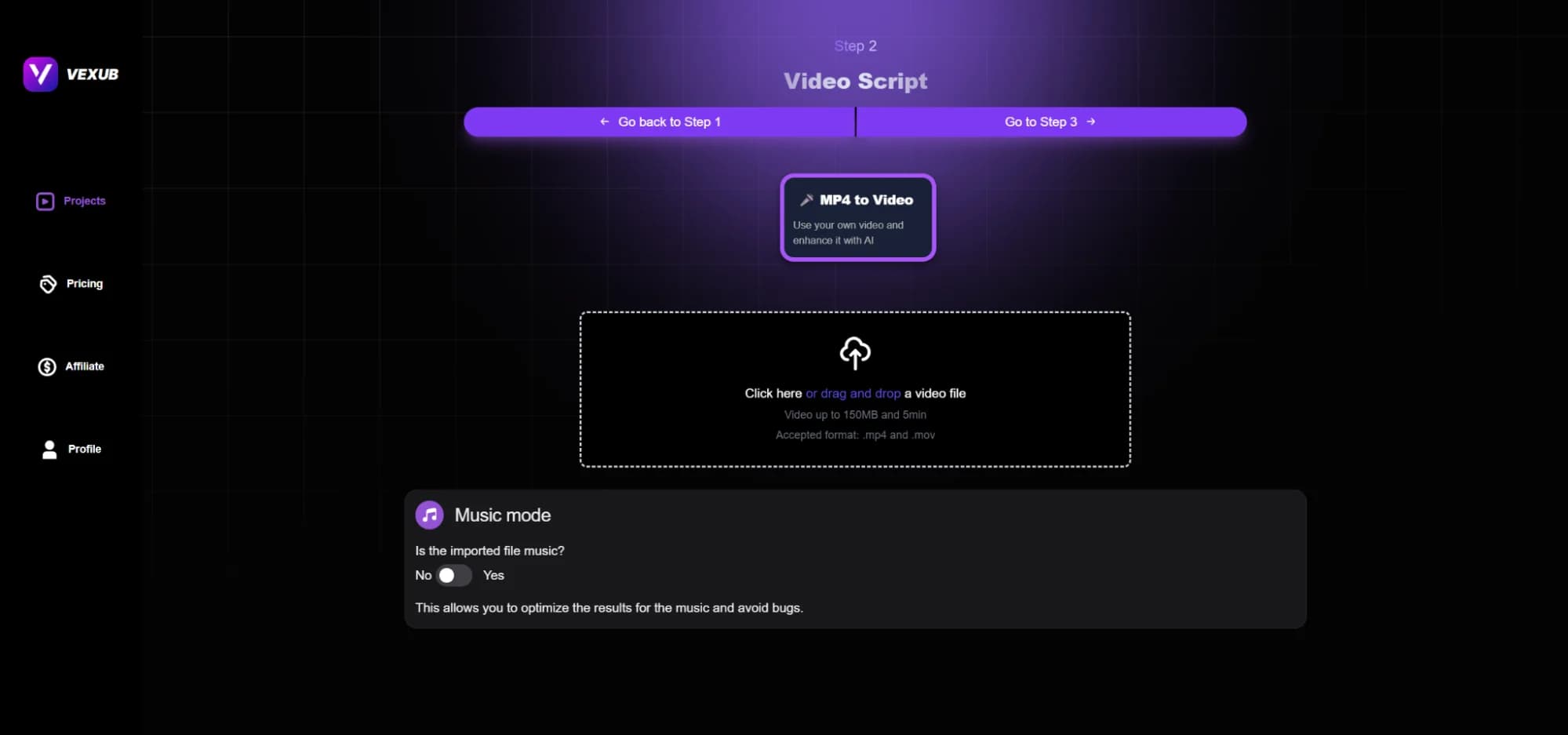
Creating a video with Vexub is fast and easy. First, click "Join with Google." Once you sign in, open the dashboard and go to Create a Video.
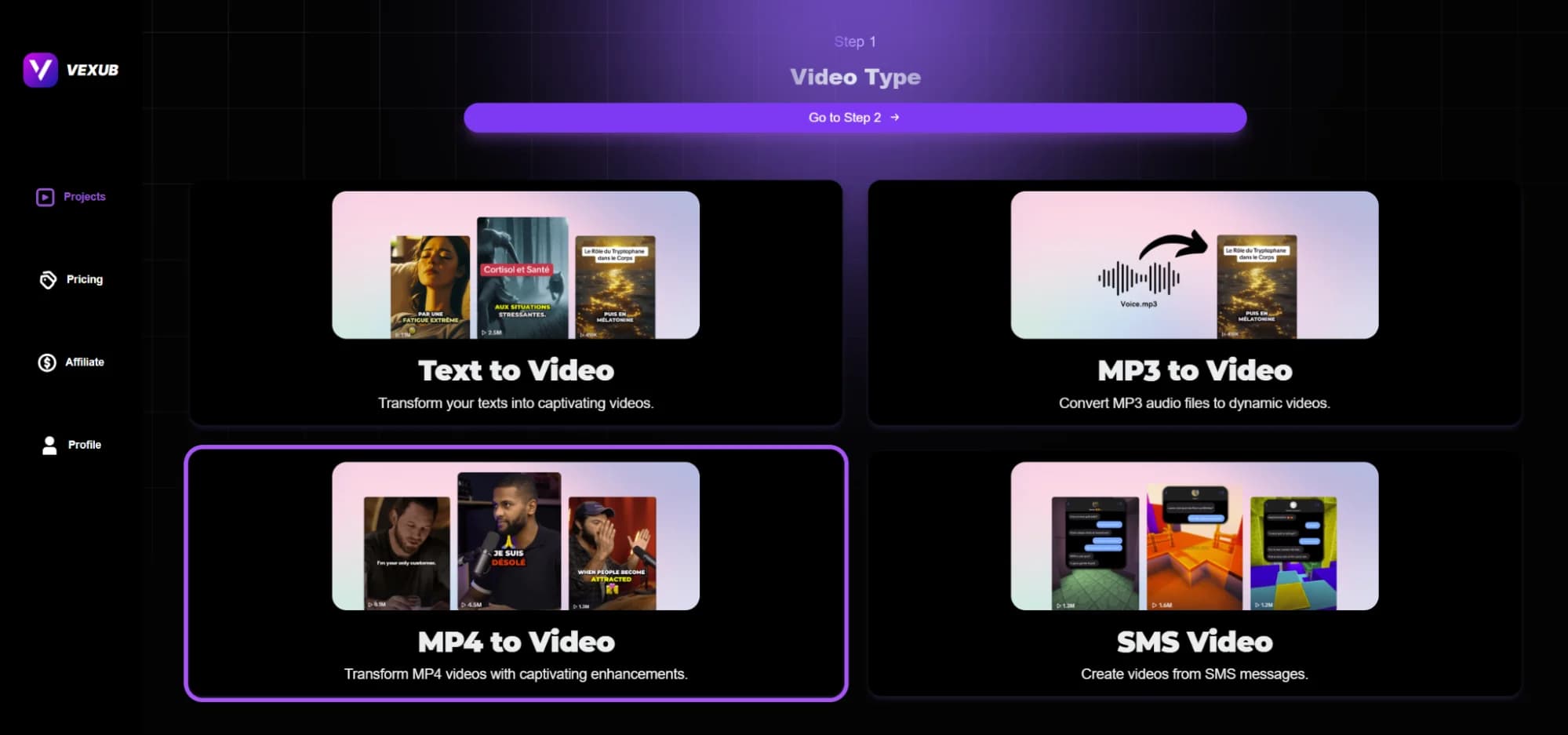
After that, select the option that suits your requirements. Choose MP4 to Video.
Drag and drop your MP4 file:
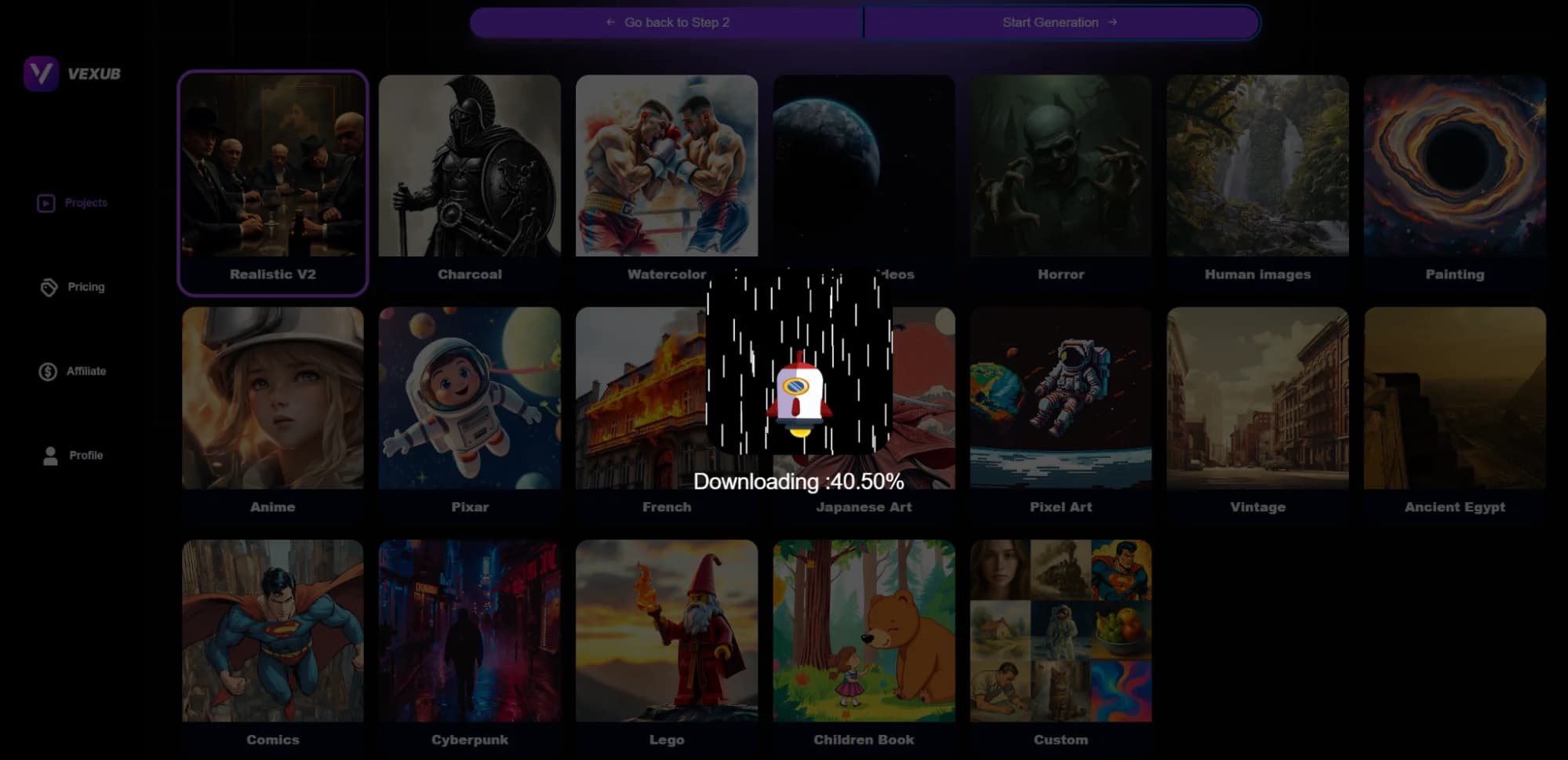
The next step is to choose the image style.
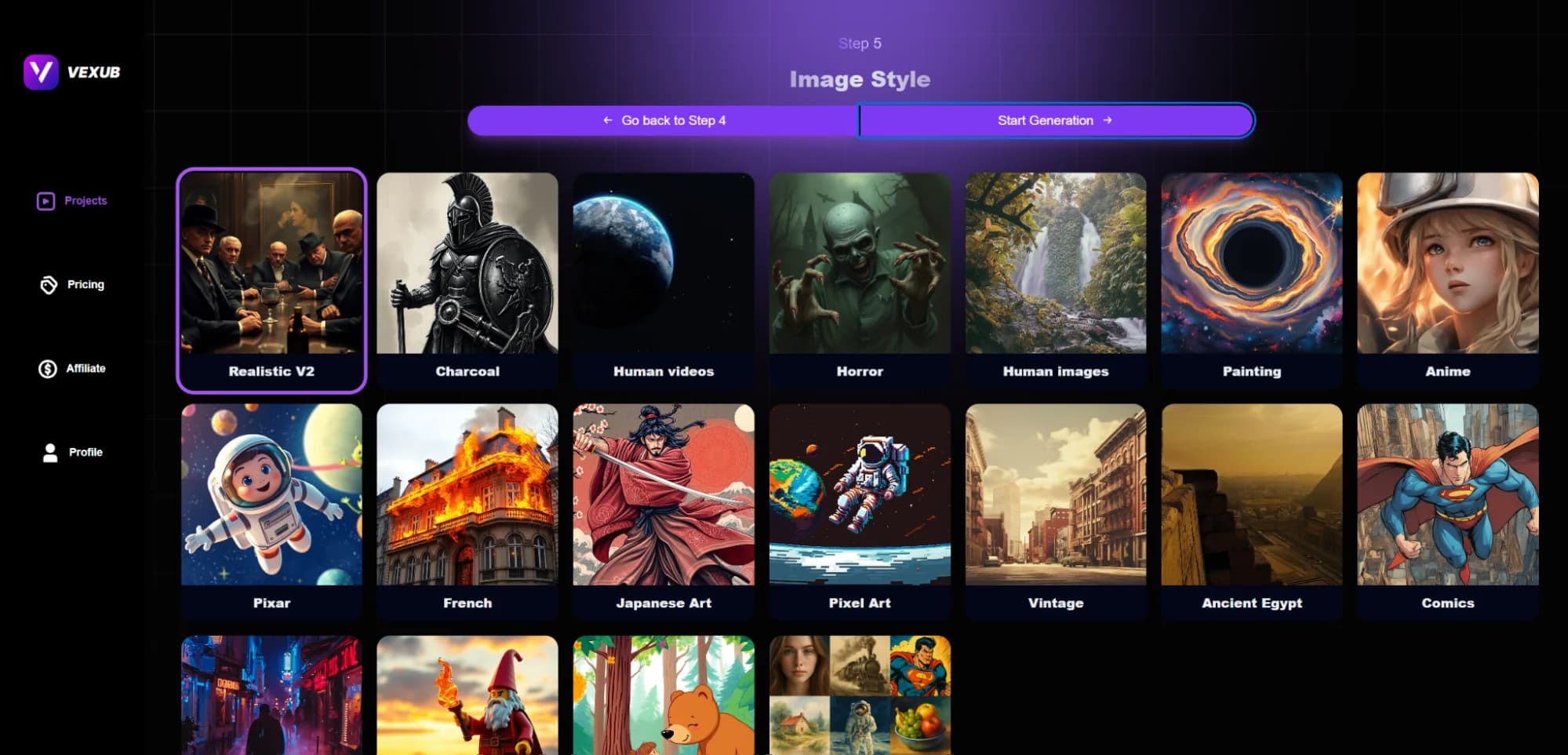
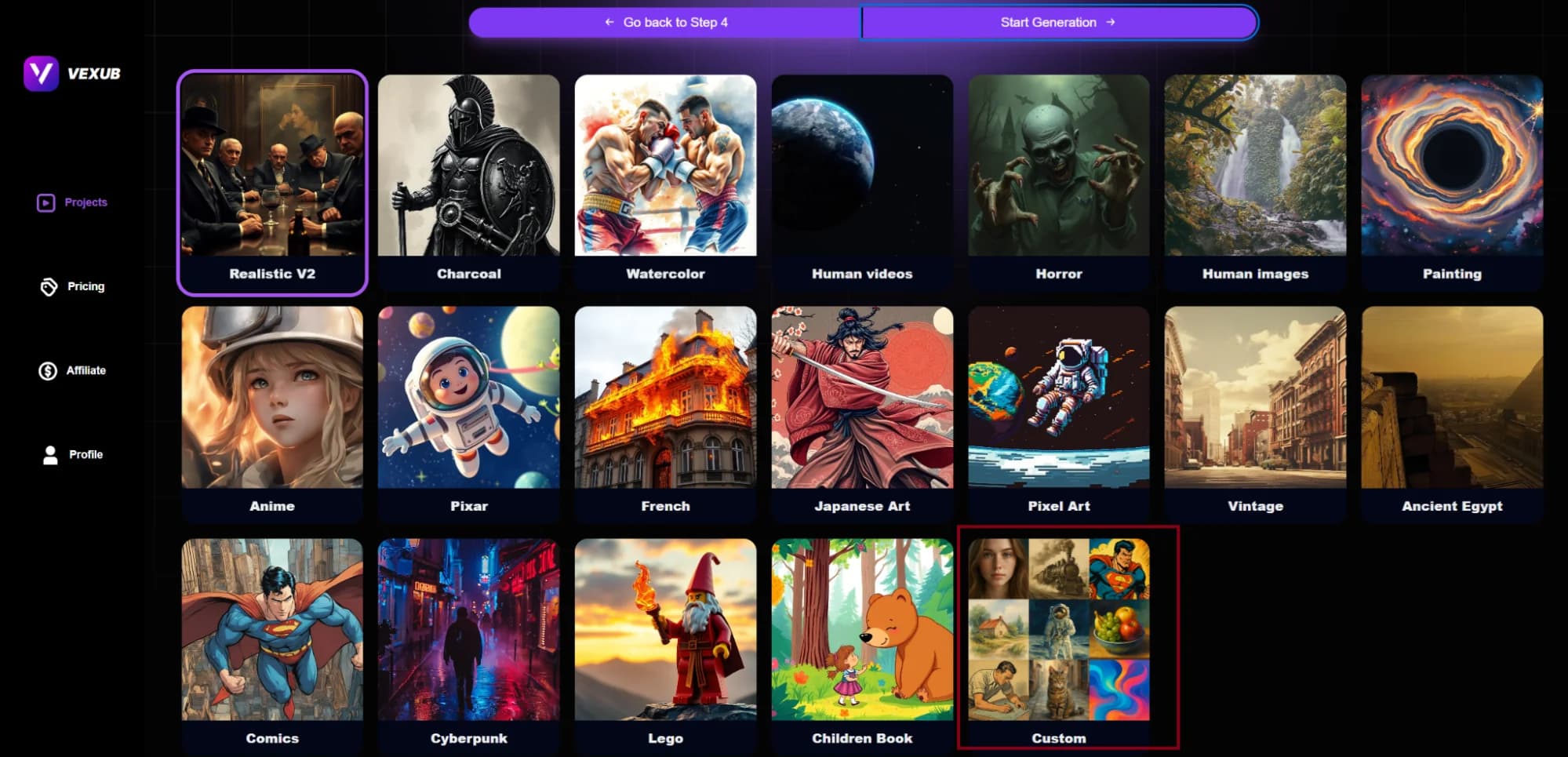
Choose the Custom option as under if you want to get a customized image style:
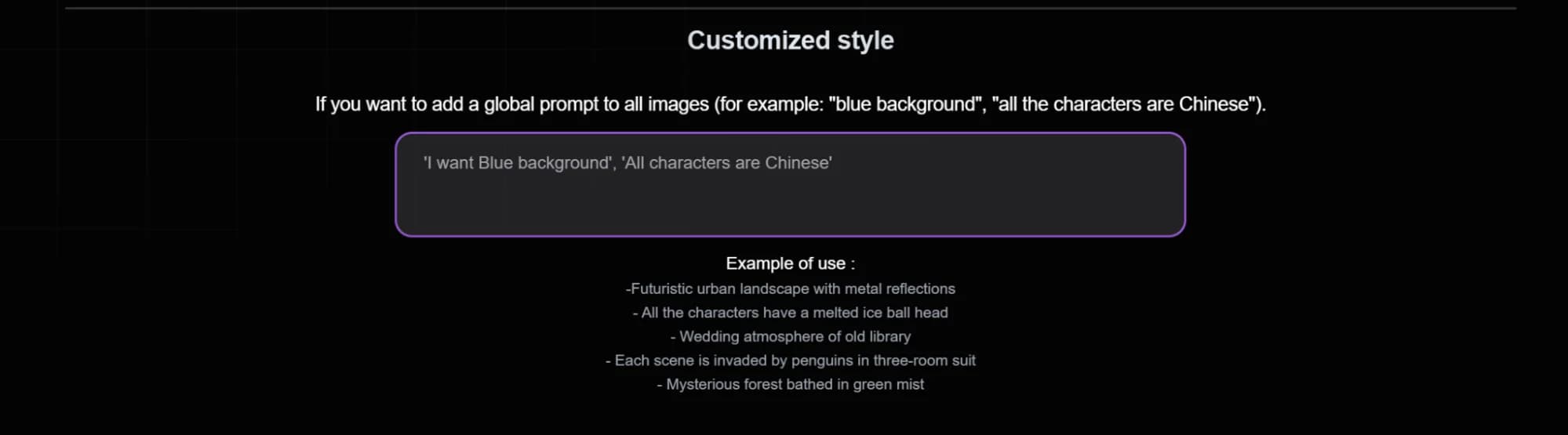
It will show you a box like this:
Then, click on start generation.
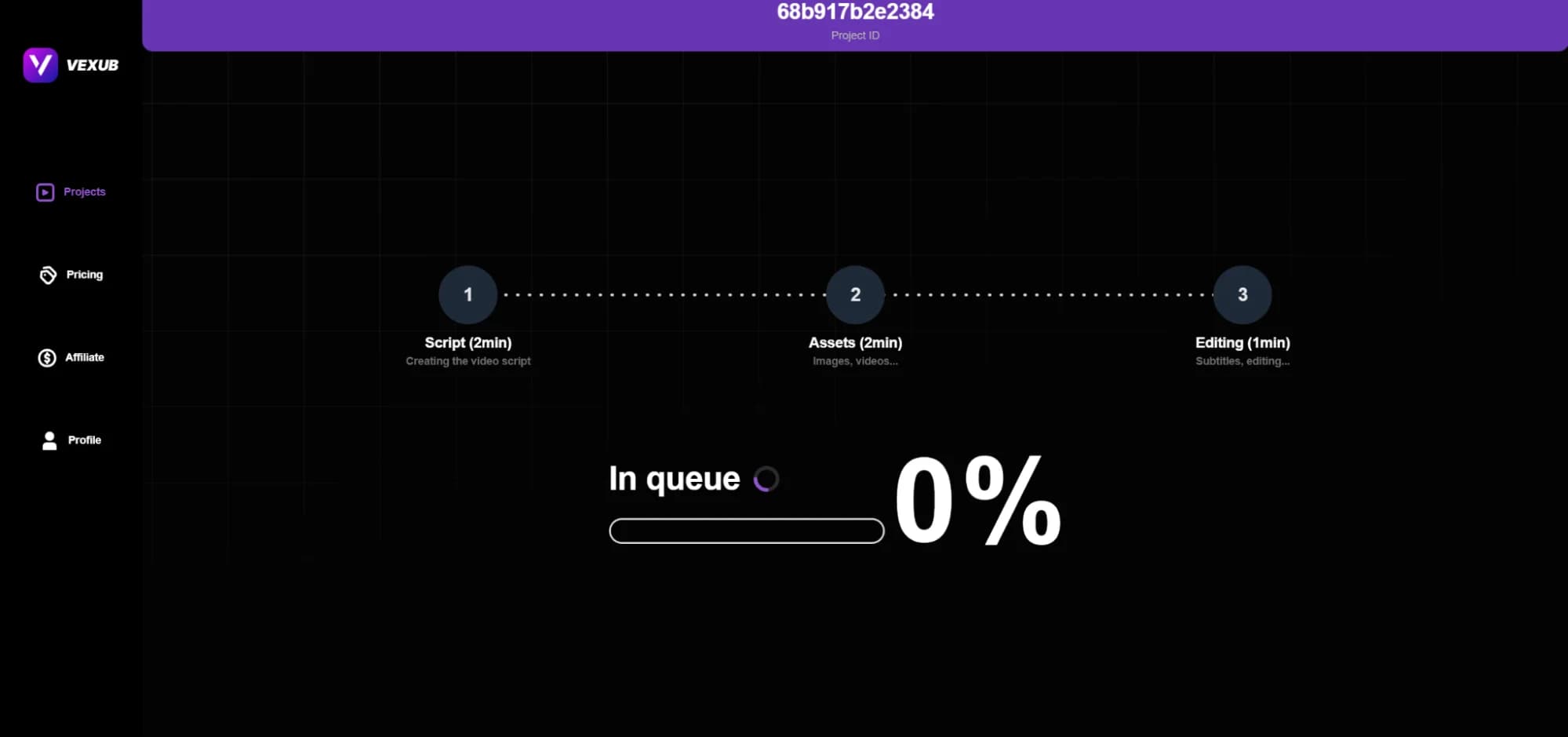
You will see a progress bar as under:
You will see the enhanced video as under:
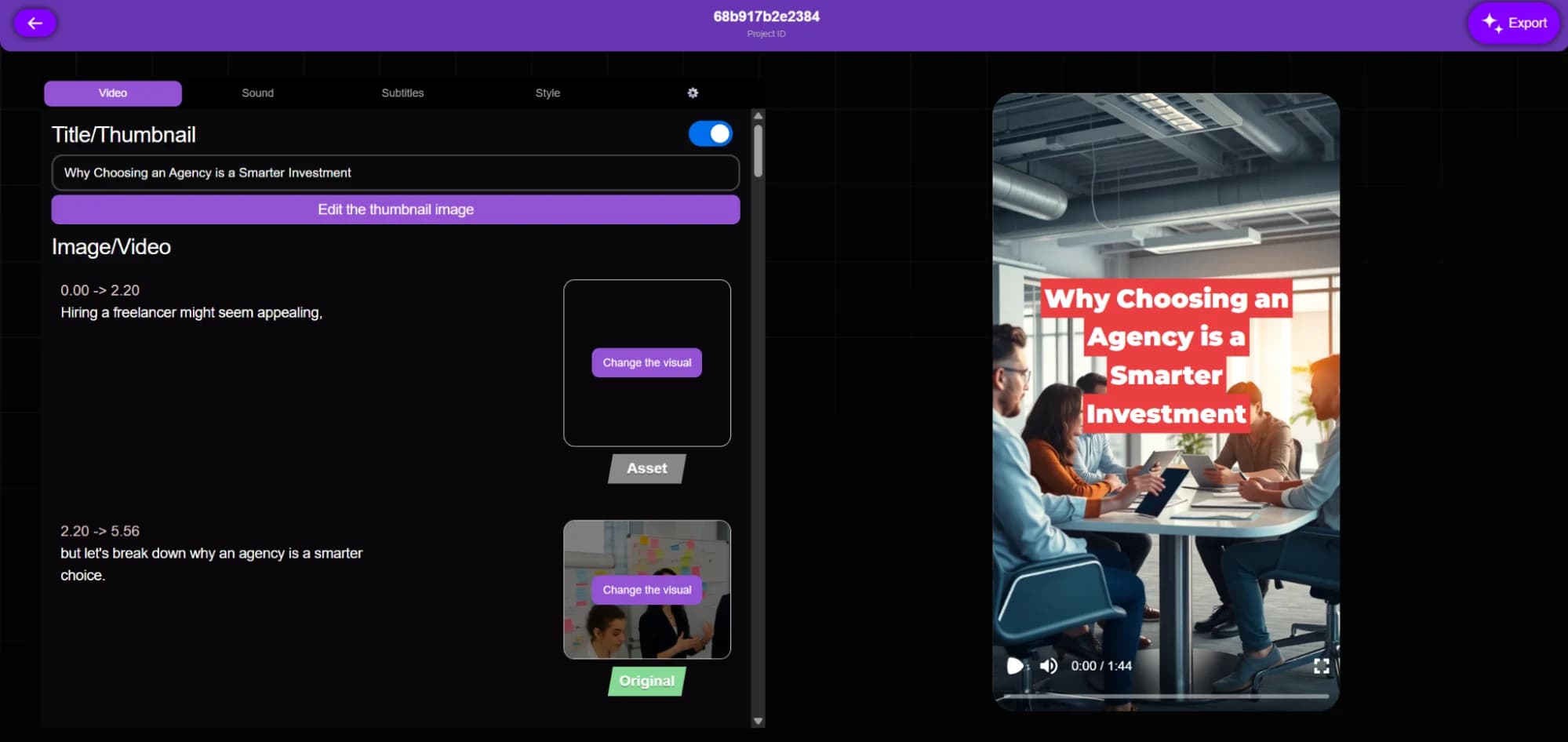
As you can see that there is also a green tag “original” that shows the original part of the video. But you can change that by clicking on the “Change the visual. But that’s not all. You can also make changes using the following options:
Video: This section lets to edit the thumbnail image and change the visuals.
Sound: This section allows you to modify the sound.
Subtitles: It lets you adjust the size, style, and position of the subtitles.
Style: Finally, this slide lets you change the overall style of the video.
Conclusion
Improving your MP4 files is no longer an option. If you have a plain upload, you need more to make your content stand out. A raw video will often lose the audience's attention quickly. With Vexub, that can change. The platform uses AI to insert captions, narration, branding, and platform-ready exports in minutes. You save time while maintaining quality.
Whether you are a beginner or an expert, Vexub edits easily. As a result, your videos see increased engagement, accessibility, and performance. Get started with Vexub today and take your MP4s to the next level, and deliver videos that your audience will never forget.
FAQs
How Does Vexub Improve MP4 Files?
Vexub enhances MP4s in a way that plain videos do not. Vexub brings advanced AI capabilities to the table by generating captions and narrating them, in addition to adding relevant and creative visuals.
There’s also the option to include images, effects, and branding. The platform tailors outputs for YouTube, TikTok, etc. Your videos will look professional and resonate with a wider audience, garnering a better response.
Can You Add Automatic Subtitles using Vexub?
Yes, Vexub automatically generates accurate captions and subtitles with ease. This also serves a vital role in website Search Engine Optimization because it allows your video content to become searchable and also enhances accessibility.
There’s no need to manually sync the text or resort to external tools to sync text. The captions can be edited so you have total control before the content is published. It’s fast, trustworthy, and designed to relieve you of labor-intensive tasks.
Can Vexub Be Used by Beginners?
Indeed, Vexub is designed for content creators, irrespective of their proficiency level. As a result, Vexub can be used to create videos in a matter of minutes, and it is equally suitable for older individuals. Apart from that, the app also provides numerous additional features such as dynamic layouts, transitions, and custom branding.
This means that the app caters to both final versions of videos as well as the ones that require only basic editing.
What Platforms Work with Enhanced MP4s?
You can present improved MP4s from Vexub on YouTube, TikTok, Instagram, LinkedIn, and a few others. Vexub also exports video in formats optimized for specific platforms, so you won't spend your time converting files. Whenever you decide to use videos for any promotional purpose, like for online courses or affiliate marketing, Vexub will make sure that they are professional and clear.
Does Vexub Have a Free Trial?
A Free Trial is available for newcomers to Vexub as well.
So try Vexub today and transform your ordinary MP4s into professional, polished content - faster, smarter, and with less effort.
For more on this topic, check out our guide on Can You Tell AI Video from Real? Quality Analysis and our article on Enhance Your MP4 Videos with Vexub AI Mode.







