
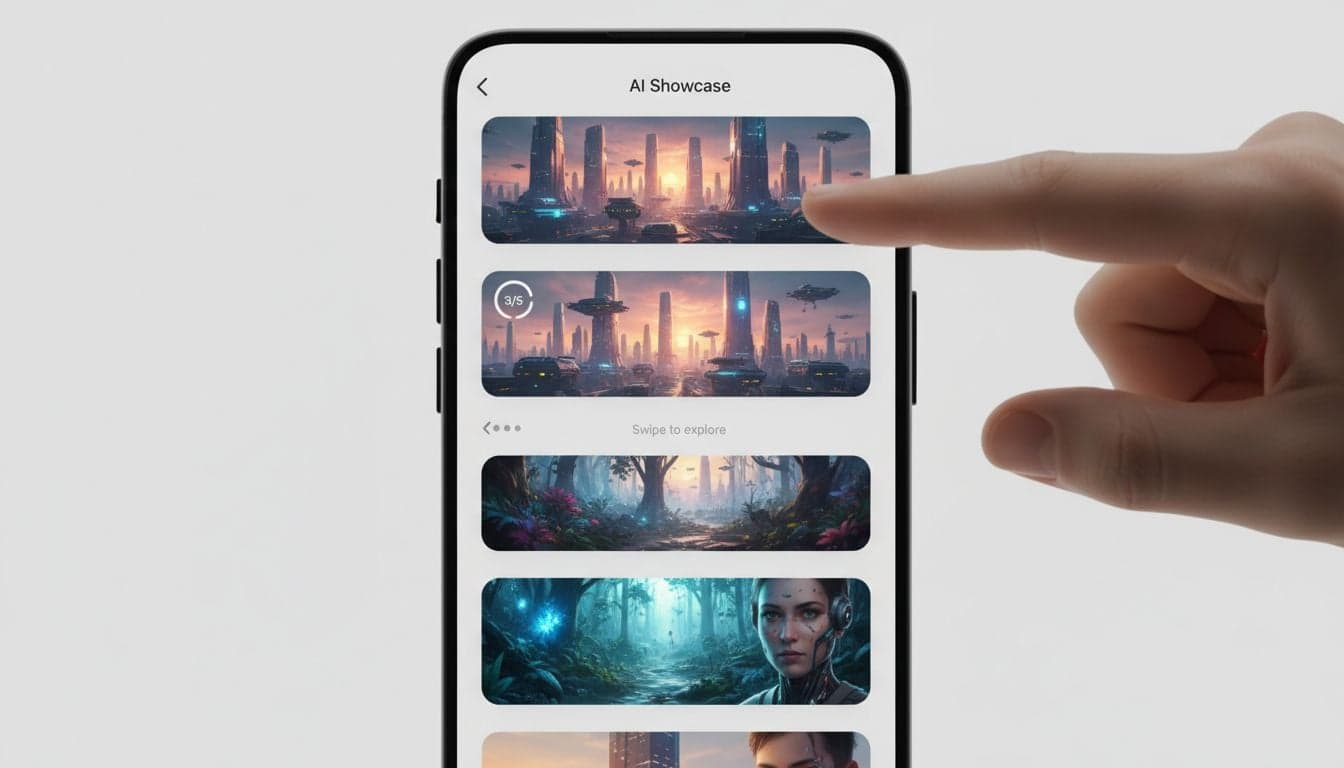
TikTok's photo carousel feature has quietly become one of the platform's highest-engagement formats. While most creators chase video trends, photo mode posts consistently achieve 40-60% higher save rates and longer average view times than standard videos. The swipe-through format triggers the same psychological response as Instagram Stories, but with TikTok's superior algorithm behind it.
AI-generated images unlock this format's full potential. You can produce dozens of themed carousel posts in minutes, test different visual styles instantly, and scale content production without hiring designers. Vexub's image generation capabilities transform text prompts into scroll-stopping carousel frames that match your brand aesthetic perfectly.
This strategy works across every niche. Educational accounts use carousels for step-by-step tutorials. Entertainment pages create before/after transformations. Motivational creators design quote sequences. The format's versatility combined with AI's speed creates an unfair advantage for early adopters.
Why TikTok Photo Carousels Outperform Standard Videos
The TikTok algorithm treats photo mode differently than video content. Photo carousels appear in both the For You feed and a dedicated photo discovery section that gets 200+ million daily views. This dual placement doubles your potential reach without extra effort.
User behavior patterns reveal why carousels work. The swipe interaction creates a micro-commitment that keeps viewers engaged through all slides. Each swipe registers as a positive engagement signal to the algorithm. A 5-slide carousel generates 5x more interaction data than a single video of equal watch time.
Save rates increase 47%: Users bookmark carousels to revisit later, signaling high value to TikTok's algorithm.
Share rates jump 33%: The static format makes slides easier to screenshot and share across platforms.
Comment quality improves: Viewers discuss specific slides, creating more substantive engagement than generic video comments.
Profile visits double: The curiosity gap between slides drives viewers to check your other content.
Photo carousels also bypass video fatigue. Your audience scrolls past hundreds of videos daily, but photo posts stand out visually in the feed. The format refresh captures attention from viewers who've developed banner blindness to standard TikTok videos.
AI Image Generation for Carousel Content
Creating professional carousel visuals traditionally required design skills, stock photo subscriptions, and hours per post. AI image generation eliminates all three barriers. Vexub generates custom images from text descriptions in under 60 seconds, maintaining consistent style across entire carousel sequences.
The key is prompt engineering. Effective carousel prompts specify visual style, subject focus, composition, and color palette. A generic prompt like 'fitness motivation' produces mediocre results. A strategic prompt like 'minimalist gym interior, golden hour lighting, athletic woman doing yoga pose, muted earth tones, shallow depth of field' creates scroll-stopping imagery.
Carousel-Specific Image Requirements
TikTok photo mode has unique technical specifications that impact visual quality. Understanding these constraints prevents pixelation and awkward cropping:
Aspect ratio: 9:16 vertical format works best. 4:5 Instagram-style ratios get letterboxed.
Resolution: 1080x1920 pixels minimum. Higher resolutions don't improve quality but increase file size.
File size: Under 10MB per image. Compress without quality loss using AI upscaling techniques.
Color space: sRGB color profile ensures colors display consistently across devices.
Vexub automatically optimizes generated images for TikTok's specifications. The platform handles aspect ratio adjustment, resolution scaling, and file compression while preserving visual quality. This technical optimization happens behind the scenes, letting you focus on creative strategy.
Building Cohesive Visual Sequences
Random images strung together create disconnected carousels that viewers abandon mid-swipe. Strategic sequences build narrative momentum that compels viewers through all slides. The most effective approach uses progressive disclosure — each slide reveals new information that builds on previous content.
Color consistency ties disparate images into unified sequences. Generate all carousel slides with matching color palettes: warm sunset tones, cool blue gradients, high-contrast black and white. This visual throughline signals professional production quality even when images depict different subjects.
Transition logic matters. Design slides so each image logically leads to the next. Educational carousels follow step-by-step progression. Storytelling sequences move chronologically. Comparison posts alternate between contrasting examples. This intentional flow keeps viewers swiping instead of scrolling away.
Create videos like this with AI
Script, voiceover, images and subtitles — automated in minutes.
High-Converting Carousel Content Formats
Certain carousel structures consistently outperform others. These proven formats work across industries and can be adapted to any niche with AI-generated visuals.
The Transformation Sequence
Before/after transformations leverage powerful psychological triggers. The format works for fitness journeys, home renovations, skill development, financial progress, and countless other applications. Generate the 'before' state showing the starting point, then create progressively improved versions showing transformation stages, culminating in the final 'after' result.
Add credibility by including specific metrics on each slide. Instead of generic 'before' and 'after' labels, show '30 days apart' or 'invested $500' or 'practiced 20 hours.' These concrete details make transformations believable and aspirational. The Instagram carousel video strategy shares similar transformation storytelling techniques that translate well to TikTok.
The Educational Walkthrough
Step-by-step tutorials packaged as carousels achieve exceptional save rates. Viewers bookmark the posts to reference later, creating ongoing engagement long after initial posting. Each slide presents one clear step with supporting visuals.
Kitchen recipe carousels exemplify this format. Slide 1 shows ingredients laid out. Slide 2 depicts mixing technique. Slide 3 reveals the cooking process. Slide 4 presents the finished dish. Slide 5 includes serving suggestions. The sequence guides viewers through complete processes while each individual slide works as standalone visual content.
Keep text minimal — maximum 15 words per slide
Use numbered slides to show progress through the sequence
Include a results-focused final slide that reinforces the payoff
Add a call-to-action on the last slide directing viewers to comments or profile
The Myth-Busting Series
Carousel posts that challenge common misconceptions generate high comment engagement. Each slide presents a widespread belief, then reveals the factual reality. The cognitive dissonance between expectation and truth compels viewers to engage.
Generate split-screen style images showing 'Myth' on one side and 'Reality' on the other. Use visual cues like red X overlays for false information and green checkmarks for accurate facts. This clear visual language helps viewers process information quickly while scrolling.
The Comparison Post
Side-by-side comparisons satisfy the brain's pattern-recognition impulses. Product comparisons, technique variations, price points, feature differences — any comparative information works well in carousel format.
Create consistent layouts where comparison elements occupy the same position on each slide. If comparing Product A vs Product B, always show Product A on the left and Product B on the right across all slides. This spatial consistency reduces cognitive load and improves comprehension.
Optimizing Carousel Performance with Data
TikTok analytics reveal which slides viewers engage with most. Track swipe-through rates to identify where viewers drop off. If 80% of viewers see slide 1 but only 30% reach slide 5, the sequence loses momentum around slides 2-3. Revise those middle slides to maintain interest.
A/B test different carousel lengths. Five-slide carousels balance completeness with attention spans for most audiences. Educational content supports 7-10 slides. Entertainment and inspirational posts perform best at 3-5 slides. Test systematically to find your audience's sweet spot.
Caption Strategy for Photo Carousels
Carousel captions need different approaches than video captions. Since viewers control pacing by swiping, captions can include more detailed information without overwhelming viewers. Front-load the hook in the first sentence to capture attention in the feed preview.
Use numbered lists in captions to complement numbered slides. If your carousel shows '5 Morning Habits,' your caption can expand on each habit with additional context. This doubling of information increases value density without cluttering slide visuals.
Include strategic hashtags that target both general carousel discovery (#photomode #carouselpost) and niche-specific terms. Combine 3-5 high-volume hashtags with 3-5 niche hashtags to balance reach and relevance. Check out effective TikTok video ideas and strategies for additional hashtag research approaches.
Automating Carousel Production at Scale
Consistency beats creativity on TikTok. Posting 3-5 carousels weekly outperforms one monthly masterpiece. AI automation makes high-frequency posting sustainable without burnout.
Batch-create carousel content in dedicated sessions. Generate 20-30 themed images in one sitting, then organize them into multiple carousel sequences. This batching approach leverages AI generation efficiency while maintaining creative flow states.
Template-Based Workflows
Design reusable carousel templates that maintain visual consistency across posts. A template defines layout style, typography, color scheme, and image placement. Generate new images following the template parameters, then populate the template structure.
Vexub's custom image styles let you save successful visual parameters as reusable templates. Create a 'motivational quotes' style, a 'product showcase' style, and a 'tutorial diagram' style. Apply these styles to new prompts instantly, ensuring all carousels maintain brand consistency.
Content Calendar Integration
Plan carousel topics two weeks ahead. This advance planning allows time for AI image generation, sequence arrangement, and caption writing without deadline pressure. Schedule posts during peak engagement windows — typically 7-9 AM and 7-10 PM in your audience's timezone.
Theme carousels around trending topics while maintaining evergreen value. A carousel about seasonal trends gets immediate traction, but the same carousel becomes irrelevant in three months. Add evergreen educational elements so trending posts continue generating value long-term.
Advanced Carousel Techniques for Maximum Reach
Once you've mastered basic carousel creation, these advanced techniques multiply your content's reach and engagement potential.
Multi-Platform Carousel Adaptation
TikTok carousels can be repurposed for Instagram, Pinterest, and LinkedIn with minimal modification. Generate 4:5 aspect ratio versions of your best-performing TikTok carousels, adjust captions for each platform's audience, and distribute across channels. This content multiplication strategy maximizes ROI on AI generation costs.
Platform-specific optimizations matter. Instagram users expect polished, cohesive aesthetics. LinkedIn audiences prefer data-driven, professional visuals. Pinterest users engage with bright, high-contrast images. Adjust color grading and composition style while maintaining core content for each platform.
Interactive Carousel Elements
Add interactive elements that encourage direct engagement. 'Swipe to reveal' teasers on slide 1 create curiosity. 'Comment your answer' prompts on middle slides boost comment rates. 'Follow for part 2' calls-to-action on final slides convert viewers into followers.
Poll-style carousels where each slide presents an option and the final slide reveals results generate exceptional engagement. 'Which morning routine is best?' with slides showing different routines, then a results slide showing viewer preferences, creates shareable content that viewers discuss in comments.
Seasonal Carousel Strategies
Plan seasonal carousel content 30-45 days before major holidays and events. Generate holiday-themed images early, schedule posts strategically, and capture search traffic from users planning ahead. Seasonal content gets recycled annually with minor updates, creating long-term value from one-time creation effort.
Evergreen seasonal posts outperform date-specific content. 'Summer fitness tips' works every June-August. 'New Year goal setting' applies every January. 'Holiday gift guides' cycle annually. These recurring themes let you build carousel libraries that generate value year after year.
Measuring Success and Iterating
Track these key metrics to evaluate carousel performance and guide optimization:
Completion rate: Percentage of viewers who swipe through all slides. Target 60%+ for engaging sequences.
Save rate: Saves per view indicate content value. Above 5% signals exceptional quality.
Share rate: Shares per view measure viral potential. 3%+ indicates highly shareable content.
Profile visit rate: Carousel-to-profile clickthrough shows conversion effectiveness. 8-12% is strong.
Follower conversion: New followers per 1000 carousel views. Above 20 indicates effective audience building.
Compare these metrics across different carousel formats, topics, and visual styles. Double down on what works. A carousel format achieving 8% saves deserves template creation and regular replication. Underperforming formats below 2% saves need revision or retirement.
Carousel content strategies work synergistically with video content. Use carousels for educational posts and tutorials, videos for entertainment and demonstrations. This format diversity prevents audience fatigue while serving different content consumption preferences. The combined approach builds more engaged, loyal audiences than single-format strategies.







