

AI-generated videos have transformed the way creators produce content, offering unparalleled speed and creativity. However, even the most advanced technology can encounter obstacles. Whether it's a glitch, a misalignment, or unexpected rendering errors, these issues can disrupt your workflow and diminish the final product's quality.
Addressing these challenges effectively requires a deep understanding of the underlying technology and practical troubleshooting techniques. By identifying common issues and applying targeted solutions, you can optimize your AI video generation process and maintain the high standards your audience expects.
Identifying Common AI Video Issues
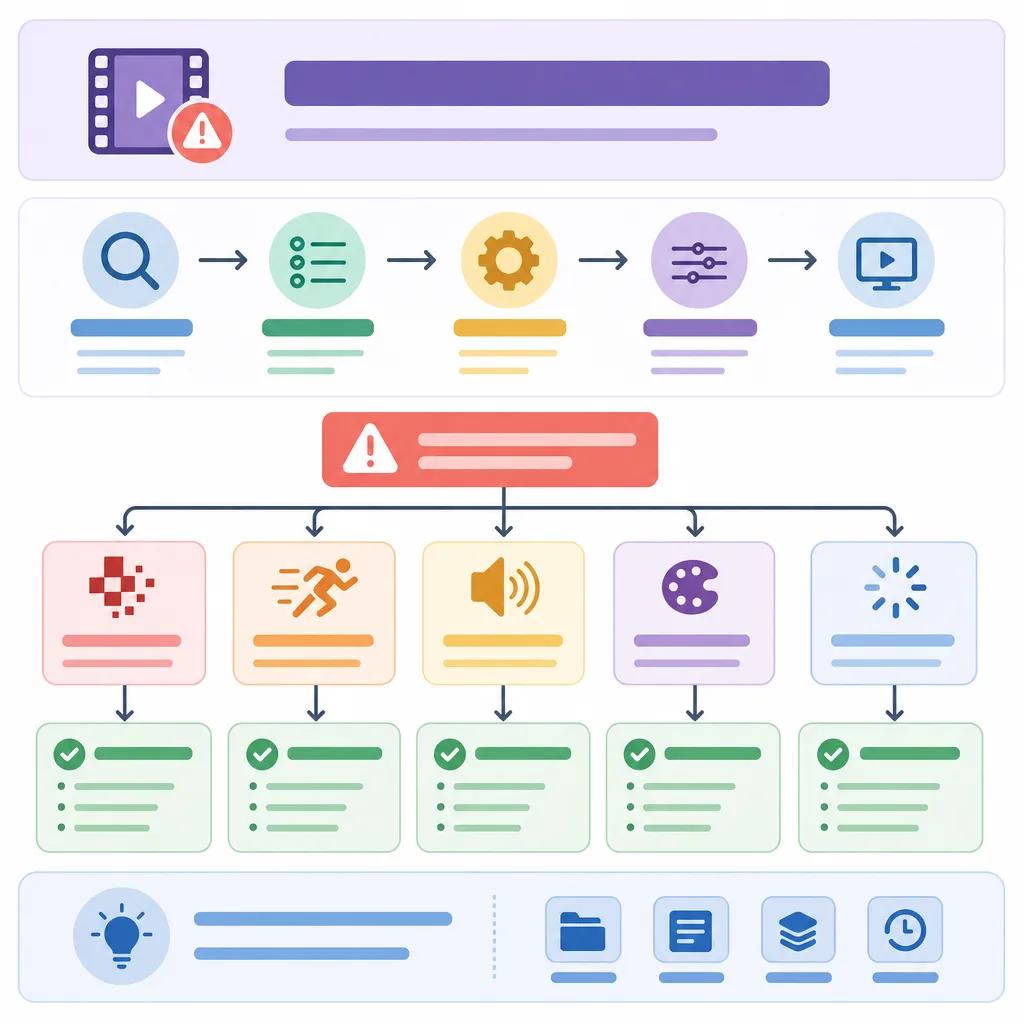
Before you can fix a problem, you need to understand what it is. AI-generated video issues often manifest in various forms, such as visual glitches, synchronization errors, or unexpected artifacts. These problems can arise from multiple sources, including software bugs, hardware limitations, or incorrect settings.
Visual glitches might appear as flickering images or distorted frames. Such issues often result from rendering errors, which can be resolved by adjusting the video settings or updating your software. Meanwhile, synchronization errors, where audio and video fall out of sync, can typically be corrected through careful editing and fine-tuning.
Understanding the Root Causes
To effectively troubleshoot, you need to understand the potential causes of these issues. AI video generation relies heavily on complex algorithms and vast computational resources. Any disruption in these processes can lead to noticeable problems in the output.
Common causes include insufficient processing power, outdated software, or incompatible video codecs. Additionally, improper configuration of AI models can lead to unexpected results. By diagnosing the root cause, you can apply the most effective solution.
Solutions to Visual Glitches
Visual glitches can be particularly frustrating, but they are often among the easiest issues to resolve. Start by ensuring that your software is up-to-date, as updates often contain patches for known issues. Adjusting your rendering settings can also help mitigate these problems.
If you're using Vexub, you can take advantage of its advanced settings to fine-tune video output. This includes adjusting frame rates, resolution, and color profiles, which can significantly reduce the occurrence of visual artifacts. For more in-depth guidance, refer to our article on AI video storytelling techniques which covers essential tips for enhancing video quality.
Resolving Synchronization Errors
Synchronization errors, where audio falls out of sync with video, require a more nuanced approach. These errors can usually be corrected by editing the video timeline and ensuring that the audio tracks are aligned correctly.
Manual Adjustments
Manual adjustments in editing software can resolve minor synchronization issues. You can use timeline tools to shift audio tracks and align them with the video. This method is particularly useful for short clips where precise timing is crucial.
Automated Solutions
For larger projects, automated synchronization tools can save time. Many AI platforms, including Vexub, offer features that automatically align audio and video tracks. These tools use advanced algorithms to detect discrepancies and adjust them accordingly.
Create videos like this with AI
Script, voiceover, images and subtitles — automated in minutes.
Dealing with Unexpected Artifacts
Artifacts, unexpected changes or errors in video content, can be more challenging to troubleshoot. They often occur due to compression issues or errors during the rendering process. To address artifacts, start by examining your video compression settings and ensuring they are optimized for your specific content type.
Switching to a lossless format for critical sections can preserve video quality. Additionally, check for any updates or patches to your AI software that might address these issues. Vexub consistently updates its platform to enhance performance and reduce such errors.

Leveraging Advanced AI Features
Advanced AI features can offer powerful solutions for persistent video issues. These include tools for enhancing video quality, stabilizing footage, and correcting color imbalances. Platforms like Vexub provide a suite of tools designed specifically for content creators.
By utilizing these features, you can overcome many common challenges and produce professional-quality videos. For creators focused on niche markets, such as creating travel vlogs with AI tools, these enhancements can make a significant difference in viewer engagement and satisfaction.
Preventing Future Issues
Preventive measures are crucial to maintaining video quality and avoiding recurring issues. Regularly updating your software and hardware, optimizing your workflow, and staying informed about the latest AI advancements can help prevent many common problems.
Engaging with the AI video creation community, such as forums and blogs, can provide valuable insights and tips. Check out our article on ai video trends for fitness influencers to explore how others are innovating in the field. By sharing experiences and solutions, you can enhance your skills and avoid pitfalls that others have encountered.
With these strategies, you can tackle any AI-generated video issue and continue to deliver high-quality content. Embrace the power of AI, and let platforms like Vexub support your creative journey.







