

In the rapidly evolving landscape of AI-powered video creation, achieving optimal clarity can still be a challenge. Videos generated using AI tools often suffer from issues such as blurriness, pixelation, or inconsistent quality, impacting their effectiveness and viewer engagement.
Understanding why AI videos sometimes lack clarity is the first step towards improving video quality. This guide will walk you through common clarity problems and offer practical solutions to enhance your AI-generated videos. Whether you're using Vexub or another platform, these tips will help you troubleshoot effectively.
Common Clarity Issues in AI Videos
AI-generated videos might look blurry or pixelated due to several reasons. These include low-resolution inputs, poor lighting conditions during filming, and compression artifacts. Let's explore these issues in more detail and understand how they affect video quality.
Low-Resolution Inputs
The resolution of your source material plays a significant role in the final output's clarity. If the input video or images are of low resolution, the AI has less data to work with, resulting in a blurry output. Always ensure your input files are of high quality to prevent such issues.
Lighting and Environment
AI tools often struggle with videos shot in poor lighting conditions. Insufficient light can create noise in the video, which the AI might interpret incorrectly, leading to artifacts and reduced clarity. Filming in well-lit environments can significantly enhance video quality.
Why AI Struggles with Video Clarity
Understanding the limitations of AI in video processing can help you set realistic expectations and optimize your workflow. AI models are trained on specific datasets, and if your content deviates too much from these training scenarios, it might result in poor clarity.
Additionally, AI struggles to consistently interpret fast-moving scenes or complex patterns. This can lead to inconsistencies in video quality across different segments. By tailoring your content to align more closely with AI capabilities, you can achieve better results.
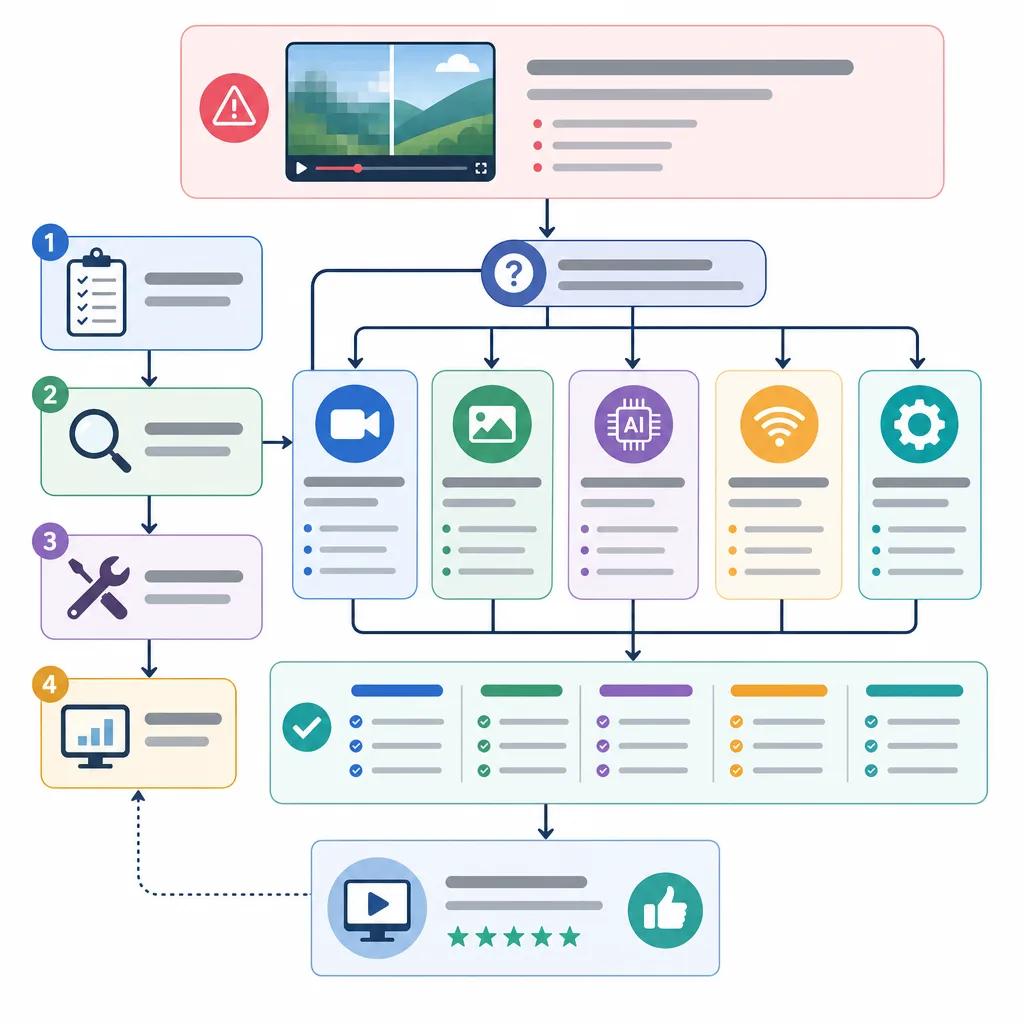
Step-by-Step Troubleshooting Guide
To effectively troubleshoot and improve the clarity of your AI-generated videos, follow these steps:
Check the resolution of your input files. High-resolution inputs lead to clearer outputs.
Ensure your lighting conditions are optimal when filming. Use artificial lighting if necessary.
Avoid fast pans and complex scenes that AI may struggle to interpret accurately.
Utilize AI video enhancers like Vexub or ", Topaz Video AI, " to improve clarity post-production.
These steps can significantly enhance the clarity of your videos and help you make the most of your AI video creation platform.
Create videos like this with AI
Script, voiceover, images and subtitles — automated in minutes.
Utilizing AI Video Enhancers
AI video enhancers are powerful tools designed to improve the quality of your videos post-production. Tools like Vexub, Topaz Video AI, and Aiarty Video Enhancer offer various features to help sharpen your video and reduce noise.
Choosing the Right Enhancer
When selecting an AI video enhancer, consider factors such as ease of use, cost, and compatibility with your existing workflow. Vexub, for example, integrates seamlessly with other tools, making it a versatile choice for creators looking to enhance video clarity.
Best Practices for AI Video Clarity
Maintaining video clarity involves not just troubleshooting immediate issues but also adopting best practices in your video creation process. Here are some tips:
Regularly update your AI tool to leverage the latest improvements in AI technology.
Test multiple AI models to find the one that best suits your specific video content.
Incorporate viewer feedback to continuously refine your video production techniques.
Following these practices ensures not only better clarity but also improved overall video quality, leading to higher viewer satisfaction.

Why Consistency Matters in AI Videos
Consistency in video quality is crucial for maintaining audience engagement. Inconsistent video clarity not only distracts viewers but also diminishes the perceived professionalism of your content.
By implementing the strategies outlined in this guide and utilizing tools like Vexub, you can achieve consistent and high-quality video outputs. Explore more on creating engaging AI-driven reaction videos to further enhance your content creation strategy.
Addressing clarity issues in AI videos requires both a technical understanding and a strategic approach. By leveraging the right tools and techniques, you can ensure your videos are not only clear but also captivating and professional.
For more tips on optimizing your AI video content, check out our article on best practices for AI video SEO.







