

Creating videos with AI tools can be both exciting and challenging. While these tools offer incredible possibilities, they also come with their own set of rendering issues that can frustrate creators. Understanding and troubleshooting these problems is essential to maintaining a smooth workflow.
Whether it's unexpected glitches, inconsistent quality, or rendering failures, these issues can disrupt your production schedule and impact the final output. This article delves into the most common AI video rendering issues and provides actionable solutions to help you create seamless videos.
Why Do AI Videos Glitch?
Glitches in AI-generated videos often stem from software bugs or resource limitations. AI tools rely heavily on data processing and complex algorithms, which can be disrupted by insufficient memory or processing power. This results in visual or audio glitches that can detract from the viewer's experience.
To mitigate these issues, ensure your system meets the recommended specifications for the AI software you're using. Additionally, regularly update the software to benefit from bug fixes and optimizations. Vexub, for example, frequently updates its platform to address common glitches reported by users.
Addressing Inconsistencies in AI Video Quality
Inconsistency in video quality can be attributed to varying input data quality and algorithmic limitations. AI tools like those offered by Vexub are designed to adapt to different types of content, but they can struggle with low-quality inputs or overly complex scenes.
To improve consistency, use high-resolution source materials and simplify scenes when possible. Also, explore different settings and configurations within the AI tool to find the optimal balance for your specific content. For more detailed guidance, check out our article on ", creating educational videos with AI tools, ".
Common Rendering Failures and Their Solutions
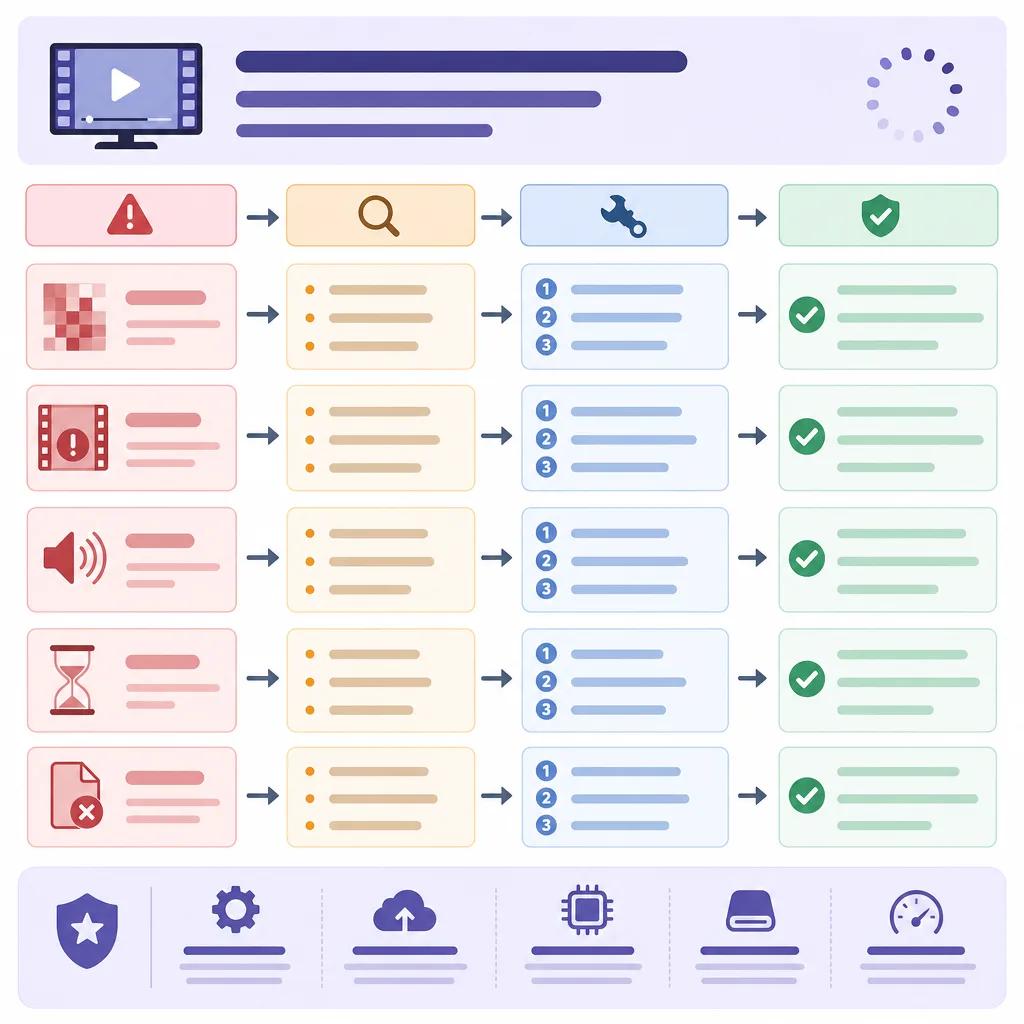
Rendering failures can occur due to a range of factors including software crashes, inadequate storage, or corrupted files. These failures can be particularly frustrating as they often result in lost time and effort.
To prevent rendering failures, ensure your storage devices have sufficient space and regularly back up your project files. Additionally, using stable versions of AI tools like those from Vexub can reduce the likelihood of crashes. If you encounter persistent issues, consider reaching out to the software's support team for assistance.
Optimizing Your System for AI Video Rendering
System optimization is key to preventing rendering failures. This involves upgrading hardware components such as RAM and graphics cards to meet the demands of AI video processing. Keeping your system free from unnecessary software can also improve performance.
Regular system maintenance, including disk cleanups and updates, ensures that your computer operates efficiently. By optimizing your system, you can significantly reduce the occurrence of rendering issues.
How to Handle AI Video Output Errors
Output errors in AI video generation often manifest as incorrect file formats, missing segments, or synchronization problems. These issues can be resolved by verifying the output settings before initiating the rendering process.
Double-checking the format, resolution, and encoding options can prevent many common output errors. For detailed tips on setting up your video projects, explore our guide on ", using AI video editing software for beginners, ".
Create videos like this with AI
Script, voiceover, images and subtitles — automated in minutes.
Mitigating Issues with AI-Generated Content
AI-generated content can sometimes feel robotic or lack the human touch. To combat this, integrate elements that enhance creativity and engagement, such as personalized scripts or voice-overs.
Vexub's platform provides tools that allow for customization and personalization, helping you create content that resonates with your audience. For strategies on improving AI-generated content, read more in our piece on ", creating engaging travel vlogs with AI, ".

Technical Support and Community Resources
When facing persistent issues, accessing technical support and community resources can be invaluable. Many AI video creation platforms, including Vexub, offer dedicated support teams to assist with troubleshooting.
Engaging with online communities and forums can also provide insights from other creators who have faced similar challenges. Sharing experiences and solutions can lead to quicker resolutions and enhance your skills in handling AI video tools.
For an overview of how different platforms compare, see our article on ", AI video tools comparison for fitness creators, ". This can help you choose the right tools for your specific needs and avoid common pitfalls.







