

Experiencing video playback issues can be frustrating, especially when you're trying to enjoy your favorite content online. Whether it's buffering, glitches, or errors, these problems disrupt your viewing experience and can occur on any device or platform.
Understanding how to troubleshoot these issues efficiently can save you time and improve your overall experience. This guide explores common causes of video playback problems and offers practical solutions to fix them. Let's dive into the details.
What Causes Video Playback Issues?
Several factors contribute to video playback issues. Understanding these causes helps in identifying and resolving the specific problem you're facing.
Network Connectivity: Slow or unstable internet connections are the most common reason for buffering and poor video quality.
Device Limitations: Older devices may lack the necessary processing power or software updates to handle high-quality video streams.
Software Conflicts: Outdated or incompatible software, including drivers and media players, can cause playback errors.
File Corruption: Videos that are damaged or improperly encoded may not play correctly.
How to Fix Buffering and Slow Playback
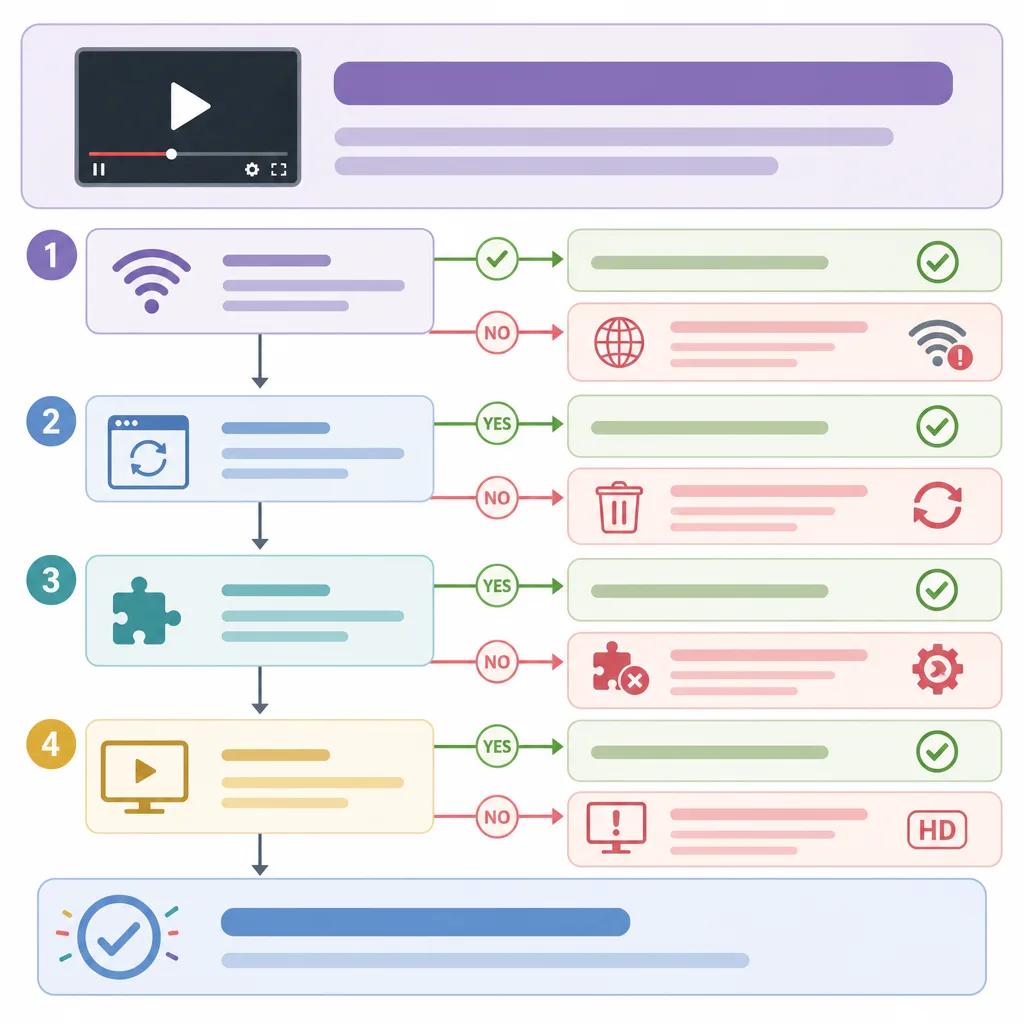
Buffering is a common playback issue, often caused by network problems. Here are steps to resolve it:
Check Internet Speed: Ensure your internet connection meets the required speed for streaming. Consider using a wired connection for better stability.
Reduce Network Load: Disconnect other devices from the network to free up bandwidth.
Lower Video Quality: Reducing the video resolution can help if your internet speed is insufficient.
Update Software: Ensure your browser, media player, and system drivers are up-to-date.
Resolving Video Glitches and Artifacts
Glitchy video playback, where images appear distorted or 'artifacted', often stems from hardware limitations or software issues.
Upgrade Hardware: Ensure your device meets the hardware requirements for the video format you're playing.
Adjust Player Settings: Experiment with hardware acceleration settings in your media player.
Update Graphics Drivers: Outdated graphics drivers can cause rendering issues.
For more in-depth guidance, explore our article on ", AI video editing for beginners, " to enhance your editing skills and avoid common mistakes.
Addressing Video Playback Errors
Playback errors can be cryptic but are usually resolvable with the right approach. Common solutions include:
Clear Cache and Cookies: Removing cached data can resolve conflicts with video playback.
Use a Different Browser: Some browsers handle video playback better than others. Try switching to see if it resolves the issue.
Disable Extensions: Browser extensions can interfere with video playback. Temporarily disable them to identify if one is causing the problem.
Create videos like this with AI
Script, voiceover, images and subtitles — automated in minutes.
Troubleshooting Across Different Platforms
Different platforms might have unique playback issues. Here's how to address them on popular platforms like YouTube and Netflix:
YouTube Playback Issues
If you're facing issues with YouTube, try the following:
Check YouTube's Status: Sometimes, the problem might be on YouTube's end. Visit their status page to confirm.
Adjust Playback Settings: Lowering the quality can improve playback if your network is slow.
Ensure Sufficient Device Resources: Close unnecessary apps to free up CPU and memory.
Explore further on how ", to solve YouTube problems, " and ensure seamless streaming.
Netflix and Other Streaming Platforms
For Netflix, consider these troubleshooting steps:
Restart the App: A simple restart can resolve temporary glitches.
Check for Updates: Ensure your app and device firmware are up-to-date.
Contact Support: If issues persist, reaching out to customer support might be necessary.
Preventing Future Playback Issues
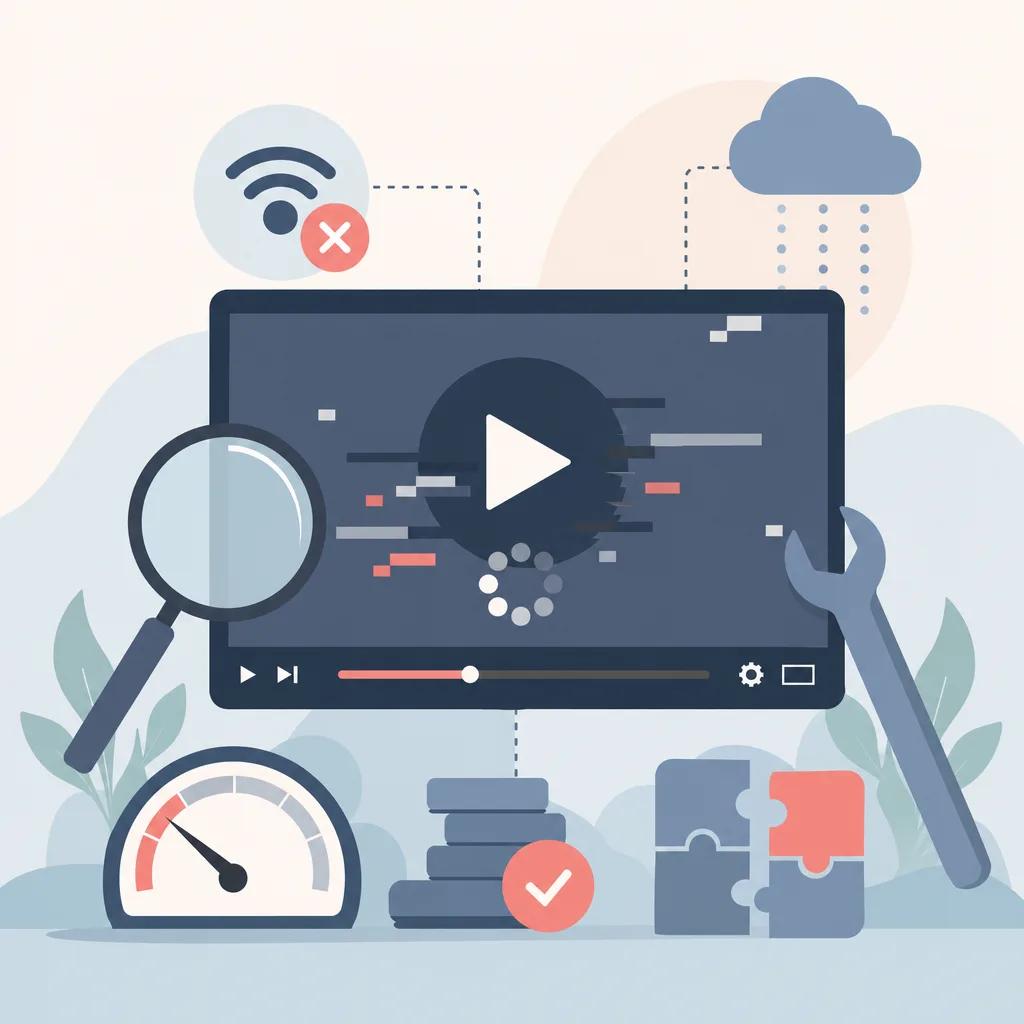
Consistent performance requires maintenance and proactive measures. Here are tips to avoid common playback problems:
Regularly Update Software: Keep all video-related software current to benefit from performance improvements and bug fixes.
Use Reliable Hardware: Invest in high-quality routers and devices that can handle high-definition video streams.
Monitor Network Usage: Use tools to track and manage bandwidth usage effectively.
Enhance your video production skills with ", AI video production tips for musicians, " and ensure your content is always top-notch.
Conclusion
Troubleshooting video playback issues can be straightforward with the right approach. By identifying the root cause and applying the troubleshooting steps outlined in this guide, you can ensure a smooth and enjoyable viewing experience. Whether you're streaming online or playing local files, these tips will help you overcome common obstacles.
For more advanced solutions and support, consider utilizing platforms like Vexub, which offer comprehensive tools and guides for video creation and playback. Elevate your content creation and delivery by staying informed and proactive.







