
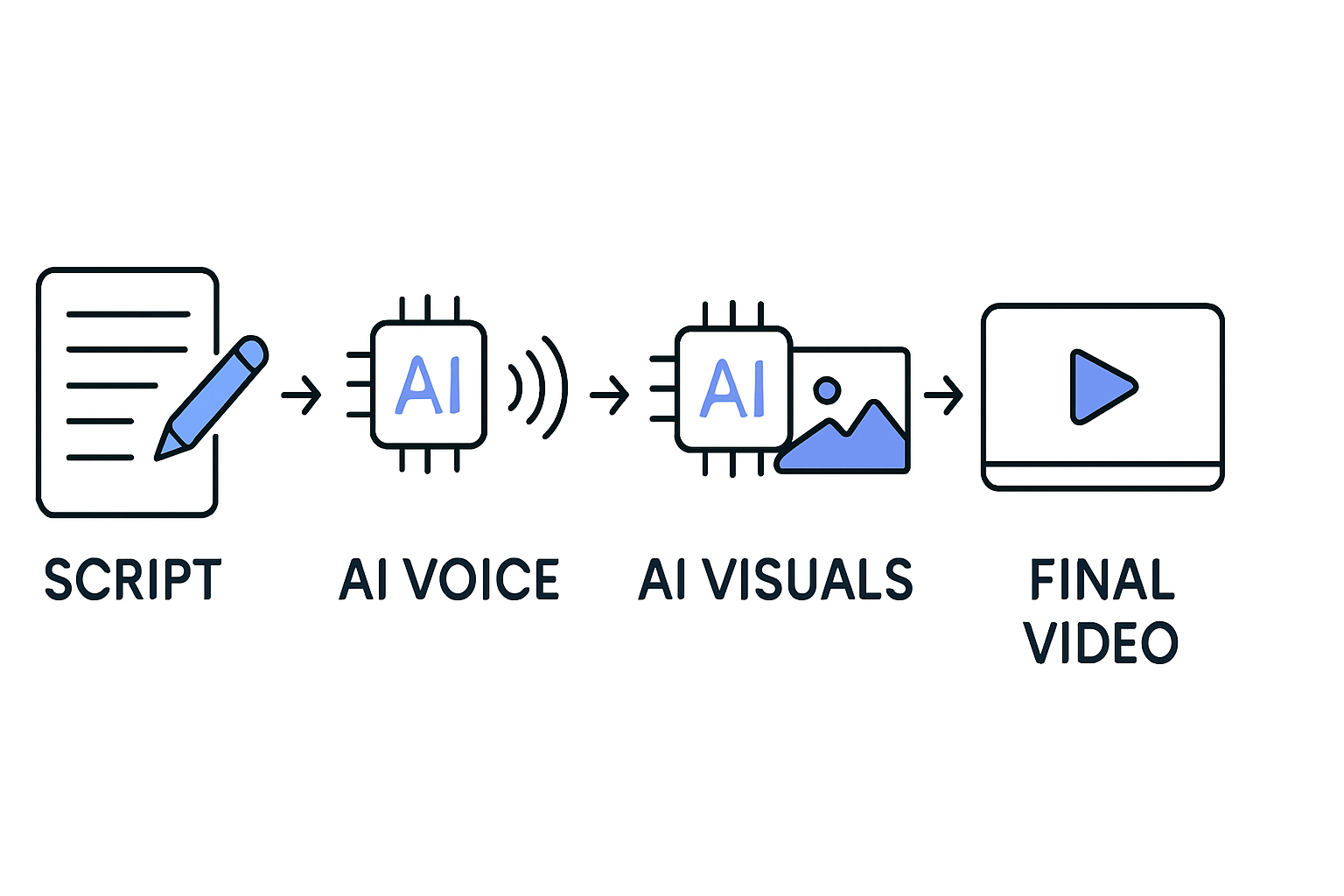
User-generated content (UGC) has transformed the way brands connect with audiences. In a digital landscape saturated with polished marketing materials, authentic UGC videos cut through the noise, drawing attention from potential customers. The great news is that you don't need a team of actors or a high-budget production to create engaging UGC. With advancements in AI technology, you can produce captivating videos that resonate with your target audience, all from the comfort of your own home.
This guide will walk you through the process of creating UGC videos using AI, ensuring that you can generate content that feels real and relatable. Say goodbye to hiring actors or professional videographers. It's time to harness the power of an AI UGC video generator to elevate your content strategy.
Understanding User-Generated Content (UGC)
UGC is any content created and shared by genuine users rather than brands. This can include reviews, testimonials, and social media posts. Due to its authenticity, UGC often leads to increased engagement and trust among viewers.
Benefits of UGC in Marketing
Enhances brand credibility.
Increases audience engagement.
Boosts conversion rates.
Fosters community and connection.
Why Use AI for Creating UGC Videos?
AI-powered tools make it easier than ever to create professional-looking videos without needing extensive video editing skills. Here are several reasons to consider using an AI UGC creator:
Speed: Generate videos quickly, allowing for more frequent content updates.
Cost-Effective: Reduce the need for expensive actors and production teams.
Customization: Tailor content to fit your brand voice and message.
How AI Enhances UGC Creation
AI can analyze data from past successful UGC campaigns and suggest video themes, styles, and formats that resonate best with your audience. With the right AI tools, you can ensure your videos are not just created fast, but also effectively.
Steps to Create UGC Videos with AI
Follow these steps to harness the power of AI and create your own user-generated content videos.
1. Choose the Right AI Video Generator
Selecting the right AI video generator is crucial. Look for features such as:
Ease of use.
Customization options.
Support for various media types (images, text, audio).
2. Gather Your Content Material
Collect any existing user-generated content you may have, including text reviews, images, or previous video snippets. This can serve as a foundation for your AI-generated video.
3. Input Content into the AI Tool
Once you've chosen an AI video generator like Vexub, input your materials. The tool will help craft a storyline from your UGC, utilizing its editing capabilities.
4. Customize Your Video
Add personal touches to make the video frame your brand's identity. This can include:
Brand colors and logos.
Music and voiceovers.
Create videos like this with AI
Script, voiceover, images and subtitles — automated in minutes.
Best Practices for UGC Video Creation
To maximize the impact of your UGC videos, adhere to these best practices:
Keep it authentic: Ensure the video reflects genuine user experiences.
Maintain a short length: Aim for 1-2 minutes to retain viewer attention.
Include a strong call-to-action.
Measuring the Success of Your UGC Videos
Tracking performance is critical to understanding how your UGC videos resonate with audiences. Focus on key metrics such as:
View count and engagement rates.
Conversion metrics from campaigns featuring your UGC.
Feedback and comments from viewers.
Analyzing Results
Use analytics tools to dissect the data and refine future content strategies. Understanding what works will inform ongoing improvements.
Conclusion
Creating authentic UGC videos with AI makes it accessible for everyone to share their experiences and stories. By leveraging AI video creation tools, you're not only saving time and resources but also tapping into an emotional connection with your audience. Start your journey today and explore how you can make the most of user-generated content.
For further learning on AI video creation, check out our articles on How to Make AI Videos and AI Video Creation for Social Media Monetization.







