
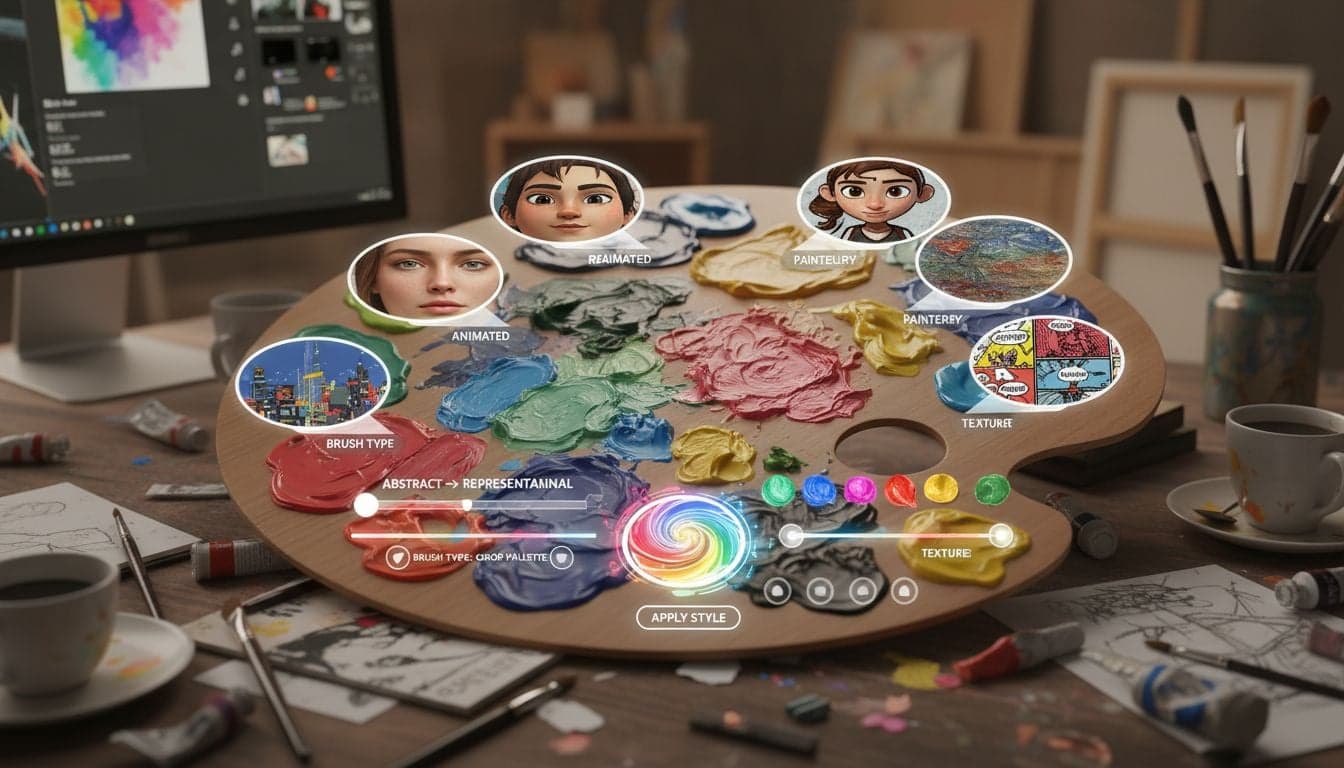
Your video's visual style determines whether viewers scroll past or stop to watch. While Vexub offers dozens of pre-built AI image styles, the ability to customize and create your own styles sets your content apart from the thousands of creators using the same templates.
Custom image styles give your videos a distinctive visual identity that viewers recognize instantly. This consistency builds brand recognition and keeps audiences coming back. The best part? You don't need design experience or expensive software to create professional-looking custom styles.
This tutorial walks through every step of customizing AI image styles in Vexub, from tweaking existing presets to building completely unique visual aesthetics from scratch.
Understanding Vexub Image Styles
Image styles in Vexub control how AI-generated visuals appear in your videos. Each style consists of multiple parameters that affect color grading, artistic technique, lighting, texture, and overall aesthetic direction.
The platform uses advanced AI models that interpret your style parameters to generate consistent visuals throughout your video. When you create custom image styles, you're essentially teaching the AI your preferred visual language.
Style consistency: All images in a project maintain the same aesthetic approach, creating cohesive storytelling.
Brand alignment: Custom styles match your existing brand colors, tone, and visual identity.
Competitive differentiation: Unique styles make your content instantly recognizable in crowded feeds.
Reusability: Save custom styles and apply them across multiple projects for consistent output.
Accessing Style Customization Options
Navigate to the style selection panel when creating or editing a project. Click the 'Customize Style' button next to any existing style preset to open the advanced editor.
The customization interface divides into four main sections:
Base Style Selection: Choose a starting point from 50+ built-in styles or start from a blank template.
Visual Parameters: Adjust color palette, contrast, saturation, and lighting characteristics.
Artistic Technique: Define rendering style—photorealistic, illustrated, painted, sketched, or mixed media.
Advanced Settings: Fine-tune composition rules, perspective, depth of field, and texture details.
Starting with Preset Modifications
The fastest path to custom styles begins with modifying existing presets. Select a style that approximates your vision, then adjust specific parameters to match your requirements.
For example, if you're creating faceless YouTube content, start with the 'Cinematic Documentary' preset and modify the color temperature to cooler tones for a more serious tone, or warmer hues for approachable content.
Key Customization Parameters Explained
Understanding each parameter helps you make intentional design choices rather than random adjustments.
Color Palette Controls
Color dramatically impacts viewer emotion and brand recognition. Vexub provides several color manipulation tools:
Primary color selection: Choose 1-3 dominant colors that appear throughout your video. Use your brand colors here for consistency.
Color temperature: Slide toward warm (orange/yellow bias) for friendly, energetic content or cool (blue bias) for professional, calm aesthetics.
Saturation level: High saturation creates vibrant, eye-catching visuals perfect for entertainment content. Lower saturation works better for serious topics and documentary-style videos.
Contrast ratio: Higher contrast adds drama and makes text overlays more readable. Lower contrast creates softer, more subtle imagery.
Artistic Technique Options
The artistic technique parameter determines the fundamental rendering approach:
Photorealistic: Generates images that resemble actual photographs. Best for news, educational content, and documentary-style videos.
Digital painting: Creates brush-stroke effects with painterly textures. Works well for storytelling and creative content.
Illustration style: Produces clean, stylized images with defined edges. Perfect for explainer videos and children's content.
Sketch/line art: Emphasizes outlines and minimal shading. Effective for minimalist aesthetics and technical demonstrations.
Mixed media: Combines multiple techniques for unique, layered visuals that stand out in feeds.
Experiment with different techniques to find what resonates with your audience. The 'Preview' function generates sample images so you can evaluate before committing.
Create videos like this with AI
Script, voiceover, images and subtitles — automated in minutes.
Creating Brand-Specific Custom Styles
Building a custom style that reflects your brand requires strategic thinking beyond aesthetic preferences. Consider your content goals, target audience, and platform requirements.
Define Your Visual Identity
Before adjusting sliders, document your visual requirements:
Extract your brand's primary and secondary colors. Enter these exact hex codes into Vexub's color palette selector.
Identify the emotional tone you want to convey—playful, authoritative, mysterious, inspirational, or educational.
Research competitor content to identify visual gaps you can fill with a distinctive style.
Consider platform-specific requirements. Instagram prefers bright, high-contrast visuals while YouTube audiences respond well to cinematic styles.
Advanced Parameter Combinations
Powerful custom styles emerge from thoughtful parameter combinations:
Testing and Refining Your Custom Style
Creating the perfect style rarely happens on the first attempt. Vexub's iterative workflow makes refinement straightforward:
Generate a test video using your custom style with varied content—landscapes, people, objects, and abstract concepts.
Review the output across different devices. Styles that look great on desktop might appear too dark or oversaturated on mobile.
Share test videos with a small audience segment and gather feedback on visual appeal and brand alignment.
Make incremental adjustments based on feedback. Change one parameter at a time to understand its specific impact.
Save multiple style variations as you refine. This lets you compare versions side-by-side and revert if needed.
Professional creators typically test 5-10 variations before settling on their signature style. The investment pays off through increased viewer recognition and engagement.
Saving and Managing Custom Styles
Once you've perfected a custom style, save it to your style library for future use. Click 'Save Custom Style' and assign a descriptive name that reflects its purpose—'Brand Primary Dark,' 'Tutorial Warm,' or 'Horror Atmospheric.'
Vexub stores unlimited custom styles in your account. Organize them into categories:
Brand styles: Your official visual identities for different content types.
Experimental styles: Test variations you're evaluating for potential use.
Seasonal styles: Holiday-specific or time-limited visual themes.
Collaboration styles: Shared aesthetics for brand partnerships or sponsored content.
Apply saved styles to new projects with a single click. This ensures visual consistency across your entire content library without recreating settings each time.
Platform-Specific Style Optimization
Different platforms have distinct visual preferences and technical requirements. Optimize your custom styles for each destination:
TikTok Style Guidelines
TikTok's fast-paced environment demands immediate visual impact. Use high saturation, strong contrast, and warm tones. The illustration style often outperforms photorealistic rendering because it reads clearly on small screens.
Keep compositions simple with clear focal points. Avoid intricate details that get lost in vertical formatting.
YouTube Style Guidelines
YouTube viewers tolerate more visual complexity and watch on larger screens. Cinematic, photorealistic styles work exceptionally well. You can incorporate subtle textures and detailed backgrounds without overwhelming the frame.
When building faceless YouTube channels, maintain style consistency within each video series while varying styles between different content categories.
Instagram Style Guidelines
Instagram prioritizes aesthetic appeal above all else. Use very high saturation, professional color grading, and artistic techniques that create 'wow' moments. Digital painting and mixed media styles generate strong engagement.
Consider how your custom style appears in grid view. Some styles that look beautiful in isolation clash when placed next to other posts.
Advanced Techniques for Professional Results
Once you've mastered basic customization, these advanced techniques elevate your visual output:
Color harmony rules: Use complementary colors (opposite on the color wheel) for dynamic tension or analogous colors (adjacent on the wheel) for harmonious, calming visuals.
Dynamic style variation: Create 3-5 related styles that share core brand elements but vary in intensity. Use different variations for intros, main content, and outros.
Seasonal style updates: Refresh your base style quarterly with subtle shifts in color temperature or saturation to keep content feeling current.
A/B testing: Publish identical content with different custom styles to different audience segments. Track performance metrics to identify which aesthetics drive better engagement.
The most successful creators treat custom styles as living elements that evolve with their brand. Schedule quarterly reviews to assess whether your visual approach still aligns with content goals and audience preferences.
Common Customization Mistakes to Avoid
Understanding common pitfalls saves time and improves results:
Over-customization: Adjusting every parameter creates chaotic, unfocused visuals. Pick 3-5 key parameters that define your style and leave others at default settings.
Ignoring accessibility: Extremely low contrast or unusual color combinations can exclude viewers with visual impairments. Test styles with accessibility tools.
Platform misalignment: A style perfect for YouTube might fail completely on TikTok. Create platform-specific variations rather than forcing one style everywhere.
Inconsistent application: Switching styles frequently confuses audiences and prevents brand recognition from developing. Commit to a style for at least 30 days before evaluating its effectiveness.
Neglecting mobile preview: Most viewers watch on phones. Always preview your custom style on mobile devices before finalizing.
Building a Custom Style Library
Professional content creators maintain organized libraries of custom styles for different purposes. This systematic approach enables faster content creation and maintains quality consistency.
Structure your style library around content categories rather than arbitrary names. Create distinct styles for tutorials, entertainment, promotional content, and community engagement. Each category can have 2-3 variations for different moods or topics.
Document each style's use case and performance metrics. Note which styles generate the highest engagement rates, watch time, or conversion rates. This data-driven approach helps you double down on what works.
Share your custom style library with team members or collaborators to ensure everyone produces content with consistent visual branding. Vexub's collaboration features make this straightforward.
Evolving Your Visual Style Over Time
Your custom AI image style should grow alongside your channel and audience. Successful creators gradually refine their aesthetics based on performance data and audience feedback.
Track engagement metrics for videos using different style variations. If warmer tones consistently outperform cooler ones, shift your palette accordingly. If photorealistic styles drive higher watch time than illustrated ones, adjust your technique parameter.
Monitor design trends in your niche without blindly copying them. If a competitor's visual approach resonates with audiences, analyze why it works and incorporate similar principles in a way that maintains your unique identity.
When you create faceless videos that go viral, the visual style often plays as large a role as the content itself. Invest time in developing a signature aesthetic that viewers associate exclusively with your brand.







