
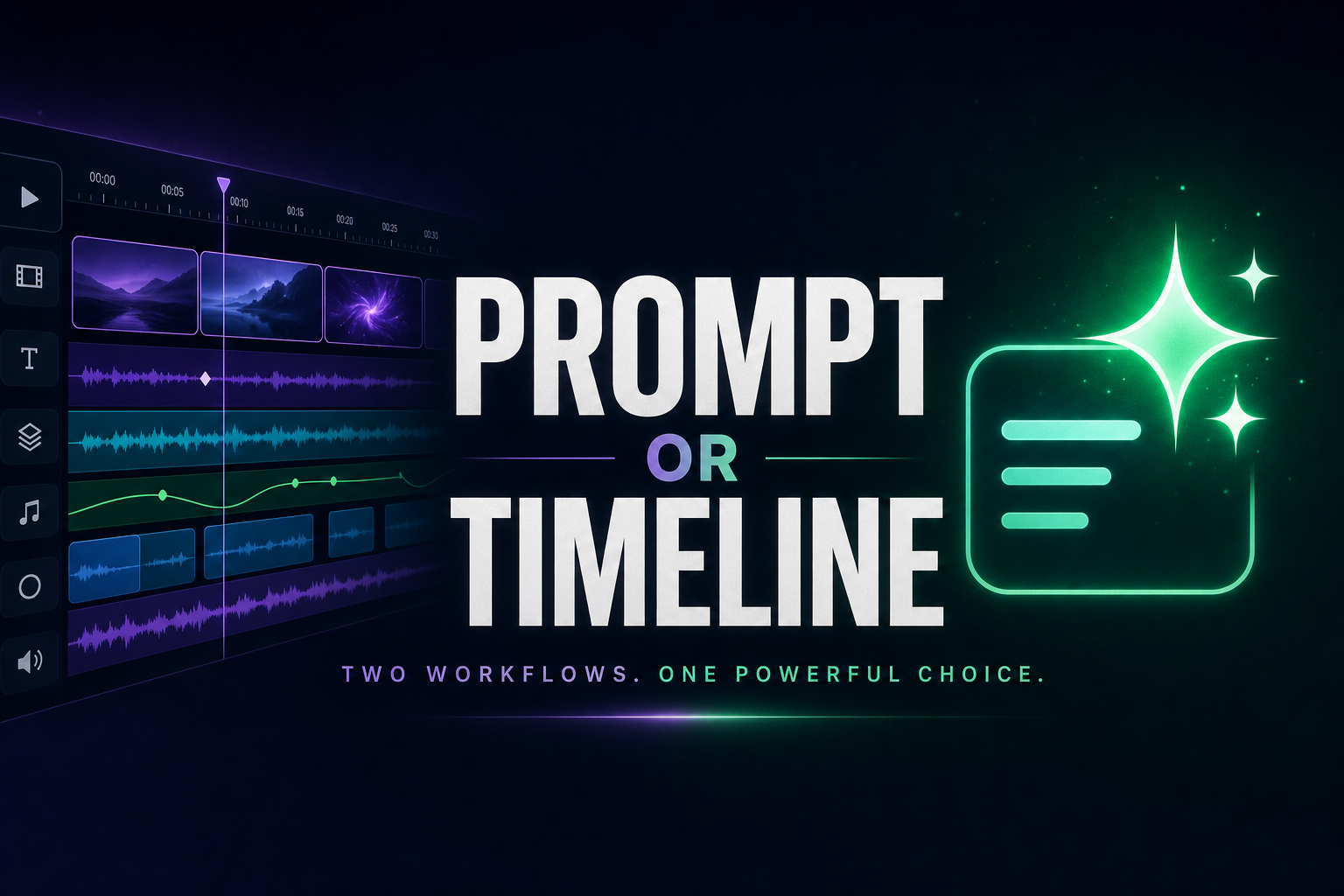
InVideo AI is the most polished AI-assisted timeline editor on the market in 2026. The stock library is huge (16M+ assets), Sora 2 and VEO 3.1 are integrated into the pipeline, and voice cloning is part of Max. If you like timeline editing it's hard to beat. But that's the catch — InVideo is still a timeline tool, not a true "prompt in, video out" engine. Vexub takes the opposite approach: prompt-first generation across six modes at €1 per finished video.
Vexub vs InVideo AI at a glance
| Feature | Vexub | InVideo AI |
|---|---|---|
| Prompt-first generation | All six modes, no timeline | AI-assisted timeline editing |
| Six creation modes | Included | Text-to-video focus |
| YouTube clipping | Included | Not available |
| MP3 or MP4 to vertical | Included | Limited |
| VEO 3, Kling, Grok AI video | Included | Sora 2 + VEO 3.1 integrated |
| SMS Video format | Included | Not available |
| Stock asset library | Vecteezy + AI gen | 16M+ stock assets |
| Voice cloning | Roadmap | Up to 5 clones on Max |
| 1080p on entry plan | Yes | No, Plus and Max only |
| Free plan watermark | No card, 15-sec preview | Watermark on free exports |
| Pricing model | €30 / 30 finished videos | $25 Plus, $60 Max (credits) |
| Cost per finished video | €1 | ~$0.63 Plus (timeline work) |
Where InVideo AI falls short in 2026
InVideo's positioning has always been "AI-powered". In practice the workflow is closer to AI-assisted editing: the platform helps you, but you still operate a timeline editor — swapping clips, adjusting durations, fixing transitions.
Timeline-first workflow. For creators who want a complete video from a single prompt with no timeline work, InVideo doesn't deliver that today.
Credit math on top of plans. InVideo plans are structured around weekly AI generation credits, not monthly video counts. Generating a single video can consume 10-15 credits depending on length and regeneration attempts.
720p ceiling on free and entry. 1080p export is restricted to paid plans, and Free / entry-level paid users export at 720p — below YouTube and TikTok quality standards in 2026.
Watermarks on free. Free plan exports carry an InVideo watermark, and the 10 weekly export limit shares a credit pool with iStock footage, AI scripts and voice generation.
What Vexub does differently
Vexub flips the model. There is no timeline to operate by default — you describe what you want, choose a mode, and ship. The editor is there if you need to refine, not as the main workflow.
Six creation modes in one tool
Text-to-Video. Prompt to vertical or horizontal video with AI voice, animated subtitles, and edit ready to publish — no timeline needed.
MP3-to-Video. Upload a voiceover or podcast extract, get a vertical short.
MP4-to-Video. Re-edit horizontal footage into vertical with B-roll.
SMS Video. Recreate viral SMS conversation videos.
AI Video (VEO 3, Kling, Grok). Cinematic AI shots from a prompt.
YouTube Clipping. Vertical clips with active speaker detection.
1080p included from entry plan, no watermark
Vexub exports in 1080p (or 4K depending on plan) from the entry tier with no watermark on paid plans. InVideo caps free and Plus exports at 720p, which is below platform standards in 2026.
Predictable price per finished video
Vexub plans are priced in finished videos. €30 entry plan = 30 finished videos = €1 per video, with no separate credit pool for AI scripts, voices, or stock. Yearly billing applies a 60% discount.
Pricing breakdown — real numbers
| Plan | Vexub | InVideo AI |
|---|---|---|
| Free tier | 15-sec preview, no card, no watermark | Watermark, 720p, 10/week |
| Entry plan | €30 / 30 finished videos / 1080p | $25 Plus / 720p |
| Mid plan | €55 Plus | $60 Max / 1080p + voice clone |
| Top plan | €120 Pro / Enterprise | Higher tiers |
| Resolution on entry plan | 1080p | 720p |
| Yearly discount | Up to -60% | Around -20% |
| Credit pool conflict | None | Yes (AI script, voice, stock share pool) |
When to pick InVideo AI
InVideo fits creators who actually want a timeline editor with AI assistance.
You enjoy editing on a timeline and want AI as a helper, not as the driver.
You need a huge stock library (16M+ assets) for variety.
You want voice cloning available (Max plan).
When to pick Vexub
Vexub fits creators who want a true prompt-first workflow with breadth.
You want "prompt in, video out" without operating a timeline.
You also need YouTube clipping, MP3-to-video, SMS Video or AI video models.
You want 1080p from the entry plan, no watermark.
You want a predictable monthly bill at €1 per finished video.
Bottom line
InVideo AI is the polished AI-assisted timeline editor. Vexub is the prompt-first six-mode video engine. If you love editing, InVideo is a great tool. If you want to ship videos without the timeline — and also need clipping, AI video and 1080p from the entry plan — Vexub is the better fit at €1 per finished video.
Further reading
Create videos like this with AI
Script, voiceover, images and subtitles — automated in minutes.







