
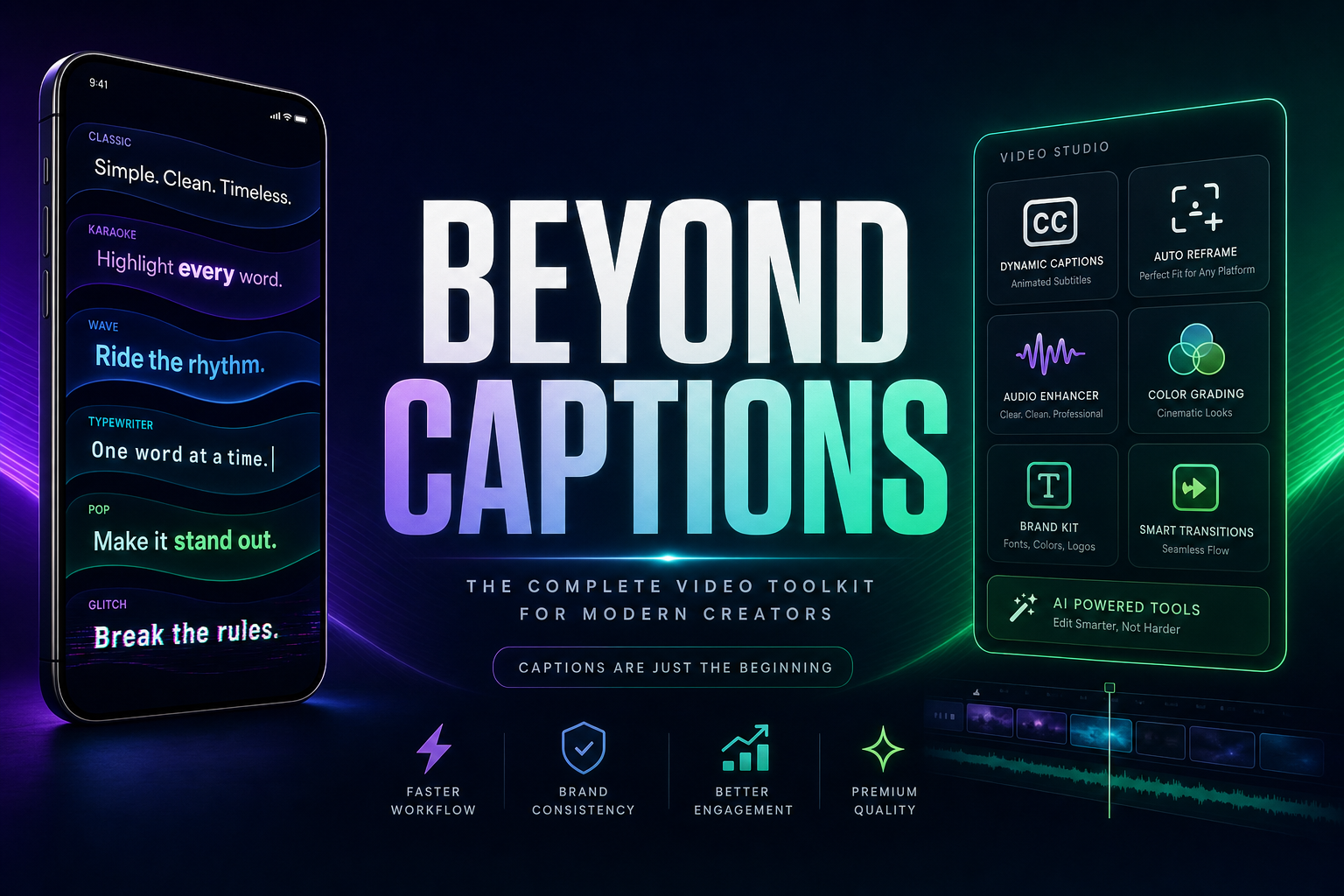
Submagic earned its place as the cleanest captions tool on the market — animated subtitles, smart B-roll, and an AI Auto-Edit that gets you a polished short in 2 to 5 minutes. But Submagic stops at that one job. Vexub gives you the same caption quality plus a full video engine: text-to-video, MP3, MP4, SMS Video, AI Video (VEO 3, Kling, Grok) and YouTube clipping, all in one tool at €1 per finished video.
This comparison is for creators who already love Submagic's captions but find themselves stacking it with another tool every time they want to create a video from scratch.
Vexub vs Submagic at a glance
| Feature | Vexub | Submagic |
|---|---|---|
| Animated subtitle presets | 13 styles | Multiple styles, 48 languages |
| Subtitle accuracy | Whisper-based, multi-language | 98.9% claimed |
| Auto B-roll | Vecteezy + AI generated | Storyblocks library |
| Generate video from text prompt | Included | Not available |
| MP3 or MP4 to vertical video | Included | Not available |
| YouTube clipping | Included | Not available |
| VEO 3, Kling, Grok AI video | Included | Not available |
| SMS Video format | Included | Not available |
| Video length cap on entry plan | Up to 4-5 min | 2 minutes per clip |
| Pricing model | €30 / 30 finished videos | $19 / 15 videos (Starter) |
| Cost per finished video | €1 | ~$1.27 entry |
| Refund policy | Standard | Strict no-refund |
Where Submagic falls short in 2026
Submagic is exceptional at one thing — making existing video footage look viral with animated captions and smart B-roll. But if you do not already have raw footage, or if your clips run longer than 2 minutes, you start hitting walls fast.
Captions only. Submagic edits and captions content you already have. It cannot generate a new video from a prompt, an audio file, or a YouTube URL.
2-minute cap on Starter. The $19 plan limits each clip to 2 minutes. Longer podcasts or vlogs force you to split, edit, and stitch outside the tool — or upgrade.
Strict no-refund policy. Submagic's terms are explicit: "all monthly and annual fees are non-refundable once processed". It pays to verify the workflow on the free plan first.
Stacking cost grows quickly. Pair Submagic ($19) with a text-to-video tool ($25-39) and you are at $44-58 per month for fewer features than Vexub at €30.
What Vexub does differently
Vexub treats captions as one feature inside a much larger video engine. You still get the same animated subtitle quality (13 presets including word-by-word karaoke), plus everything you'd otherwise stack on top.
Six creation modes in one tool
Text-to-Video. Generate a complete vertical video from a prompt with AI voice, scenes and subtitles.
MP3-to-Video. Drop in a voiceover or podcast extract, get a vertical short with auto subtitles.
MP4-to-Video. Re-edit horizontal footage into a vertical short with B-roll and subtitles.
SMS Video. Recreate viral SMS conversation videos with synthesized voices.
AI Video (VEO 3, Kling, Grok). Cinematic AI shots from a prompt.
YouTube Clipping. Vertical clips from any YouTube URL with active speaker detection.
Subtitles + B-roll on every paid plan
The 13 subtitle presets, animated emoji, word-by-word karaoke, and the B-roll catalog (Vecteezy + AI generated) are all part of the standard editor on every paid plan. Camera tracking and active speaker detection (ASD) are included too, not gated behind a higher tier.
Predictable price per finished video
Vexub plans are priced in finished videos. €30 entry plan = 30 finished videos = €1 per video, any length up to the plan cap. Yearly billing applies a 60% discount.
Pricing breakdown — real numbers
| Plan | Vexub | Submagic |
|---|---|---|
| Free tier | 15-sec preview, no card | 3 videos / 90s with watermark |
| Entry plan | €30 / 30 finished videos | $19 / 15 videos / 2-min cap |
| Mid plan | €55 Plus | $40 Pro / 100 videos |
| Top plan | €120 Pro / Enterprise | $80 Agency / 300 videos |
| Length per clip | Up to 4-5 minutes | 2 min Starter, longer on Pro |
| Refund policy | Standard | No refunds |
| Yearly discount | Up to -60% | Around -37% (Starter $19→$12) |
When to pick Submagic
Submagic is the better choice if captions are the only bottleneck in your workflow.
You already have raw video footage and only need polish.
Your clips are short (under 2 minutes) and you stay on Starter.
You don't need text-to-video, MP3-to-video, AI video or clipping.
When to pick Vexub
Vexub fits better when captions are one piece of a bigger creation flow.
You produce videos from scratch (prompt, audio, MP4) and you also want captions.
Your clips run longer than 2 minutes.
You want clipping + AI video + faceless creation in one subscription.
You want a predictable monthly budget at €1 per finished video, with the editor included.
Bottom line
Submagic is the best captions tool. Vexub is a video engine that also captions. If you only need captions on existing footage, Submagic is great. If you want one tool to create AND caption AND clip AND generate AI video, Vexub replaces a stack of three or four tools for €30 a month.
Further reading
Create videos like this with AI
Script, voiceover, images and subtitles — automated in minutes.







