
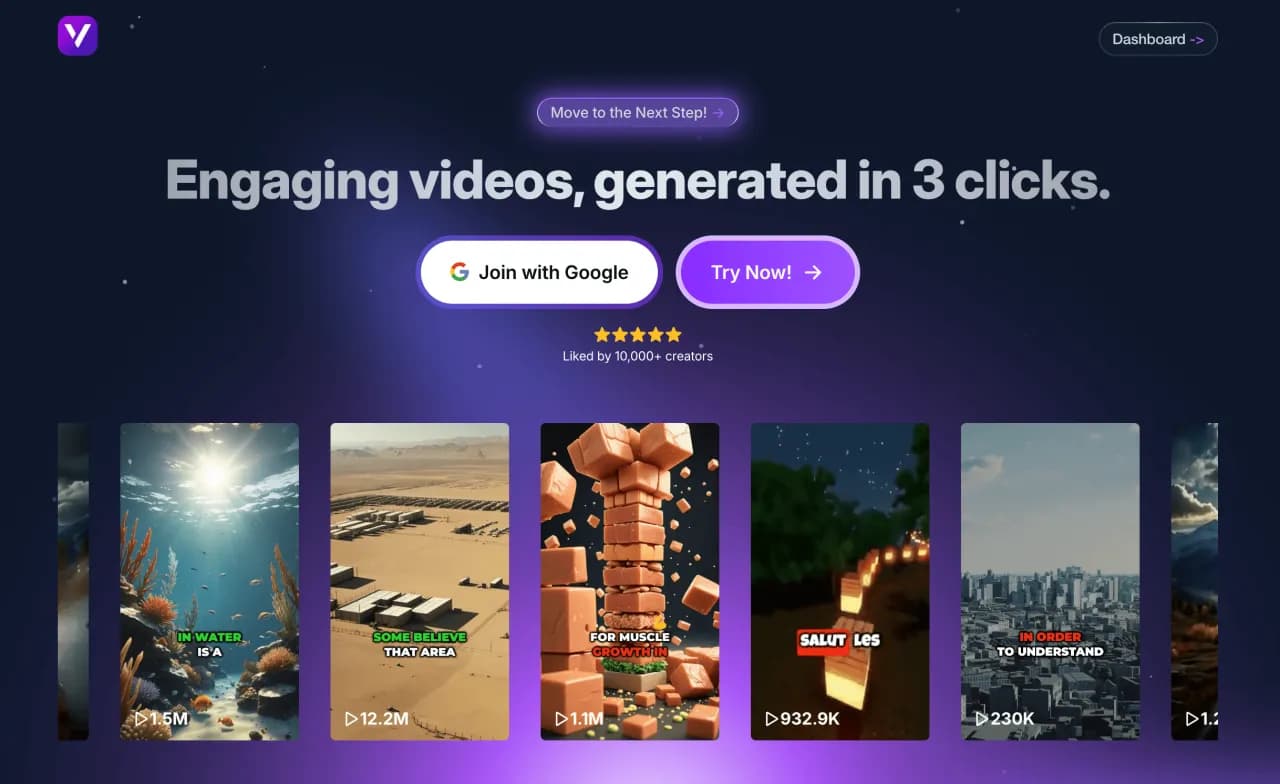
Create an AI-Subtitled Video with Vexub
Step 1: What is AI Subtitling
AI subtitling automatically transforms a video’s speech into synchronized text. The AI listens to the audio, understands each word, and creates accurate subtitles. These subtitles match the speaker’s voice and timing. In just a few minutes, someone can fully subtitle a video without any manual effort.
At Vexub, we use a smart speech recognition engine. It can understand many languages, accents, and tones exceptionally well.
The AI doesn’t just transcribe—it adds punctuation, distinguishes speakers, and formats the text for smooth, natural reading. It also adapts the rhythm of subtitles to maintain perfect alignment with the speaker’s pace. The final result is clean, professional, and ready-to-use subtitles that look natural and effortless.
This innovation makes videos easier to access for everyone. It supports deaf or hard-of-hearing viewers and benefits those who prefer watching without sound. For brands and creators, it is a strong tool. It helps them reach more people, improve SEO, and boost engagement on all platforms.
Step 2: Create a Project on Vexub
Open your Vexub workspace and go to the Project tab. This is where your video creation begins. Click Create a Video.
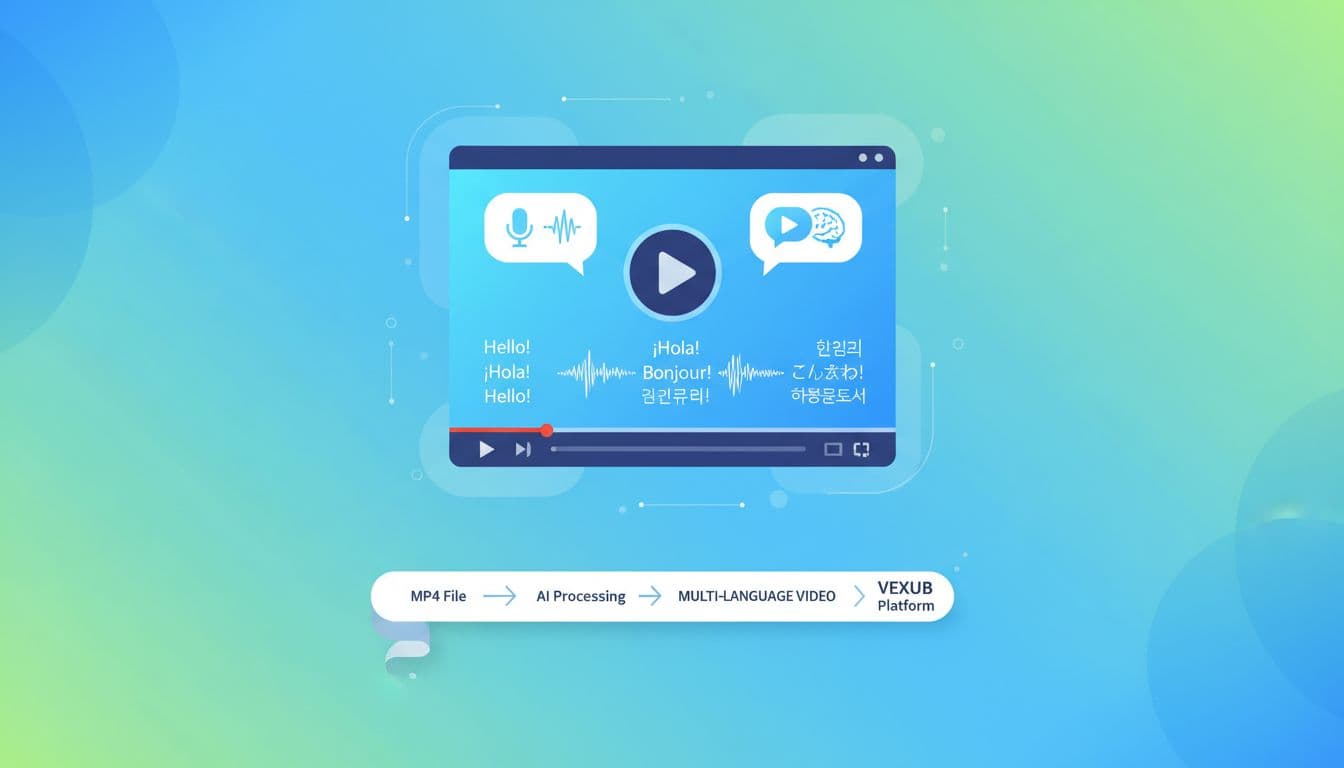
A new page opens with several project options. Choose the MP4 to Video category to activate the automatic transcription engine built into the platform. You can customize your settings before launching. Once everything looks right, click Next Step to continue.
Step 3: Import and Prepare Your Video
Import your video into the interface and check that it’s the correct file. Specify whether it contains music or background noise so the AI can optimize the transcription process. This adjustment helps prevent misinterpretation and ensures accurate subtitle timing. Once you set everything, proceed to video generation.
Step 4: Export Your Subtitled Video
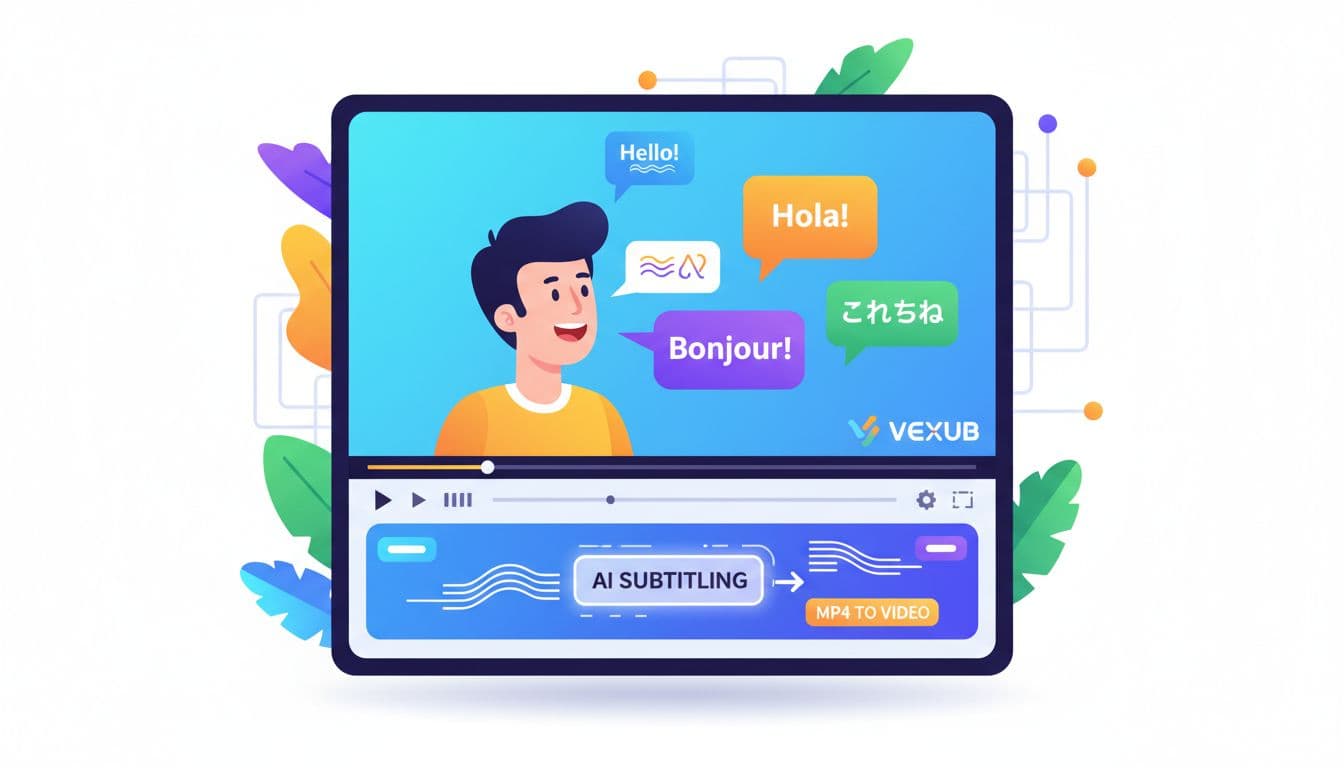
After you create your subtitles, export the video in MP4 format directly from Vexub. In just a few clicks, you’ll get a clear, professional, and accessible video. You can review, edit, or customize the subtitle style before final export for maximum control.
Thanks to AI, subtitling is no longer a technical or time-consuming task. Vexub automates the entire process so you can focus on your content and creativity. This technology changes how content creators, brands, and educators make videos. It makes the process faster, more inclusive, and more efficient.
For more on this topic, check out our guide on how to Easily Create a SMS Video on Vexub from Start, our article on how to Easily Create a Text to Video on Vexub from, and our guide to how to Easily Create a VEO3 Video on Vexub from Start.







