
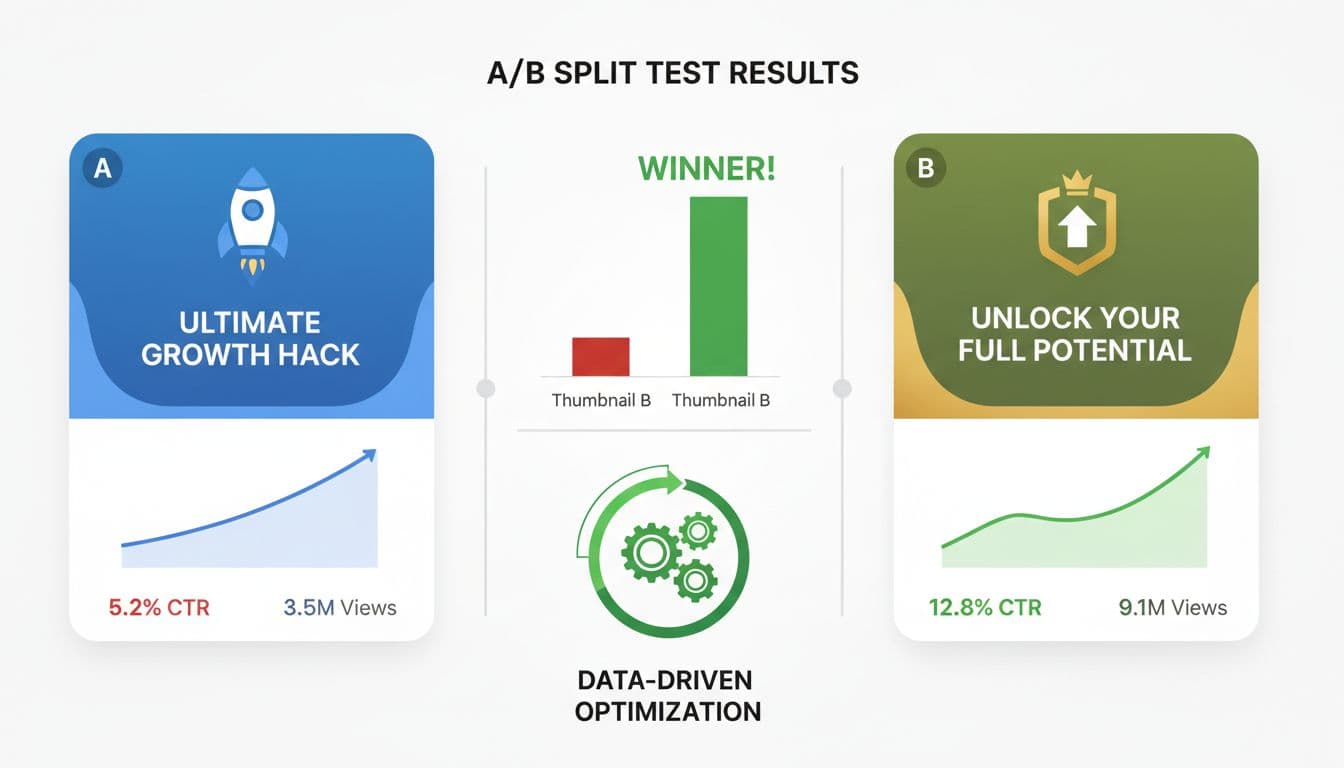
Your video gets 1,000 impressions but only 30 clicks. You change the thumbnail, and suddenly the same video gets 150 clicks from the same number of impressions. That's a 5x improvement from a single test—and it happens more often than you think.
A/B testing your video thumbnails and titles removes the guesswork from content optimization. Instead of hoping your creative choices work, you measure what actually drives clicks and views. Platforms like YouTube and TikTok provide the data—you just need a system to use it.
This guide shows you exactly how to set up, run, and analyze A/B tests for your video content. You'll learn which elements to test, how to read the results, and how to scale what works.
Why A/B Testing Video Elements Matters
Click-through rate (CTR) determines how many people see your video versus how many actually click. A thumbnail with 2% CTR means 2 out of every 100 impressions convert to views. Improve that to 4%, and you've doubled your viewership without creating more content.
YouTube's algorithm prioritizes videos that generate clicks and watch time. Higher CTR signals that your content is relevant, which increases your video's reach in recommendations and search results. Testing thumbnails and titles directly impacts how the platform distributes your content.
Platform reach: Better CTR means more impressions from the algorithm.
Audience fit: Testing reveals what resonates with your specific viewers.
Revenue impact: More views from the same upload effort = better ROI.
Competitive edge: Most creators never test—systematic testing puts you ahead.
The difference between a 2% and 6% CTR on a video with 100,000 impressions is 4,000 views. If you upload weekly, that's 208,000 additional views per year from testing alone.
What to Test First: Thumbnails vs Titles vs Hooks
Thumbnails typically have the biggest impact on CTR, followed by titles, then video hooks. Start with thumbnails because they're visual and process faster than text when viewers scroll.
Thumbnail Testing Priorities
Test these thumbnail elements in order of impact:
Face vs no face: Human faces with clear emotion consistently outperform abstract designs or text-heavy thumbnails.
Text size and amount: 3-5 words maximum. Test large text versus medium, and different color contrasts.
Background complexity: Simple backgrounds with one focal point versus busy compositions with multiple elements.
Color schemes: High contrast (yellow/black, red/white) versus muted tones. Platform-specific: TikTok favors bright colors, YouTube favors contrast.
Emotional expression: Surprise, curiosity, shock versus neutral expressions.
Learn more about thumbnail design principles in our comprehensive AI tools guide for thumbnails which covers specific design strategies.
Title Testing Framework
Titles work alongside thumbnails. Test these variables:
Length: 40-50 characters versus 60-70 characters. Longer titles get cut off on mobile.
Number inclusion: '7 Ways to...' versus 'How to...' versus 'The Secret to...'
Question vs statement: 'Why Does This Happen?' versus 'This is Why It Happens'
Keyword placement: Front-loaded keywords versus natural placement.
Curiosity gaps: 'The One Thing You're Missing' versus 'Complete Guide to X'
Hook Testing (First 3 Seconds)
Even with perfect thumbnails and titles, weak hooks kill retention. Test:
Statement hooks: Starting with the payoff or main point immediately.
Question hooks: Opening with a problem your audience has.
Pattern interrupt: Surprising visual or audio element in the first second.
Result preview: Showing the end result before explaining the process.
Create videos like this with AI
Script, voiceover, images and subtitles — automated in minutes.
Setting Up Your First A/B Test
YouTube doesn't have native A/B testing for older videos, but you can test systematically using these methods:
Method 1: Upload-Level Testing
Upload the same video twice with different thumbnails and titles. Set both to unlisted, wait 24 hours, then make one public for 48 hours. Track CTR and views. Unlist it, publish the other version, compare results.
This method works for testing drastically different approaches. The downside: you need enough audience to get statistical significance quickly, and two uploads fragment your analytics.
Method 2: Time-Based Testing
Publish a video with Version A thumbnail and title. After 72 hours, switch to Version B. Compare CTR and views per hour before and after the change.
YouTube Studio shows CTR by date range. Look at hourly CTR 48-72 hours after upload (Version A) versus hours 72-144 (Version B). Make sure you're comparing similar time periods (weekend to weekend, weekday to weekday).
Method 3: New Video Comparison Testing
For series content or similar videos, use different thumbnail/title approaches on alternating uploads. Video 1 uses Format A, Video 2 uses Format B, Video 3 uses Format A, and so on.
This tests concepts over time. Track which format consistently performs better. Works best when your content is predictable and audience expectations are stable.
Reading and Interpreting Test Results
CTR is your primary metric, but context determines what a 'good' CTR actually means.
CTR Benchmarks by Platform and Content Type
YouTube average CTR ranges from 2-10% depending on your niche and subscriber ratio. Videos shown to subscribers typically get 8-15% CTR, while browse features average 2-4%. If 80% of your impressions come from browse, a 3% CTR is excellent. If 80% come from subscribers, 3% is weak.
TikTok doesn't show traditional CTR, but watch time percentage serves the same function. If viewers swipe away in the first 2 seconds, your hook failed. If they watch 60%+ of a 30-second video, your thumbnail and title promised what you delivered.
What the Data Actually Tells You
Higher CTR + lower retention: Your thumbnail/title overpromised. The clickbait worked but disappointed viewers.
Lower CTR + higher retention: Your content is good but presentation is weak. Test more compelling thumbnails.
Higher CTR + higher retention: Winner. Scale this approach across similar content.
Lower CTR + lower retention: Both presentation and content need work. Test different angles entirely.
Check your video SEO and ranking strategies to ensure strong performance metrics translate to better algorithmic distribution.
Sample Size Requirements
A test needs enough data to be meaningful. For thumbnails and titles:
Minimum 1,000 impressions per variant before making decisions
Minimum 100 clicks per variant for reliable CTR comparison
72+ hours of data to account for day/time variations
Similar traffic sources (don't compare suggested feed to search results)
Advanced Testing Strategies
Once you understand basic A/B testing, these advanced approaches accelerate learning:
Multivariate Testing
Instead of testing Thumbnail A versus Thumbnail B, test combinations. Thumbnail Style 1 with Title Format A, Thumbnail Style 1 with Title Format B, Thumbnail Style 2 with Title Format A, Thumbnail Style 2 with Title Format B.
This reveals interactions. Sometimes a thumbnail style only works with specific title formats. You'd miss this with simple A/B tests.
Requires significant traffic (4,000+ impressions per combination). Best for established channels or high-volume creators.
Sequential Testing
Test one element at a time in sequence. Week 1: test three thumbnail styles, pick the winner. Week 2: test three title formats with the winning thumbnail. Week 3: test three hooks with the winning thumbnail/title combination.
This isolates variables and builds a proven formula step by step. Takes longer but gives clearer insights than testing everything simultaneously.
Audience Segmentation
Test different thumbnails for different audience segments. YouTube lets you customize thumbnails for different traffic sources using third-party tools, or you can analyze CTR by traffic source in YouTube Studio.
Example: A tutorial video might need different thumbnails for search traffic (problem-focused) versus browse features (curiosity-focused) versus suggested videos (authority-focused).
Common Testing Mistakes That Waste Time
These errors compromise test accuracy and lead to wrong conclusions:
Changing multiple variables: Testing a new thumbnail AND new title AND new description means you can't isolate what drove the change.
Testing during anomalies: Holidays, viral events, or platform changes skew data. A thumbnail that crushes during Christmas may flop in February.
Stopping tests too early: 24 hours isn't enough data. Early viewers are often subscribers who click regardless of thumbnail quality.
Ignoring traffic source: Comparing a video that got 90% search traffic to one with 90% browse traffic isn't a fair test.
Testing on old videos: Videos older than 30 days have different audience behavior. Test on fresh uploads for cleaner data.
Not documenting tests: Without records, you'll retest the same concepts repeatedly. Keep a spreadsheet with variants, dates, and results.
Tools and Workflows for Systematic Testing
Manual testing works, but tools scale the process:
YouTube Studio Analytics
Your primary data source. Navigate to Analytics > Reach > Impressions click-through rate. Use the date comparison feature to compare periods before and after thumbnail changes. Filter by traffic source to see how different thumbnails perform in search versus browse.
TubeBuddy and VidIQ
These browser extensions add A/B testing features directly to YouTube. TubeBuddy's thumbnail testing splits traffic automatically. VidIQ provides CTR benchmarks for your niche.
Both tools cost $20-50/month. Worth it if you're uploading 4+ videos monthly and have established traffic.
Thumbnail Creation Tools
Use consistent design systems for faster testing. Canva templates let you swap images and text quickly. Photoshop actions batch-process variations. Vexub's AI video creation tools generate multiple thumbnail options automatically when you create videos from text.
Testing Documentation Template
Track tests in a simple spreadsheet:
Video title
Upload date
Thumbnail variant A description
Thumbnail variant B description
Test start/end dates
Impressions per variant
CTR per variant
Winner and next action
Scaling What Works
Testing identifies winners. Scaling applies those insights systematically across your content strategy.
If you discover that thumbnails with surprised facial expressions outperform neutral faces by 3x, apply that insight to every relevant video. Create templates based on your winning formulas. Stock expressions that work, color combinations that convert, and text layouts that get clicks.
Build a thumbnail style guide with:
Exact fonts and sizes that tested well
Color palettes ranked by performance
Composition rules (where faces, text, and objects appear)
Emotional expressions that resonate with your audience
Background styles that support rather than distract
For titles, create swipe files of high-performing formats. If 'How I [Result] in [Timeframe]' consistently beats other formats, build variations: 'How I Grew to 100K Subscribers in 6 Months,' 'How I Built a Business in 30 Days,' 'How I Learned Python in 2 Weeks.'
Test refinements, not complete redesigns. Once you have a winning formula, test incremental improvements. A 20% improvement on a proven concept beats random testing of untested ideas.
Implementing Continuous Testing
Top creators test constantly, not occasionally. Build testing into your upload workflow:
Every upload gets 2-3 thumbnail options created before publishing
Alternate between proven formats and experimental approaches (80/20 rule)
Review analytics 48 hours after every upload, adjust if CTR is below channel average
Monthly review of all tests to identify patterns and update style guides
Quarterly deep-dive into traffic source performance and audience behavior changes
Testing becomes faster with practice. Your first A/B test might take hours to set up and analyze. After 20 tests, you'll spot patterns in minutes and make adjustments confidently.
The data shows what works for your specific audience, niche, and content style. Two channels in the same niche can have completely different winning formulas. Testing removes assumptions and replaces them with evidence.







