
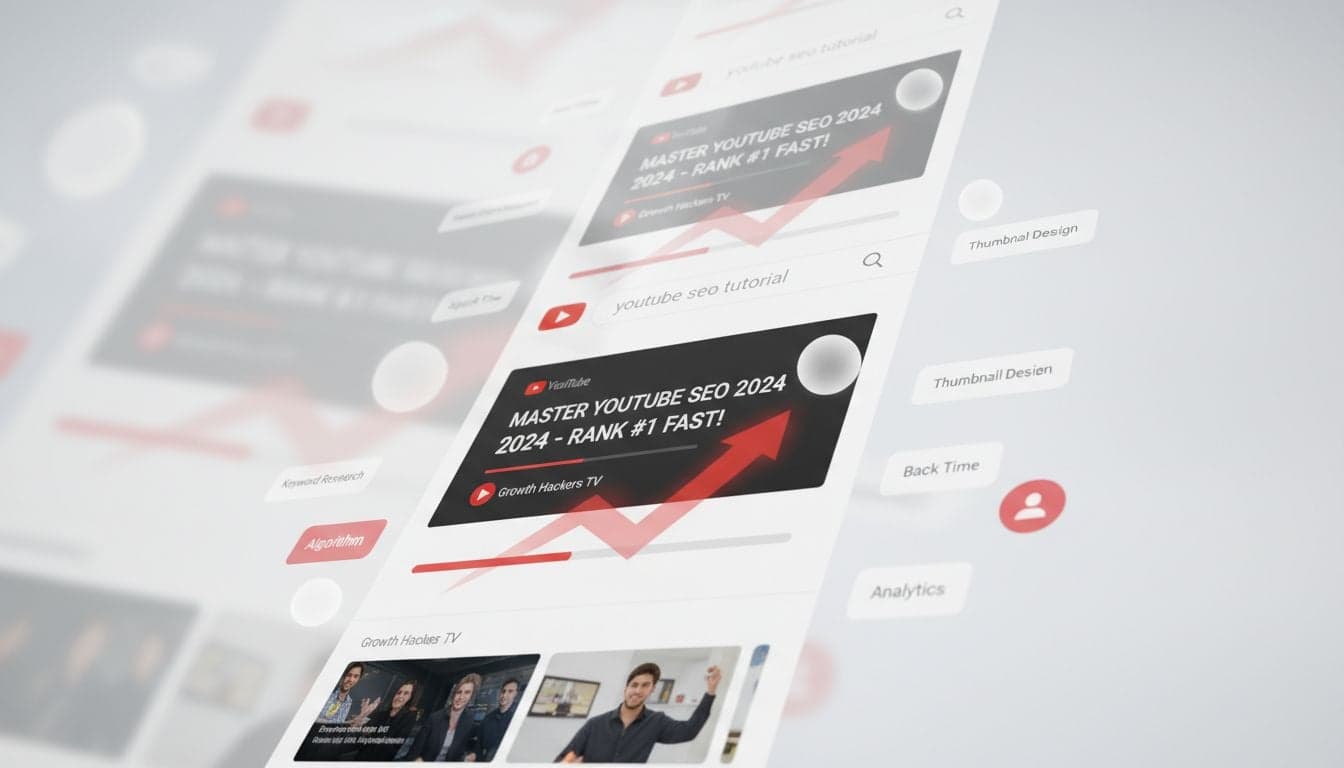
YouTube processes over 3 billion searches every month, making it the second-largest search engine after Google. Yet most creators upload videos without understanding how YouTube's algorithm decides which content to surface. The difference between a video that gets 500 views and one that reaches 500,000 often comes down to optimization—not content quality.
Video SEO determines whether your content appears in search results, suggested videos, and homepage recommendations. The creators who master these ranking factors build sustainable channels that grow organically, while others struggle despite producing excellent content.
This guide breaks down the exact YouTube SEO strategies that work in 2026, from keyword research to retention optimization. You'll learn how to structure every element of your video to maximize visibility and drive consistent views.
Understanding YouTube's Ranking Algorithm
YouTube's algorithm evaluates videos based on three primary factors: relevance, engagement, and quality. The platform wants to surface content that keeps viewers watching, so it prioritizes videos that demonstrate strong user satisfaction signals.
The algorithm analyzes your video's metadata (title, description, tags) to determine topical relevance. It then measures how viewers interact with your content through click-through rates, watch time, likes, comments, and shares. Finally, it considers your channel's overall authority and historical performance.
Relevance signals: Keywords in title, description, and tags that match search queries
Engagement metrics: CTR, average view duration, session time, and interaction rate
Quality indicators: Video resolution, upload consistency, and channel authority
Viewer behavior: Whether users watch similar videos after yours or navigate away
Unlike older SEO models that focused purely on keywords, YouTube's 2026 algorithm heavily weights user satisfaction. A video can have perfect metadata but still rank poorly if viewers click away within seconds.
Keyword Research for Video Content
Effective YouTube SEO starts with identifying the exact phrases your target audience searches for. This process differs from traditional web SEO because YouTube users often search with question-based or tutorial-oriented queries.
Finding High-Value Keywords
Start by typing your topic into YouTube's search bar and noting the autocomplete suggestions. These represent real searches with sufficient volume for YouTube to recommend them. Open an incognito window to avoid personalized results skewing your research.
Analyze the top-ranking videos for your target keywords. Check their view counts, upload dates, and engagement rates. A keyword is valuable if recent videos (uploaded within the past 6 months) are still gaining traction—this indicates ongoing search demand.
Use YouTube autocomplete to discover question-based queries
Check TubeBuddy or VidIQ for search volume and competition scores
Analyze competitor videos ranking for your target terms
Look for keywords with 10,000+ monthly searches and medium competition
Create a spreadsheet with primary and secondary keyword targets
Long-Tail vs. Broad Keywords
New channels should target long-tail keywords with 3-5 words. Instead of optimizing for 'video editing' (highly competitive), target 'video editing for YouTube shorts beginners' (specific, lower competition). As your channel grows, you'll naturally rank for broader terms through accumulated authority.
Long-tail keywords also match viewer intent more precisely. Someone searching 'how to edit vertical videos for TikTok' has a clear need you can address, while 'video editing' could mean anything from professional film work to smartphone clips.
Optimizing Video Titles for Click-Through Rate
Your title serves two purposes: ranking for keywords and convincing viewers to click. The optimal title balances SEO with curiosity, incorporating your target keyword while triggering emotional interest.
YouTube displays approximately 60 characters in search results before truncating, so place your primary keyword within the first 50 characters. Front-loading keywords signals relevance to both the algorithm and searchers quickly scanning results.
Include numbers: '7 Ways to...' or '2026 Guide' creates specificity and curiosity
Use power words: Terms like 'proven', 'ultimate', 'secret', 'revealed' increase CTR
Create urgency: Adding time markers like '2026' or 'Before It's Too Late' drives clicks
Avoid clickbait: Misleading titles hurt retention and algorithm trust over time
Create videos like this with AI
Script, voiceover, images and subtitles — automated in minutes.
Writing Descriptions That Boost Rankings
YouTube allows 5,000 characters in video descriptions, but most creators waste this opportunity with generic text. Your description should accomplish three goals: provide keyword-rich context for the algorithm, offer value to viewers, and drive engagement through timestamps and links.
The first 150 characters appear in search results and 'show more' previews, making this section critical for SEO. Write a compelling summary that includes your primary keyword naturally while explaining the video's value proposition.
Description Structure That Ranks
First paragraph (150 chars): Primary keyword + compelling summary of video value
Second paragraph: Expanded explanation with secondary keywords worked in naturally
Timestamps: Chapter markers that improve user experience and signal topic coverage
Resource links: Relevant tools, articles, or products mentioned in the video
Social links: Direct viewers to other platforms to build your broader audience
Hashtags: 3-5 relevant tags placed at the end (first 3 appear above title)
Vexub makes creating these optimized descriptions easier by automatically generating AI-powered video content complete with timestamps and chapter markers based on your script or audio input.
Include variations of your target keyword throughout the description without keyword stuffing. If your primary keyword is 'YouTube SEO 2026', naturally work in related phrases like 'video search optimization', 'YouTube ranking factors', and 'improve YouTube visibility'.
Strategic Tag Usage in 2026
YouTube's algorithm has de-emphasized tags compared to earlier years, but they still serve as secondary relevance signals. Use your 500-character tag limit to reinforce your video's topic and associate it with related content.
Primary tag: Your exact target keyword as the first tag
Variation tags: Synonyms and alternative phrasings of your main keyword
Topic tags: Broader category terms that describe your video's niche
Related tags: Keywords from high-ranking competitor videos on the same topic
Analyze the tags used by the top 5 ranking videos for your keyword. Include overlapping tags that signal topical relevance. This helps YouTube understand your content's relationship to established videos in the search ecosystem.
Thumbnail Design for Maximum CTR
Thumbnails account for up to 90% of your click-through rate. Even perfectly optimized titles and descriptions fail if your thumbnail doesn't capture attention in a crowded feed. The most effective thumbnails combine bold text, emotional faces, and high color contrast.
Thumbnail Elements That Drive Clicks
Readable text: 3-5 words maximum in a bold, sans-serif font (minimum 30pt)
Human faces: Close-up faces showing strong emotion outperform graphics-only thumbnails
Color contrast: Use complementary colors that pop against YouTube's white background
Consistent branding: Develop a recognizable style that builds channel identity
Mobile optimization: 70% of views happen on mobile—test visibility on small screens
Avoid cluttered thumbnails with multiple competing elements. Your thumbnail should communicate one clear idea that complements your title. If your title is 'How to Rank Videos on YouTube', your thumbnail text might simply say 'YOUTUBE SEO' with an arrow pointing at analytics graphs.
When creating faceless YouTube content, leverage AI-generated imagery or compelling graphics instead of human faces. Channels in the educational and explainer niches successfully use bold typography and iconography to achieve 15%+ CTRs.
Watch Time and Audience Retention Optimization
YouTube's algorithm prioritizes watch time above all other metrics. A video that keeps viewers engaged for 10 minutes sends stronger satisfaction signals than one where users click away after 30 seconds, regardless of metadata quality.
Average view duration matters more than total views. The algorithm promotes videos that retain audiences through a higher percentage of their runtime. A 12-minute video with 60% retention (7.2 minutes watched) outperforms a 5-minute video with 40% retention (2 minutes watched).
Retention Strategies That Work
Hook within 5 seconds: Open with your most compelling point before any intro
Pattern interrupts: Change visuals every 3-5 seconds to maintain attention
Preview upcoming value: Tease the best insights to encourage watching through
Remove dead air: Cut every pause, 'um', and unnecessary second from your edit
Chapter markers: Allow viewers to jump to relevant sections without leaving
For creators managing multiple videos, Vexub streamlines the production process by generating optimized short-form content that maintains high retention through AI-driven pacing and visual variety. The platform's automatic subtitle generation also keeps viewers engaged even when watching without sound.
Engagement Signals: Likes, Comments, and Shares
User interactions send powerful ranking signals to YouTube's algorithm. Videos with high engagement rates often rank above competitors with more views but lower interaction percentages.
Ask direct questions: End videos with a specific question that prompts comments
Pin engaging comments: Highlight thoughtful responses to encourage more discussion
Reply to comments: Engagement within the first hour boosts early ranking momentum
Create controversy: Present contrarian viewpoints that spark debate (without being divisive)
Include CTAs: Explicitly ask viewers to like if they found value—many forget without prompting
The timing of engagement matters significantly. Comments and likes received within the first 2 hours after upload carry more algorithmic weight than those accumulating slowly over weeks. This is why successful creators build communities that show up immediately when new content drops.
Video File Optimization and Technical SEO
Before uploading, optimize your video file itself. YouTube extracts metadata from your file name and can analyze your video's content through speech recognition and visual analysis.
File name: Include your target keyword: 'youtube-seo-2026-ranking-guide.mp4'
Resolution: Upload in 1080p minimum; 4K when possible for quality signal
Format: MP4 with H.264 codec provides best compatibility and compression
Audio quality: Clear audio with minimal background noise improves watch time
YouTube's automatic speech recognition transcribes your audio and uses it as a ranking factor. Speak your target keywords naturally throughout your video—this reinforces topical relevance beyond just metadata.
Measuring and Improving Your Video SEO
YouTube Analytics provides the data needed to refine your optimization strategy. Focus on three core metrics: click-through rate (CTR), average view duration (AVD), and traffic sources.
A healthy CTR falls between 4-10% depending on your niche. If your CTR sits below 3%, redesign your thumbnails and rewrite titles using emotional triggers. If CTR is strong but AVD is weak, the problem lies in your content delivery—improve your hook and pacing.
Check your traffic sources to understand where views originate. Videos gaining traction from 'YouTube search' validate your keyword targeting, while 'suggested videos' traffic indicates strong engagement signals that trigger algorithmic recommendations.
Successful video SEO requires consistent testing and iteration. Analyze your top performers to identify patterns in titles, thumbnails, and content structure. Double down on what works while systematically improving underperforming elements.
Whether you're building a faceless channel or producing on-camera content, these optimization principles remain constant. The creators who treat YouTube as a search engine—not just a social platform—build channels that compound growth over time through organic discovery.







