
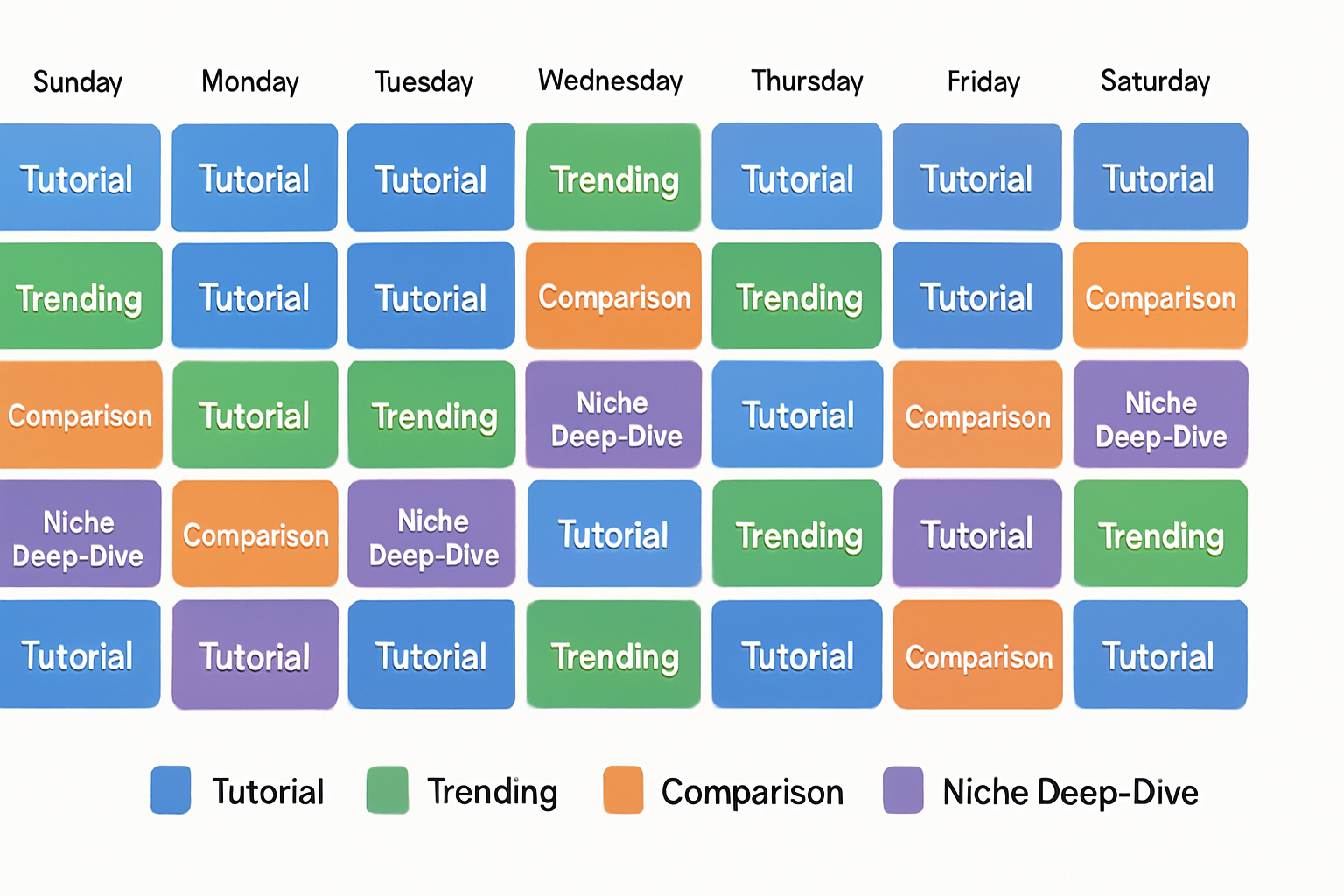
Unlock the Power of a Video Content Calendar
Creating engaging video content consistently can be challenging. An effective video content calendar serves as a roadmap, ensuring you never run out of ideas and can strategically plan your releases.
With advances in AI, generating content and scheduling it has become easier than ever. This guide will provide you with a 30-day video content calendar template that leverages AI video generation workflows, paving the way for top-notch content creation.
What is a Video Content Calendar?
A video content calendar is a tool that helps creators plan, organize, and optimize their video posting schedules. It allows you to visualize your content strategy, ensuring a steady stream of videos to engage your audience. Here are some key benefits:
Improved organization of content ideas
Consistency in posting schedules
Increased audience engagement
Easier tracking of performance metrics
Why Use AI for Your Content Calendar?
Integrating AI into your content creation process provides numerous advantages. AI can assist in generating video ideas, automating editing processes, and even optimizing your posting times based on audience engagement data. The following are some benefits of using an AI content calendar:
Generates content ideas based on trends
Saves time through automation
Enhances the quality of content with AI tools like Vexub
AI Tools for Video Creation
Tools such as Vexub simplify the video creation process by allowing you to generate videos from scripts or ideas quickly. This not only saves time but also enhances creativity by providing unique video formats.
Your 30-Day Video Content Calendar Template
Below is a basic framework for a 30-day video content calendar. Customize it according to your audience's preferences and engagement patterns.
Day 1: Introduce your channel and mission
Day 2: Share a trending topic relevant to your niche
Day 3: Create a tutorial video using Vexub
Day 4: Post a behind-the-scenes look at your process
Day 5: Highlight user-generated content
Day 6: Offer a Q&A session
Day 7: Analyze video performance with insights
Continue this format for the remaining days...
How to Implement Your Content Calendar
Once your content calendar is set, these steps will help you implement it effectively:
Prioritize topics that resonate with your audience.
Use analytics tools to track video performance.
Adjust your calendar based on what performs well.
Continuous Improvement
Review performance metrics and audience feedback regularly. Use the data gathered to refine your content strategy. Flexibility is key in adjusting topics and formats as trends evolve.
Additional Resources
For more insights into building a successful video strategy, check out our related articles: How to Build a Video Content Calendar in 30 Days and AI Content Creation Workflow.
Conclusion
An AI-powered video content calendar can streamline your processes, enhance video quality, and engage your audience like never before. By implementing the 30-day template outlined above, you'll be on your way to creating valuable video content consistently.
Create videos like this with AI
Script, voiceover, images and subtitles — automated in minutes.







