
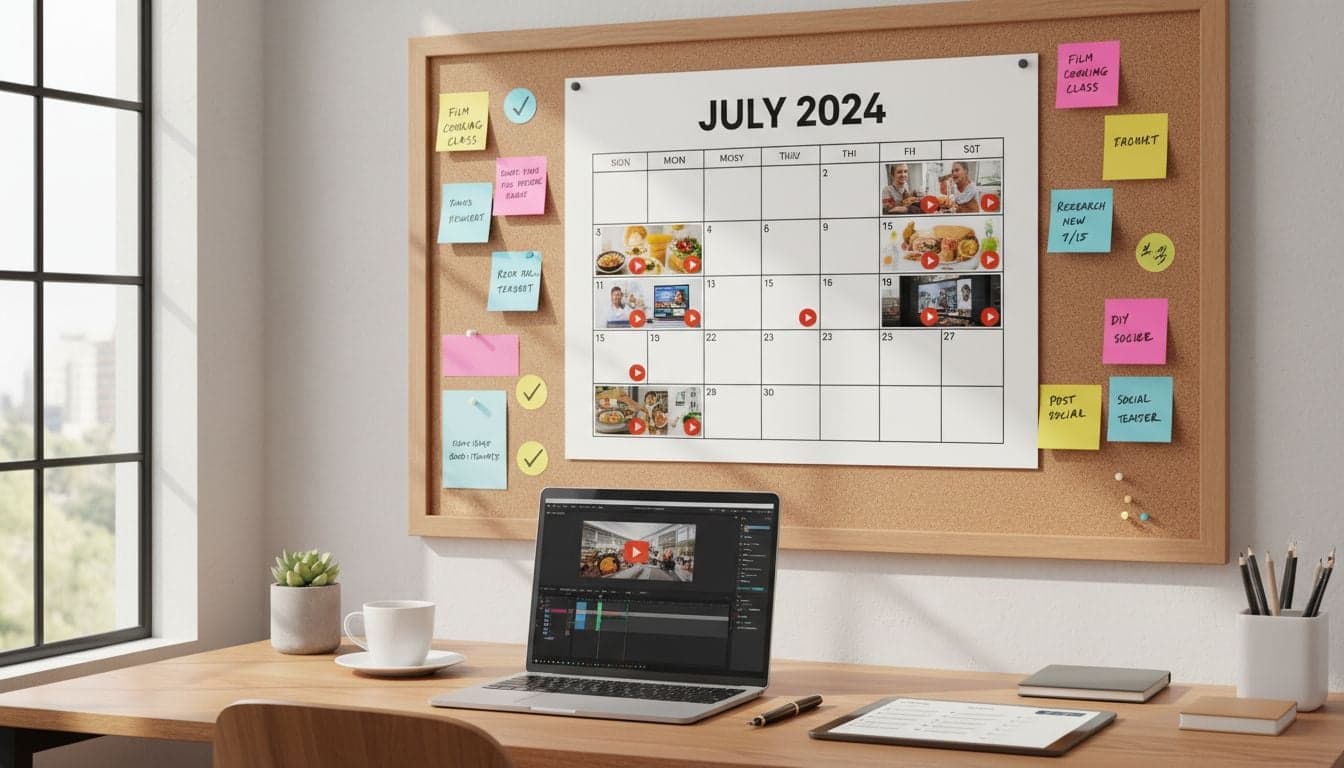
Planning video content for an entire month feels overwhelming. You're staring at a blank calendar, pressure mounting to fill every slot with engaging videos that your audience will actually watch. Most creators approach this randomly, scrambling for ideas at the last minute and burning out within weeks.
AI changes everything about content planning. Instead of brainstorming alone for hours, you can generate 30 days of video ideas in minutes, create production-ready scripts automatically, and batch-produce your entire month's content in a single afternoon. The difference between creators who succeed and those who quit often comes down to having a systematic approach to content planning.
This framework shows you exactly how to build a 30-day video content calendar using AI at every stage—from ideation through final production. You'll walk away with a repeatable system that eliminates decision fatigue and keeps your content pipeline full.
The Strategic Foundation: Defining Your Content Pillars
Before generating any content, establish 3-5 content pillars that align with your audience's interests and your expertise. These pillars become the categories that structure your entire calendar.
For a productivity channel, pillars might include: time management techniques, productivity tools, morning routines, focus strategies, and workspace optimization. For a cooking channel: quick recipes, meal prep, kitchen hacks, ingredient spotlights, and cooking fundamentals.
Each pillar should serve a specific audience need. Ask yourself: What questions does my audience repeatedly ask? What problems keep them awake at night? What transformations do they want to achieve? Your content pillars answer these questions systematically.
Audience research: Analyze comments, DMs, and search queries to identify recurring themes
Competitor analysis: Study successful channels in your niche to identify content gaps
Performance data: Review your analytics to see which topics drive the most engagement
Trend monitoring: Track emerging topics in your industry that align with your expertise
Document each pillar with specific subtopics. Under 'productivity tools,' you might list: note-taking apps, task managers, focus timers, automation software, and browser extensions. This granular breakdown feeds your AI ideation process.
Week 1: AI-Powered Ideation for 30 Video Concepts
Generate your entire month's worth of video ideas in one focused session. Use AI to multiply your creative output while maintaining strategic alignment with your content pillars.
Start by prompting AI with your content pillars and audience profile. Example prompt: 'Generate 30 video ideas for a productivity channel targeting remote workers aged 25-40. Focus on time management, productivity tools, and focus strategies. Each idea should be actionable and promise a specific outcome.'
Organizing Ideas into Weekly Themes
Group your 30 ideas into four weekly themes. This creates narrative continuity that keeps viewers returning. Week 1 might focus on morning routines, Week 2 on tool mastery, Week 3 on deep work techniques, and Week 4 on optimization and review.
Use AI to refine and cluster ideas. Feed it your 30 raw concepts and ask: 'Group these video ideas into 4 weekly themes with 7-8 videos each. Ensure each week tells a coherent story and builds upon previous content.' AI excels at pattern recognition and logical sequencing.
Monday: Pillar content (in-depth, high-value topic)
Tuesday: Tutorial or how-to
Wednesday: Quick tip or hack
Thursday: Tool review or recommendation
Friday: Behind-the-scenes or personal story
Saturday: Community engagement or Q&A
Sunday: Weekly recap or preview
This structure provides variety while maintaining predictability. Viewers know what to expect each day, building habit-forming consumption patterns.
Week 2: Scripting and Storyboarding with AI
Transform your 30 video ideas into production-ready scripts. AI handles the heavy lifting of structure, pacing, and hook creation while you add personality and unique insights.
For each video idea, generate a detailed script outline. Prompt format: 'Create a 60-second script for [video topic]. Include: attention-grabbing hook, 3 main points, specific examples, and clear call-to-action. Target audience: [description].'
The Hook Formula That Stops Scrollers
Your first 3 seconds determine whether viewers watch or scroll. Use AI to generate multiple hook variations, then test which patterns perform best for your audience.
Pattern interrupts: 'Stop doing [common action]—here's why it's destroying your [desired outcome]'
Controversial statements: 'Everyone's wrong about [popular belief]. The truth is [surprising fact]'
Immediate value: 'Here's how to [achieve result] in [short timeframe] without [common obstacle]'
Curiosity gaps: 'I discovered [surprising thing] that [impressive outcome]. Here's what happened'
Generate 5 hooks per video using AI, then select the strongest. This multiplication strategy dramatically improves your content quality without additional time investment.
The AI content creation workflow we use at Vexub handles scripting for thousands of videos monthly, proving this approach scales infinitely.
Create videos like this with AI
Script, voiceover, images and subtitles — automated in minutes.
Week 3: Visual Planning and Asset Creation
Map out the visual elements for each video. AI-generated images, stock footage selections, and text overlay templates all get planned during this phase.
Create a visual template for each content pillar. Productivity videos might use clean, minimalist aesthetics with blue/white color schemes. Tutorial videos might feature split-screen comparisons and step-by-step graphics.
Building Your Visual Asset Library
Use AI image generation to create custom visuals that match your brand. Generate 3-5 images per video concept, giving you options during editing without licensing headaches.
Prompt structure for consistent visuals: 'Create a [style] image showing [subject] with [specific elements]. Color palette: [colors]. Mood: [emotional tone]. No text, no people.' Adjust the prompt template for each content pillar to maintain visual consistency.
Hero images: Main visual that represents the video topic
Transition graphics: Visual breaks between sections
Data visualizations: Charts, graphs, or statistics
Text overlay backgrounds: Clean surfaces for key quotes or points
Organize assets in folders by week and video title. This structure saves hours during production when you need specific visuals quickly.
Week 4: Batch Production Using AI Video Tools
The final week transforms your scripts and assets into finished videos. Batch production—creating multiple videos in one session—maximizes efficiency and maintains quality consistency.
Vexub's AI video creation streamlines this process. Upload your scripts, select your visual style, choose AI voiceovers, and generate multiple videos simultaneously. What used to take 30 days of daily production now happens in concentrated work sessions.
The Batch Production Schedule
Block three 4-hour sessions for video production. Session 1 produces videos 1-10, Session 2 handles 11-20, and Session 3 completes 21-30. This focused approach prevents decision fatigue and maintains creative momentum.
Preparation: Load all scripts and assets into your production tool
Template setup: Configure style settings for each content pillar
Voice selection: Choose AI voices that match your brand personality
Batch generation: Queue multiple videos for simultaneous processing
Quality review: Check each video against your quality checklist
Export and organize: Save finished videos with clear naming conventions
Our AI video batch production workflow details the exact process we use to create hundreds of videos efficiently.
Schedule specific time blocks for batch work. Tuesday 9am-1pm for production, Thursday 2pm-6pm for editing, Saturday 10am-2pm for final review. Treating content creation like scheduled meetings ensures it actually happens.
Optimizing Your Calendar for Maximum Engagement
A calendar means nothing if it doesn't drive results. Optimize your posting schedule based on audience behavior data and platform algorithms.
Platform-Specific Timing Strategies
Each platform rewards different posting patterns. YouTube favors consistent weekly schedules with 2-3 uploads. TikTok and Instagram Reels perform best with daily content. Adjust your 30-day calendar to match platform expectations.
YouTube: Publish Mondays, Wednesdays, and Fridays at 2pm EST
TikTok: Post daily at 7am, 12pm, and 7pm for maximum reach
Instagram Reels: Share at 11am and 7pm daily when engagement peaks
LinkedIn: Publish Tuesdays and Thursdays at 9am and 12pm
Use AI to analyze your historical performance data. Prompt: 'Based on these engagement metrics [paste data], what posting times and frequencies should I prioritize for maximum reach?' AI identifies patterns humans miss.
Building in Flexibility and Trending Opportunities
Reserve 20% of your calendar for reactive content. When trends emerge or current events align with your niche, you need slots available to capitalize on these opportunities.
Designate 'flex slots' on Wednesdays and Saturdays. If no trending opportunity emerges, publish from your planned content. If something relevant trends, swap in reactive content that rides the wave.
Automating Your Content Calendar Execution
Transform your calendar from a planning document into an execution engine. Automation removes manual tasks and ensures content publishes consistently.
Use scheduling tools to queue your entire month's content in advance. Buffer, Later, and platform-native schedulers all integrate with AI video creation tools. Upload finished videos once, schedule posting times, and the system handles distribution.
The Content Assembly Line
Structure your workflow like a production line. Stage 1: Ideation. Stage 2: Scripting. Stage 3: Visual creation. Stage 4: Video production. Stage 5: Scheduling. Stage 6: Analysis.
Work one stage ahead of publication. While Week 1 content publishes, you're scripting Week 2 and ideating Week 3. This buffer prevents last-minute scrambles and maintains quality standards.
Monday mornings: Review previous week's analytics and adjust current week's content
Tuesday afternoons: Script next week's videos using AI
Wednesday mornings: Generate visual assets for upcoming videos
Thursday blocks: Batch produce next week's content
Friday afternoons: Schedule completed videos and prepare promotional posts
Measuring Success and Iterating Your Calendar
Your first 30-day calendar provides baseline data. Track which content types, topics, and formats drive the best results, then optimize your next calendar accordingly.
Create a simple tracking spreadsheet with columns for: video title, content pillar, post date, views, engagement rate, watch time, and audience retention. Review this data weekly to identify patterns.
AI analyzes performance data faster than humans. Prompt: 'Review this performance data [paste metrics]. Identify the top 3 performing content types and suggest 10 similar video ideas.' Let AI spot winning patterns and multiply successful content formulas.
High performers: Create more videos in similar styles and topics
Low performers: Diagnose issues—weak hook, wrong timing, audience mismatch?
Surprises: Unexpected successes reveal audience interests you hadn't considered
The real power of a 30-day content calendar isn't just organization—it's the data foundation you build for continuous improvement. Each month teaches you what resonates with your audience, allowing AI to generate increasingly targeted content that drives better results. Start your first calendar today, and by month three, you'll have a content machine that runs almost automatically while consistently growing your audience.







