
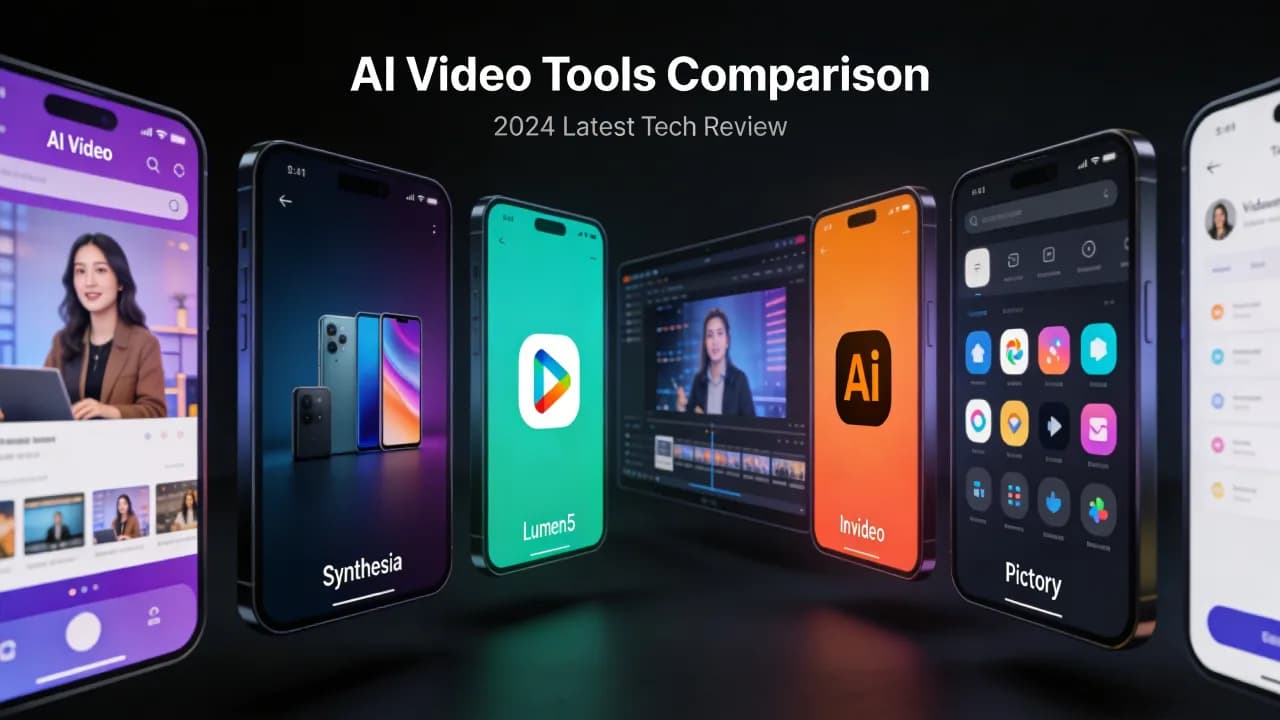
Choosing the right AI video generator can be overwhelming. The market has exploded over the past two years, and dozens of platforms now claim to offer the best AI-generated video. The truth is that no single tool excels at everything. The best choice depends on what you need: short-form social content, long-form marketing videos, cinematic footage, or quick explainer clips.
In this comparison, we tested and evaluated the leading AI video generators available in 2026 across five categories: output quality, ease of use, feature set, pricing, and ideal use case. Whether you are a solo creator or a marketing team, this guide will help you make an informed decision.
How We Evaluated Each Tool
We ran identical prompts through each platform and rated the results on visual fidelity, temporal coherence, prompt adherence, and rendering speed. We also assessed each platform's editing capabilities, export options, and collaboration features. Pricing was evaluated based on the cost per minute of generated video at each tier.
The Top AI Video Generators
1. Vexub
Vexub stands out as an all-in-one platform that combines AI video generation with professional editing tools. Rather than generating a clip and then switching to a separate editor, Vexub lets you create, edit, subtitle, and publish from a single interface.
Strengths: Integrated editor with auto subtitles and AI voiceover, script-to-video pipeline, branded templates, team collaboration features, and a generous free tier.
Best for: Creators and marketing teams who want to go from idea to published video without juggling multiple tools.
Pricing: Free plan with watermark, paid plans starting at $19/month with unlimited exports.
2. Runway Gen-4
Runway has been a pioneer in generative video since its early research work on diffusion models. Gen-4 delivers the highest raw output quality in our testing, with excellent detail and natural motion.
Strengths: Best-in-class visual quality, 4K output, image-to-video and video-to-video modes, professional compositing integrations.
Best for: Filmmakers, VFX artists, and professionals who need the highest quality footage and are comfortable with complex workflows.
Pricing: Free trial with limited credits, paid plans from $28/month.
3. Pika 2.0
Pika has carved out a niche in fast, iterative video generation. Its interface is browser-based and designed for quick experimentation. You can generate a clip, adjust parameters, and regenerate in seconds.
Strengths: Fast generation speed, intuitive UI, scene extension, motion intensity controls, strong community and template library.
Best for: Social media creators who need high volumes of short clips quickly.
Pricing: Free plan with daily credits, paid plans from $10/month.
Create videos like this with AI
Script, voiceover, images and subtitles — automated in minutes.
4. Synthesia
Synthesia focuses on AI avatar-driven videos rather than purely generative footage. You select a realistic AI presenter, type a script, and the platform produces a talking-head video with synchronized lip movements.
Strengths: Realistic AI avatars, 140+ language support, enterprise-grade security, SCORM export for e-learning.
Best for: Corporate training, internal communications, and multilingual video at scale.
Pricing: Starts at $29/month for the personal plan, enterprise pricing on request.
5. HeyGen
HeyGen is similar to Synthesia in its avatar-based approach but adds more creative flexibility with customizable backgrounds, gestures, and multi-avatar scenes.
Strengths: Custom avatar creation from a single photo, real-time avatar video, multi-language dubbing, API access for developers.
Best for: Sales teams, product demos, and personalized outreach videos.
Pricing: Free plan with limited minutes, paid plans from $24/month.
6. Luma Dream Machine
Luma Dream Machine specializes in cinematic, high-motion video generation. Its model is trained with a strong emphasis on physical realism, making it excellent for dynamic scenes with complex movement.
Strengths: Exceptional motion quality, strong physics simulation, long clip duration up to 30 seconds, image-to-video with camera control.
Best for: Creative projects, concept visualization, and cinematic B-roll.
Pricing: Free tier with queue-based generation, paid plans from $23/month.
Feature Comparison at a Glance
Here is how these tools stack up across the key features most creators care about.
Text to video: All six platforms support text-to-video generation, though quality varies. Runway and Luma produce the most visually impressive raw output, while Vexub and Pika offer the fastest turnaround.
AI avatars: Only Synthesia and HeyGen offer realistic AI presenters. If talking-head videos are your primary need, these two are the clear leaders.
Built-in editing: Vexub provides the most complete editing experience. Runway offers timeline editing for compositing. Other tools require exporting to a separate editor.
Auto subtitles: Vexub includes auto-generated subtitles as a core feature. Most other platforms require a third-party tool for captioning.
Free tier: Pika and Vexub have the most generous free plans. For more on free options, see our roundup of free AI video maker tools.
Which Tool Should You Choose?
The answer depends on your workflow and priorities. If you want an end-to-end solution that handles generation, editing, subtitles, and publishing, Vexub is the most integrated option. If raw visual quality is your top priority and you have post-production skills, Runway Gen-4 delivers the best footage. For high-volume short-form social content, Pika's speed and simplicity are hard to beat. And if you need AI presenter videos for training or sales, Synthesia and HeyGen are purpose-built for that use case.
For a deeper dive into the practical workflow of creating AI videos, read our complete guide to text-to-video AI. If you are just getting started, our beginner's guide to AI video editing covers the fundamentals of working with AI-generated footage.
Final Thoughts
The AI video generation landscape in 2026 is mature enough that every tool on this list can produce usable output. The differentiators are now about workflow integration, editing capabilities, and how well the platform fits your specific content needs. We recommend trying two or three free tiers before committing to a paid plan, so you can compare results using your own prompts and your own content style.







