
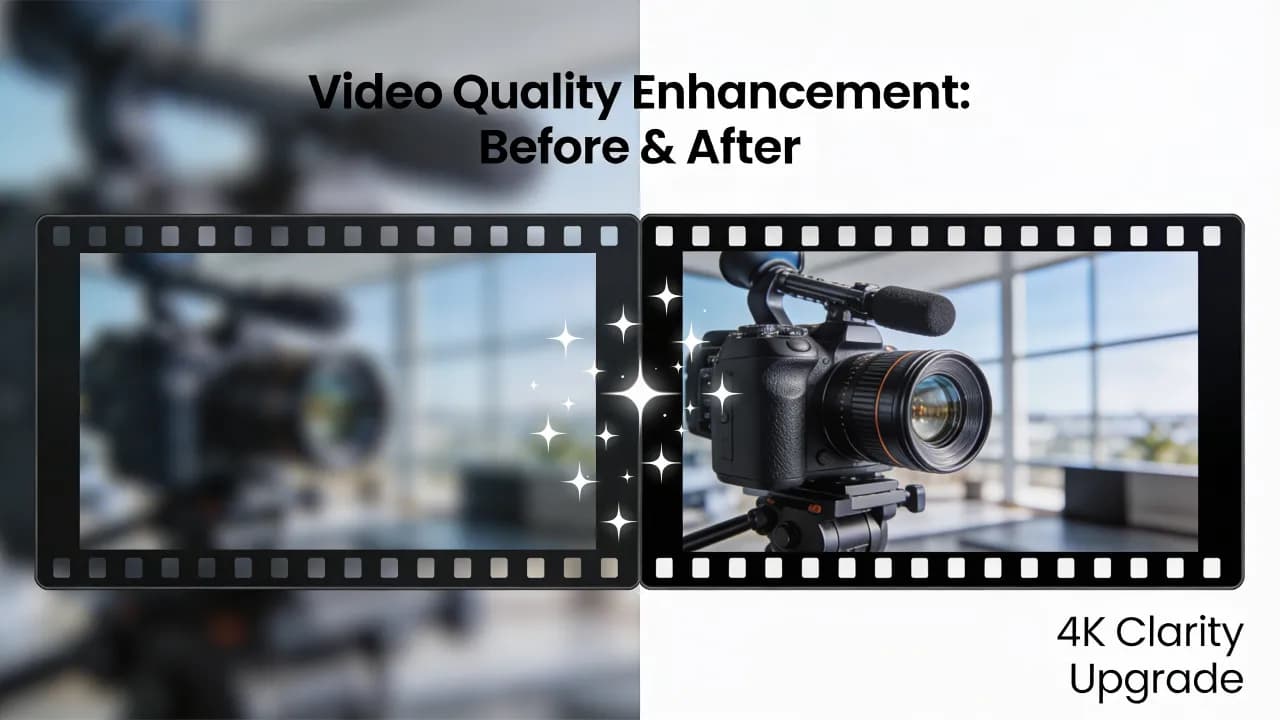
AI-generated video has reached a level where it can rival traditionally shot footage in many use cases — but only when you know how to push the technology to its limits. Out of the box, most AI video tools produce decent results. With the right techniques, you can elevate that output to genuinely professional quality.
This guide covers every stage of the AI video pipeline, from pre-generation setup to post-production polish. Whether you are producing social media content or longer-form brand videos, these expert tips will help you get the most out of every frame.
Understanding What Affects AI Video Quality
Before diving into tips, it helps to understand the factors that determine output quality in AI video generation.
Prompt specificity — Vague prompts produce vague results. Detail is the single biggest lever you have.
Model resolution — Different models output at different native resolutions. Upscaling a low-res generation always introduces artifacts.
Frame consistency — The biggest challenge in AI video is temporal coherence. Faces, objects, and backgrounds can shift between frames.
Compression settings — Export and encoding settings can destroy quality gains if not configured correctly.
Pre-Generation: Setting Up for Success
Choose the Right Base Resolution
Always generate at the highest native resolution your tool supports. Upscaling a 480p generation to 1080p introduces blur and artifacts that no amount of post-processing can fully fix. If your tool offers 1080p or 4K native generation, use it — even if render times are longer.
Write Cinematic Prompts
Quality starts with the prompt. Include lighting direction, camera specifications, and visual style references. A prompt like "professional product shot, soft diffused lighting, shallow depth of field, 85mm lens, clean white background" gives the model specific quality cues to anchor on. For a deeper dive into prompt writing, check our prompt engineering guide.
Use Reference Images When Available
Many AI video platforms now accept reference images that guide style, composition, and color grading. A strong reference image can communicate more than a hundred words of prompting. Use screenshots from films, photographs, or even previous AI generations that matched your vision.
Create videos like this with AI
Script, voiceover, images and subtitles — automated in minutes.
During Generation: Settings That Matter
Frame Rate Selection
Most AI video tools default to 24fps, which is the cinematic standard. For content destined for social platforms, 30fps provides smoother playback on mobile devices. Avoid generating at frame rates above 30fps unless your use case specifically requires it — higher frame rates increase render time without meaningful quality improvement for most content types.
Aspect Ratio and Composition
Match your aspect ratio to the destination platform before generating. Cropping a 16:9 video to 9:16 after generation throws away resolution and often cuts off important visual elements. Generate natively in the correct ratio.
9:16 — TikTok, Instagram Reels, YouTube Shorts
16:9 — YouTube, website embeds, presentations
1:1 — Instagram feed posts, LinkedIn
4:5 — Instagram feed (maximum vertical space)
Seed Consistency for Multi-Clip Projects
When generating multiple clips that need visual consistency — same character, same setting, same color palette — use seed locking if your tool supports it. Fixing the random seed ensures the model starts from the same noise pattern, producing more consistent results across clips.
Post-Production Enhancement
AI Upscaling
If your generation was limited to 720p or 1080p, dedicated AI upscalers can increase resolution while preserving detail. Tools like Topaz Video AI or built-in platform upscalers use neural networks trained specifically on video upscaling, producing far better results than traditional bicubic scaling.
Color Grading
AI-generated video often benefits enormously from color grading. The raw output tends to be slightly flat in contrast and saturation. A simple S-curve contrast adjustment and subtle color shift can make the footage feel cinematic. Use LUTs (lookup tables) for consistent grading across multiple clips.
Frame Interpolation for Smoother Motion
If your AI video has slight jitter or choppy motion, frame interpolation can smooth things out. This technique generates intermediate frames between existing ones using optical flow analysis. Use it sparingly — too much interpolation can create a soap-opera effect that looks unnatural.
Audio and Sound Design
Quality is not just visual. Adding professional audio — background music, sound effects, ambient noise — transforms AI video from a tech demo into finished content. Layer sound effects that match the visuals: footsteps for walking scenes, ambient city noise for urban shots, subtle wind for outdoor landscapes.
Common Quality Pitfalls to Avoid
Over-prompting — Cramming too many details into a single prompt confuses the model. Keep prompts focused and under 75 words.
Ignoring temporal artifacts — Watch your generated video frame by frame. Flickering textures, morphing faces, and disappearing objects need to be caught before publishing.
Wrong export codec — Exporting in the wrong codec or with too much compression destroys quality. Use H.265 for final delivery and ProRes or DNxHR for intermediate editing.
Skipping the review loop — Always generate multiple variations and select the best one. AI video generation involves randomness, and your first output is rarely the best possible result.
Quality Checklist Before Publishing
Run through this checklist before publishing any AI-generated video:
Resolution matches the target platform requirements
No visible frame-to-frame flickering or morphing artifacts
Color grading applied and consistent across all clips
Audio levels balanced, no clipping or dead silence
Correct aspect ratio for the destination platform
Export codec and bitrate set appropriately
Subtitles or captions added and synchronized
Bringing It All Together
Improving AI video quality is not about any single technique — it is about building a complete workflow that addresses quality at every stage. Start with precise prompts, generate at the highest available resolution, apply thoughtful post-production, and always review critically before publishing.
The creators producing the best AI video content in 2026 are not necessarily using different tools than everyone else. They are using the same tools more deliberately, with attention to detail at every step of the process. Apply these techniques consistently, and the quality gap between your content and the competition's will speak for itself.







