
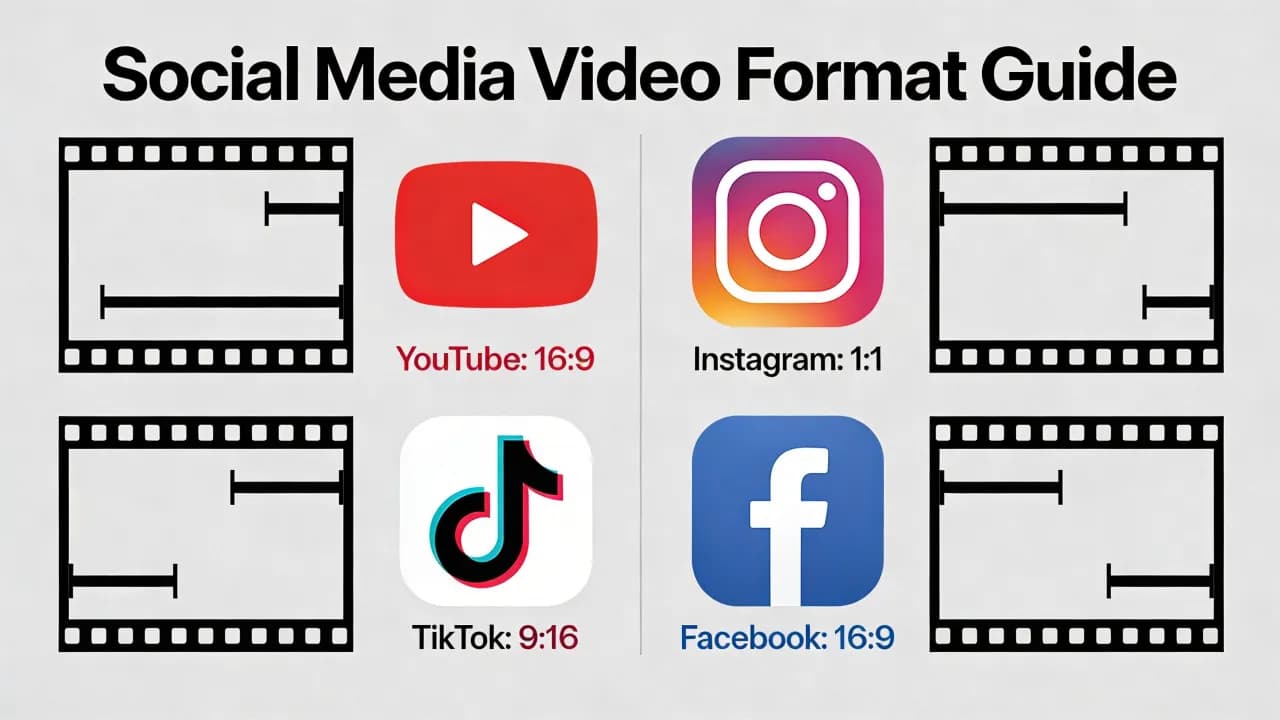
Uploading a video in the wrong format to social media is one of the fastest ways to kill its performance. A poorly formatted video gets cropped awkwardly, compressed into a blurry mess, or rejected entirely by the platform. Every platform has its own set of preferred specifications, and getting them right is the difference between a video that looks professional and one that looks like an afterthought.
This guide covers the exact video format specifications for every major social media platform in 2026, including file types, resolutions, aspect ratios, maximum durations, and file size limits. Bookmark this page — it is the only reference you will need.
Universal Best Practices
Before diving into platform-specific specs, here are the rules that apply everywhere:
File format: MP4 with H.264 codec is universally accepted and produces the best quality-to-file-size ratio. H.265 (HEVC) is accepted on some platforms but not all — stick with H.264 for maximum compatibility.
Frame rate: 30fps is the safe default for all platforms. 24fps is acceptable and gives a more cinematic look. 60fps is supported on most platforms but increases file size significantly.
Bitrate: Higher bitrate means better quality but larger files. Aim for 8-12 Mbps for 1080p content and 35-45 Mbps for 4K. Platforms re-encode your video regardless, but starting with a higher bitrate preserves more detail through compression.
Audio: AAC codec, stereo, 128-256 kbps. Always include audio even if your video is designed to be watched on mute — platforms may deprioritize videos with no audio track.
TikTok Video Specifications
TikTok Feed Videos
Aspect ratio: 9:16 (vertical, full screen)
Resolution: 1080 x 1920 pixels (1080p vertical)
Max duration: 10 minutes (but 15-60 seconds performs best)
Max file size: 287 MB (iOS), 72 MB (Android), 500 MB (web upload)
Format: MP4 or MOV
TikTok compresses uploaded video aggressively. To maintain quality, upload at 1080p minimum and use a bitrate of at least 10 Mbps. For content ideas that maximize TikTok's format, see our TikTok video ideas guide.
Instagram Video Specifications
Instagram Reels
Aspect ratio: 9:16
Resolution: 1080 x 1920 pixels
Max duration: 90 seconds
Max file size: 250 MB
Format: MP4 (H.264)
Instagram Feed Video
Aspect ratio: 1:1 (square), 4:5 (portrait), or 16:9 (landscape)
Resolution: Minimum 600 x 600, recommended 1080 x 1350 (4:5)
Max duration: 60 seconds
Max file size: 250 MB
Format: MP4 (H.264)
Instagram Stories
Aspect ratio: 9:16
Resolution: 1080 x 1920 pixels
Max duration: 60 seconds per story segment
Format: MP4 or MOV
For a complete strategy on maximizing these formats, check our Instagram Reels strategy guide.
Create videos like this with AI
Script, voiceover, images and subtitles — automated in minutes.
YouTube Video Specifications
YouTube Shorts
Aspect ratio: 9:16
Resolution: 1080 x 1920 pixels
Max duration: 3 minutes (eligible creators), 60 seconds (standard)
Max file size: 256 GB (but keep under 500 MB for Shorts)
Format: MP4, MOV, AVI, WMV, FLV, WebM
YouTube Standard Video
Aspect ratio: 16:9 (strongly recommended)
Resolution: 1920 x 1080 minimum, 3840 x 2160 (4K) recommended
Max duration: 12 hours (verified accounts)
Max file size: 256 GB
Format: MP4 with H.264 preferred
YouTube supports the widest range of input formats, but MP4 with H.264 is the recommended upload format. YouTube re-encodes everything, so uploading in the highest quality you have ensures the best result after re-encoding. Understanding the YouTube Shorts algorithm helps you optimize beyond just format specifications.
LinkedIn Video Specifications
Aspect ratio: 16:9 (landscape), 1:1 (square), 9:16 (vertical)
Resolution: 1920 x 1080 recommended
Max duration: 10 minutes (page posts), 15 minutes (ads)
Max file size: 5 GB
Format: MP4 (H.264)
LinkedIn's video player handles all three aspect ratios but 1:1 square video takes up the most screen real estate in the feed on both desktop and mobile, making it the optimal choice for engagement.
X (Twitter) Video Specifications
Aspect ratio: 16:9 (landscape), 1:1 (square), 9:16 (vertical — limited preview)
Resolution: 1920 x 1080 recommended
Max duration: 2 minutes 20 seconds (standard), 10 minutes (premium)
Max file size: 512 MB
Format: MP4 (H.264)
X crops vertical video significantly in the feed timeline view. If posting vertical content, use a 1:1 or 4:5 ratio instead to maximize visible area without requiring viewers to tap to expand.
Facebook Video Specifications
Facebook Feed and Reels
Aspect ratio: 9:16 (Reels), 16:9 or 1:1 (feed)
Resolution: 1080 x 1920 (Reels), 1920 x 1080 (feed)
Max duration: 90 seconds (Reels), 240 minutes (feed)
Max file size: 4 GB
Format: MP4 (H.264)
Pinterest Video Specifications
Aspect ratio: 2:3 (standard pin), 9:16 (Idea Pins), 1:1 (square)
Resolution: 1000 x 1500 (standard pin), 1080 x 1920 (Idea Pins)
Max duration: 15 minutes
Max file size: 2 GB
Format: MP4, MOV
Pinterest's 2:3 aspect ratio is unique among social platforms. If Pinterest is part of your strategy, create dedicated exports at this ratio rather than cropping from 9:16 content.
Quick Reference Cheat Sheet
Here is a summary of the most common specs you will need:
Export Workflow: One Video, Every Platform
The most efficient approach is to shoot or generate in the highest resolution and widest frame possible, then export platform-specific versions. Here is the workflow:
Step 1: Create your master video at 4K 16:9 with important content centered in the frame
Step 2: Export a 16:9 version for YouTube and LinkedIn
Step 3: Crop and export a 9:16 version for TikTok, Reels, and Shorts
Step 4: Export a 1:1 version for Instagram feed and X
Step 5: Export a 2:3 version for Pinterest if applicable
By keeping important content in the center of your 16:9 master, you can crop to any aspect ratio without losing the key visual elements. This approach saves significant time compared to creating separate content for each platform.
Format Matters More Than You Think
Getting video format right is not glamorous work, but it has an outsized impact on performance. A properly formatted video displays correctly, avoids quality loss from platform re-encoding, and presents your content exactly as intended. An improperly formatted video looks amateurish before the first second plays.
Save this guide, set up export presets in your editing software for each platform, and never upload a video in the wrong format again. The extra five minutes spent on proper formatting pays dividends in every view, like, and share that content earns.







