
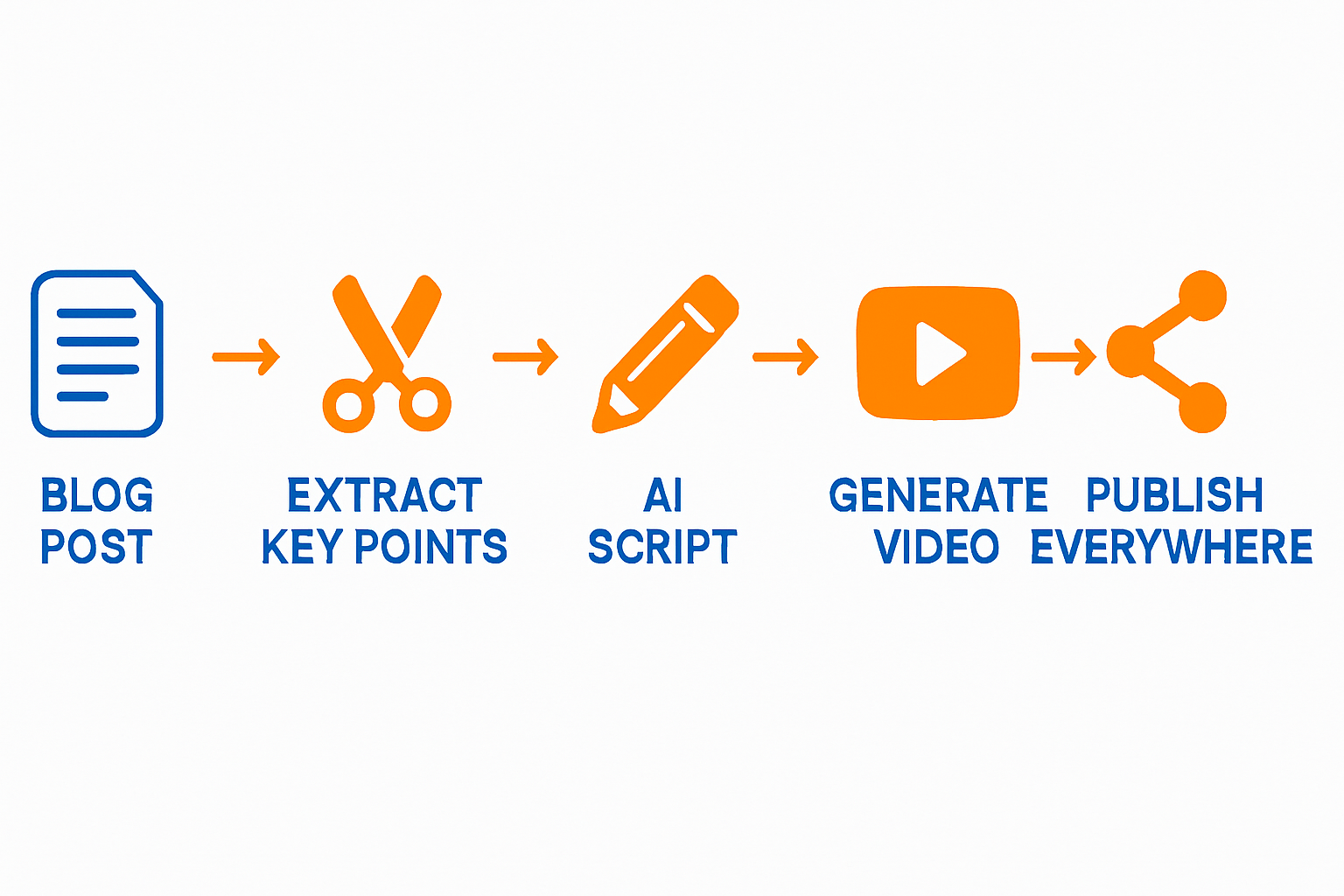
Transforming your blog posts into engaging AI videos can significantly boost your content's reach and engagement. With Vexub, the process is streamlined, allowing for a seamless transition from text to video.
In this article, we will outline a step-by-step workflow to efficiently convert your blog articles into captivating video content. By repurposing existing material, you can save time and effort while enhancing your marketing strategy.
Let's dive into the essential steps needed to help you turn your written content into multimedia experiences that captivate your audience.
Step 1: Select Your Blog Post
Start by choosing a blog post that has performed well or contains valuable information. Look for posts that include:
High traffic
Strong engagement
Timeless content that remains relevant.
Step 2: Outline Key Points
Create an outline based on the selected blog post. Highlight the key points, including:
Main ideas
Supporting details
Calls to action.
This will serve as the blueprint for your video, ensuring you cover all necessary aspects without introducing new information.
Step 3: Create a Script
Transform your outline into a full script. Aim for a conversational tone, and remember to:
Keep sentences short and punchy,
Use engaging language,
Include audience interaction prompts.
The script should guide the video's visuals and narration effectively.
Step 4: Use Vexub for Video Creation
Step 5: Enhance with Visuals
Incorporate supporting visuals, such as images, charts, or graphics, that complement your script. Vexub offers various styles that can match your brand's identity. Consider:
Animations to illustrate complex ideas.
B-roll footage for added interest.
Captions to enhance accessibility.
Step 6: Edit and Review
Before publishing, review your video to ensure it aligns with your voice and content standards. Pay attention to:
Timing and pacing,
Audio clarity,
Visual coherence.
Make adjustments as necessary to ensure the final product exceeds your expectations.
Step 7: Distribute Your Video
Once finalized, it's time to share your video across platforms. Upload to:
YouTube for broader reach,
Social media channels for direct engagement,
Your website to complement your blog post.
Consider linking back to your original article to drive blog traffic.
Final Thoughts
Repurposing blog content into videos is a strategic move that not only maximizes your content's potential but also engages a wider audience. With Vexub, you have a powerful tool at your disposal for creating visually appealing videos effortlessly.
For more tips on content and video marketing, check out our article on how to repurpose blog posts into videos using AI and explore how one video can support ten blog posts.
Create videos like this with AI
Script, voiceover, images and subtitles — automated in minutes.







