
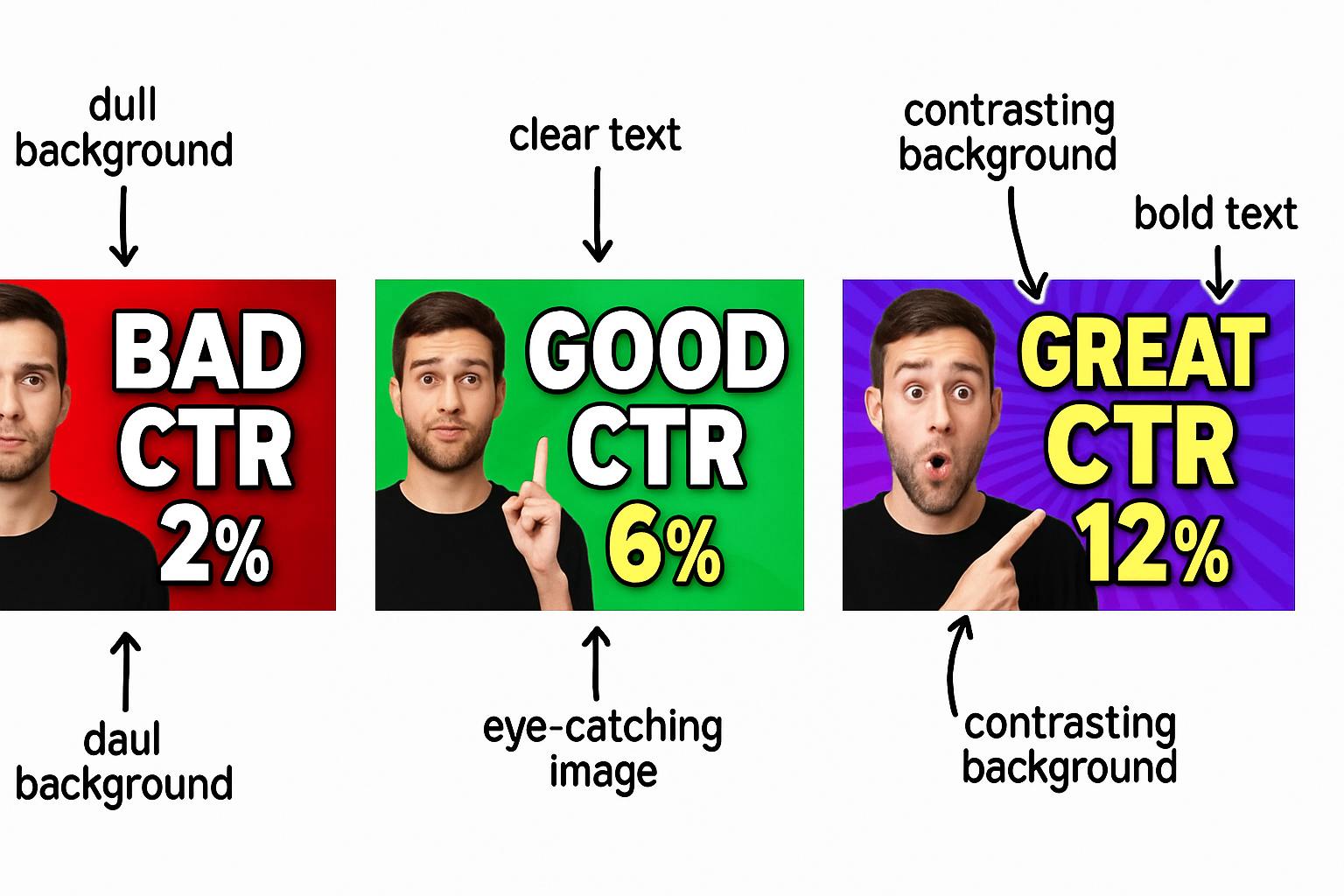
In a digital landscape dominated by visuals, the importance of eye-catching thumbnails cannot be understated. A well-designed thumbnail can significantly increase your video's click-through rate (CTR) and engagement. With the rise of AI technology, video creators now have powerful tools at their disposal to enhance their thumbnail design process.
This article dives into key principles for creating high-CTR thumbnails using AI. We will explore various design tips, tools, and methods to help you A/B test your thumbnails effectively and discover what resonates with your audience.
Whether you're creating YouTube content or any online video, optimizing your thumbnails can lead to substantial growth in views. Let's explore how you can leverage thumbnail design AI tools to elevate your video marketing game.
The Power of AI in Thumbnail Design
AI has revolutionized various aspects of content creation, including video thumbnail design. By using AI tools, creators can streamline their design processes and develop visually appealing thumbnails that stand out. Here are some benefits of using AI for video thumbnail creation:
Automated design suggestions based on successful templates.
Enhanced image editing capabilities for better visual quality.
Data-driven insights to optimize design elements and layouts.
Key Design Principles for Thumbnails
Creating an engaging thumbnail involves following proven design principles. Here are essential tips to consider:
1. Use High-Quality Images
Always start with high-resolution images. Blurry or pixelated images are unappealing and can lead to lower CTR.
2. Focus on Color Contrast
Contrast is vital in capturing attention. Ensure that text stands out against the background. Use color theory to choose complementary colors.
3. Include Text Strategically
Text should be brief, impactful, and relevant. Use bold fonts and consider the hierarchy of information to guide viewers.
4. Integrate Branding Elements
Consistent branding helps viewers recognize your content. Include logos or color schemes associated with your brand.
Using AI Tools for Thumbnail Creation
Several AI-powered tools can assist in creating eye-catching thumbnails. Here are some popular options:
Canva - An intuitive design tool with AI capabilities for automating design elements.
Adobe Spark - Offers template suggestions and AI-driven enhancements for thumbnails.
Snappa - Provides simple tools for quick thumbnail creation with AI assistance.
A/B Testing Your Thumbnails
A/B testing allows you to compare two thumbnail designs to see which one performs better. Here's how to conduct effective A/B tests:
Create two versions of your video with different thumbnails.
Analyze performance metrics, focusing on CTR and engagement.
Use insights to refine your design process and make data-driven decisions.
Create videos like this with AI
Script, voiceover, images and subtitles — automated in minutes.
Conclusion
By integrating AI into your thumbnail design process, you can create visually compelling images that capture viewer attention and increase CTR. Emphasize high-quality visuals, strategic text placement, and consistent branding to enhance your video's appeal.
For more tips, check our detailed guides on thumbnail design AI tools and A/B testing video thumbnails.
Next Steps
Now that you've learned how to optimize your video thumbnails using AI, start experimenting with different designs and A/B testing strategies. Embrace the technology at your disposal, and watch your video views increase significantly.







