
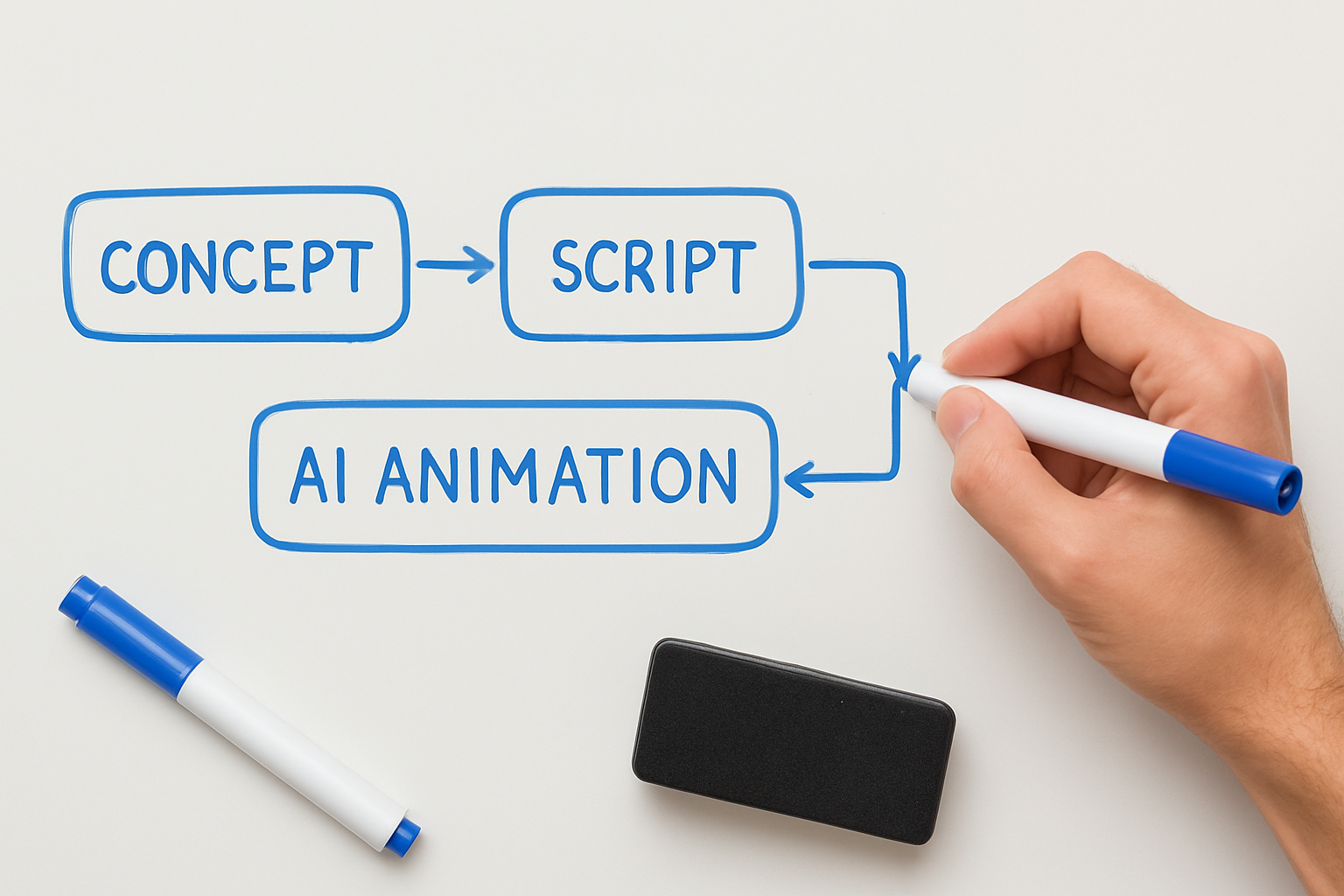
Introduction to AI Whiteboard Videos
In the digital era, the effectiveness of visual storytelling is undeniable. AI technology has revolutionized the way we create videos, particularly in the realm of whiteboard and explainer videos. These videos are not just engaging but also drive better understanding and retention of information.
Utilizing AI in video creation streamlines processes that once took hours or even days. With platforms like Vexub, creating polished, professional-looking whiteboard animations is more accessible than ever.
Whether you're a marketer, educator, or entrepreneur, mastering AI whiteboard video creation can elevate your content strategy.
Benefits of AI-Generated Whiteboard Videos
✨ Enhanced engagement and comprehension for audiences.
🚀 Faster production times compared to traditional methods.
🔍 Greater customization options to fit your brand.
💰 Cost-effective solutions to high-quality video production.
How to Create AI Whiteboard and Explainer Videos
Step 1: Choose the Right AI Video Tool
Selecting an intuitive platform is crucial. Vexub stands out with its user-friendly interface and powerful AI features. It enables you to create stunning videos with minimal effort.
Step 2: Craft Your Script
An engaging script is foundational. Outline your message clearly and concisely. Capture key points that you want to convey in your video. This is where you can consider the length and tone of your video.
Step 3: Use AI Features for Animation
With Vexub, you can select from a variety of pre-designed templates and animations. The platform's AI capabilities allow for smooth transitions and dynamic visuals that keep viewers engaged.
Step 4: Add Voiceovers and Music
Incorporate voiceovers that match the tone of your script. Vexub offers customizable voice options that can bring your message to life. Additionally, consider background music to complement the narration and maintain viewer interest.
Step 5: Review and Edit
Finally, review your video for any necessary edits. Vexub's AI enhances the editing process, ensuring that your final product is polished and professional.
Tips for Effective Whiteboard Animation
⚡ Keep it simple: Avoid cluttering your video with too much information.
📈 Focus on storytelling; connect emotionally with your audience.
🎯 Optimize length: Aim for 2-3 minutes for maximum engagement.
Leveraging AI for Explainer Videos
Explainer videos are ideal for explaining complex concepts in a clear manner. By integrating AI tools, you can optimize the creation process and enhance the quality of your content.
For detailed guidance on creating educational content using AI, check out our article on AI Video eLearning Course Creation.
Conclusion
Creating AI whiteboard and explainer videos is a powerful strategy for engaging your audience. By utilizing advanced tools like Vexub, you can significantly enhance your video production process.
To further explore the world of AI video creation, consider reading our post on how to make AI videos. Start creating captivating content today!
Create videos like this with AI
Script, voiceover, images and subtitles — automated in minutes.







