

Creating videos with AI is an exciting process, but when rendering issues arise, it can be frustrating. Whether your final output seems glitchy or the video fails to render completely, these challenges can hinder your content creation goals.
Understanding and resolving these rendering issues is crucial for maintaining the quality and consistency of your AI-generated videos. In this guide, we'll walk you through common problems and practical solutions, ensuring your video projects are smooth and professional.
Common AI Video Rendering Issues
AI video rendering can be affected by various issues that disrupt the final output. These problems often stem from software glitches, hardware limitations, or incorrect settings. Here are some of the most common issues:
Glitchy or distorted video frames
Incomplete rendering or failed exports
Audio-video sync problems
Unexpected color changes or artifacts
Identifying these issues early in the production process will save you time and help you produce high-quality videos. Now, let's delve into each problem and explore how to resolve them.
How to Fix Glitchy AI Video Frames
Glitchy frames can occur due to processing errors or insufficient resources. Here's how you can troubleshoot this issue:
Ensure your software and drivers are up to date to avoid compatibility issues.
Increase your hardware resources, such as RAM and GPU power, to handle complex rendering tasks.
Check for corrupted files and re-import them if necessary.
Using a platform like Vexub can help optimize resource allocation, reducing the likelihood of glitchy frames by leveraging cloud computing.
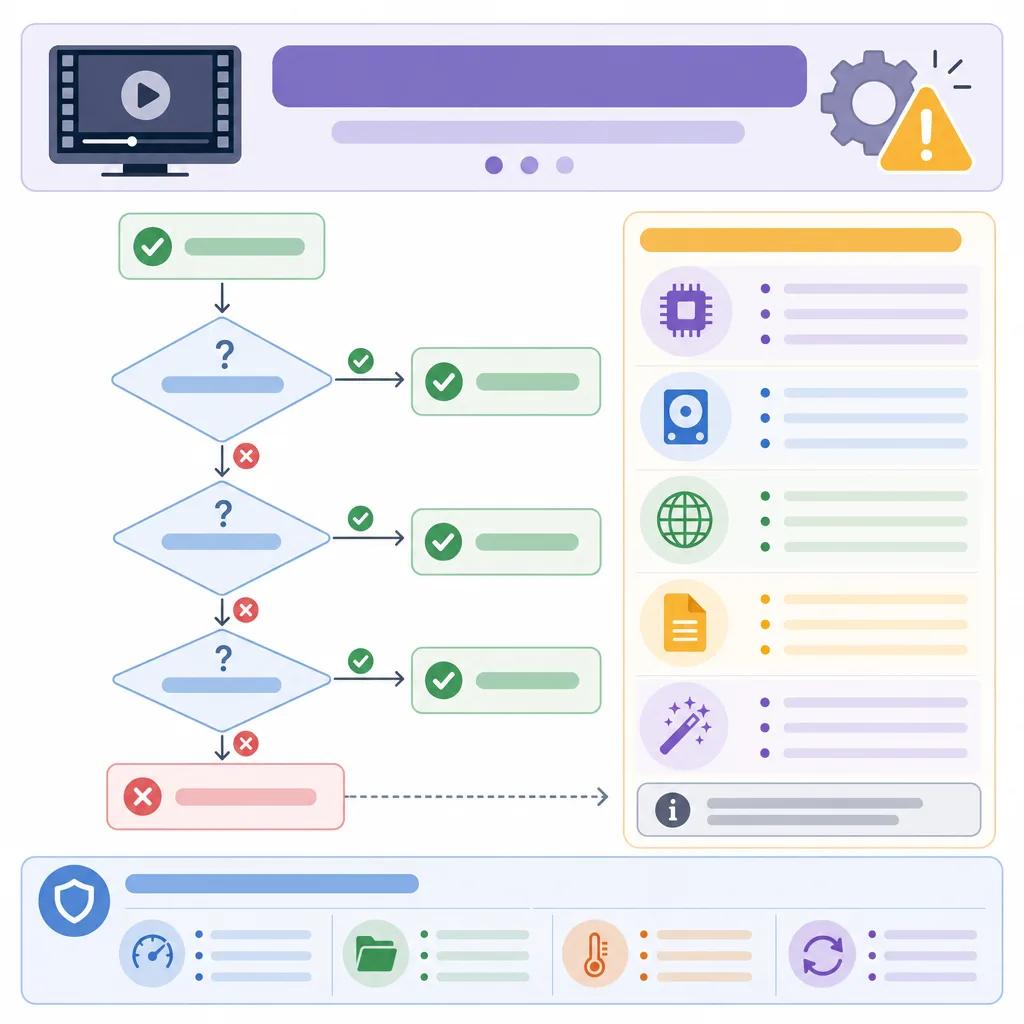
Resolving Incomplete Rendering and Failed Exports
Incomplete renderings or failed exports are often caused by software bugs or insufficient storage space. Here's what you can do:
Free up disk space to ensure there is enough room for rendering files.
Try rendering in smaller segments before compiling the final video.
Use Vexub's cloud-based rendering to bypass local hardware limitations.
Addressing Audio-Video Sync Problems
Audio-video sync issues can severely impact the viewer's experience. To resolve this:
Ensure the audio and video tracks are aligned correctly on the timeline.
Check the frame rate settings to match the original recording.
Use specialized software to adjust and sync tracks if needed.
Exploring advanced features in platforms like Vexub can provide tools for precise synchronization, enhancing the video's professionalism.
Dealing with Unexpected Color Changes and Artifacts
Color discrepancies and artifacts often result from incorrect settings or codec issues. Here's how to tackle them:
Verify the color profiles are consistent across your editing software and exporting settings.
Use lossless codecs to maintain color integrity during compression.
Perform test renders to check for color accuracy before finalizing.
Engaging with AI tools that offer color correction features can significantly improve consistency in your video projects.
Create videos like this with AI
Script, voiceover, images and subtitles — automated in minutes.
Preventing AI Video Rendering Issues
Preventive measures can save time and resources when dealing with rendering issues. Here are some proactive steps you can take:
Regularly update your software to incorporate the latest enhancements and fixes.
Create a backup of your project files to avoid data loss.
Utilize Vexub's automated diagnostics to identify potential issues before rendering.
By integrating these practices, you maintain a smoother workflow and reduce the frequency of rendering issues.

Conclusion: Mastering AI Video Rendering
Mastering AI video rendering requires understanding the common issues and implementing effective solutions. By utilizing platforms like Vexub and following best practices, you can significantly enhance the quality and reliability of your video projects.
For more insights on video creation, check out our guide on ", understanding AI video content creation, ". If you're facing sound issues, our article on ", troubleshooting AI video sound issues, " might be helpful. Additionally, explore strategies for ", using AI in non-profit fundraising, " to expand your impact.
Remember, the key to successful AI video creation lies in continuous learning and adapting to new tools and techniques.







