

Navigating the world of AI video editing can be an exciting yet challenging endeavor. As technology advances, the potential for creativity expands, but so do the possibilities for unexpected glitches and errors. Understanding how to tackle these troubleshooting AI video editing issues is crucial to ensuring a smooth editing process.
In 2026, AI tools like Vexub are more sophisticated than ever, yet users often encounter common problems that can hinder productivity. This guide will walk you through frequently encountered issues and provide actionable solutions to enhance your AI video editing experience.
Why Do AI Videos Glitch?
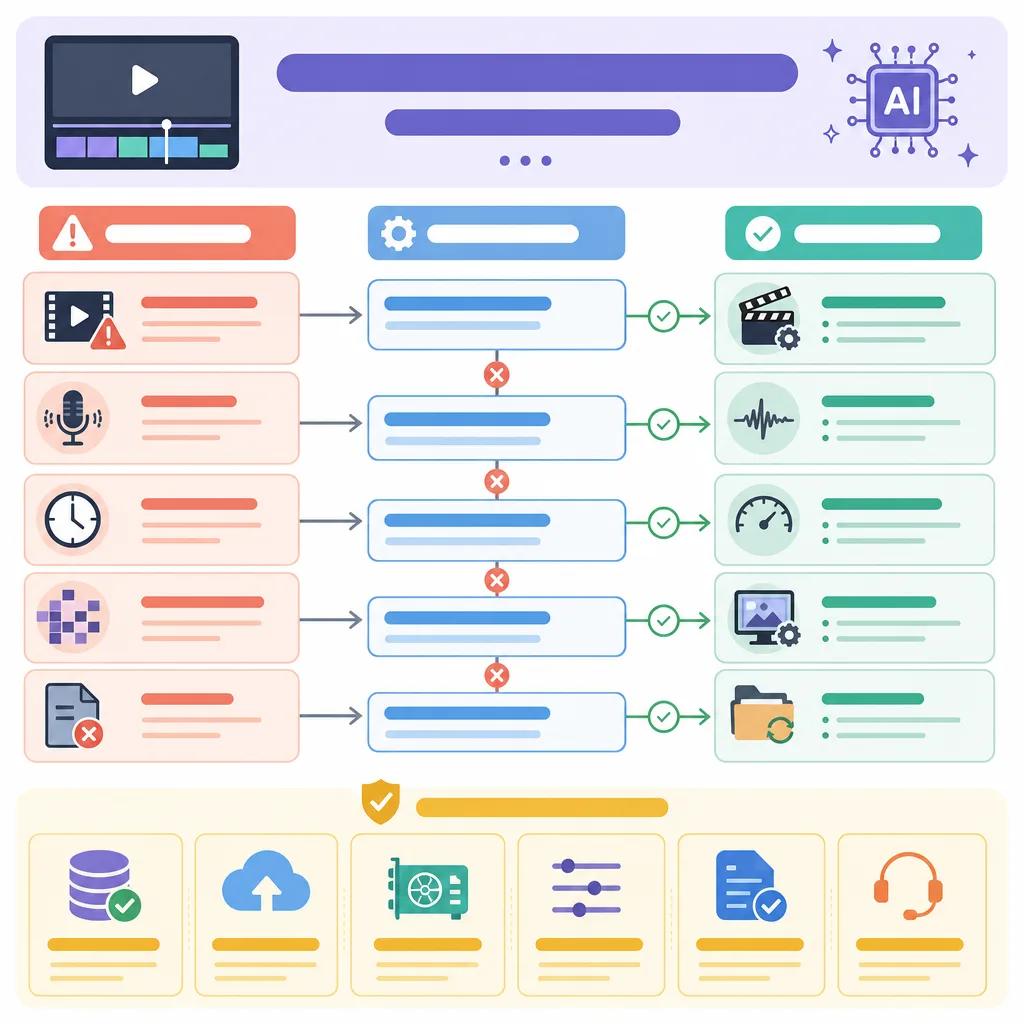
AI video glitches are often a byproduct of software limitations or hardware incompatibilities. These glitches can manifest as visual artifacts, synchronization errors, or unexpected cropping. Understanding the root cause is essential for effective resolution.
One common reason for glitches is the incompatibility between AI algorithms and video formats. AI models require specific data input and might struggle with formats not optimized for machine processing. Ensuring your source material is compatible with your editing platform can mitigate many issues.
Addressing Synchronization Errors
Synchronization errors, where audio and video fall out of sync, can be frustrating. These often occur due to timing discrepancies between audio and video tracks. AI systems might misinterpret certain audio cues, leading to these errors.
To resolve synchronization issues, consider using tools that allow manual adjustment of audio and video tracks. Platforms like Vexub offer intuitive interfaces for adjusting these discrepancies, ensuring your final product meets your expectations.
Moreover, maintaining a consistent frame rate throughout the editing process is critical. Fluctuating frame rates can confuse AI algorithms, resulting in misaligned tracks.
Ensuring AI Tools Work Seamlessly
For AI tools to function optimally, they must be integrated into a system that supports their requirements. Many users face issues due to insufficient hardware specifications. High-definition video editing demands substantial processing power.
Before starting a project, verify that your hardware specifications meet the minimum requirements of your AI editing software. This includes RAM, CPU, and GPU capabilities. Upgrading your system can prevent many issues from arising.
Furthermore, regularly updating your AI tools is essential. Developers continuously refine algorithms to enhance performance and fix bugs. Keeping your software current ensures you benefit from these improvements.

Optimizing AI Video Content
Creating high-quality video content with AI requires a strategic approach. Begin by defining the scope and objectives of your video project. This clarity guides the editing process and ensures consistent quality.
Using platforms like Vexub can streamline this process with features designed for video optimization. From automatic scene detection to intelligent cropping, these tools enhance the final output's quality.
For more insights on using AI effectively in video production, explore our article on ", how to optimize AI video SEO, ".
Understanding the 80/20 Rule in Video Editing
The 80/20 rule, or Pareto Principle, suggests that 80% of results come from 20% of efforts. In video editing, this means focusing on key elements that yield the most significant impact.
Applying this rule involves identifying the core components of your video that will engage viewers. For instance, enhancing the first few seconds of your video can capture audience attention, making subsequent content more effective.
Utilizing AI tools like Vexub can help pinpoint these crucial segments, allowing you to allocate resources efficiently. Learn more about efficient video editing with AI in our guide on ", creating engaging YouTube Shorts with AI, ".
Create videos like this with AI
Script, voiceover, images and subtitles — automated in minutes.
Resolving AI Video Creation Errors
AI video creation errors often stem from input data quality issues. Low-resolution or corrupted files can lead to incomplete or flawed video outputs.
To prevent these errors, ensure your source files are of high quality and use formats recognized by your AI editing platform. Additionally, conduct a thorough check for file integrity before initiating the editing process.
For a deeper understanding of how AI can enhance video production, explore our comparison between ", Vexub and RemakeIt, ".
Enhancing Your AI Video Editing Experience
Enhancing your AI video editing experience involves a combination of using the right tools, understanding common issues, and proactively addressing potential problems. With platforms like Vexub, you can harness advanced features that simplify the editing process and improve video quality.
Whether you're new to AI video editing or seeking to refine your skills, it's crucial to stay informed about the latest advancements and best practices. This ensures you can produce compelling content that stands out in a crowded digital landscape.
For additional insights, consider exploring resources on ", AI video trends for fitness influencers, " to stay ahead of the curve in AI video production.







