
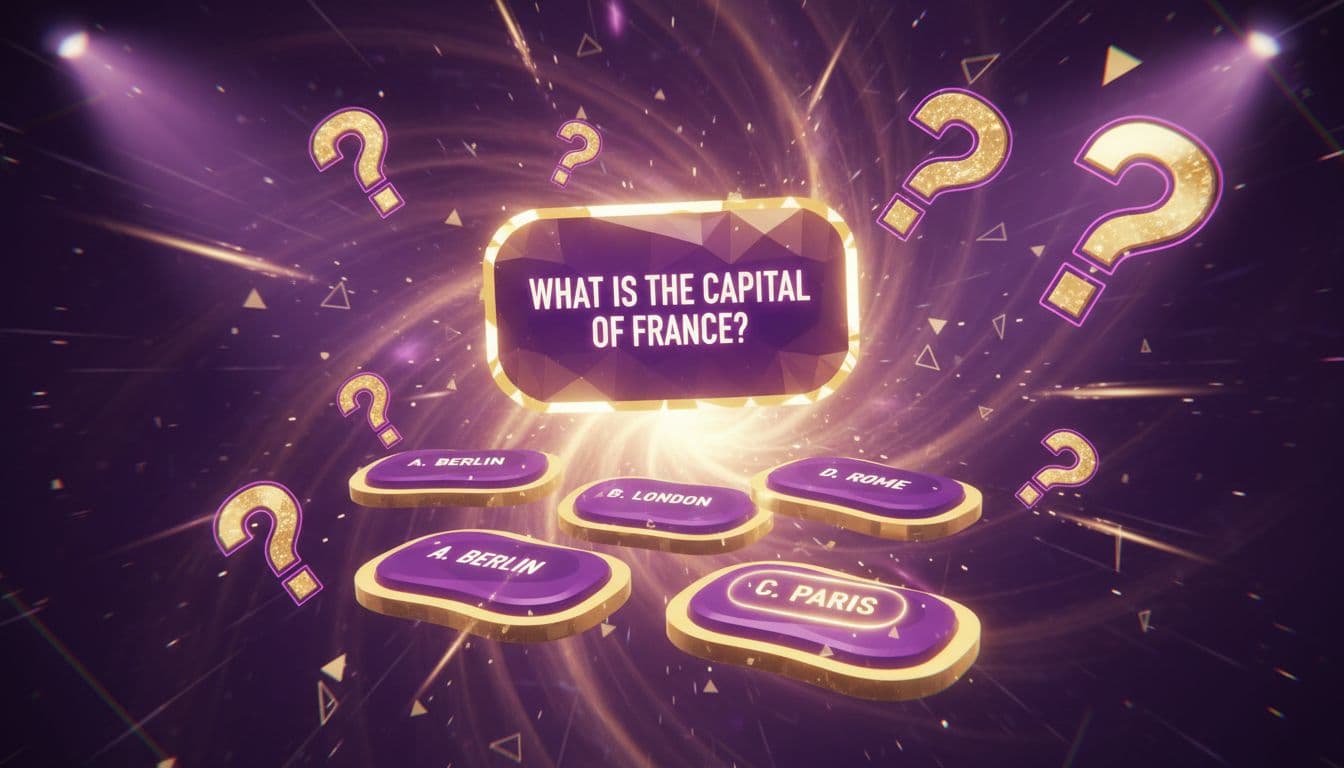
Quiz videos consistently outperform standard content across social media platforms. Data shows quiz-style content generates 3x more comments and 2.5x more shares than traditional videos. The interactive format triggers viewer participation, creating a psychological need to test knowledge and share results.
Vexub Quiz Mode transforms simple questions into professionally animated quiz videos in under 5 minutes. The AI handles animation timing, answer reveals, and visual effects while you focus on crafting compelling questions. This tutorial walks through the complete process from selecting Quiz Mode to publishing your first viral quiz video.
The template works for any niche—history trivia, movie quotes, geography challenges, or product knowledge tests. Creators using Quiz Mode report 40-60% higher completion rates compared to standard video formats.
Understanding Vexub Quiz Mode
Quiz Mode is Vexub's specialized template for creating question-and-answer video content. Unlike standard text-to-video modes, it structures content specifically for quiz formats with timed question displays, multiple choice options, dramatic answer reveals, and customizable result screens.
The mode includes several built-in features:
Automatic answer randomization: Prevents pattern recognition across multiple quiz videos
Countdown timer integration: Creates urgency and encourages immediate engagement
Visual answer indicators: Checkmarks and X marks appear automatically on correct and incorrect options
Score tracking display: Running score counter updates throughout the video
Share-optimized result cards: End screens designed for maximum social sharing
The AI generates smooth transitions between questions, maintains consistent pacing, and applies effects that highlight the correct answer without requiring manual editing. This automation reduces production time from 45 minutes per video to under 5 minutes.
Setting Up Your Quiz Video Project
Accessing Quiz Mode
Log into Vexub and navigate to the project creation dashboard. Click Create New Project and select Quiz Mode from the template options. This opens the Quiz Mode interface with specialized input fields optimized for question-based content.
The interface differs from Agent Video Mode by focusing on Q&A structure rather than narrative flow. You'll see dedicated fields for questions, answer options, correct answer designation, and optional explanation text.
Configuring Quiz Settings
Before adding questions, configure these global settings:
Quiz Duration: Select target length (15s, 30s, 60s, or custom). Shorter quizzes (5-7 questions) perform better on TikTok and Instagram Reels, while longer formats (10-15 questions) work for YouTube.
Timer Display: Enable or disable the countdown timer per question. Timers increase urgency but may frustrate viewers on complex questions.
Visual Style: Choose from Modern Minimalist, Bold Colorful, Neon Gaming, or Classic Quiz Show aesthetics. This determines background animations, text effects, and transition styles.
Answer Reveal Speed: Set how quickly correct answers display (instant, 1-second delay, or 2-second delay). Longer delays build suspense.
Music Track: Select background music from Vexub's library or upload custom audio. Upbeat tracks with medium tempo (110-130 BPM) perform best for quiz content.
Creating Your Quiz Questions
Question Structure Best Practices
Effective quiz questions follow the 3-2-1 formula: 3 seconds to read, 2 seconds to consider, 1 second to answer. Questions exceeding 15 words reduce completion rates by 35%. Use clear, direct language without unnecessary qualifiers.
Strong question example: "Which planet has the most moons?" This takes 2 seconds to read and immediately frames the challenge.
Weak question example: "In our solar system, when considering all known celestial bodies orbiting major planets, which one actually has the highest number of confirmed moons?" Too wordy, completion rates drop.
Adding Questions to Your Project
Click Add Question to open the question input form. You'll enter:
Question Text: The main question displayed prominently on screen
Answer Options: Typically 4 choices (A, B, C, D), though 3 or 5 are supported
Correct Answer: Designate which option is correct
Explanation (Optional): Brief context shown after the answer reveal, typically 1-2 sentences
For maximum engagement, include at least one humorous wrong answer and one plausible distractor. This creates discussion in comments as viewers debate answers or share why they chose incorrectly.
Question Variety and Pacing
Alternate between difficulty levels throughout your quiz. The optimal pattern is Easy-Medium-Hard-Easy-Medium-Hard. This prevents frustration from consecutive difficult questions while maintaining challenge.
Mix question types:
Factual recall ("What year did..."
Visual identification ("Which logo belongs to..."
True/False ("Is it true that..."
Estimate challenges ("How many people..."
Word association ("Which term describes..."
Variety prevents viewer fatigue and maintains attention across the full video duration.
Create videos like this with AI
Script, voiceover, images and subtitles — automated in minutes.
Customizing Visual Elements
Background and Color Scheme
Quiz Mode offers dynamic background options that respond to quiz progression. Select from:
Gradient Waves: Smooth color transitions that shift with each question
Particle Effects: Floating elements that intensify during answer reveals
Solid Colors: Clean backgrounds that emphasize text clarity
Custom Images: Upload topic-specific backgrounds for themed quizzes
Color psychology impacts performance. Blue and purple schemes signal intelligence and knowledge, performing 22% better for educational quizzes. Red and yellow create excitement, boosting engagement for entertainment trivia by 18%.
Text Animation and Effects
The AI automatically applies text animations, but you can adjust intensity:
Subtle: Gentle fades and slides, ideal for professional or educational content
Dynamic: Bounces, zooms, and rotations for entertainment quizzes
Extreme: Rapid effects with particle bursts for gaming or pop culture content
Answer reveal effects include checkmark animations, confetti bursts for correct answers, and screen shakes for incorrect choices. These visual rewards trigger dopamine responses and encourage viewers to continue watching.
Adding Quiz Graphics and Icons
Upload custom graphics to enhance specific questions. For "Which country has this flag?" quizzes, add flag images directly to question screens. Vexub automatically positions and scales images for optimal mobile viewing.
The platform supports PNG, JPG, and SVG formats up to 5MB per image. Transparent PNGs work best for icons and logos that overlay background animations.
Generating and Previewing Your Quiz Video
AI Generation Process
Once questions are complete, click Generate Video. Vexub's AI processes your quiz structure through several stages:
Analyzes question length and complexity to determine optimal display timing
Generates smooth transitions between questions
Synchronizes answer reveal animations with background music beats
Creates intro and outro sequences with score summaries
Applies visual effects and text animations
Renders final video in your selected resolution
Generation typically completes in 2-4 minutes for a 60-second quiz with 10 questions. The process runs faster than SMS Video Mode because quiz templates use pre-optimized animation sequences.
Preview and Quality Check
Before downloading, review the preview player to verify:
Question text is fully visible and readable on mobile screens
Answer options don't overlap or extend beyond safe zones
Reveal timing allows viewers sufficient time to process correct answers
Music volume doesn't overpower on-screen text cues
Score counter updates accurately after each question
Use the frame-by-frame scrubber to check transition smoothness. Jerky animations indicate rendering issues—regenerate if movements appear choppy.
Advanced Quiz Mode Features
Personality Quiz Variations
Beyond right/wrong quizzes, create personality assessments where answers accumulate toward results like "Which Marvel character are you?" or "What's your learning style?"
Configure this by:
Setting all answers as "correct" to prevent X marks
Assigning point values to different result categories
Creating custom result cards for each personality type
Disabling the traditional score counter
This format generates 3.5x more shares than standard trivia because viewers tag friends and compare results in comments.
Series and Quiz Challenges
Build quiz series by linking related videos in end screens. Create "Can You Beat Part 2?" hooks that encourage binge-watching. Series perform 67% better in algorithmic recommendations because they signal strong viewer retention.
Topic series ideas:
History Quiz: Ancient Rome (Part 1), Medieval Europe (Part 2), Modern Era (Part 3)
Movie Quotes: 80s Films, 90s Films, 2000s Films
Geography: Capitals, Flags, Landmarks
Difficulty Progression Modes
Enable Progressive Difficulty to automatically adjust question complexity based on viewer performance patterns. The AI analyzes which questions cause the most errors and adjusts subsequent video generation to smooth difficulty curves.
This feature uses aggregated data from your quiz analytics to optimize future content. Videos using progressive difficulty see 28% higher average view duration.
Optimizing Quiz Videos for Social Media
Platform-Specific Adjustments
Each platform has optimal quiz formats:
TikTok: 5-7 questions, 30-45 seconds total, fast pacing with 2-second answer reveals
Instagram Reels: 6-8 questions, 45-60 seconds, medium pacing with 3-second reveals
YouTube Shorts: 8-10 questions, 60 seconds max, include "Comment your score" CTA at end
YouTube Long-form: 15-25 questions, 3-5 minutes, slower pacing with detailed explanations
Vexub's export presets automatically format videos for each platform, adjusting aspect ratios and safe zones. Select your target platform before generation to optimize dimensions.
Caption and Subtitle Strategy
Quiz videos require precise subtitle timing. Enable Auto-Captions to generate synchronized text that appears exactly when questions display. This increases accessibility and allows viewing without sound—critical since 85% of social media video views occur on mute.
Position captions in the upper third of the frame to avoid overlapping answer options in the lower portion. Vexub automatically detects answer placement and adjusts subtitle positioning.
Thumbnail and Title Optimization
Effective quiz thumbnails show the first question with "Can you answer this?" text overlay. This creates immediate curiosity and signals the interactive format.
Title templates that drive clicks:
"Only 2% Can Get All 10 Correct"
"Which [Topic] Expert Are You? Take The Quiz"
"Think You Know [Subject]? Prove It"
"I Bet You'll Fail Question 7"
Specific difficulty claims ("Only 2%") outperform vague statements ("Hard Quiz") by 34% in CTR.
Publishing and Analyzing Performance
Export Settings
Download your quiz video in 1080p MP4 format for maximum compatibility. Vexub exports include embedded metadata that helps platforms identify interactive content, potentially boosting algorithmic distribution.
For TikTok specifically, use the Vertical Optimized export that crops to 9:16 with enhanced text sizing for mobile screens. Instagram Reels performs better with the Square Adaptive format that works in both feed and Reels placements.
Engagement Metrics to Track
Monitor these quiz-specific metrics:
Completion Rate: Percentage watching through the final question (target: 45-60%)
Comment Volume: Quiz videos should generate 2-3x normal comment rates
Share Rate: Track reshares, which indicate viral potential
Quiz-specific Tags: Monitor how viewers describe your content (#quiz, #trivia, #challenge)
If completion rates fall below 35%, reduce question count or simplify language. Above 70% completion suggests questions are too easy—increase difficulty to maintain challenge.
Iterating Based on Data
After publishing 5-10 quiz videos, analyze patterns:
Which question types (true/false vs. multiple choice) retain viewers longer?
Does adding explanations after answers increase or decrease completion?
What difficulty level generates the most comments and shares?
Which visual styles perform best with your specific audience?
Use these insights to refine your Quiz Mode settings. Top creators A/B test two versions of each quiz with slightly different pacing or visual styles, then scale the higher performer.
Maximizing Quiz Video Impact
Quiz Mode transforms static knowledge into interactive experiences that audiences actively participate in rather than passively consume. The format's inherent shareability makes it ideal for channel growth and audience building.
Successful quiz creators publish 3-5 quiz videos weekly, building series that encourage subscribers to return for new challenges. Combined with other AI content creation workflows, quiz videos provide high-engagement content that algorithms favor.
The key differentiator is consistency in quality and pacing. Viewers return to creators who maintain reliable difficulty levels and production polish. Vexub Quiz Mode's automation ensures every video meets professional standards without requiring advanced editing skills or hours of manual work.
Start with broad topics your audience already engages with, then narrow into niche subtopics as you identify what resonates. Track which quiz themes generate the most discussion, and create follow-up content that deepens those conversations. This data-driven approach compounds growth as your quiz library expands.







