
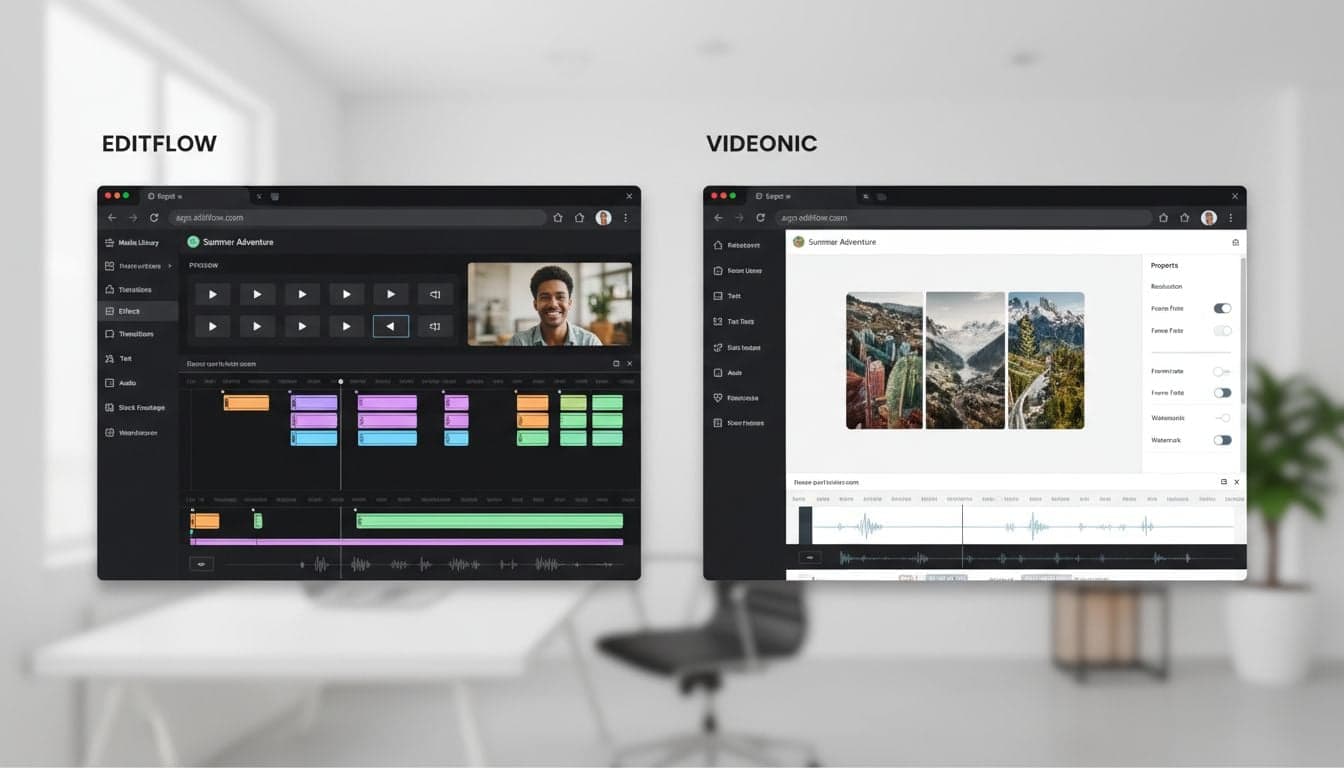
Choosing between Vexub and VEED.io depends entirely on your content creation workflow. VEED.io built its reputation as a browser-based video editor where you upload footage and manually arrange clips, text, and effects. Vexub takes a fundamentally different approach: you provide a script or concept, and AI generates the entire video for you.
This comparison breaks down the core differences between these platforms, showing you exactly when to use each tool. If you're stuck choosing between traditional editing control and automated AI video generation, this analysis will save you hours of testing.
Both platforms operate in your browser without downloads, but their workflows couldn't be more different. VEED.io gives you granular editing control over existing footage. Vexub eliminates the editing process by creating finished videos from text prompts.
Platform Philosophy: Editor vs Generator
VEED.io operates as a traditional video editor moved to the cloud. You upload your raw footage, audio files, and images, then manually assemble them on a timeline. The platform provides trimming tools, transitions, text overlays, and effects. Your role: hands-on editor making every creative decision.
Vexub functions as an AI video generator that builds complete videos from scratch. You write a script or provide prompts describing your desired video. The AI selects relevant visuals from stock libraries or generates images, adds voiceover, inserts music, and creates transitions. Your role: creative director providing vision and reviewing output.
Workflow Comparison: Time Investment
The time required to produce a 60-second video differs dramatically between these platforms:
VEED.io Workflow
Upload: 2-5 minutes depending on file sizes and connection speed
Editing: 15-45 minutes arranging clips, adding text, syncing audio
Effects: 10-20 minutes applying transitions, filters, color correction
Export: 5-10 minutes rendering and downloading
Total time: 32-80 minutes for manual control over every element
Vexub Workflow
Script: 5-10 minutes writing or generating content
Setup: 2-3 minutes selecting voice, style, and music preferences
Generation: 3-5 minutes while AI creates the video
Review: 5-10 minutes checking output and making adjustments
Total time: 15-28 minutes with AI handling production tasks
The AI video editing workflow fundamentally changes how much time you spend on technical execution versus creative strategy.
Content Creation Strengths
When VEED.io Excels
Personal footage: You filmed content yourself and need precise editing control
Brand consistency: Your company has specific footage that must appear exactly as shot
Tutorial videos: Screen recordings require frame-accurate cuts and annotations
Client work: Deliverables demand manual approval of every visual element
Complex animations: Custom motion graphics need timeline-based control
When Vexub Excels
Faceless content: Creating faceless YouTube channels or TikTok accounts without filming
Script-based videos: Educational content, explainers, or listicles built from written material
High volume: Publishing daily content across multiple platforms
Stock footage projects: Videos requiring professionally-shot B-roll you don't own
Voice narration: Content where AI voiceover quality meets your standards
Create videos like this with AI
Script, voiceover, images and subtitles — automated in minutes.
Feature-by-Feature Analysis
Video Creation Features
VEED.io offers: Timeline editing, multi-track support, keyframe animations, green screen removal, video speed controls, and frame-by-frame precision. You control every second of the final output.
Vexub provides: AI-powered scene selection, automatic visual matching to narration, intelligent transition timing, dynamic subtitle generation, and preset visual styles. The AI makes editorial decisions based on your content.
Text and Subtitle Tools
VEED.io requires manual subtitle creation or upload of SRT files. You position text elements frame-by-frame and customize every visual property. This gives complete control but demands significant time investment.
Vexub automatically generates subtitles synchronized to AI voiceover or uploaded audio. The platform applies trending subtitle styles optimized for social media engagement. You can adjust positioning and styling through templates rather than manual placement.
Audio Capabilities
Both platforms support background music libraries, but their approaches differ:
VEED.io: Upload any audio file, precisely control volume curves, apply audio effects, and sync to visual beats manually
Vexub: Select from curated music library, AI automatically balances music with voiceover levels, and adjusts timing to match video pacing
VEED.io gives audio engineers the control they expect. Vexub handles audio mixing automatically for creators who want working results without technical audio knowledge.
Learning Curve and Accessibility
VEED.io assumes basic video editing knowledge. New users spend 2-4 hours learning the interface, understanding timeline concepts, and discovering where tools live. The platform rewards editing experience but creates friction for beginners.
Vexub reduces the learning curve to under 30 minutes. The script-first approach feels familiar to anyone who writes social media captions or blog posts. Most complexity hides behind AI automation, though this means less control over specific visual choices.
Pricing Structure Differences
VEED.io pricing scales with video resolution and export limits:
Free: 720p exports, 10-minute videos, VEED watermark
Basic ($12/month): 1080p exports, 30-minute videos, no watermark
Pro ($24/month): 4K exports, unlimited length, priority rendering
Business ($59/month): Team collaboration, brand kits, API access
Vexub pricing focuses on creation volume and AI features:
Free: 3 videos per month, standard AI voices, basic image styles
Creator ($19/month): 30 videos per month, premium voices, advanced styles
Pro ($39/month): Unlimited videos, voice cloning, custom image styles
Enterprise: Custom limits, API access, dedicated support
You pay VEED.io for export quality and length. You pay Vexub for AI generation capacity. Choose based on whether your constraint is video quality or content volume.
Integration and Export Options
VEED.io exports standard MP4 files compatible with every platform. The editor includes preset export profiles for YouTube, Instagram, TikTok, and LinkedIn with optimized resolution and aspect ratios. You can also export audio-only files, GIFs, and individual frames.
Vexub similarly exports platform-optimized MP4 files but adds direct posting to TikTok and YouTube through API integrations. This eliminates the download-reupload step for creators publishing high volumes of content.
Collaboration Features
VEED.io's business tier includes project sharing, commenting on timeline, version control, and team libraries for shared assets. Multiple editors can work on the same project simultaneously with role-based permissions.
Vexub currently focuses on individual creators rather than teams. Projects remain private to each account without collaboration features. This limitation matters for agencies or content teams but not solo creators.
Which Platform Fits Your Workflow?
Choose VEED.io if you: Already shoot your own footage, need frame-accurate editing control, work with clients who approve specific cuts, create complex animations requiring timeline precision, or have video editing experience you want to leverage.
Choose Vexub if you: Create faceless content without filming, publish daily videos across platforms, build content from scripts or articles, need stock footage you don't own, or prioritize speed over granular control.
Many creators use both: VEED.io for custom projects requiring specific footage, Vexub for high-volume faceless content creation that fills posting schedules. The platforms complement each other rather than directly compete.
The choice ultimately depends on whether you're an editor or a generator. If you think in timelines and clips, VEED.io feels natural. If you think in scripts and prompts, Vexub accelerates your workflow. Compare your content creation needs against these different philosophies to find your fit.







