
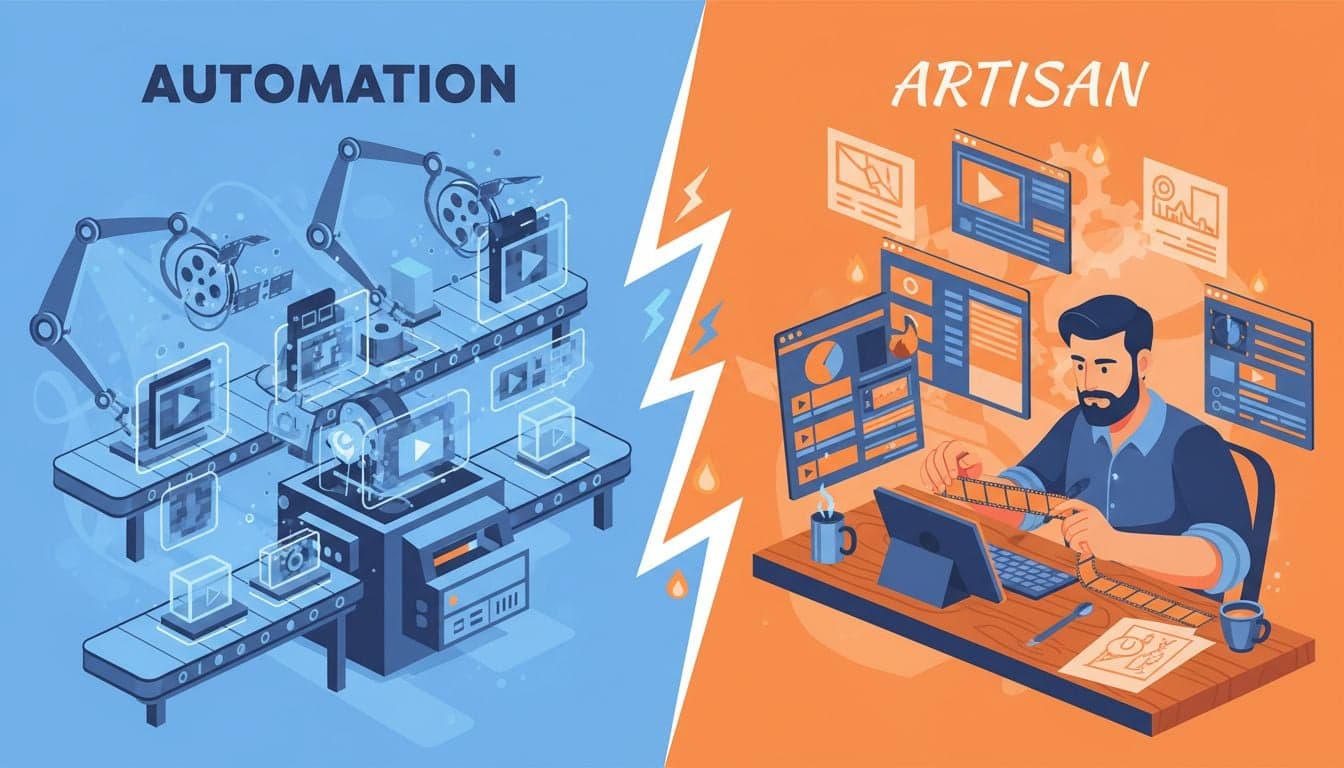
Content creators face a fundamental choice: spend hours manually editing videos with AI-enhanced tools, or let AI handle the entire production process from start to finish. Filmora represents the former approach—a traditional video editor with AI features bolted on. Vexub takes the opposite route, building automation into every step.
This comparison examines two fundamentally different philosophies for video creation. Filmora AI enhances traditional editing workflows with smart features like auto-captions and color correction. Vexub eliminates the editing workflow entirely, generating complete videos from text prompts in minutes.
The question isn't which tool has more features. It's which approach matches your goals, timeline, and content strategy.
Core Philosophy: Enhancement vs Automation
Filmora started as a traditional video editor in 2015 and gradually added AI features over the years. The software still requires users to import footage, arrange clips on a timeline, add transitions, color grade, and export. AI features like Smart Cutout, Auto Reframe, and AI Copywriting assist with specific tasks but don't eliminate manual work.
Vexub launched in 2024 with a different premise: AI should create videos, not just enhance them. Users input text scripts, select visual styles, and receive finished videos. No timeline editing. No manual clip arrangement. No frame-by-frame color correction.
Workflow Comparison: Time Investment
The workflow differences reveal themselves immediately when creating a 60-second video.
Filmora AI Workflow
Script writing: 5-10 minutes (AI Copywriting can assist)
Asset gathering: 15-30 minutes finding or recording footage
Importing and organizing: 5-10 minutes
Timeline editing: 30-60 minutes arranging clips, transitions
Color grading: 10-20 minutes (AI Color Match speeds this up)
Audio mixing: 10-15 minutes
Captioning: 5-10 minutes (AI Auto Captions handles this)
Export and review: 10-15 minutes
Total time: 90-170 minutes for a single video.
Vexub Workflow
Script input: 2-5 minutes pasting or typing text
Style selection: 1-2 minutes choosing visual style
Generation: 3-5 minutes AI processing
Review and adjustments: 5-10 minutes (optional)
Total time: 11-22 minutes for a finished video.
Filmora users invest 8-15x more time per video. For creators publishing daily content, this difference compounds rapidly. A week of daily posts requires 10.5-28 hours in Filmora versus 1.3-2.6 hours in Vexub.
Feature Set: Depth vs Breadth
Filmora offers comprehensive editing capabilities accumulated over a decade of development. The software includes 800+ effects, advanced color grading, keyframe animation, multi-track audio mixing, and motion tracking. For users who need precise control over every frame, Filmora delivers professional-grade tools.
Vexub focuses exclusively on automated video generation. The platform offers 50+ visual styles, automated voiceover with 200+ voices, smart scene matching, automatic music selection, and AI-generated imagery. Users sacrifice granular control for speed and scale.
AI Features Head-to-Head
Auto Captions: Both platforms generate accurate captions. Filmora requires manual positioning and styling. Vexub auto-styles captions for platform optimization.
Voice Generation: Filmora uses text-to-speech as an add-on feature. Vexub makes AI voiceover the default workflow with advanced voice cloning.
Visual Generation: Filmora doesn't generate visuals—users supply footage. Vexub generates every frame using AI image and video models.
Scene Matching: Filmora requires manual clip selection. Vexub automatically matches visuals to script context.
Music Selection: Both offer royalty-free libraries. Filmora requires manual browsing and placement. Vexub auto-selects based on video mood.
Create videos like this with AI
Script, voiceover, images and subtitles — automated in minutes.
Content Types: Where Each Tool Excels
Different video formats favor different approaches.
Filmora Strengths
Vlogs and personal content: When you're the subject, traditional editing makes sense. Filmora excels at cutting together talking head footage with B-roll.
Complex visual effects: Green screen compositing, advanced motion graphics, and custom animations require Filmora's manual control.
Brand-specific style: Companies with established visual guidelines benefit from Filmora's precise customization options.
Tutorial videos: Screen recordings with callouts, zooms, and annotations work better in traditional editors.
Vexub Strengths
Faceless content: Educational channels, story narration, and explainer content that don't require human presence.
High-volume publishing: Daily or multiple-daily posting schedules across TikTok, YouTube Shorts, and Instagram Reels.
Text-to-video conversion: Blog posts, Reddit threads, Twitter threads transformed into video content.
Idea testing: Rapid prototyping of video concepts without investing hours in production.
Pricing: Investment vs Operating Cost
Filmora charges $49.99/year for individual licenses or $79.99 for lifetime access. The AI features require a separate $9.99/month subscription through Filmora's AI Credits system. Power users consuming 100+ AI credits monthly face additional charges.
Vexub uses a credit-based system: 2,000 credits free monthly, with paid plans starting at $20/month for 10,000 credits. Each video costs 100-500 credits depending on length and complexity. Heavy users publishing 30+ videos monthly need higher-tier plans ($50-100/month).
Learning Curve: Hours vs Minutes
Filmora's traditional interface requires learning timeline editing, layer management, effects application, and export settings. New users invest 10-20 hours mastering basic functions and 50+ hours developing proficiency. The extensive feature set creates decision paralysis—which transition? which color grade? which export codec?
Vexub simplifies choices to text input and style selection. New users create their first video within 15 minutes. The learning curve focuses on prompt engineering and style optimization rather than technical editing skills. Most users reach proficiency in 2-3 hours of experimentation.
Quality Considerations: Control vs Consistency
Filmora videos reflect editor skill. Experienced users produce professional results. Beginners create mediocre content despite having professional tools available. Quality varies wildly based on operator expertise, time investment, and aesthetic judgment.
Vexub maintains consistent baseline quality. AI-generated videos won't win cinematography awards, but they meet social media platform standards reliably. The ceiling is lower than expert-edited Filmora content. The floor is much higher than beginner-edited content.
For businesses maintaining brand consistency across multiple content creators, Vexub's standardized output prevents the quality variation common when different team members use traditional editors.
Platform Integration: Export vs Native Posting
Filmora exports MP4 files optimized for various platforms. Users manually upload to YouTube, TikTok, Instagram, and other platforms. The software doesn't integrate with social media APIs or scheduling tools.
Vexub generates platform-optimized videos with correct aspect ratios, caption styles, and pacing. While direct posting isn't available yet, videos export ready for immediate upload without additional optimization. Future roadmap includes native scheduling and cross-platform posting.
Team Collaboration: Desktop vs Cloud
Filmora operates as desktop software. Collaboration requires file sharing, version control, and coordination around local project files. Multiple editors working on the same project need careful asset management and render farm infrastructure for large productions.
Vexub runs entirely in the browser. Teams share projects through links, make edits simultaneously, and access the same asset library. No file transfers. No version conflicts. No render farms.
Decision Framework: Which Tool Fits Your Needs?
Choose Filmora if you value control, already own footage, enjoy the editing process, or create content where you appear on camera. The tool suits creators who view editing as craft and have time to invest in production quality.
Choose Vexub if you prioritize speed, publish high volumes of faceless content, lack video editing skills, or want to test ideas rapidly. The tool suits creators who view video as a distribution format for written content and value efficiency over artistic control.
Both tools serve legitimate use cases. Filmora hasn't become obsolete because AI exists. Vexub doesn't replace every video editing scenario. The decision hinges on whether you're creating videos or editing footage—two fundamentally different activities that require different tools.







