
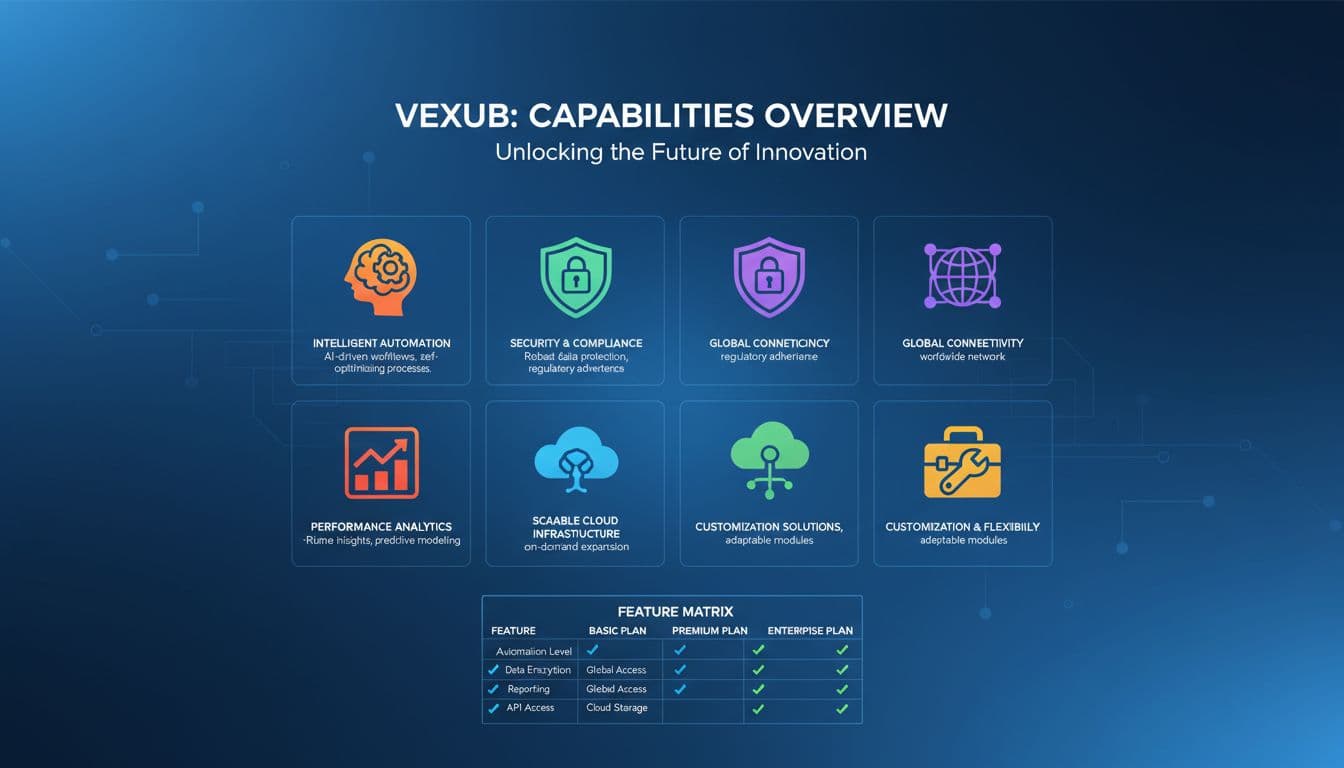
Vexub has grown from a simple text-to-video tool into a comprehensive AI video creation platform. With multiple creation modes, built-in editing, and direct social media publishing, it handles the entire video production pipeline. This overview covers every feature available in 2026 so you can find the right tool for your content.
Whether you are building a faceless YouTube channel, creating TikTok content, or producing marketing videos for clients, Vexub has a dedicated workflow for your needs. Let us walk through each capability.
Agent Video: AI-Powered Video Creation by Chat
Agent Video is Vexub's flagship feature. You describe the video you want in a chat conversation, and the AI handles everything from scripting to visual generation to voiceover. The briefing process takes about two minutes, and the AI generates a complete storyboard with synchronized narration, images, and music.
Visual sources: AI-generated images, stock footage, YouTube clips, animated maps, and motion graphics
Voiceover: Six AI voices powered by ElevenLabs with adjustable speed and style
Subtitles: Six preset styles including classic, bold, neon, fresh, pop, and minimal
Story mode: Automatic character consistency for narrative content using reference images
Editing: Modify any shot through chat commands — change narration, swap visuals, adjust transitions, reorder scenes
For a detailed walkthrough, see our Agent Video complete tutorial.
Text-to-Video Mode
The original Vexub creation mode. Write or paste a script, choose a voice and image style, and Vexub generates a complete video. This mode works well for educational content, listicles, and narrated explainers.
Script input: Write your own or let AI generate from a topic
Image styles: Multiple AI art styles including realistic, cinematic, anime, and custom styles
Voice options: Full narrator selection with speed and stability controls
Music: 20+ royalty-free background tracks with volume control
Free users can create videos up to 15 seconds. Paid plans unlock full-length video creation. Check our text-to-video tutorial for step-by-step instructions.
YouTube to Clips: Extract Viral Shorts
Paste any YouTube URL and Vexub analyzes the content to extract the most engaging moments. The AI scores clips based on viral potential and creates ready-to-edit shorts with speaker tracking, automatic camera movements, and karaoke-style subtitles.
AI clip selection: Viral scoring algorithm identifies the best moments
Speaker tracking: Active Speaker Detection follows the person talking
22 subtitle presets: From clean minimal to bold animated styles
Camera keyframes: Automatic zoom, pan, and reframe for vertical format
Hook text: Add attention-grabbing text overlays to the opening
Create videos like this with AI
Script, voiceover, images and subtitles — automated in minutes.
SMS Video Mode
Create text message conversation videos with two distinct AI voices. Popular for storytelling, drama content, and entertainment channels. You write the conversation, choose the voices, and Vexub renders an animated message thread with synchronized audio.
Two-voice system: Separate voices for sender and receiver
Visual styles: Apple dark, Apple light, and other messaging app aesthetics
Custom backgrounds: Upload your own or use AI-generated backgrounds
Quiz Video Mode
Generate interactive quiz and trivia videos with multiple difficulty levels. Each question appears on screen with a timer before revealing the answer. Great for engagement-focused content on YouTube Shorts and TikTok.
Difficulty levels: Easy, Medium, Hard, and Extreme with visual indicators
Response timer: Configurable countdown before showing the answer
AI narration: Questions and commentary read by AI voiceover
VEO3 and Grok Video Integration
Access Google VEO3 and xAI Grok video generation directly inside Vexub. Write a text prompt and generate photorealistic AI video clips. VEO3 produces up to 8 seconds of cinematic footage from a single prompt. For details, see our VEO3 integration guide.
VEO3: Google's latest video model, 1080p output, ~90 second generation
Grok: xAI's video generation with a different visual style
Cost: 10 credits per generation
MP3-to-Video and MP4-to-Video
Already have audio or video content? Upload an MP3 podcast episode and Vexub generates matching visuals, or upload an MP4 and apply AI image styles to transform the footage. Both modes include full subtitle and music editing.
MP3 mode: Upload audio, Vexub generates images and renders a complete video
MP4 mode: Upload footage, apply AI style transformations, add subtitles and music
Editing and Publishing
Every video created in Vexub can be edited before export. The editor includes subtitle customization with 22 preset styles, music selection, visual adjustments, and transition controls. Once your video is ready, use the Publish feature to post directly to YouTube, TikTok, and Instagram.
Subtitle editor: Per-word editing, position control, style presets, emoji support
Music library: 20+ tracks organized by mood with volume control
Social publishing: Connect accounts and post directly from Vexub
Export formats: 9:16, 16:9, and 1:1 in MP4 H.264
Getting Started
The fastest way to try Vexub is through Agent Video. Describe the video you want, confirm the AI's suggestions, and watch it come together in minutes. Free accounts can explore the platform, and paid plans starting at $19/month unlock full video creation across all modes.
For a quick start, check our beginner tutorial for making AI videos or explore 50+ AI video content ideas if you need inspiration for your first project.







