
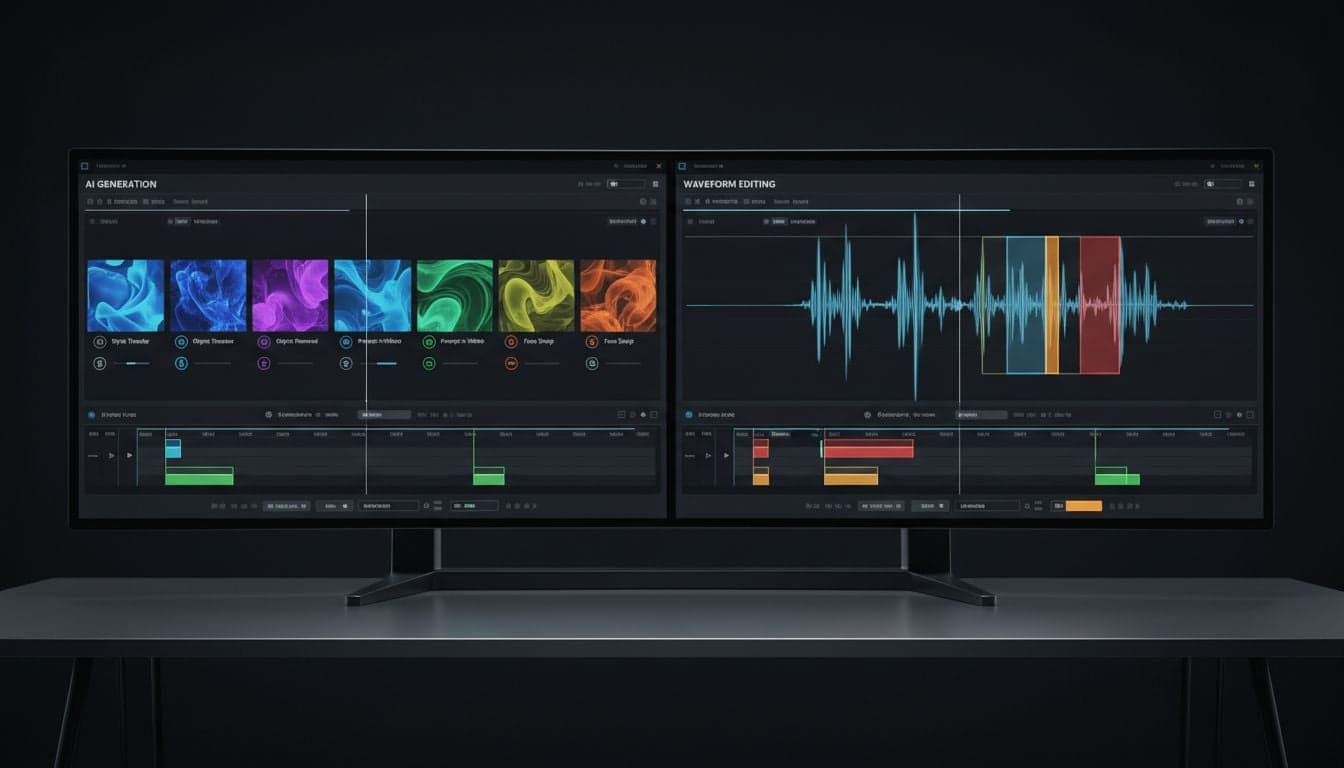
Choosing between Vexub and Descript depends entirely on your content creation workflow. Descript revolutionized video editing by introducing text-based editing and AI transcription, while Vexub takes a fundamentally different approach: generating complete videos from text prompts without traditional editing.
Both platforms leverage artificial intelligence, but they solve different problems. Descript excels when you have existing footage that needs editing, polishing, and refinement. Vexub eliminates the need for footage altogether, creating videos from scratch using AI-generated visuals, voiceovers, and automatic formatting.
This comparison breaks down the core differences, use cases, and pricing to help you determine which tool matches your content goals.
Core Philosophy: Creation vs Editing
The fundamental difference between these platforms lies in their starting point.
Descript: Editing-First Approach
Descript assumes you already have video or audio recordings. You import your footage, and the platform transcribes it into editable text. Deleting words from the transcript removes those sections from your video. This text-based editing workflow streamlines traditional video editing but still requires source material.
Primary workflow: Record video → Upload to Descript → Edit via transcript → Export
AI features: Transcription, filler word removal, Studio Sound audio enhancement, AI voices for overdubs
Best for: Podcasters, interview creators, educators with recorded content, screen recording tutorials
Vexub: AI-First Video Generation
Vexub starts with a text prompt or script. The platform generates matching visuals, adds AI voiceovers, applies subtitle styling, and outputs a finished video. No recording equipment, editing timeline, or B-roll footage required. The entire video exists because AI created it.
Primary workflow: Write script → Generate video → Customize style → Export
AI features: Text-to-video generation, AI voiceovers in 50+ languages, automatic subtitle styling, custom image styles
Best for: Faceless content creators, social media automation, educational explainers, viral short-form content
Feature Comparison: What Each Platform Does Best
Video Editing Capabilities
Descript: Offers a full-featured timeline editor alongside text-based editing. You can trim clips, add transitions, layer multiple video tracks, and incorporate stock media. The interface resembles traditional video editors like Premiere Pro but simplified.
Vexub: Provides scene-level customization rather than frame-by-frame editing. You modify generated scenes by changing prompts, swapping image styles, or adjusting voiceover settings. This is not traditional editing—it's regenerative customization.
AI Voice and Audio Tools
Both platforms offer AI voice generation, but with different implementations.
Descript's Overdub: Creates an AI clone of your voice after you record 10 minutes of training audio. You can then type corrections, and the AI generates your voice saying those words. Excellent for fixing mistakes in recorded podcasts without re-recording.
Vexub's AI Voiceovers: Offers 50+ pre-built AI voices across multiple languages and accents. No voice training required. Select a voice, and the entire script is narrated automatically. Supports voice cloning for content creators who want consistent narration across videos.
Descript advantage: Personalized voice cloning that sounds exactly like you
Vexub advantage: Instant voiceovers in dozens of languages without recording anything
Subtitle and Caption Workflow
Subtitles drive engagement on social platforms, and both tools handle them differently.
Descript: Auto-generates accurate transcripts that become embedded captions. You can style them with preset templates, but customization options are limited compared to dedicated subtitle tools.
Vexub: Automatically applies animated, viral-style subtitles optimized for platforms like TikTok and Instagram Reels. Multiple subtitle styles designed for maximum engagement, with customizable colors, animations, and positioning.
Create videos like this with AI
Script, voiceover, images and subtitles — automated in minutes.
Content Generation Speed
Speed matters when producing daily content or managing multiple channels.
Descript: Editing speed depends on your footage length and complexity. A 10-minute podcast might take 30-45 minutes to edit using text-based tools—faster than traditional editing, but still requires manual review and adjustments.
Vexub: Generates a complete 60-second video in 2-4 minutes from a text prompt. For creators producing multiple videos daily, this speed advantage compounds. You can create an entire week's content in an afternoon.
Pricing and Value Comparison
Descript Pricing Structure
Descript offers a free tier with limited features, then paid plans starting at $12/month for Hobbyist (720p exports, watermarked), $24/month for Creator (1080p, no watermark, 30 transcription hours), and $40/month for Pro (4K exports, unlimited transcription).
The transcription hour limit is important: importing a 10-hour video project consumes hours from your monthly quota. Heavy users need Pro tier.
Vexub Pricing Structure
Vexub operates on a credit-based system where each video generation costs credits. Plans include free credits monthly, with paid tiers offering more credits and premium features like custom image styles, priority generation, and advanced voice options.
The pricing model favors burst creators who produce many short videos over creators editing long-form content. A single minute of AI-generated video typically costs less than a month of editing software.
Cost Per Video Analysis
Descript: Fixed monthly cost regardless of output volume. Economical if you edit 20+ videos monthly.
Vexub: Pay per video generated. More economical for creators producing 5-15 short videos monthly.
For teams: Descript's collaboration features justify higher pricing. Vexub's individual creator focus makes it cost-effective for solopreneurs.
Use Case Scenarios: Which Tool for Which Job
Scenario 1: Podcast to Video Repurposing
You record weekly podcast episodes and want to turn them into YouTube videos with captions.
Winner: Descript. Upload your audio, edit the transcript to remove filler words and mistakes, add your camera footage if available, and export with captions. The text-based editing workflow is purpose-built for this scenario.
Scenario 2: Faceless Educational Content
You want to create daily educational videos about history, science, or trivia without appearing on camera.
Winner: Vexub. Write your script, generate the video with matching visuals, and publish. No need to source stock footage, record voiceovers, or edit timelines. Faceless content creation is Vexub's core strength.
Scenario 3: Interview Video Cleanup
You filmed a 45-minute interview and need to remove awkward pauses, verbal stumbles, and off-topic tangents.
Winner: Descript. The filler word removal and text-based cutting make interview editing dramatically faster than traditional methods. You can delete entire paragraphs of rambling by selecting text.
Scenario 4: Daily Social Media Automation
You manage multiple TikTok or Instagram accounts posting 3-5 times daily with trending audio and captions.
Winner: Vexub. Batch-generate videos from templates, apply viral subtitle styles, and schedule posts. The automation workflow supports high-volume content strategies that would be unsustainable with manual editing.
Scenario 5: Screen Recording Tutorials
You create software tutorials with screen recordings and voiceover explanations.
Winner: Descript. Record your screen and voice simultaneously, then edit by deleting mistakes from the transcript. The platform handles screen recordings natively and makes tutorial editing efficient.
Integration and Workflow Compatibility
Platform ecosystems matter when building content systems.
Descript integrations: Direct exports to YouTube, cloud storage via Google Drive and Dropbox, and API access for custom workflows. Strong ecosystem for collaborative editing teams.
Vexub integrations: Optimized exports for every major social platform (TikTok, Instagram, YouTube Shorts, Facebook), with automated formatting adjustments. Focus on distribution rather than collaboration.
Descript fits production teams with complex workflows. Vexub fits individual creators optimizing for platform algorithms and viral distribution.
Learning Curve and Skill Requirements
What You Need to Know for Descript
Basic video editing concepts (timeline, tracks, cuts)
Audio cleanup fundamentals for quality results
Understanding of aspect ratios and export settings
Familiarity with podcast/interview production workflows
Expect 3-5 hours to become proficient, 20+ hours to master advanced features.
What You Need to Know for Vexub
Writing effective prompts for AI video generation
Understanding which image styles match different content types
Basic knowledge of social media best practices
Iterative testing to refine AI outputs
Expect 1-2 hours to create your first video, 10 hours to optimize your workflow for consistent quality.
Performance and Reliability
Both platforms perform reliably, but with different bottlenecks.
Descript: Processing speed depends on video length and complexity. Transcription is nearly instant, but rendering 4K exports can take significant time. Occasional bugs in the text-based sync system require manual timeline adjustments.
Vexub: Generation speed is consistent regardless of output length—a 15-second clip and 60-second video take similar time. Queue times increase during peak hours, but priority generation is available on higher tiers.
The Verdict: Which Platform Wins
Neither platform is objectively better—they serve different creator archetypes.
Many professional creators use both: Descript for polished, long-form content where they appear on camera, and Vexub for rapid faceless short-form content that fills content calendars.
Final Recommendations by Creator Type
For podcasters and interviewers: Descript is purpose-built for your workflow. The time savings on transcript editing alone justify the subscription.
For faceless content entrepreneurs: Vexub eliminates 90% of traditional production overhead. Scale impossible with manual editing becomes routine.
For educators creating explainer videos: Vexub if you want automated production; Descript if you prefer recording yourself teaching.
For agencies and teams: Descript's collaboration tools and traditional editing power suit client work. Vexub works for internal content marketing at scale.
For beginners exploring AI video editing: Start with Vexub's free tier to understand AI-generated content, then explore Descript if you need more editing control. Check out our AI video editing guide for more.
The AI video creation landscape offers tools for every workflow. Understanding whether you need an AI editor or AI generator determines which platform multiplies your productivity.







